Best AI Chatbot for Your Website in 2026
The best AI chatbot for your website in 2026: what a good one does, why it must answer from your own content, BYOK pricing, and the top picks.

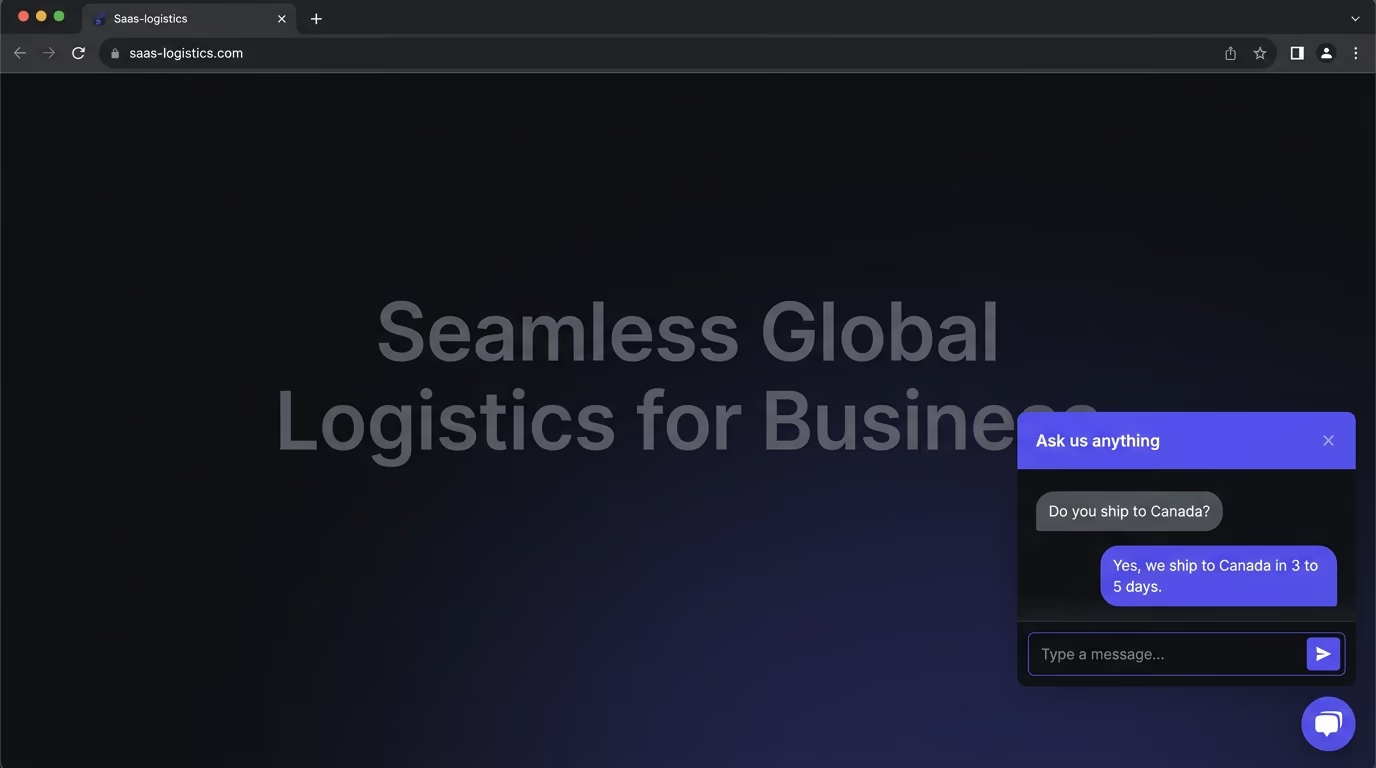
Everyone wants an AI chatbot on their site now, and most of what’s on offer falls into two disappointing buckets. On one side are the old FAQ bots that only understand the three questions someone bothered to script, useless the moment a real person phrases things their own way. On the other are heavy enterprise suites priced for a sales floor of fifty, dragging a chat widget that loads like a small application. What a small team actually needs sits in the middle and is weirdly hard to find: a chatbot that answers accurately from your own content, captures the people worth talking to, and doesn’t slow your site to a crawl.
This guide covers what a genuinely good website AI chatbot does in 2026, the few things that separate a useful one from a liability, and the best options to choose from, including a lightweight one we build. The goal is a bot that sounds like it actually read your site, because the ones that didn’t do more harm than good the first time they invent an answer.
What does a good website AI chatbot actually do?
A good website chatbot answers visitor questions accurately from your own content, captures interested people into your CRM, hands off to a human when it’s out of its depth, works in your visitors’ languages, and does all of it without weighing your page down. Those are the five jobs, and a tool that nails the chat interface while missing two or three of them is the kind that looks impressive in a demo and causes problems in production.
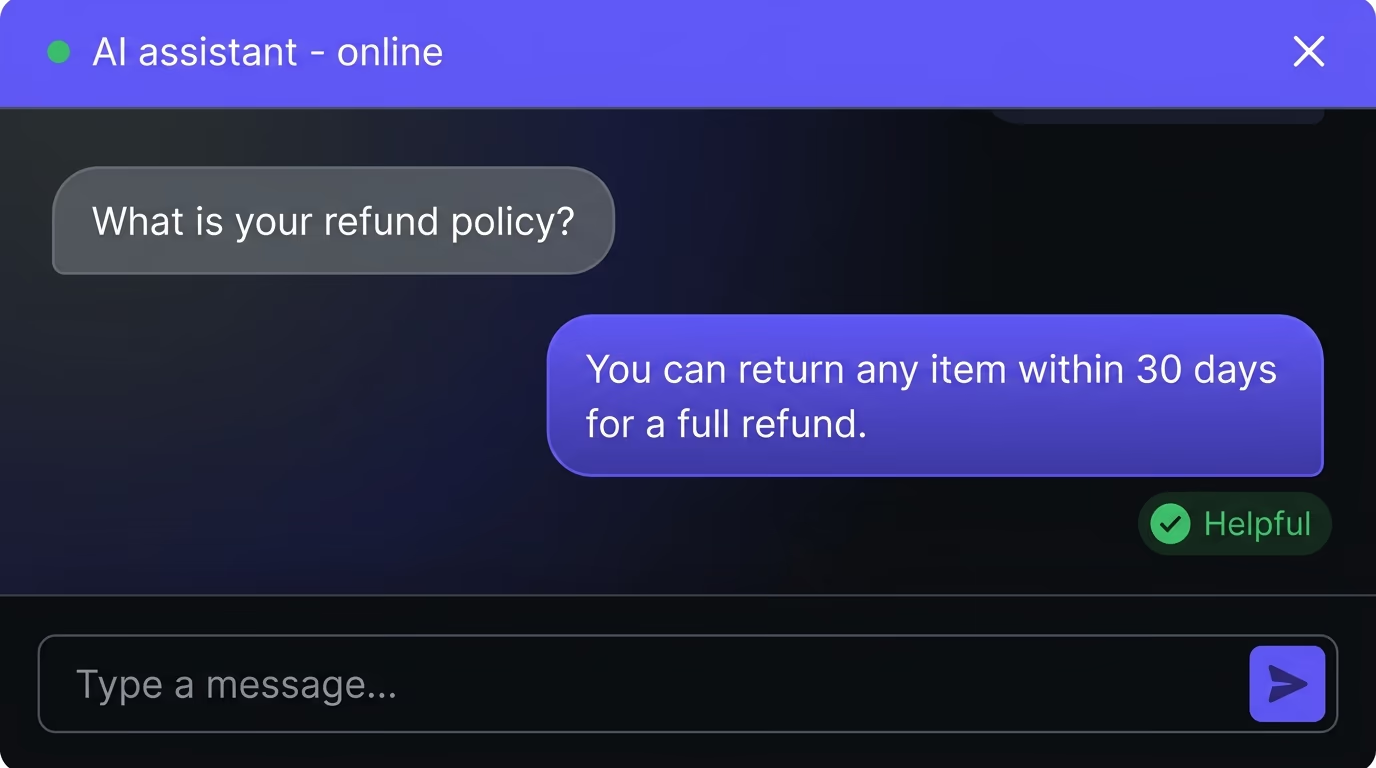
The simplest way to judge one is to imagine a smart new hire who spent their first day reading your entire site. They’d answer most questions well, know when to say “let me get someone for that,” and quietly take an email when a visitor was clearly interested, and clearing that bar is the whole goal. A chatbot that hits it earns its place on every page, and one that doesn’t is a confident stranger answering your customers, which is worse than no chatbot at all.
The quiet advantage underneath all five jobs is that the bot never sleeps. Most of the questions a visitor asks are ones your site already answers somewhere, just not where they looked, and a good chatbot closes that gap at three in the morning and on a holiday weekend without anyone on your side lifting a finger. Multiply a few dozen of those a week by the deals that would otherwise have bounced to a competitor while your inbox sat unread, and the value stops being about novelty and starts being about the customers you were quietly losing in the gaps your team can’t cover.
Trained on your content, not just a generic model
The single thing that separates a useful website chatbot from an embarrassing one is whether it answers from your content or makes things up from a generic model. Drop a bare language model onto your site and it will, sooner or later, confidently describe a refund policy you don’t offer or a feature you never built, because it’s filling gaps with plausible text rather than facts about your business. That one invented answer can cost you a customer or a chargeback.
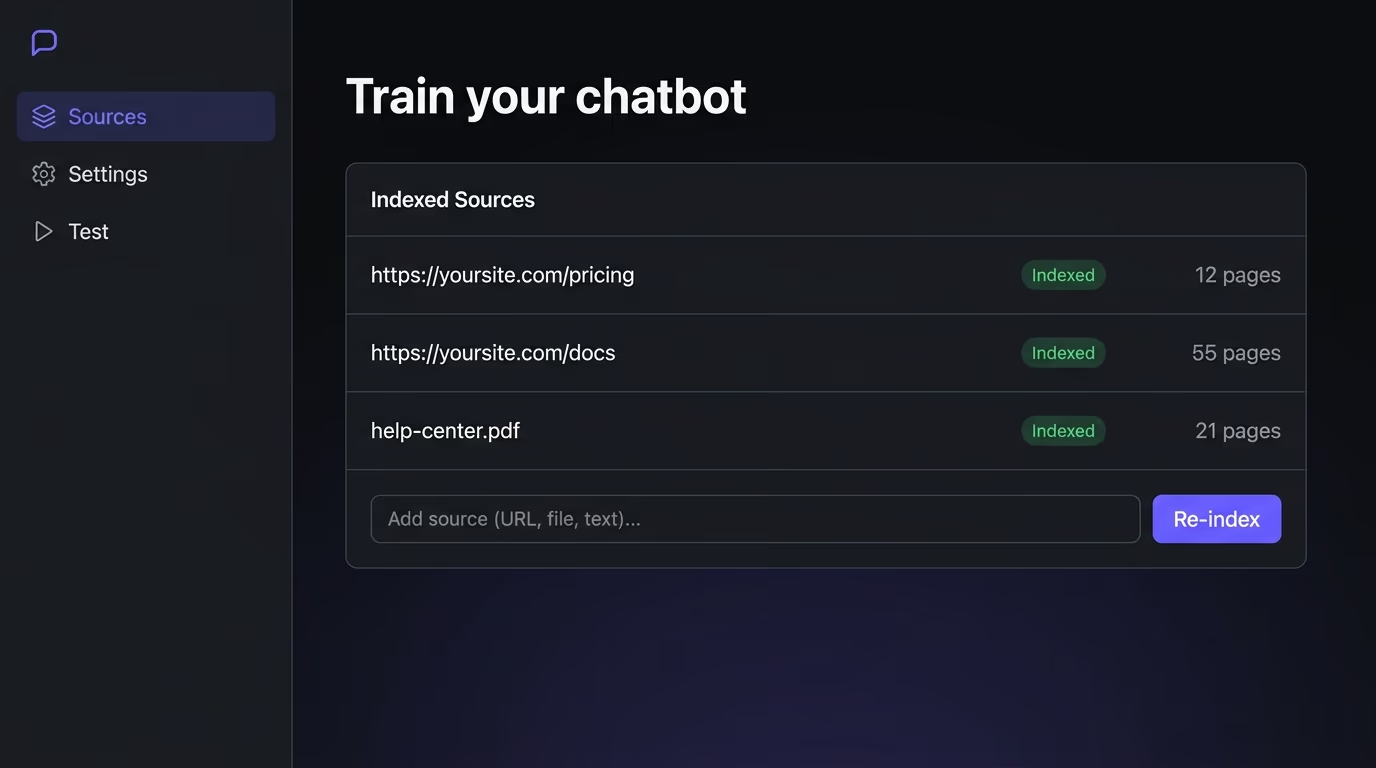
A good website bot is grounded instead. You point it at your pages and docs, it indexes them, and when a visitor asks something it retrieves the relevant passage and answers from that, staying inside what’s actually true for you. This approach, often called retrieval, is what keeps the bot accurate and dramatically cuts hallucinations, because the model is summarizing your real content rather than improvising. The test is easy to run: ask it something only your site would know, like your specific pricing or a detail from your docs. A grounded bot answers it cleanly, and a generic one bluffs, and now you know which kind you’re dealing with.
Getting there in practice is less work than it sounds. You point the bot at your site, your help docs or a set of URLs, it reads and indexes them, and it re-reads them on a schedule or when you tell it to, so the answers track your content as it changes. The part worth doing well is keeping that source clean, because a bot trained on an outdated pricing page will repeat the old price with total confidence. It also pays to set a boundary: a good grounded bot is told to say it doesn’t know and offer a human when the answer isn’t in your content, rather than reaching for the generic model and guessing, which is the exact behavior that gets chatbots a bad name.
BYOK: bring your own AI key
BYOK means the chatbot runs on your own API key from a provider like OpenAI, Anthropic or Google, rather than on credits the vendor resells you at a markup. It sounds like a small technical detail, and it quietly decides your bill. With BYOK you choose which model powers the bot, you pay the AI provider directly at their rates, and your cost tracks your actual usage instead of a seat count or a per-message fee with a margin stacked on top.
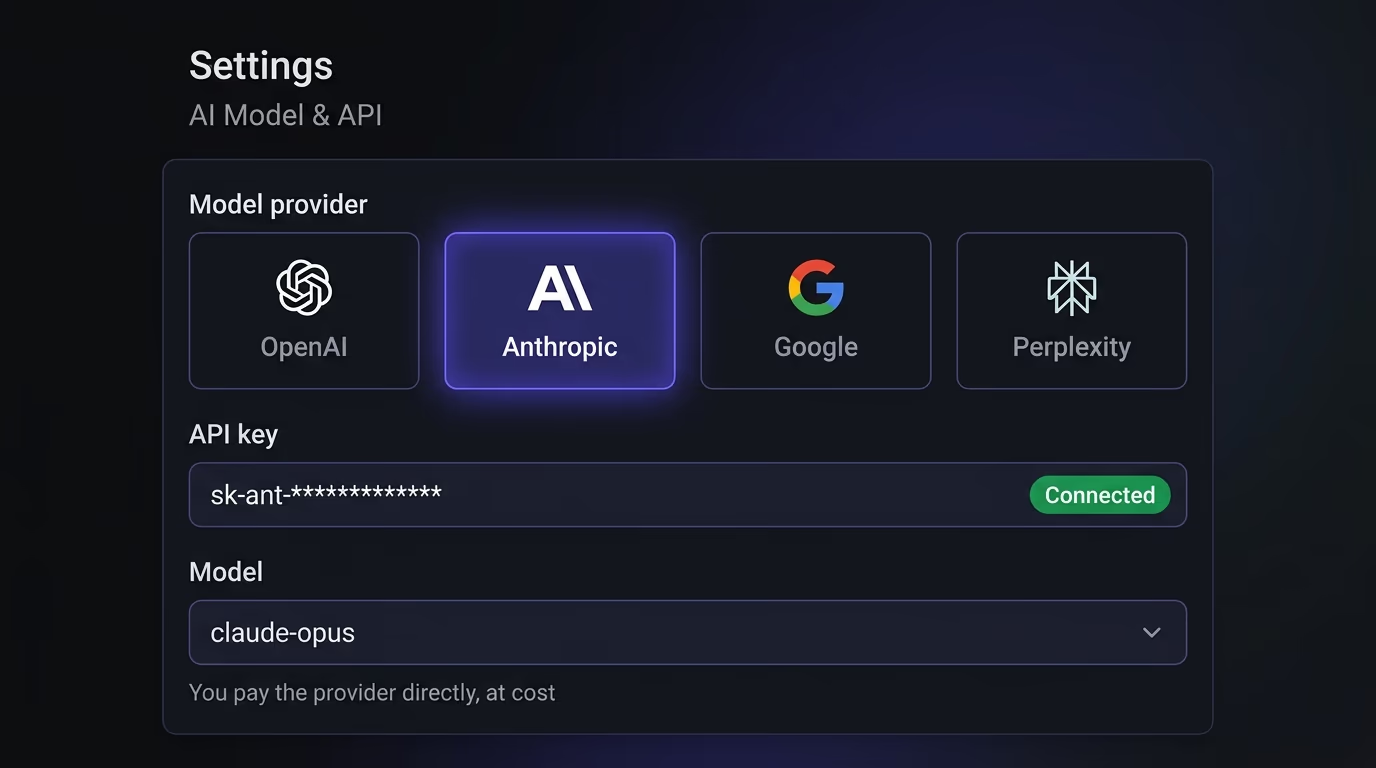
For a small team the math is stark. A chatbot handling a few hundred conversations a month might cost a couple of dollars in real model usage, while the same volume on a per-message SaaS plan can run to a hundred or more once you’re past the free tier. BYOK also future-proofs you: when a better or cheaper model ships, you switch to it instead of waiting for a vendor to support it. You’re renting the interface and the plumbing, not the intelligence, and that’s the right thing to rent.
BYOK also changes who holds your data and your leverage. When the conversations run through your own provider account, you’re working under that provider’s terms directly rather than handing your customers’ questions to a middleman who logs them too, which matters if you care about where that data sits. And because you’re not locked into one vendor’s bundled model, you keep the freedom to walk: if the tool raises its prices or a competitor ships something better, your knowledge base and your API key come with you, and you swap the interface without rebuilding the brain behind it.
It can’t slow your website down
A chatbot lives on every page, so its weight is a tax you pay on every single visit, whether or not the visitor ever clicks it. Plenty of chat widgets ship hundreds of kilobytes of JavaScript and pull in more once they load, which drags down your load time and your Core Web Vitals and costs you in both search rankings and conversions before anyone has typed a word. A slow chatbot is a strange thing to pay for, since it hurts the people who never even use it.
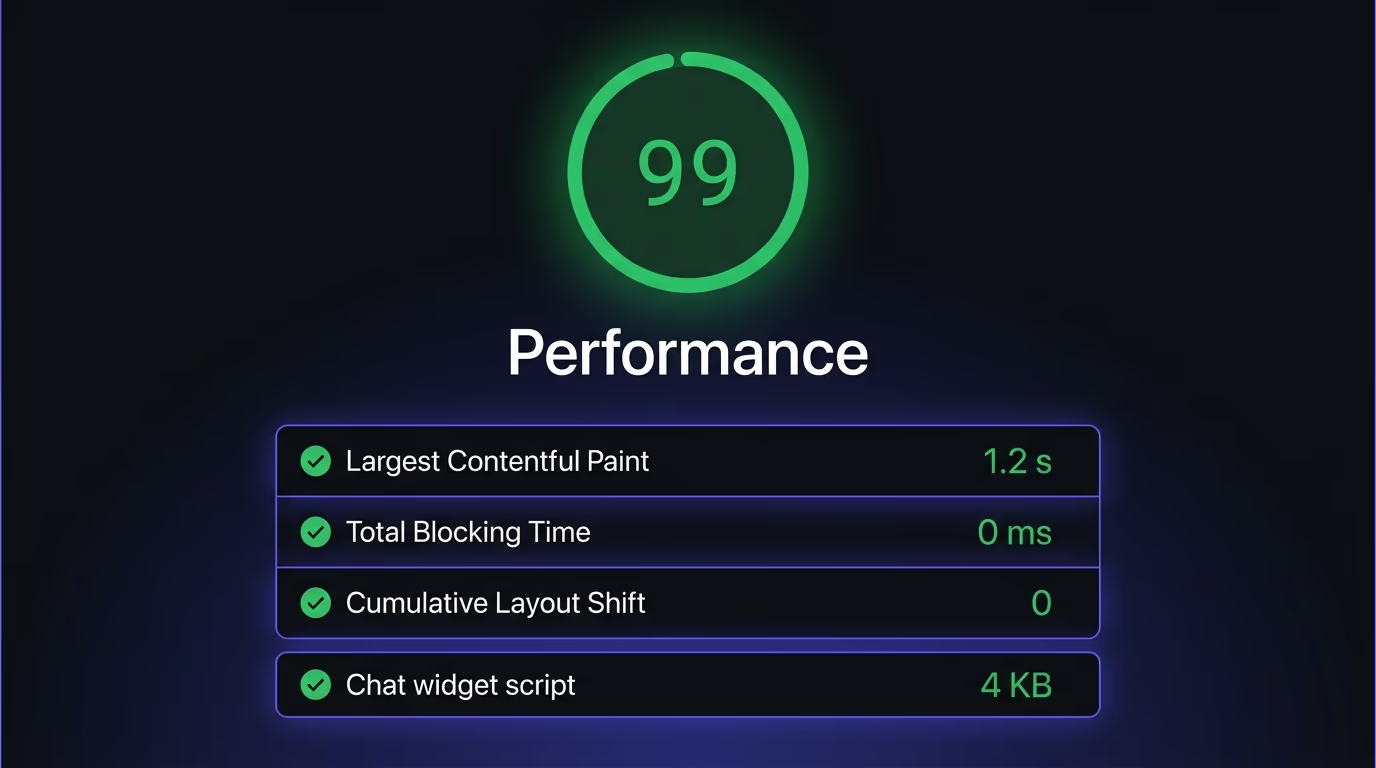
The fix is mostly about when the widget loads, not whether. A well-built chatbot waits until the page is interactive and the visitor is settled before it fetches its heavier parts, often holding back until the person scrolls or moves toward the chat, so the first thing your visitor sees is your content rather than a loading bubble. You can measure this yourself in a few minutes: run your page through a speed test with the chatbot on and then off, and if the script costs you more than a point or two, that’s a real tax you’re paying on every visit, including the large majority who never click it.
A good one is built to stay out of the way. It loads lazily so it doesn’t compete with your real content for the first paint, it keeps its footprint small, and it never blocks the page from rendering while it boots. Performance here counts as part of whether the chatbot is any good at all, because a tool that makes your whole site slower has to clear a high bar with everything else just to break even.
Capturing leads and handing off to a human
A website chatbot earns its keep by handling the easy questions around the clock and routing the rest to the right place, rather than by trying to replace your team. That means two jobs beyond answering. The first is capture: when a visitor shows real intent, the bot should collect their email or details and drop them straight into your CRM, so a good conversation at two in the morning turns into a lead you can follow up on, rather than a chat log nobody reads.
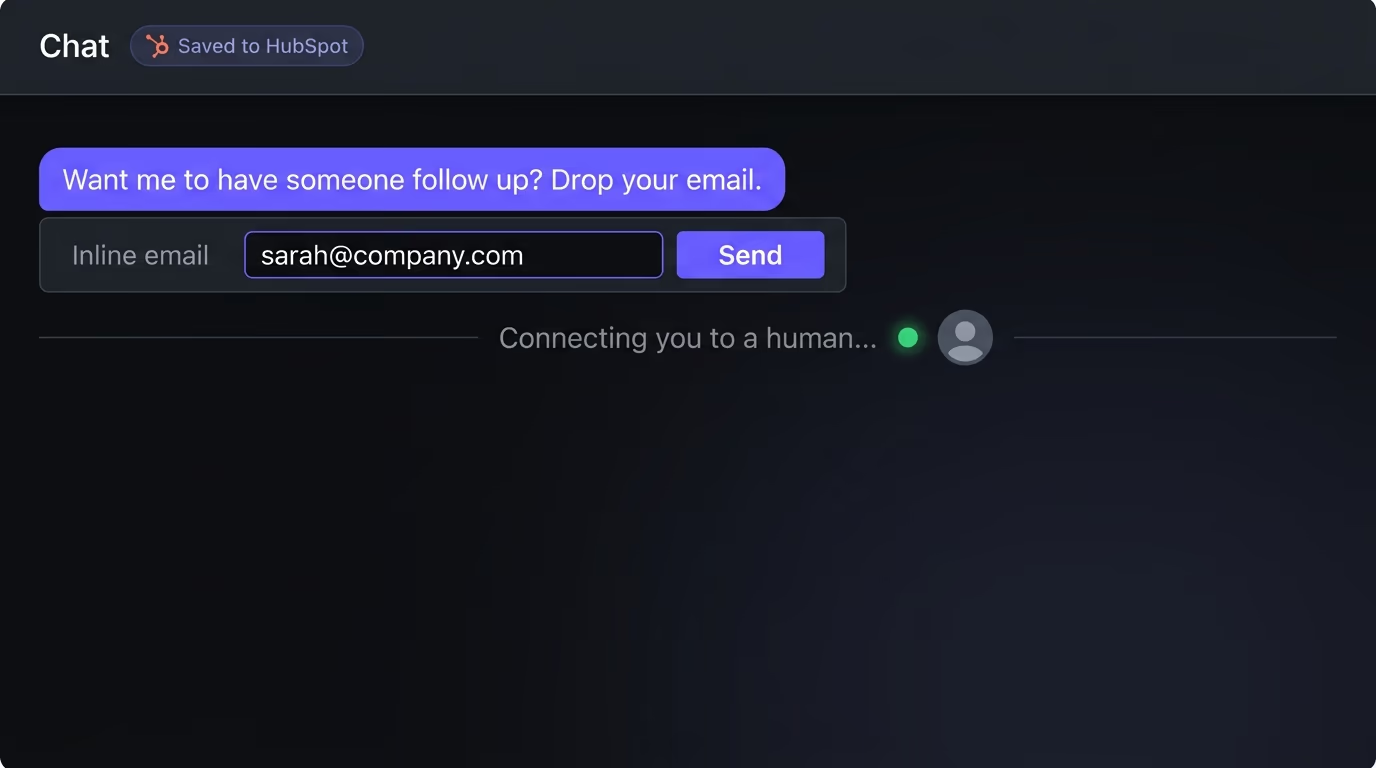
The second job is the handoff, and no bot should pretend it can answer everything, so a good one recognizes when a question is beyond it, or when the person simply asks for a human, and passes the conversation along cleanly with the context attached. It’s also worth checking what happens to that data: the better tools forward captured details to your own systems rather than hoarding them, so you stay in control of your visitors’ information and your CRM stays the single source of truth. A bot that answers beautifully but never captures anyone or escalates is a polished dead end.
It’s worth being thoughtful about when the bot reaches for an email rather than grabbing one from everyone. A chatbot that demands your address before it answers a single question feels like a toll gate and drives people away, while one that helps first and asks for a way to follow up once there’s genuine interest captures better leads and annoys nobody. The same judgment applies to the handoff: route the conversation to a human during your hours and take a message outside them, so the visitor always lands somewhere sensible instead of shouting into a void. These are small design choices, and they decide whether the bot feels like a helpful front desk or a pushy salesperson.
How to choose: the checklist
Score every option against the same short checklist, and let the first item carry the most weight. Does it answer from your content, grounded in your pages and docs, or is it a generic model wearing your logo? Does it run on BYOK, or charge a per-message markup that grows with your success? How much does the widget actually weigh, and what does it do to your load time? Can it capture leads into your CRM and hand off to a human, and does it forward that data or store it itself?
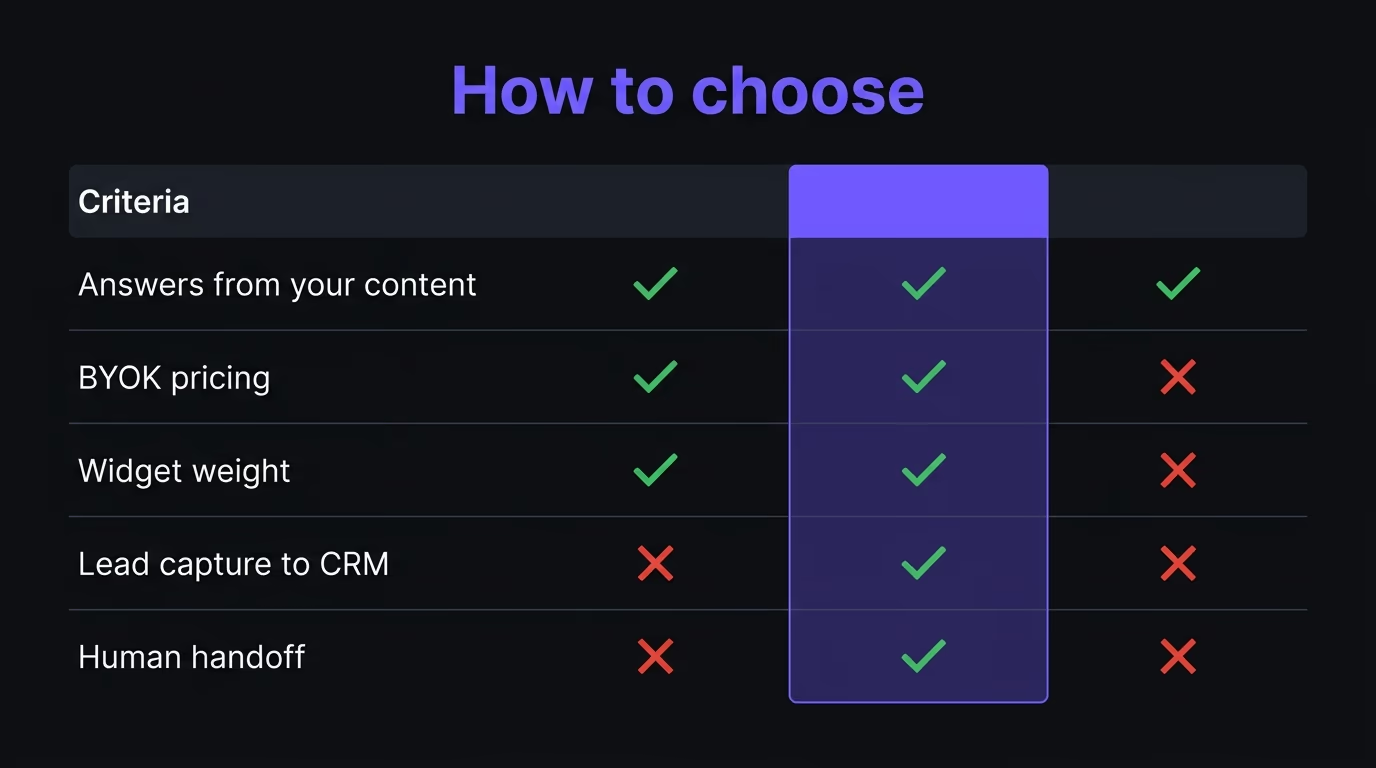
Then weigh the practical details the marketing pages tend to skip. Look at the pricing model rather than the headline price, since a per-seat enterprise tier and a flat or usage-based plan diverge fast as you grow. Check that it speaks your visitors’ languages, that setup is an afternoon rather than a project, and that you can style it to match your brand instead of stamping a generic bubble on your site. Two chatbots can look identical in a screenshot and cost ten times as much to run while answering half as accurately, so judge them on this list rather than the demo.
One more filter saves you from a common trap: be honest about the gap between a demo and a deployment. Vendors tune their public demos on a clean, narrow knowledge base where every question has a tidy answer, while your real site has edge cases, half-updated pages and questions nobody anticipated. Where you can, test a tool on your own content with your own awkward questions before you commit, because the distance between how a chatbot performs on a polished sample and how it handles your actual customers is exactly where the disappointing ones hide.
The best AI chatbots for your website in 2026
The right pick depends on your size and your stack, but a handful stand out for different reasons. Intercom and Drift are powerful and polished, with strong AI features bolted onto full support suites, though they’re priced and built for larger teams. Tidio and Crisp sit lower down, pairing live chat with simpler bots in a way that suits small businesses already doing support by hand. Chatbase took the focused route of training a bot on your docs and embedding it, which is closer to what most sites actually want from an AI chatbot.
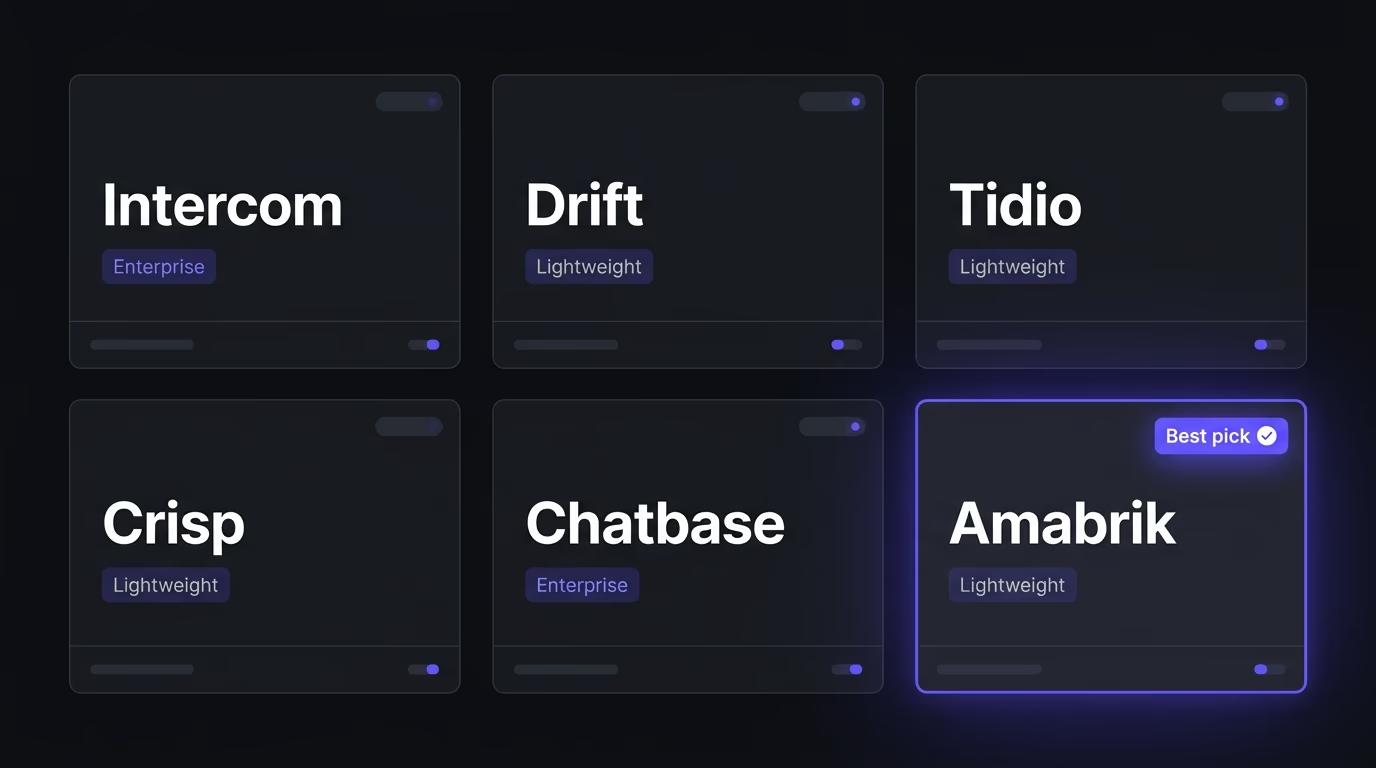
Amabrik’s AI chatbot widget is the lightweight, BYOK option in this group. It runs on your own OpenAI, Anthropic, Google or Perplexity key, so you control the model and pay at cost, and it’s trained on your own site content so it answers from your pages instead of guessing. It captures contacts straight into your CRM rather than storing them, hands off to a human when needed, works in multiple languages, and loads from one small script that won’t drag your pages down. For founders and small teams who want an accurate, on-brand assistant without enterprise pricing or a heavy widget, it’s built for exactly that case.
The honest advice is to match the chatbot to your size. A solo founder or a small team is usually best served by a light, grounded, BYOK tool they can set up themselves and run for the cost of the model calls, while a large support organization with shift rotas and deep ticketing integrations has real reasons to pay for one of the heavier suites. The expensive mistake is buying enterprise software for a five-person company because the feature list looks reassuring, then paying for it in both money and load time every month while using a tenth of what it offers.
Whichever you choose, run it through the checklist before you trust it on every page. A slick chat bubble means nothing if the bot invents answers, ignores your CRM, or adds half a second to every page load, and a plain one that’s grounded, light and honest about handoffs will quietly outperform it every day.
So, which AI chatbot should you use?
Start from accuracy and work outward. The bot has to answer from your own content, because a confident wrong answer is worse than no answer, and from there you want BYOK so the cost stays sane, a light footprint so it doesn’t tax every visit, and clean lead capture and handoff so good conversations actually go somewhere. Those few things separate a chatbot that earns its place from one you’ll quietly remove in a month.
Get them right and the chatbot stops being a gimmick and becomes a tireless first responder that knows your site cold. Get them wrong and it becomes the fastest way to hand a confident wrong answer to every visitor at once, which is the one outcome worse than making someone wait for a human. If you want an assistant that’s grounded in your content, runs on your own key, and stays out of your page’s way, take a look at the AI chatbot widget, and either way, hold whatever you pick to the same standard before you let it speak to your customers.
A good website chatbot answers accurately from your own content rather than guessing from a generic model, captures interested visitors into your CRM, hands off to a human when it's out of its depth, works in your visitors' languages, and stays lightweight so it doesn't slow your pages. If it does all of that, it behaves like a smart new hire who read your whole site, which is exactly the bar to aim for.
Because a bare language model will confidently invent answers about your business that aren't true, like a refund policy or a feature you don't have. A chatbot grounded in your own pages and docs retrieves the relevant passage and answers from it, so it stays accurate and stops hallucinating. The simplest test is to ask it something only your site would know: a grounded bot nails it, a generic one bluffs.
BYOK means bring your own key. The chatbot runs on your own API key from OpenAI, Anthropic, Google or a similar provider, so you choose the model and pay the AI provider directly at cost, instead of paying a vendor's per-message markup. For a small team it's often the difference between a few dollars of real usage and a hundred or more a month for the same thing wrapped in a dashboard.
It can, and many do. A chat widget loads on every page, so a heavy one that ships hundreds of kilobytes of JavaScript drags down your load time and your Core Web Vitals before anyone even opens it. A good chatbot loads lazily, stays small, and doesn't block your page from rendering, so treat the widget's weight as part of whether it's any good.
Yes, and a good one should do both. It captures a visitor's email or details into your CRM when there's real intent, and it hands off cleanly to a human when the question is beyond it or the person asks for one. The aim is to handle the easy questions around the clock and route the rest to the right person, rather than to replace your team outright.
Most modern chatbots install with a single snippet you paste into your site, then you point the bot at your pages or docs so it can answer from your content, connect your CRM for lead capture, and set when it should hand off to a human. With a lightweight tool the whole setup takes an afternoon, and you can style it to match your brand before it goes live.