Best Cookie Consent Banner in 2026
The best cookie consent banner in 2026: what it must do legally, how to block trackers before consent, Consent Mode v2 and GPC, and the top tools.

Almost every site that runs analytics or ads needs a cookie consent banner, and a surprising number of them are quietly breaking the law or annoying visitors into leaving. A banner that asks for consent while the trackers fire anyway is not compliant, and one that hides the Reject button behind a maze is the kind of dark pattern regulators now fine. The little box at the bottom of the screen turns out to be one of the easiest things on a site to get wrong.
This guide covers what a good cookie consent banner actually has to do in 2026, both legally and technically, how to tell a compliant banner from a box that only looks compliant while it blocks nothing, and the best options to choose from, including a lightweight one we build. No legal jargon for its own sake, just what changes whether your banner protects you or quietly exposes you.
What does a cookie consent banner actually need to do?
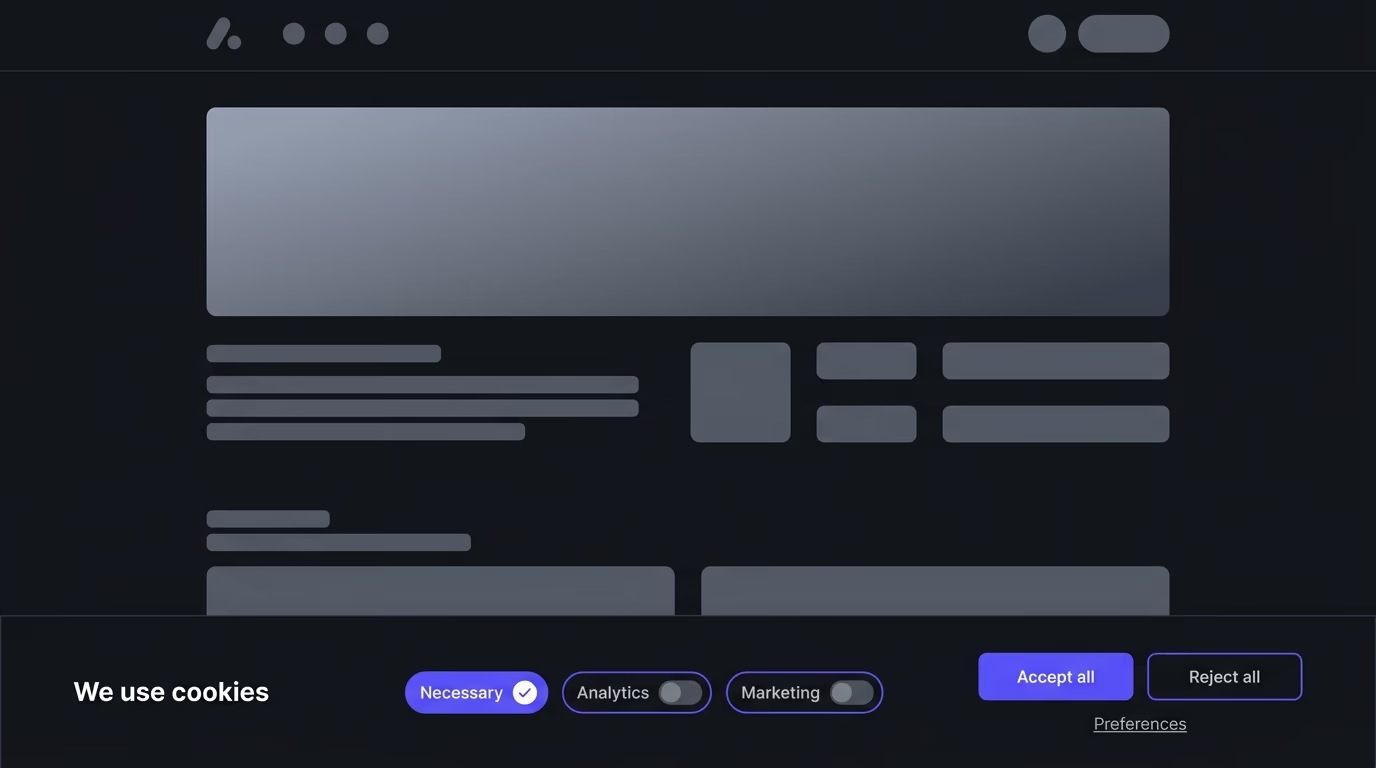
A compliant banner gets consent before any non-essential cookie or tracker loads, offers Reject as easily as Accept, lets people choose by category, links to a cookie policy, and keeps a record of what was agreed, and everything on top of that is really just styling. The banner you see is the visible tip of a system whose real job happens out of sight.
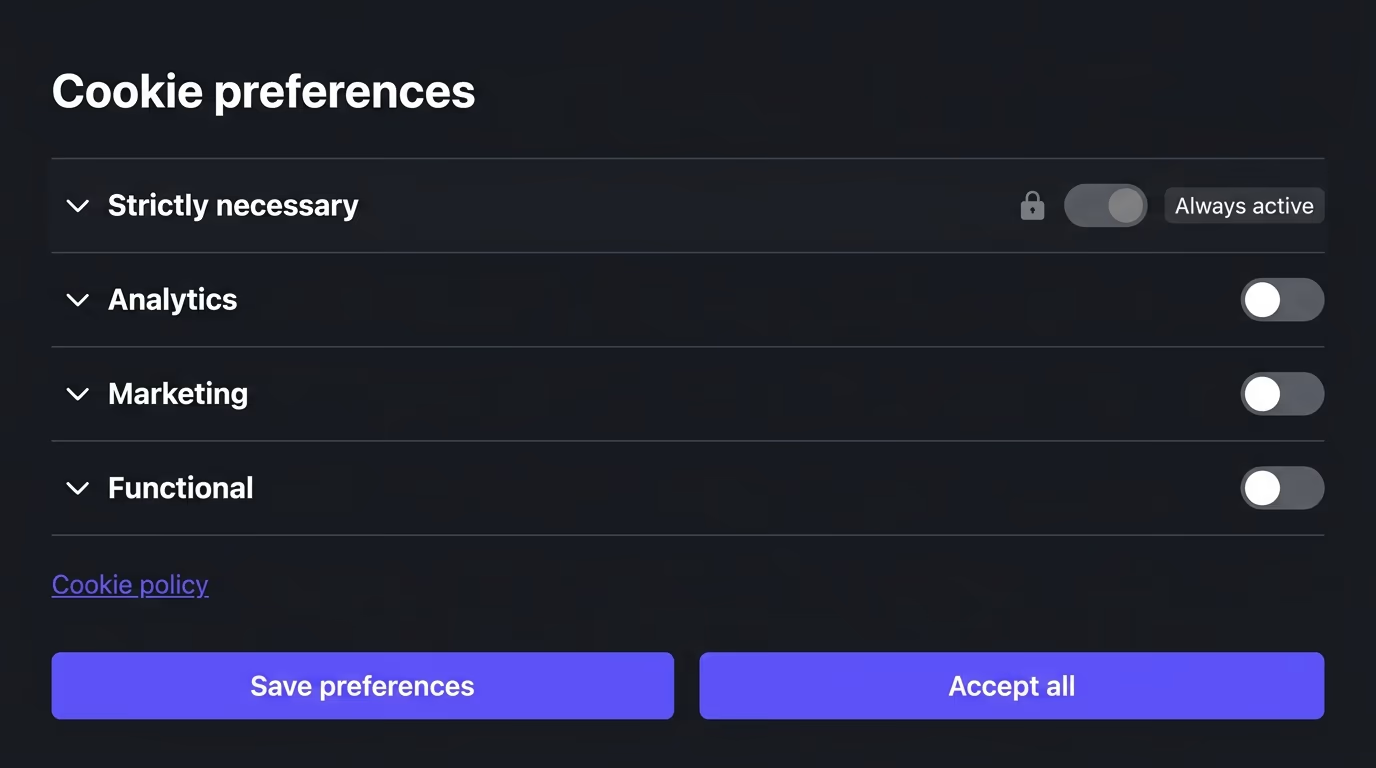
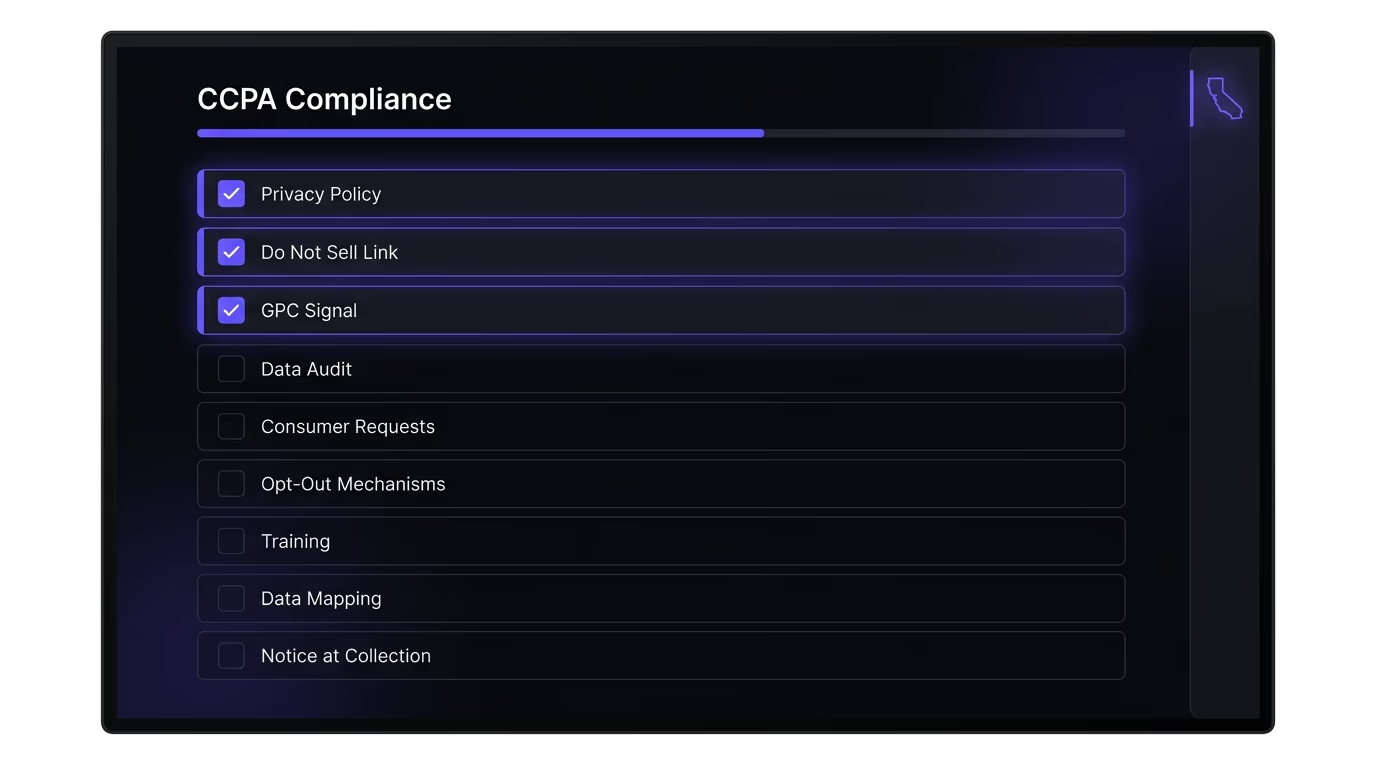
The rules behind it come from a few places. Under the GDPR, consent has to be freely given, specific, informed and unambiguous, which rules out pre-ticked boxes and the old scroll-to-accept trick. The ePrivacy rules are what actually require consent for cookies in the first place. In the United States, laws like California’s CPRA work on an opt-out model instead, where the visitor can tell you to stop selling or sharing their data. If you serve visitors there, our CCPA compliance checklist walks through what that opt-out model requires. A banner that aims to work everywhere has to handle both shapes: ask first where the law says ask, and honor opt-outs where the law says honor.
In practice that means a short list of non-negotiables. Group cookies into clear categories like necessary, analytics and marketing so people can accept some and refuse others. Make withdrawing consent as easy as giving it, usually through a small persistent button. Link to a cookie policy that lists what each cookie does. And log every choice, because the moment a regulator asks, your word is not evidence but your records are.
It helps to know the line the law draws between essential and non-essential cookies. Strictly necessary cookies, the ones that keep a login session alive or remember what’s in a cart, don’t need consent and should never be blocked, because the site breaks without them. Everything else, from analytics to advertising to embedded videos that quietly set their own cookies, falls on the consent side of the line. Getting that split right is why the better tools scan your site first and sort the cookies they find into categories for you, so you start from an accurate list instead of a guess that leaves something tracking in the background.
Block the trackers until people say yes
Most banners get this wrong, and it matters more than anything else on the page. A banner that displays a tidy notice while Google Analytics and the Facebook Pixel have already loaded is doing nothing legally, because the tracking the law cares about happened before the visitor agreed to anything. Prior blocking, where non-essential scripts are held back until consent, is the whole point of a consent tool, and a banner without it is decoration.
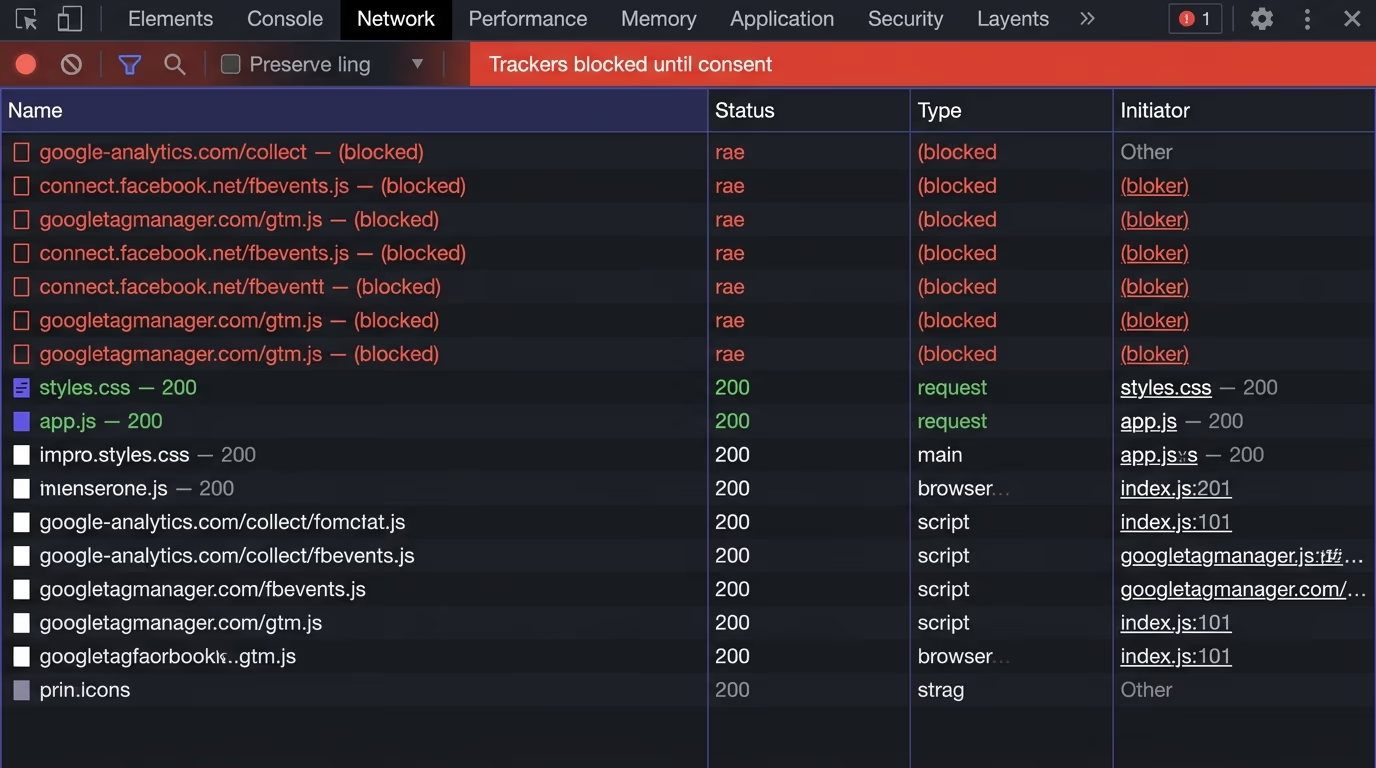
Real consent management intercepts those scripts before they run and only releases them once the visitor accepts the matching category. Analytics tags wait for the analytics consent, ad pixels wait for marketing consent, and anything essential to the site working is allowed through because the law exempts it. If you run a tag manager, the consent tool gates the tags inside it rather than letting them fire on page load.
You can test your own banner in about a minute. Open your browser’s developer tools, go to the network tab, and load a fresh page without clicking anything. If you see requests to analytics or advertising domains before you have accepted, your banner is showing a notice but blocking nothing, which is the most common and most expensive mistake on this list. A banner that passes this test is worth far more than one that simply looks polished.
Where this gets fiddly is the tag manager. If you load Google Tag Manager and let it fire tags on page load, the consent tool has to gate those tags from the inside, through a consent-mode integration or built-in triggers, rather than hoping the banner catches them first. Larger advertising setups add another layer through the IAB Transparency and Consent Framework, which standardizes how consent is passed down a chain of ad partners. You don’t need the full framework for a simple analytics setup, but if you run programmatic ads, a banner that supports it is the difference between passing consent correctly and dropping it on the floor.
Google Consent Mode v2 and the GPC signal
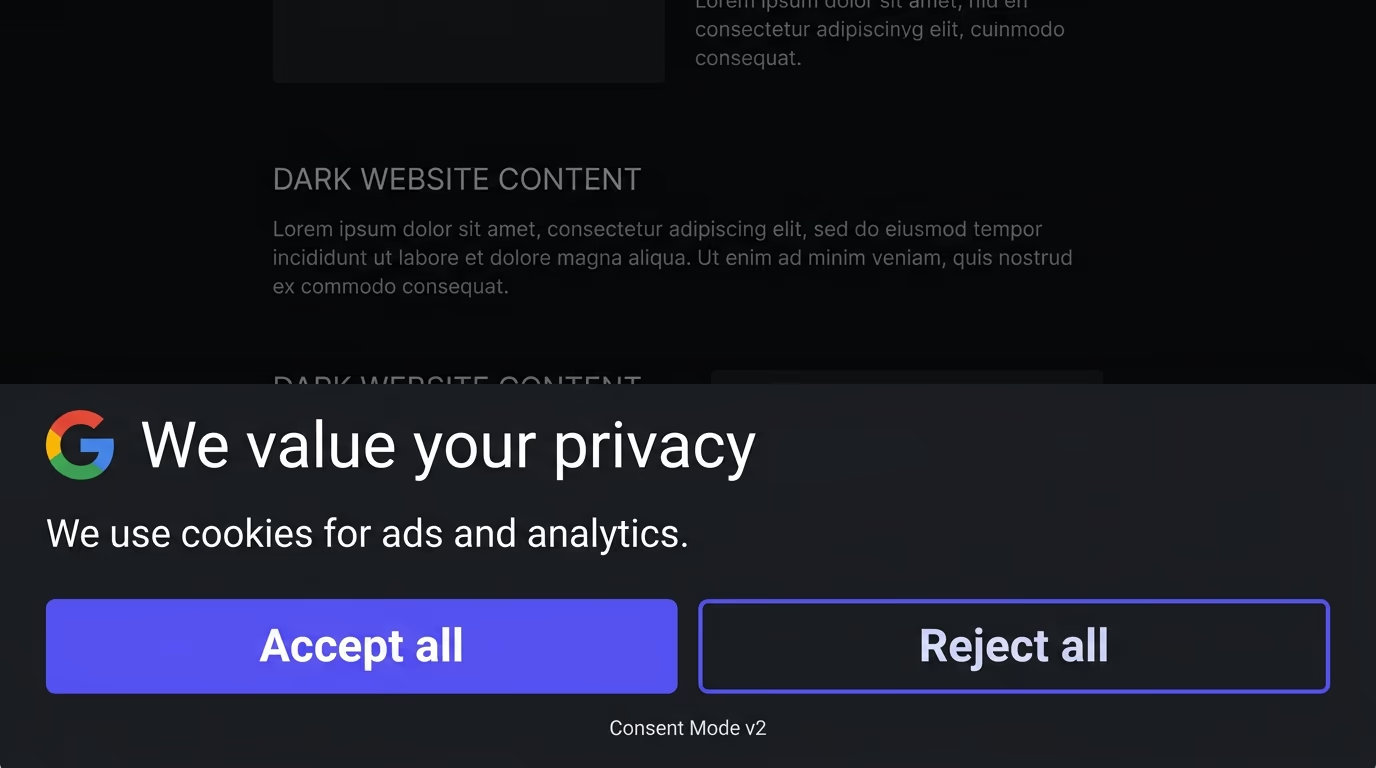
Two signals decide whether your setup actually works with the rest of your stack in 2026. Google Consent Mode v2 is the first, and if you use Google Ads or Google Analytics for visitors in the EEA, it is no longer optional. It passes the visitor’s consent state to Google so its tags adjust what they collect, and without it Google limits or stops processing that European traffic, which quietly breaks your measurement and your remarketing.
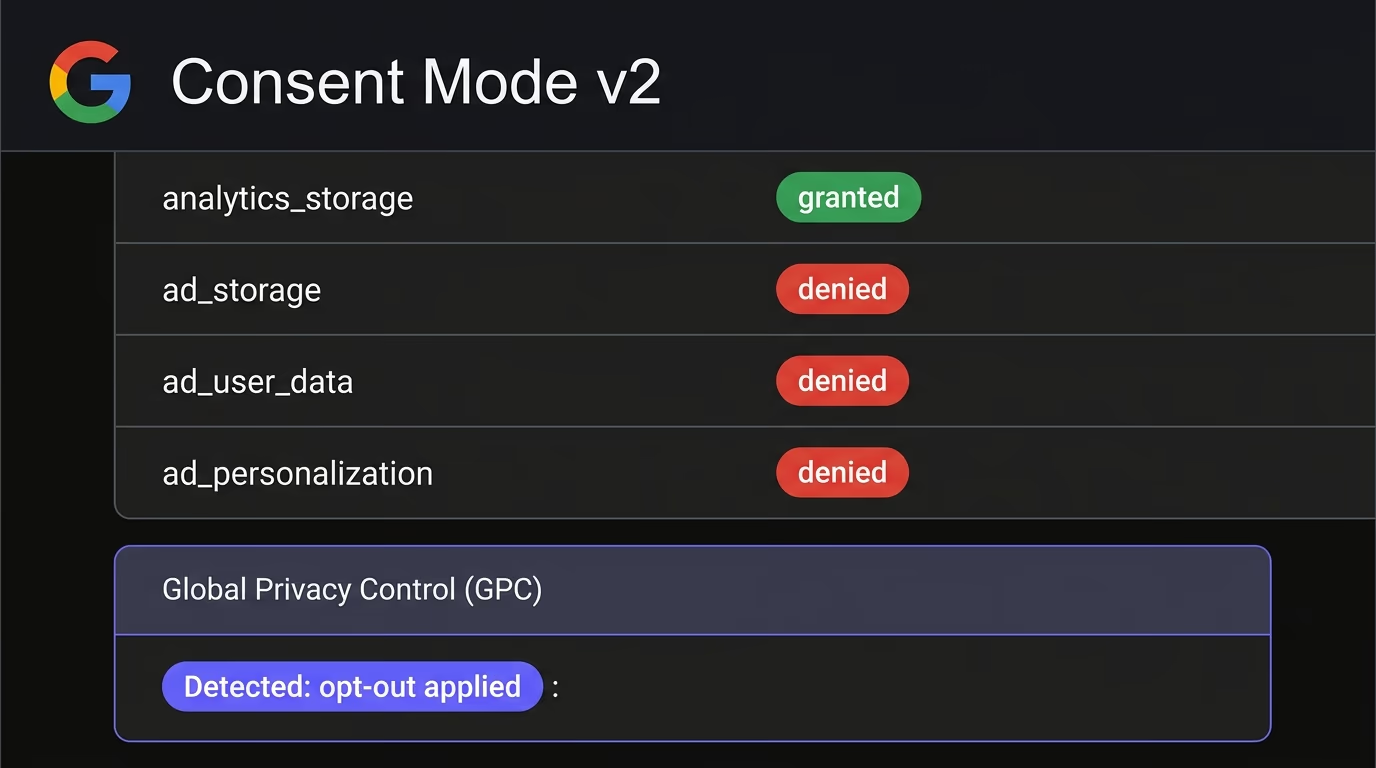
The Global Privacy Control is the second. GPC is a setting built into the browser that broadcasts a simple message: this person does not want their data sold or shared. California and a growing number of states treat that signal as a legal opt-out you have to honor, even when the visitor never opened your banner at all. Ignoring it is its own violation, separate from anything your banner does on screen.
A modern cookie consent banner speaks both of these without you wiring it up by hand. When someone accepts or rejects, it sends the matching Consent Mode v2 signals to Google, and when a browser arrives carrying GPC, it reads that and applies the opt-out automatically. If a tool you are weighing cannot do these two things, treat that as a serious mark against it, because they are exactly where compliance now lives.
Consent Mode itself comes in two flavors, and the split changes how much data you keep. Basic mode blocks Google’s tags entirely until consent, while advanced mode lets them load in a limited, cookieless state and then upgrade once the visitor accepts, which preserves more measurement through modeling. Either is valid, and the right choice depends on how much you rely on Google’s data. GPC, by contrast, needs nothing from the visitor beyond turning it on once in their browser, which is one reason regulators favor it: it scales one person’s privacy choice across every site at once, and your banner simply has to listen for it.
Make it usable, not a dark pattern
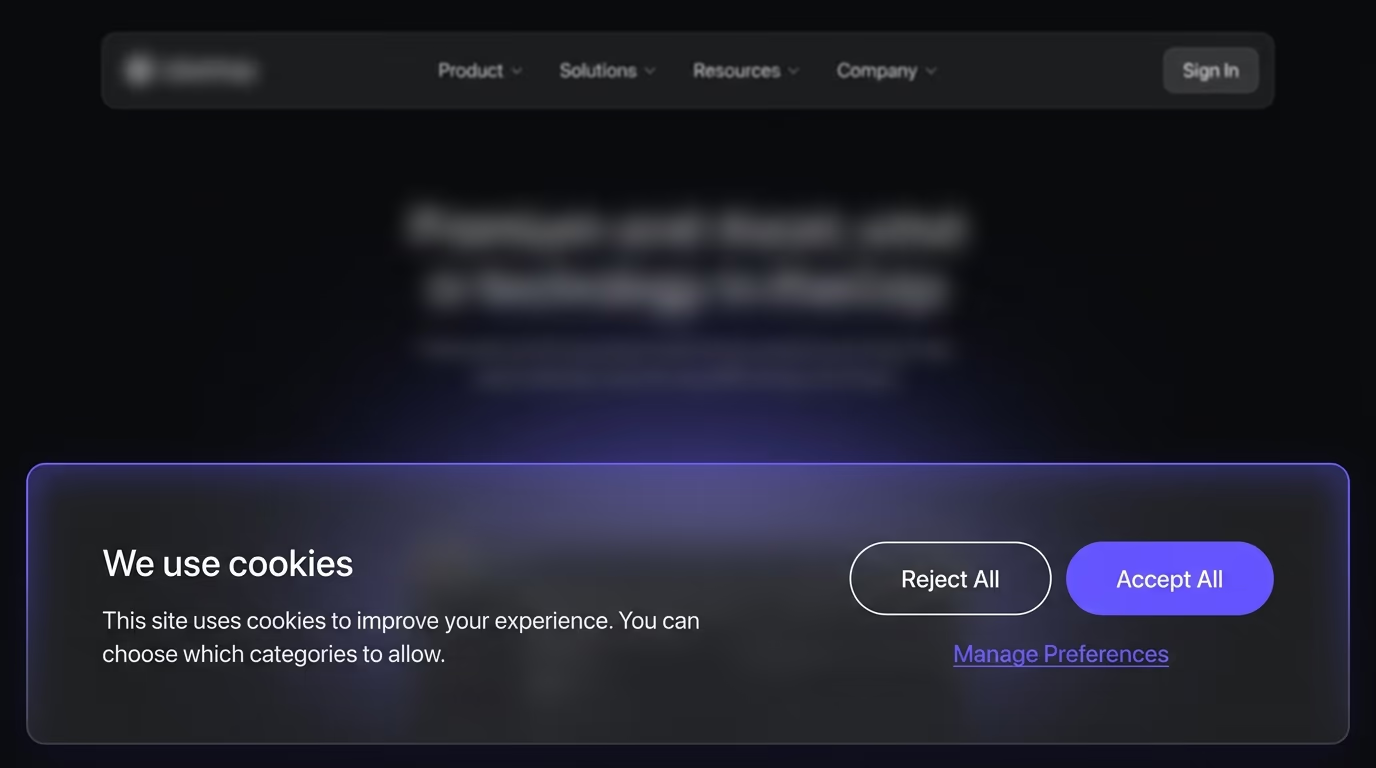
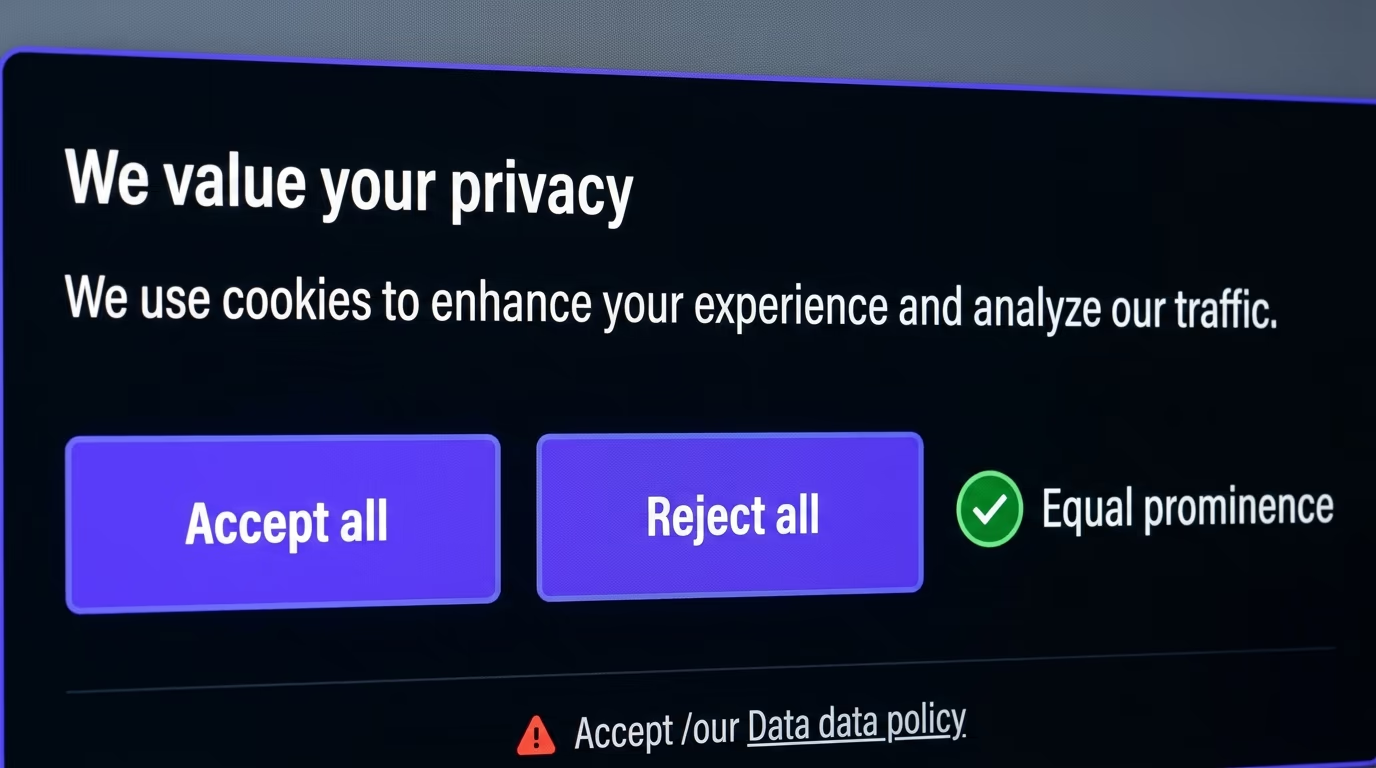
Regulators have started fining dark patterns directly, so an honest banner is now a legal requirement rather than a nicety. The clearest rule is equal prominence: the Reject button has to be as visible and as easy to click as Accept, which kills the familiar design of a bright Accept next to a grey link buried in a sub-menu. Pre-ticked consent boxes are out, the language has to be plain, and people need a persistent way to change their mind later. A few real cookie consent examples make the honest designs easy to tell from the manipulative ones.
Usability also means respecting the visitor’s time and the page itself. A banner should state the choice simply, default to nothing tracking, and avoid nagging someone who already answered. Supporting your visitors’ languages matters too, since consent is only informed if the person can read what they are agreeing to.
The banner also can’t wreck the experience it sits on. It should be lightweight rather than a heavy script that delays your page, it should not block the page from rendering while it loads, and it should reserve its own space so it doesn’t shove your content around when it appears. A consent banner that tanks your load time or your layout is solving one problem by creating another, and the better tools treat performance as a compliance requirement rather than an afterthought.
There’s also the matter of consent fatigue. People have been trained to swat these banners away on reflex, so the goal is to ask once, clearly, and then stay out of the way, rather than re-prompting on every page or burying the choice behind extra clicks. A banner that respects that earns you cleaner consent data, because a deliberate yes or no is worth far more than a reflexive click to make the box vanish. Honest design and good data turn out to be the same thing here, which is a rare case where doing the right thing and the useful thing line up.
Keep the proof: consent logging
If a regulator ever asks whether you had consent, you need to show who agreed to what, and when. A proper banner records each consent and each withdrawal with a timestamp and the version of the policy that was shown, then lets you export that record when you need it. Without a log you are relying on memory and good faith, neither of which holds up in an audit.
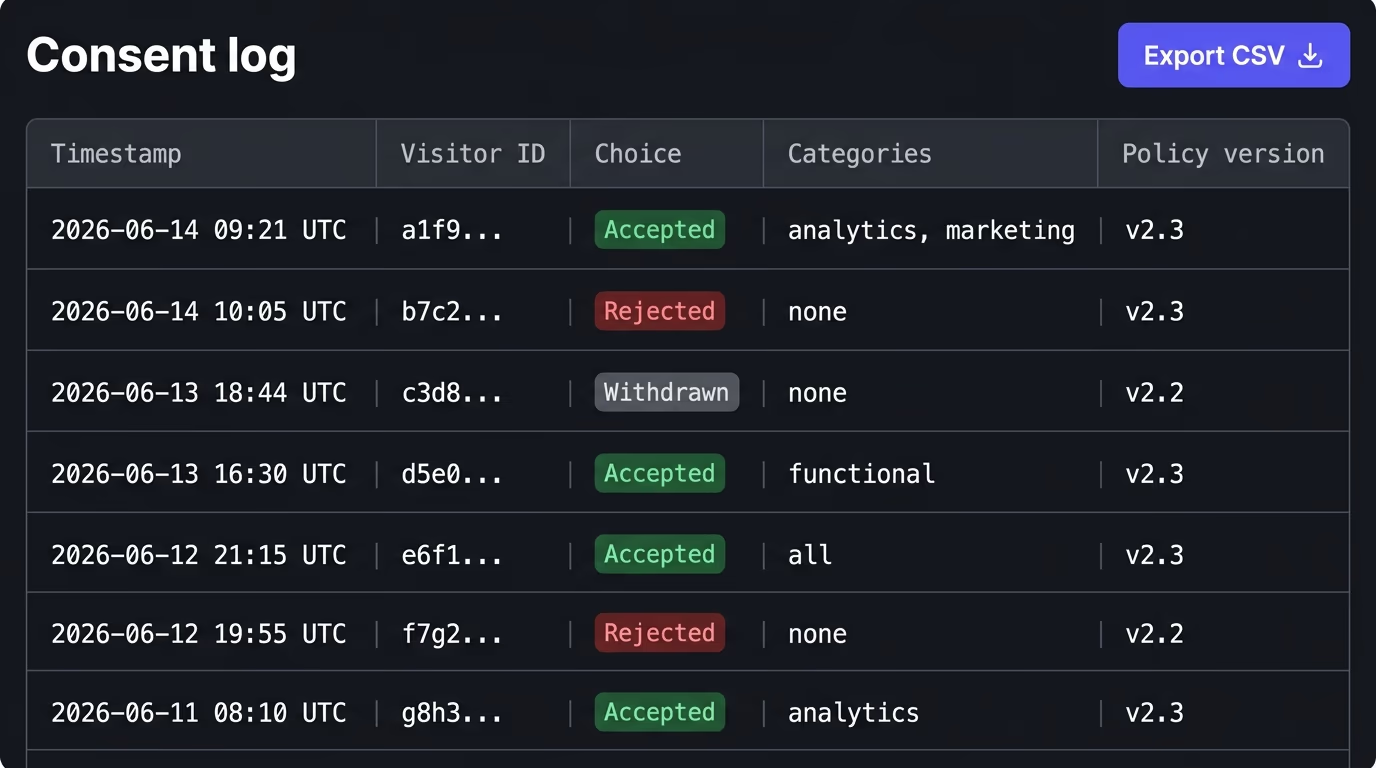
Logging also shapes how the banner behaves over time. Consent is not forever, so most setups re-ask after a period like twelve or thirteen months, and they ask again when your cookie policy changes in a way that matters. Keeping the version alongside each record is what lets you prove that the person agreed to the policy as it actually read that day, not some later edit.
This is the least exciting feature on the list right up until the moment it becomes the only one that matters. A banner that blocks scripts perfectly but keeps no record leaves you unable to demonstrate any of it, so treat an exportable consent log as a core requirement rather than a bonus.
One practical tip: check how the log is stored and exported before you commit to a tool. A record that lives only inside a vendor’s dashboard, with no way to download it, is worth less than one you can pull as a CSV and keep yourself, because audits and vendor changes both have a way of arriving at the worst possible time. Owning a portable copy of your own consent records is cheap insurance against the day you need them and the original is somewhere you no longer control.
How to choose: the checklist
Score every option against the same short checklist, and let the dealbreakers be dealbreakers. Does it block non-essential scripts before consent, which is the one feature a banner cannot fake its way around? Does it send Consent Mode v2 signals and honor GPC? Are Accept and Reject equally easy, are the categories granular, and can a visitor withdraw consent without hunting for it? Can you export a consent log, and does it work in the languages your visitors actually use?
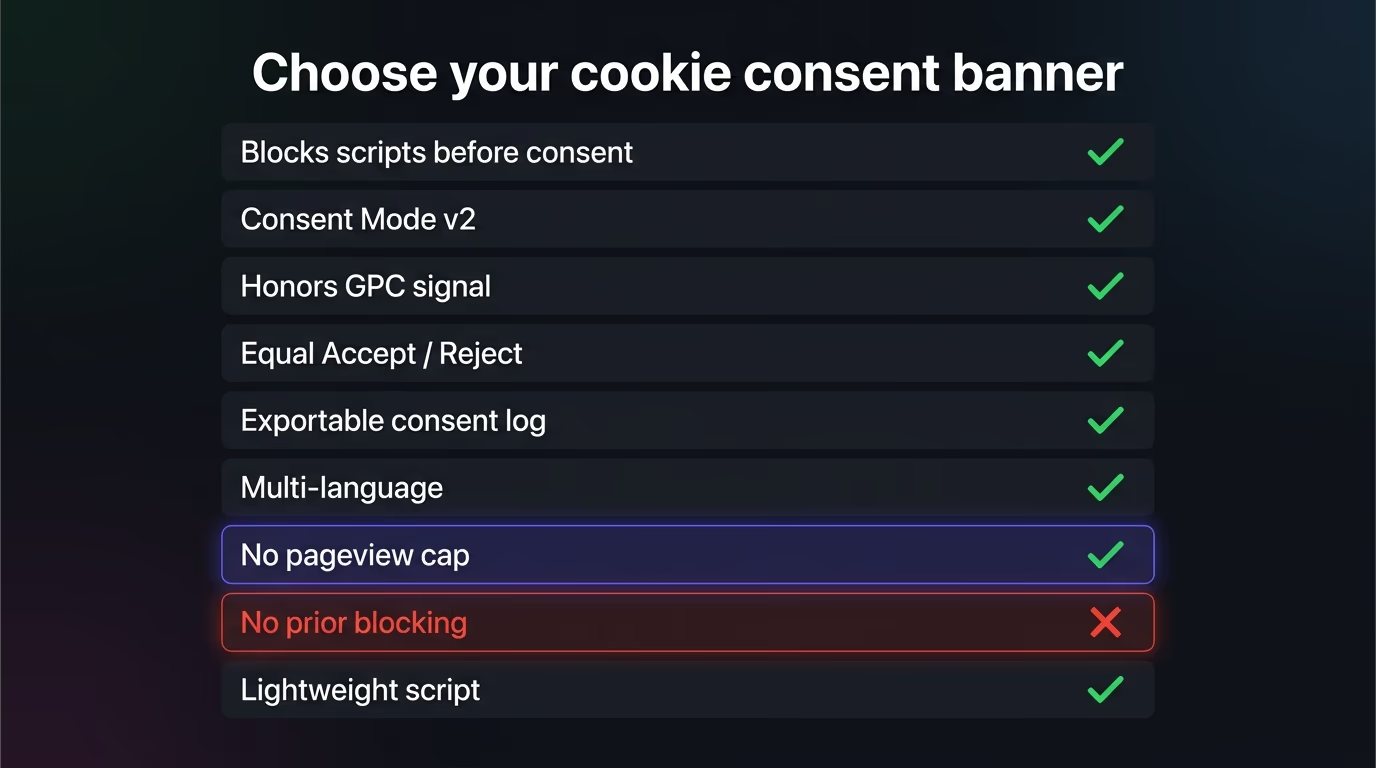
Then weigh the practical side that the marketing pages tend to skip. How much does the banner weigh, and what does it do to your load time, because a heavy consent script is a real cost on every single page view. Does the tool cap how many pageviews or domains you get before it charges or throttles, since plenty of “free” banners quietly limit you or stamp their own brand across your site. And does it style to your brand cleanly, or does it force a generic look you can’t change.
The honest answer is that most tools nail the on-screen experience and differ on everything you can’t see. Two banners can look identical and behave completely differently the moment a tracker tries to load, so judge them on the checklist above rather than the screenshot.
It also pays to match the tool to your situation instead of chasing the longest feature list. A small marketing site running Google Analytics and one ad pixel needs prior blocking, Consent Mode v2, GPC and an exportable log, and very little beyond that, so a heavy enterprise platform is wasted money and wasted milliseconds on every page. A large publisher juggling dozens of advertising partners genuinely needs the framework support and the automatic scanning. Buy for the site you actually run today, not the one an enterprise demo imagines you might run someday.
The best cookie consent banners in 2026
The right pick depends on your stack and budget, and the free tiers differ more than the marketing suggests. CookieYes is quick to set up, and its free plan does block scripts before consent, but that free tier caps you at 5,000 pageviews a month on one domain, with paid plans from $10 a month. Termly is the pick when you want the banner and your legal documents from one vendor, since it bundles policy generators, though its free tier stamps a Termly watermark on the widget. Cookiebot, now owned by Usercentrics, gives you a free tier for 50 subpages on a single domain, but that free plan does not block trackers before consent, so on it you get a notice rather than a real blocker, with paid plans from €7 a month. Iubenda pairs consent with generated legal documents for people who want both from one place, and OneTrust sits at the heavy enterprise end, thorough but more than most sites need.
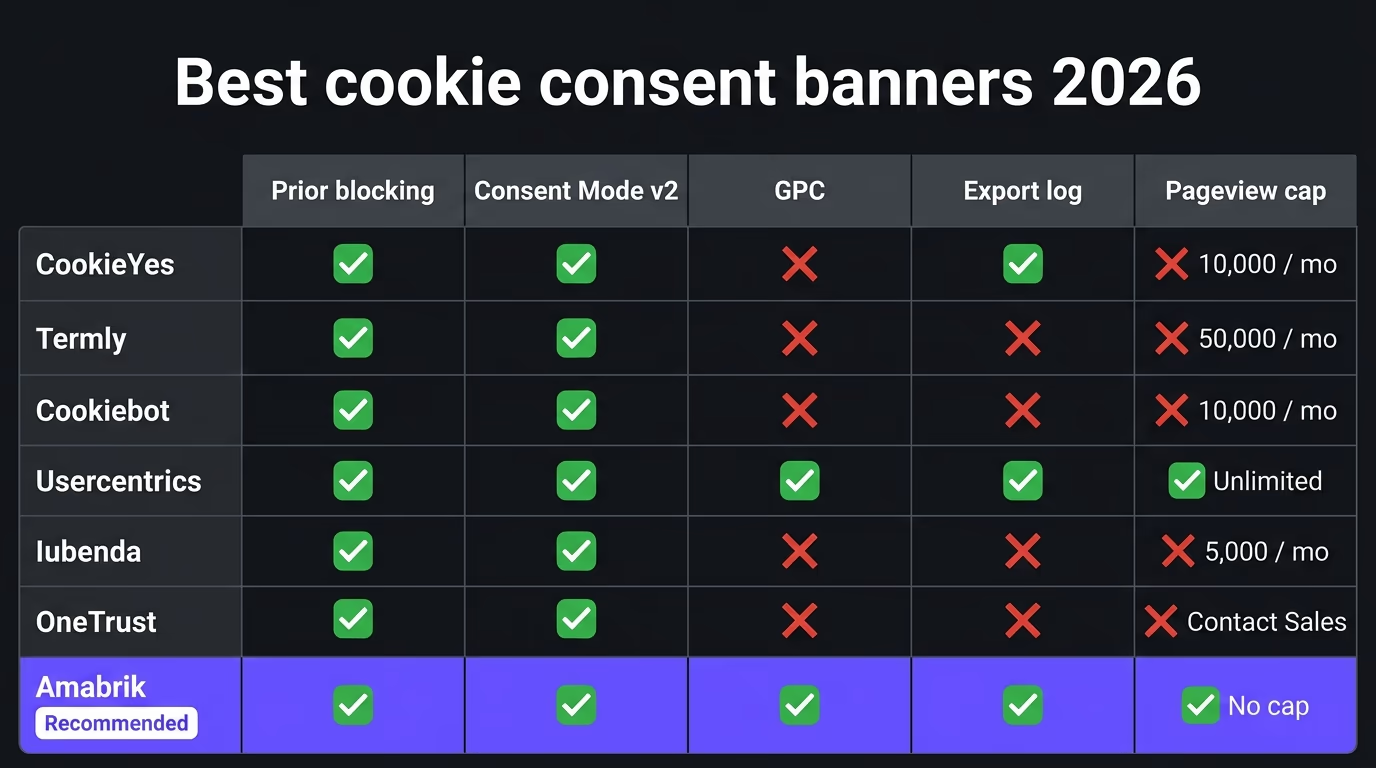
Amabrik’s cookie consent widget is the lightweight, no-cap option in this list. It holds third-party scripts until the visitor consents, speaks Google Consent Mode v2 and honors the GPC signal, and keeps a thirteen-month consent log you can export to CSV for audits. It runs from one small script with no pageview caps, styles to match your site, and supports multiple languages, so you get real compliance without loading a heavy consent platform onto every page. For founders and small teams who want the banner done right without the weight, it’s built for exactly that.
Whichever you choose, run it through the checklist before you trust it. A premium logo on the banner means nothing if it lets a pixel fire before consent, and a plain banner that blocks correctly is doing the job the expensive one only claims to.
So, which cookie consent banner?
Start from compliance and work outward. The banner has to block non-essential scripts before consent, send Consent Mode v2 signals, honor GPC, and keep an exportable log, and those four together rule out most of the field on their own. Layer honest UX on top, with equal Accept and Reject and an easy way to change your mind, then weigh the things you live with every day: how much it slows your site and whether it caps or brands what should be yours.
Get those right and the banner stops being a liability you bolted on and becomes a quiet piece of infrastructure that protects you. If you want a banner that handles all of it from one lightweight script, take a look at the cookie consent widget, and either way, hold whatever you pick to the same standard before a regulator or a slow load time does it for you.
A compliant banner gets consent before any non-essential cookie or tracker loads, offers a Reject button as easy to find and click as Accept, lets visitors choose by category, links to a cookie policy, and keeps a record of each consent. Under GDPR the consent has to be freely given, specific, informed and unambiguous, so pre-ticked boxes and scroll-to-accept do not count.
Yes, for non-essential cookies in the EU and similar regimes. A banner that shows a notice while Google Analytics and the Facebook Pixel already fired is decorative, not compliant. A proper consent tool holds every non-essential script until the visitor agrees, then loads it. You can check yours by opening developer tools and confirming no analytics or ad requests fire before you click Accept.
Consent Mode v2 passes a visitor's consent choice to Google so its tags adjust what they do. If you use Google Ads or Google Analytics for visitors in the EEA, you need it, because without it Google limits or stops processing that traffic. A modern cookie consent banner sends these signals automatically when someone accepts or rejects.
The Global Privacy Control is a setting in the browser that tells sites the visitor does not want their data sold or shared. California and a growing list of states treat it as a legal opt-out you must honor, even if the person never touched your banner. A good banner reads the GPC signal and applies it automatically.
Some are, if they actually block scripts before consent and let you export a consent log. Many free banners only show a notice without blocking anything, cap how many pageviews you get, or stamp their brand on your site. Check the real requirements first, then see whether the free tier covers them, rather than assuming a banner equals compliance.
Score every option against one checklist: does it block non-essential scripts before consent, does it support Consent Mode v2 and GPC, are Accept and Reject equally easy, can you export a consent log, and does it work in your languages. Then weigh the practical side: how much it slows your site, and whether it caps pageviews or charges per domain.