Google Consent Mode v2: 2026 Setup Guide
Google Consent Mode v2 explained: what it is, why it's required for Google Ads and GA4 in the EEA, basic vs advanced, and how to set it up right.

If you run Google Ads or Google Analytics and you have visitors in Europe, Google Consent Mode v2 is no longer something you can quietly ignore. Since March 2024, Google requires these signals to keep using features like remarketing and audiences for EEA users, and without them your measurement and your ad performance degrade in ways that are easy to miss until the numbers look wrong. The trouble is that Google’s own reference covers the signals but not the wiring, and most explainers stop at the theory without ever telling you how to actually set the thing up.
This guide is the practical version that fixes that, covering what Consent Mode is in plain terms, why v2 became mandatory, the difference between basic and advanced mode, exactly how to wire it up with your cookie banner, the mistakes that silently break it, and how to confirm it’s working. By the end you’ll know which mode to use and how to ship it without losing the data you’re allowed to keep.
What is Google Consent Mode?
Google Consent Mode is a way for your site to tell Google’s tags whether a visitor has consented to ads and analytics cookies, so those tags can adjust what they do. It sits between your cookie banner and Google’s products, translating “this person accepted” or “this person refused” into a signal that Google Ads and GA4 understand and act on. Think of it as a translator between the choice your visitor made and the tags that need to respect it.
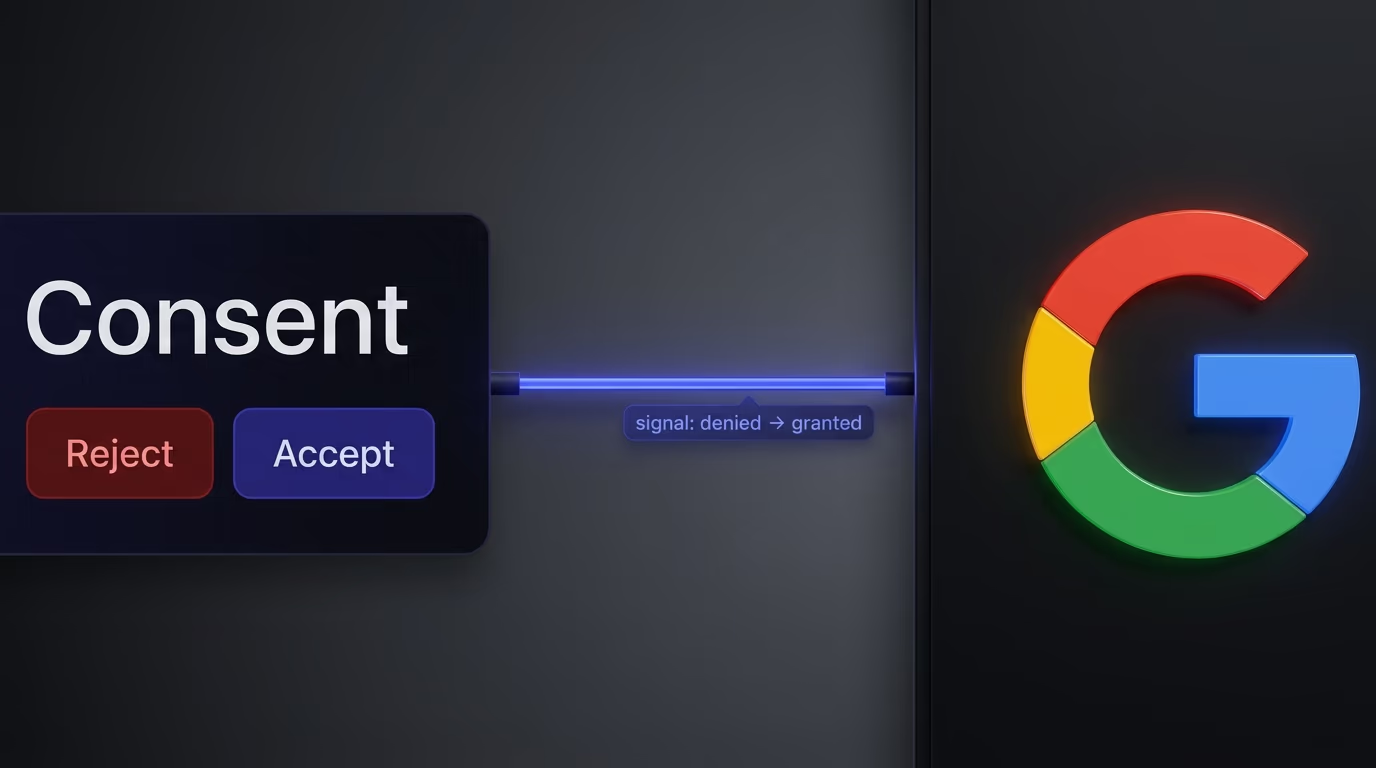
By default, Consent Mode sends a denied state, which tells Google’s tags to hold back before anyone has agreed to anything. When the visitor accepts through your banner, the banner updates that state to granted, and the tags switch to their full behavior. Without Consent Mode in the picture, you’re left with two bad options: tags that fire regardless of consent, which is a compliance problem, or tags blocked outright, which is a measurement problem. Consent Mode is the bridge that lets you honor the choice and still measure everything you’re permitted to.
It helps to be concrete about what “adjust their behavior” means, because that’s where Consent Mode earns its keep. When consent is denied, a Google tag running in this mode doesn’t set its usual cookies or read a stable identifier; depending on your setup it either stays dormant or sends a stripped-down, cookieless signal that carries no way to recognize the person. When consent flips to granted, the same tag switches on its full behavior, sets its cookies, and measures normally. Nothing about your tags changes in code, only the consent state they read, which is why Consent Mode is a layer on top of your existing Google setup rather than a replacement for it.
Why Consent Mode v2 is no longer optional
Version 2 added two new signals and made them mandatory for European traffic, which is what turned Consent Mode from a nice-to-have into a requirement. The original version handled two consent types: ad_storage, for advertising cookies, and analytics_storage, for analytics cookies. Those covered whether Google could store cookies, but not what it could do with the data once it had it.
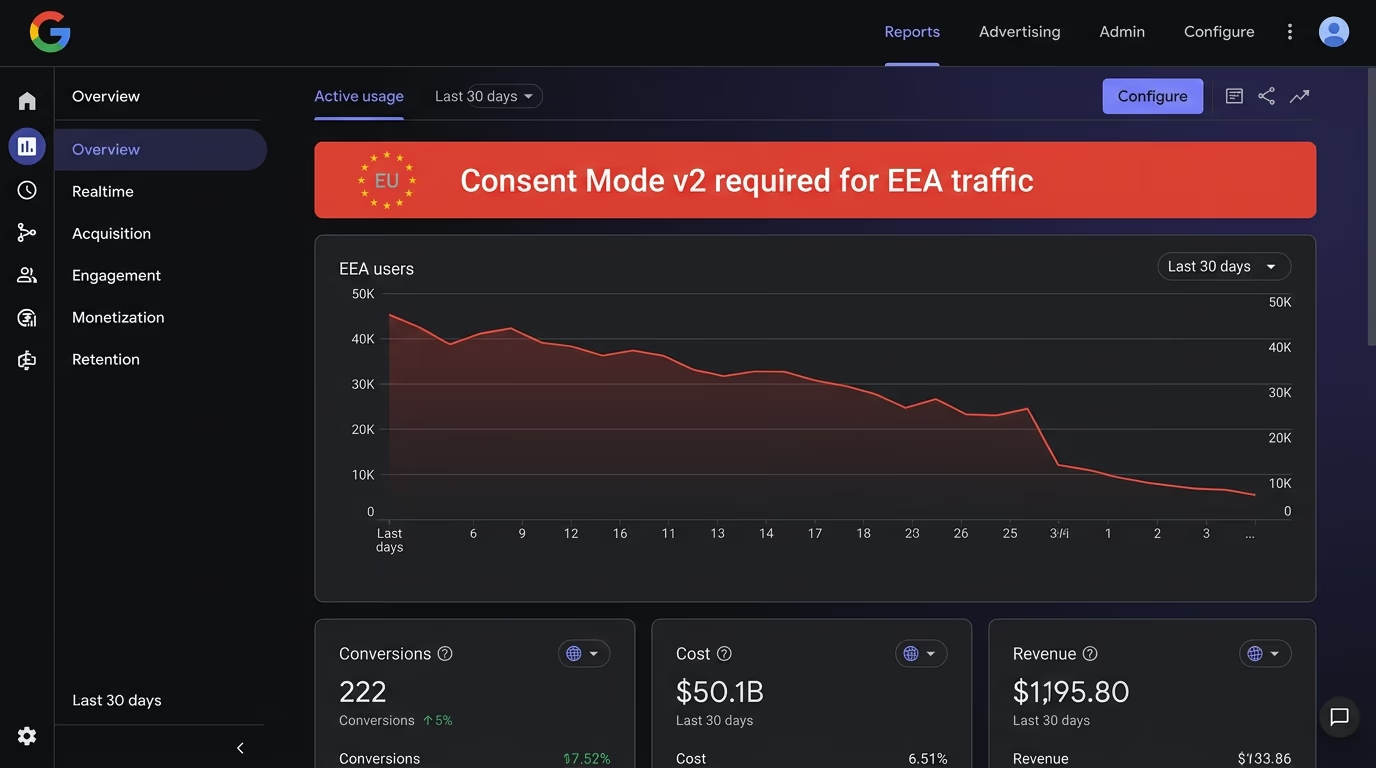
V2 closed that gap by adding ad_user_data, which controls whether you can send a user’s data to Google for advertising at all, and ad_personalization, which controls whether that data can power personalized ads and remarketing. Since 6 March 2024, Google requires these two v2 signals for visitors in the EEA and the UK if you want to keep using audiences, remarketing and the conversion features that make Google Ads worth running. Skip them and Google limits or stops processing that European traffic, your remarketing lists stop filling, and your conversion data thins out. For anyone advertising to or measuring European visitors, v2 is simply the price of keeping Google’s tools working.
You can usually see the pressure in the interfaces themselves. Google Ads and GA4 started showing warnings to advertisers whose EEA traffic arrived without valid v2 signals, flagging that audiences and remarketing would be affected, and accounts that ignored them watched their European audience sizes drift toward zero. The deadline was never a soft suggestion. If your business leans on retargeting European visitors or measuring European conversions, a missing or broken v2 setup is the line between Google’s machine-learning features having data to work with and quietly starving for it.
The signals Consent Mode actually sends
Consent Mode communicates through a small set of consent types, each one set to either granted or denied. The four that decide your fate in v2 are the ones above: ad_storage and analytics_storage from the original version, plus ad_user_data and ad_personalization added in v2. There are a few others for completeness, like functionality_storage and security_storage, but those four are the ones that touch your Google Ads and analytics setup.
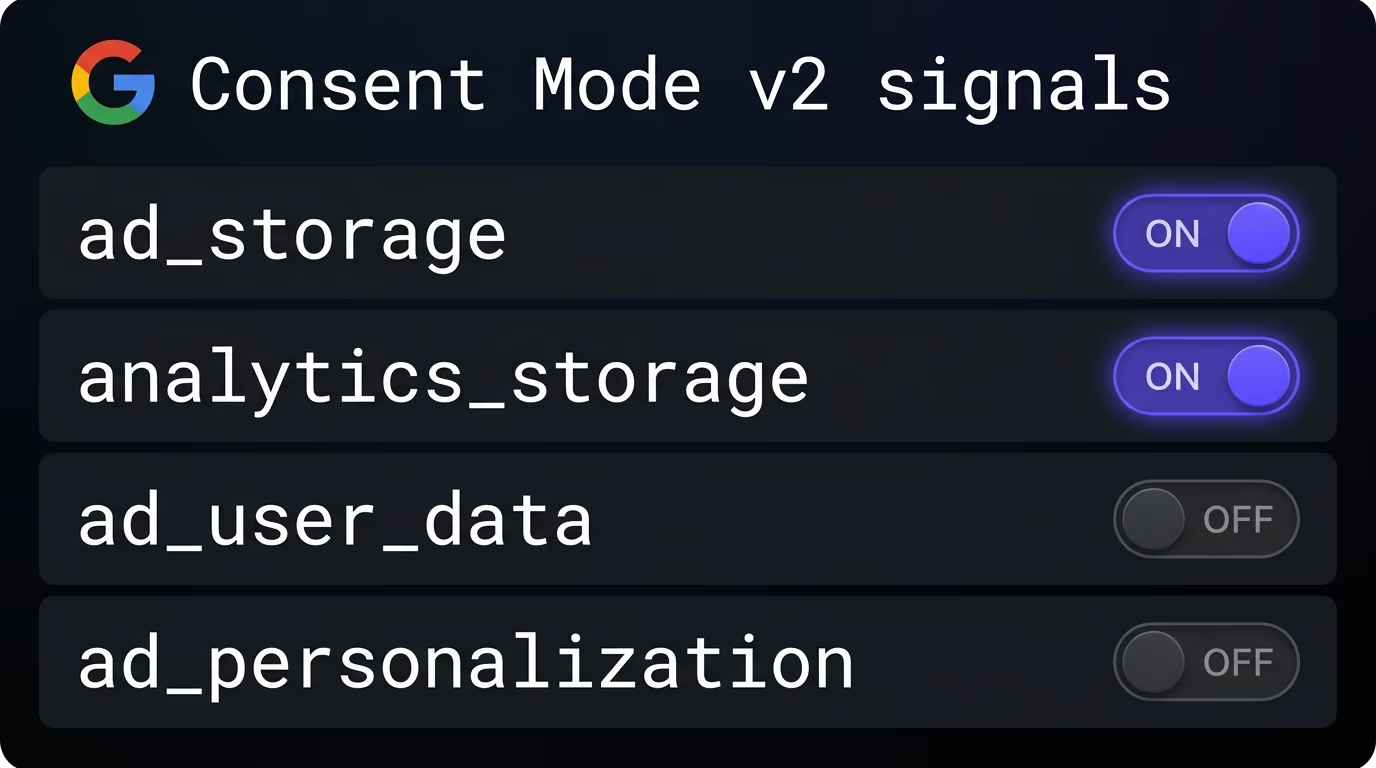
The flow is what matters more than the list. You set a default state, almost always all denied, before any Google tag has a chance to load. Then, the moment a visitor consents by category, you update the relevant types to granted. Accept analytics and analytics_storage flips to granted; accept marketing and ad_storage, ad_user_data and ad_personalization all flip together. The sequence is not optional: the default has to be in place before the tags fire, because anything that loads before the default is set has already acted without a choice behind it, which is the exact situation Consent Mode exists to prevent.
In code this usually shows up as two calls to Google’s gtag. The first runs early and sets the default, denying every relevant type before any tag loads. The second runs when the visitor acts, updating the types they consented to. You rarely write these by hand if you use a consent platform, since the banner makes the calls for you, but knowing they exist tells you precisely what to look for when something is off: a default that fires too late, or an update that never fires at all. Everything Consent Mode does comes down to those two moments, in that order, so a setup that gets the order or the timing wrong is the whole problem in miniature.
Basic vs advanced mode, the choice that matters
The big decision is whether Google’s tags load only after consent, which is basic mode, or load immediately in a limited state and upgrade once consent arrives, which is advanced mode. The two behave very differently before a visitor clicks anything, and that difference is the whole conversation.
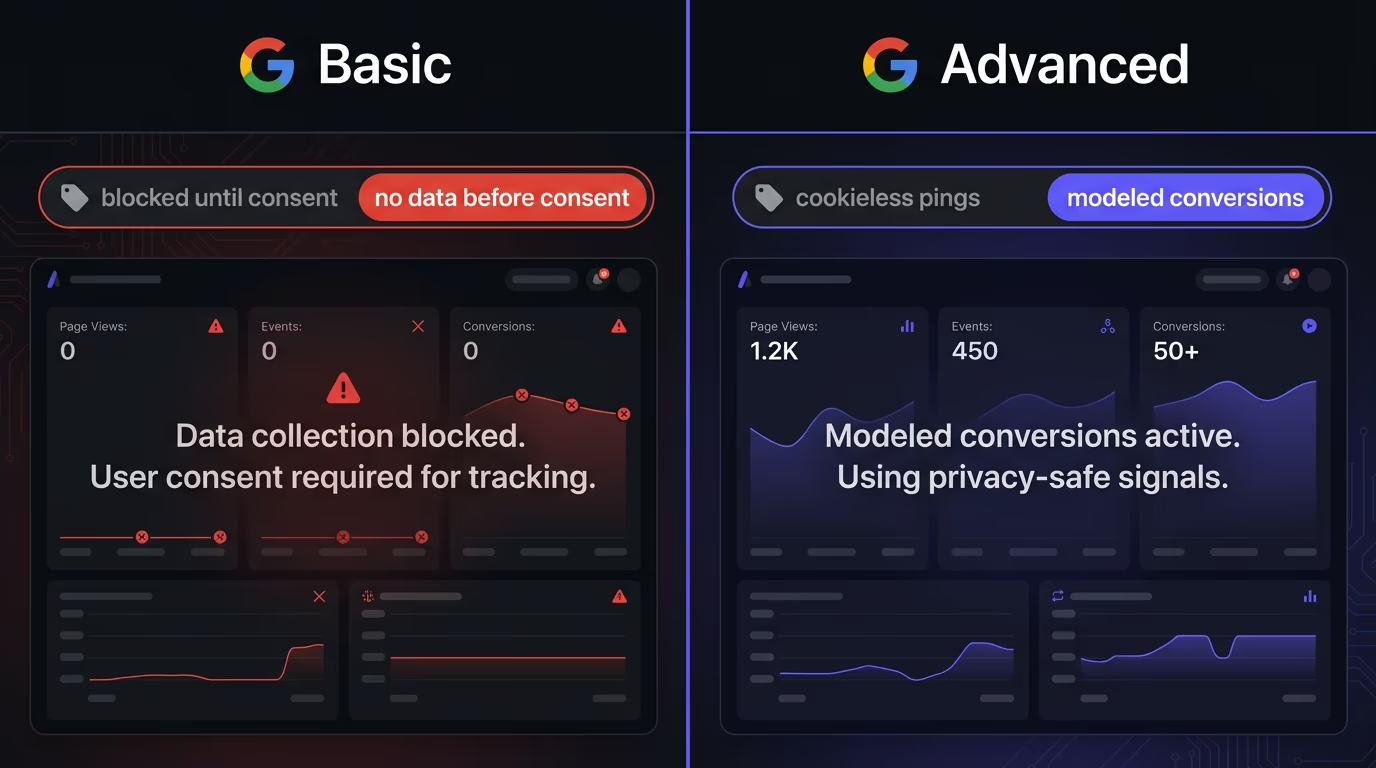
In basic mode, Google’s tags stay blocked until the visitor accepts. Nothing is sent before consent at all, which makes it the simplest and most private option, and it means you measure only the people who said yes. In advanced mode, the tags load right away but in a cookieless state, sending anonymous pings that carry no identifiers, and they upgrade to full measurement the moment consent is granted. Because Google receives those anonymous pings even from people who decline, it can use modeling to estimate the behavior of the visitors you didn’t measure directly, which recovers a meaningful slice of the data basic mode loses.
The trade-off ends up being a clean one to weigh. Advanced mode gives you more measurement and better-modeled conversions at the cost of sending those cookieless pings before consent, which some teams and some legal interpretations prefer to avoid. Basic mode gives you maximum privacy and a setup that’s easy to reason about, at the cost of seeing only consented users. Pick advanced if measurement is the priority and you’re comfortable with the pings, and pick basic if you want the cleanest, most conservative configuration you can defend without a second thought.
For most small sites, the honest move is to start with whichever your banner makes easiest and revisit it once you have traffic worth modeling. A new store with light volume gains little from advanced mode, since conversion modeling only kicks in once an account clears Google’s minimum volume thresholds, so basic mode keeps things simple while a low-traffic store grows into the numbers that make modeling worthwhile. A site that lives on paid acquisition to European audiences, by contrast, usually wants advanced mode the day it turns Google Ads on, because every modeled conversion it recovers is budget it can spend more wisely. The right answer tracks how much your measurement is actually worth to you right now, not which mode sounds more advanced.
How to set it up with your cookie banner
This is the part nearly every guide skips, and it’s the part that actually breaks. Consent Mode only does anything if your cookie banner sets the default state before Google’s tags load and then sends the update when the visitor chooses. The banner is doing the talking; Consent Mode is just the language it speaks to Google.
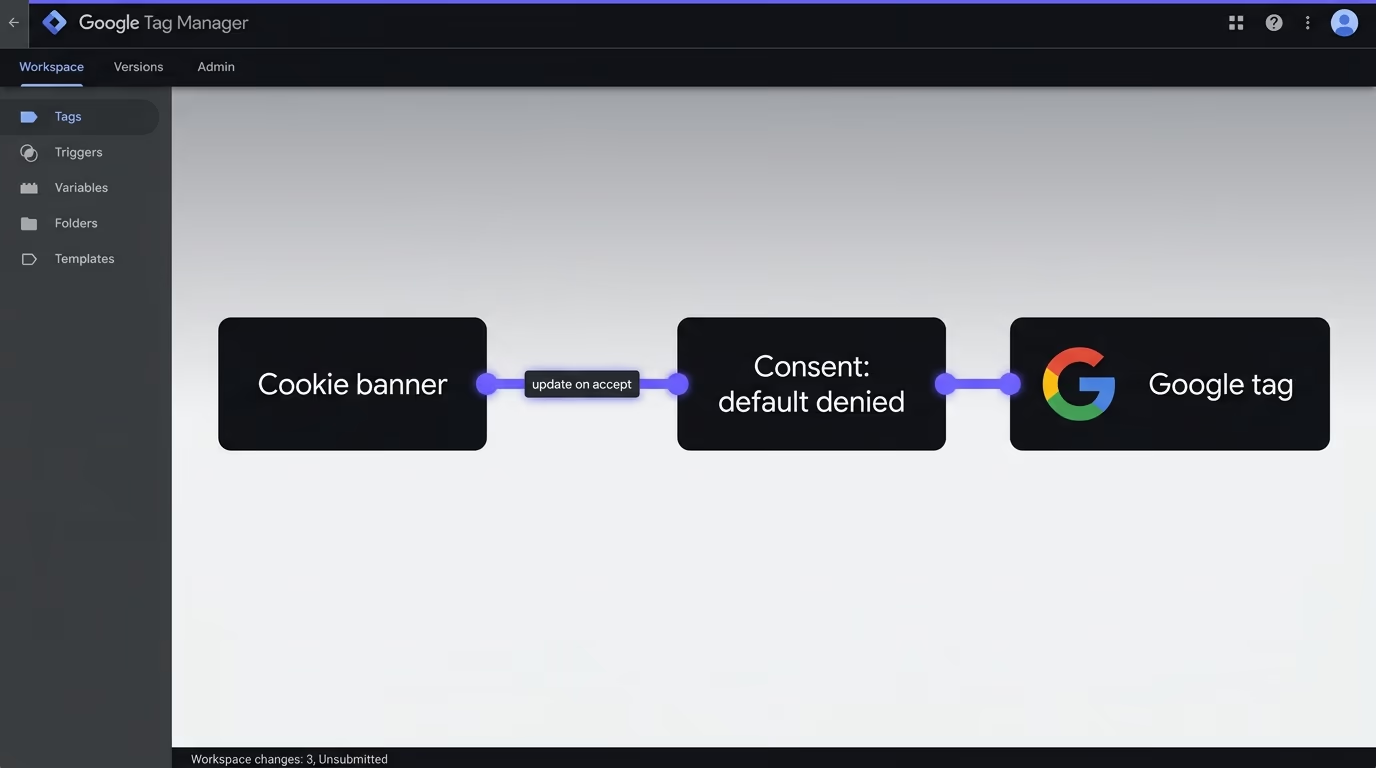
In practice the setup follows four steps. First, set the default consent to denied for every relevant type, and do it as early as possible in the page, before the GA4 or Google Ads tags are allowed to run. Second, load or hold those tags according to your mode, immediately in a cookieless state for advanced, or not at all until consent for basic. Third, when the visitor accepts a category on your banner, send an update that flips the matching types to granted. Fourth, make sure your banner’s categories map to the right consent types: the analytics category should drive analytics_storage, and the marketing category should drive ad_storage, ad_user_data and ad_personalization together.
If you run Google Tag Manager, its built-in consent settings make this cleaner, since you can set each tag’s required consent and let GTM hold tags until the state allows them. Either way, the principle is the same. The default goes out first, the update follows the visitor’s choice, and the categories line up with the signals. Get those three things right and Consent Mode works; get any of them wrong and it fails quietly.
One practical note for the Google Tag Manager route, since most sites end up there. GTM has a consent overview that lists every tag and the consent types it requires, and the cleanest setups use a consent-management template that fires the default on page load and the update on the banner’s choice, with each Google tag set to wait for its required consent. The alternative, dropping gtag consent calls directly into your page, works but is easy to get out of order, which is precisely how the default-fires-too-late mistake happens. Whichever route you take, that consent overview is the one screen worth checking, because it shows at a glance whether your tags are genuinely gated on the state you think they are.
The mistakes that quietly break it
Most broken Consent Mode setups fail in a handful of predictable ways, and all of them are invisible until you go looking. The first is firing Google’s tags before the default state is set, so data leaks out before any choice was made and the whole point is defeated. The second is setting the default but never sending the update, which strands even the people who accepted at denied, so you respect consent and then measure nobody.
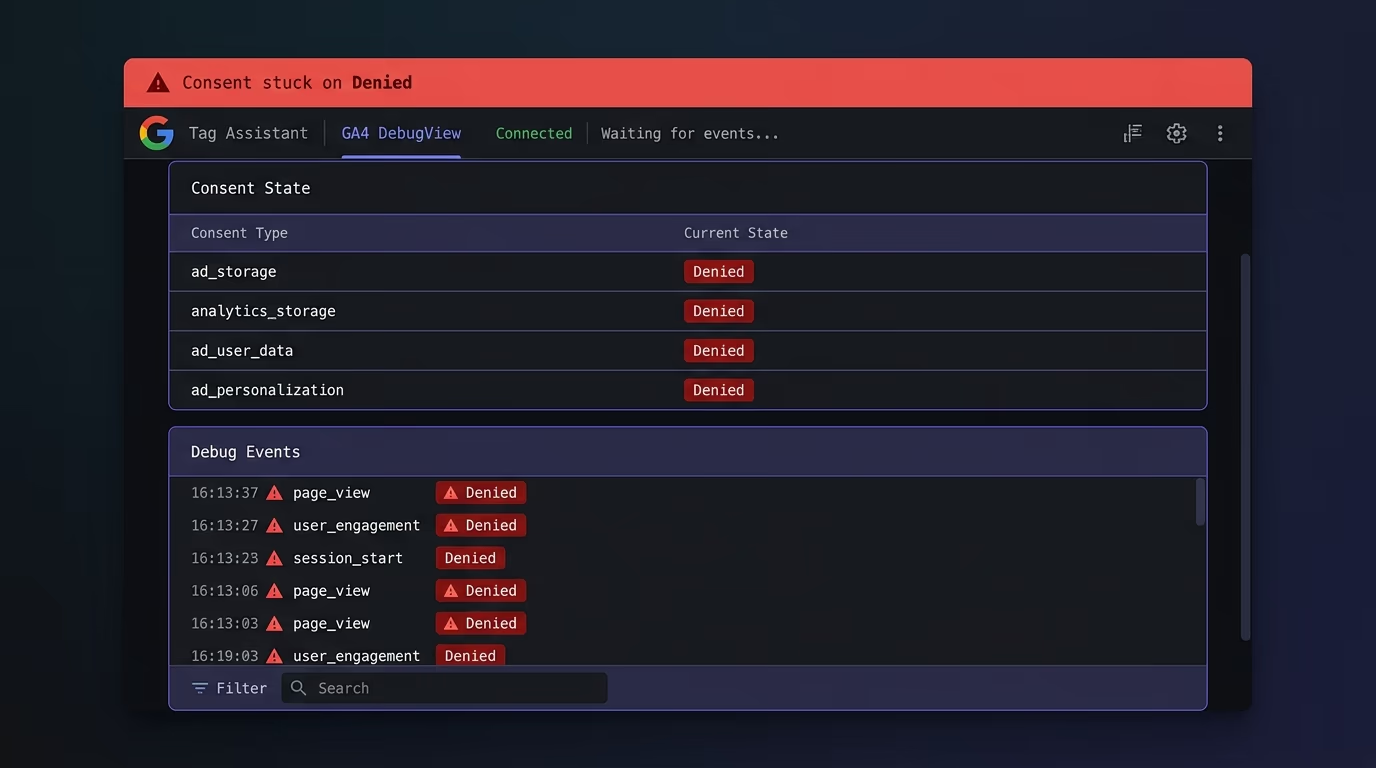
The rest are just as common. Mapping categories the wrong way round, so accepting analytics quietly updates your ad signals or the reverse, gives you a setup that looks fine and reports garbage. Assuming the cookie banner alone handles everything is another trap, because a banner that shows a notice but never passes the signal does precisely nothing for Consent Mode, no matter how compliant the notice looks. And the quietest failure of all is shipping without testing, then discovering months later that your remarketing lists are empty and your conversions never came through. None of these throw an error, which is exactly why they survive so long.
That last one points to the fix for all of them: test before you trust it. Open your site, accept the banner, and use Google’s Tag Assistant or the GA4 DebugView to watch the consent state change from denied to granted. Confirm that no Google advertising or analytics cookies are set before you accept, and that the right types flip when you do. If the state never moves, your banner isn’t passing the signal, and you’ve found the problem before your data did.
The simple way to get it right
You can wire all of this by hand, and plenty of people do, but a cookie banner that handles Consent Mode for you removes the part where it silently breaks. The signals, the default-then-update sequence, the category mapping and the script blocking all have to stay in sync, and keeping two systems aligned by hand is exactly where the quiet failures creep in.
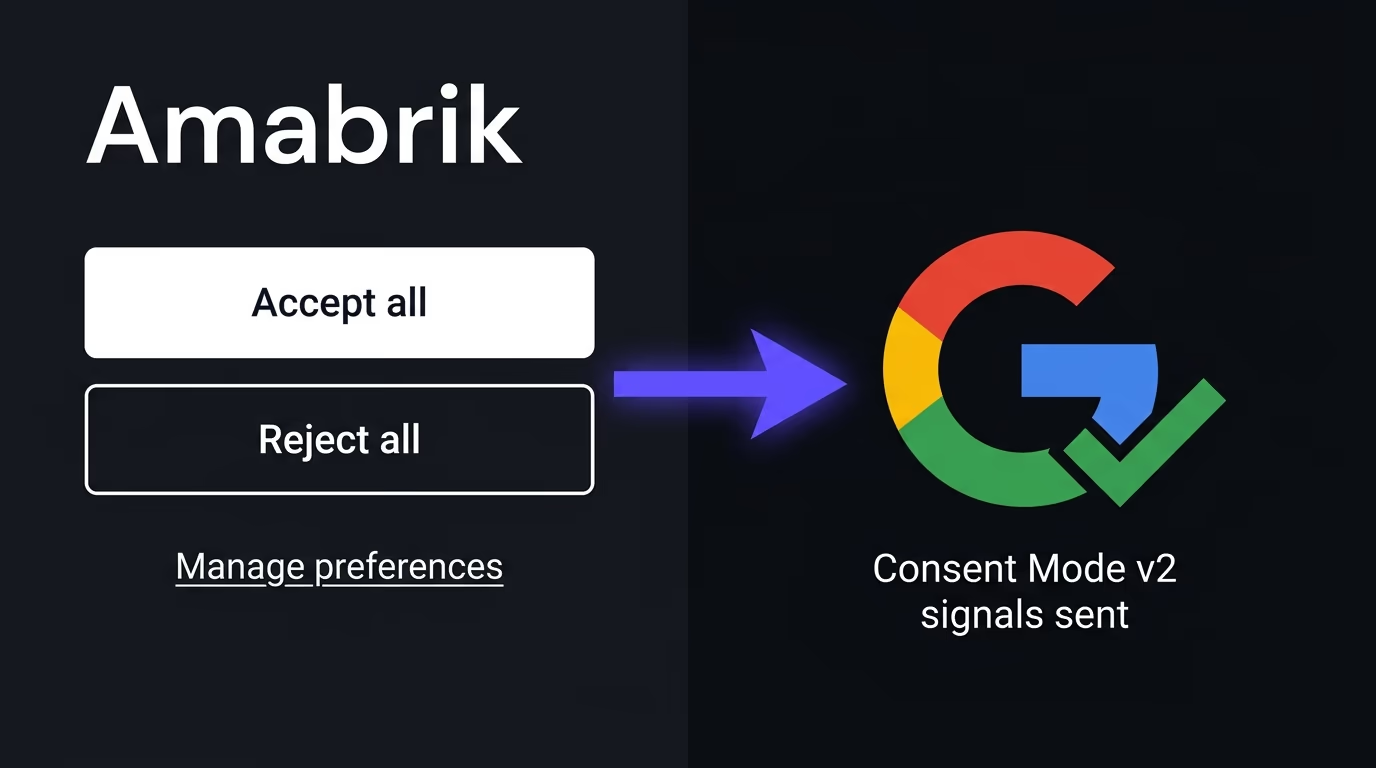
Amabrik’s cookie consent widget sends the Consent Mode v2 signals for you: it sets a denied-by-default state early, then updates each consent type to granted or denied as the visitor chooses by category, and it honors the Global Privacy Control signal on top of that. It also holds your declared trackers until consent, so the banner and the signals stay in step without you maintaining a separate setup. The cookie setup docs walk through declaring your tags and switching Consent Mode on, and if you’re still choosing a banner in the first place, the best cookie consent banner guide covers everything else worth checking. The goal either way is the same: the signal goes out correctly every time, without you thinking about it.
So, do you need Google Consent Mode?
If you run Google Ads or GA4 for visitors in the EEA or the UK, then yes, and v2 specifically, because the v2 signals are what Google now requires to keep your audiences, remarketing and conversion features alive for European users. If your audience is entirely outside those regions, it matters less today, though building it in now means you’re ready the moment that changes.
Whatever your situation, treat the setup as something to verify rather than assume. Get the default state out before your tags, send the update on consent, map your categories to the right signals, and then actually test that the state moves the way it should. Do that, with a banner that sends the signals for you or by hand, and Consent Mode stops being a compliance worry and goes back to being plumbing that quietly works. The teams that get burned by it are almost never the ones who set it up deliberately and tested it once. They’re the ones who assumed the banner had it covered and never looked again, and the gap between those two outcomes is a five-minute test you run before you trust your numbers. Spend those five minutes, and the European measurement you’re allowed to keep stays intact instead of quietly draining away while the dashboard still looks fine. If you want it handled without the wiring, set up the cookie consent widget and let it carry the signal for you.
Google Consent Mode is a way for your site to tell Google's tags whether a visitor has consented to ads and analytics cookies, so the tags adjust what they do. It sits between your cookie banner and Google Ads and GA4, sending a denied-by-default state that updates to granted once the visitor accepts, so you respect the choice and still measure what you're allowed to.
Yes, if you use Google Ads or GA4 for visitors in the EEA or the UK. Since 6 March 2024, Google requires the v2 signals, ad_user_data and ad_personalization, to keep using features like remarketing and audiences for European users. Without them, Google limits or stops processing that traffic, which empties your remarketing lists and degrades your measurement.
Basic mode blocks Google's tags entirely until the visitor consents, so nothing is sent before. Advanced mode loads the tags right away in a limited cookieless state that sends anonymous pings, then upgrades to full measurement once consent is granted, and Google uses modeling to estimate the rest. Basic is simpler and more private, advanced recovers more data.
Effectively yes, because Consent Mode is the messenger and not the consent itself. A cookie banner, or a consent platform, is what asks the visitor and then tells Consent Mode their choice. The banner sets the denied default state before Google's tags load, then updates it to granted when the visitor accepts a category.
Consent Mode is working when the consent state flips from denied to granted the moment a visitor accepts your banner, and no Google advertising or analytics cookies are set before that. Verify it with Google's Tag Assistant or the GA4 DebugView, and if the state never updates after you accept, your banner isn't passing the signal and the setup is broken.
ad_storage (advertising cookies), analytics_storage (analytics cookies), ad_user_data (whether you can send a user's data to Google for ads), and ad_personalization (whether you can use it for personalized ads and remarketing). The last two were added in v2 and are the ones Google now requires for EEA and UK traffic.