llms.txt Explained: What It Is and How to Use It
llms.txt explained: what the file is, the exact format with an example, how to create one, and the honest answer on whether AI models actually use it.

If you spend any time around SEO right now, you’ve watched people race to add an llms.txt file to their sites, the same way everyone rushed to add a sitemap a decade ago. The pitch is simple and appealing: it’s a file that hands AI models a clean map of your best content so they understand you and quote you more often. The reality is more interesting, and a good deal more honest, than the hype around it suggests.
This guide explains what llms.txt actually is, shows the exact format with a real example you can copy, walks through how to create one, and gives you the straight answer on whether AI models use it yet. No breathless claims and no doom either, just what the file is and whether it deserves a slot on your to-do list.
What is llms.txt?
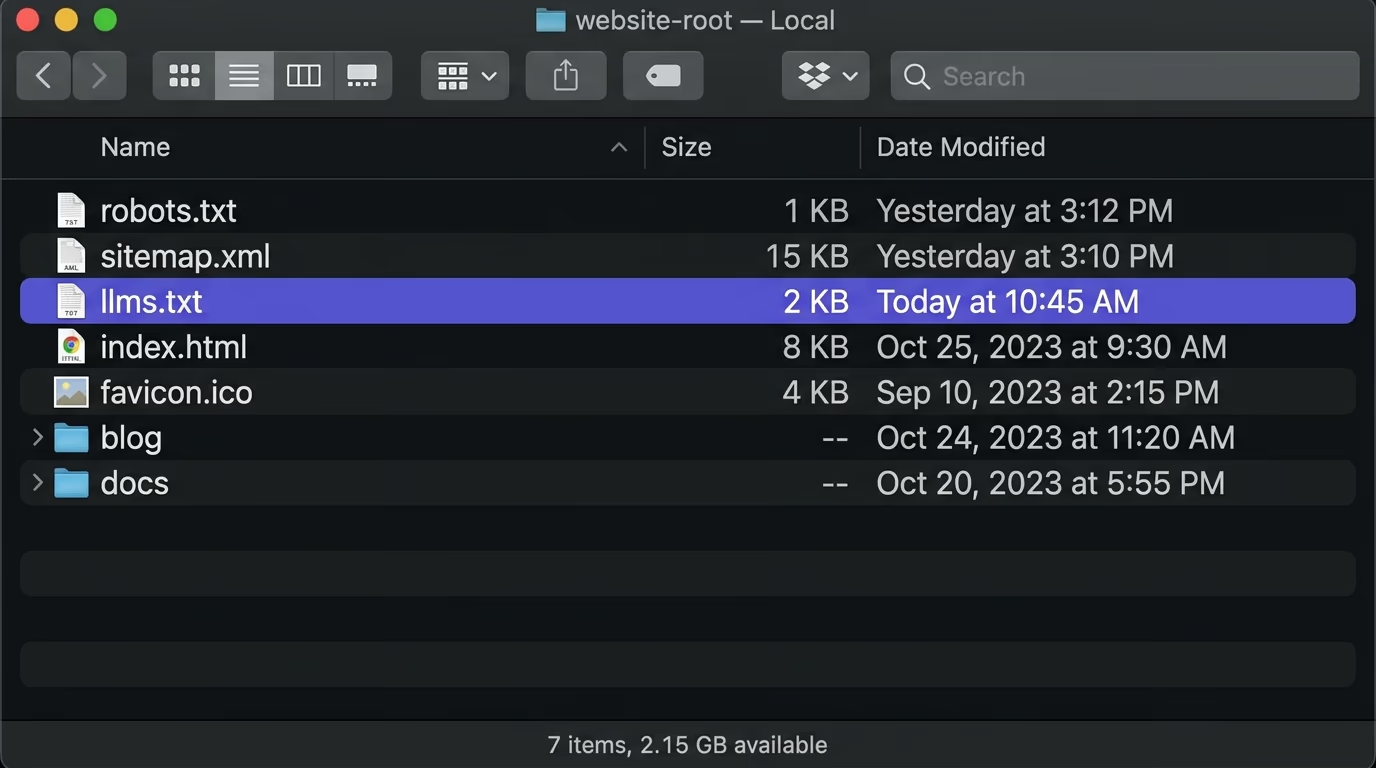
llms.txt is a plain markdown file you place at the root of your site, at yourdomain.com/llms.txt, that gives large language models a clean, curated map of your most important content. It was proposed in 2024 by Jeremy Howard of Answer.AI as an AI-era companion to two files you already know. The first is robots.txt, which tells crawlers where they may and may not go. The second is sitemap.xml, which lists every URL on your site for search engines to find.
llms.txt does something different from both. It doesn’t control access and it doesn’t list everything, it hands a model a short, human-written guide to what matters on your site and where to find it. The file is markdown because that’s clean and easy for a model to parse, it’s curated down to your best pages rather than all of them, and it’s written to be read by a language model rather than a search crawler. The simplest way to picture it is a friendly table of contents you wrote specifically for an AI.
The name follows that pattern on purpose. Just as robots.txt became the agreed place to talk to crawlers, the idea behind llms.txt is to give language models one predictable spot to look for a clean summary of your site. Nothing forces a model to read it, the same way nothing physically forces a crawler to obey robots.txt, but conventions like these work once enough people follow them, and this one spread quickly because it asks for so little: a single markdown file, written once, in a format anyone can read in a minute.
llms.txt vs robots.txt and sitemap.xml
It’s easy to lump these three files together, since they all sit at your root and all speak to machines, but they do genuinely different jobs. robots.txt is about permission: it tells crawlers which paths they’re allowed to visit and which to leave alone, and it says nothing at all about what your content means. sitemap.xml is about completeness: it lists every URL you want indexed so a search engine can discover all of them, with no judgment about which ones matter most. Both files have been standard for years, and both are written for search crawlers rather than language models.
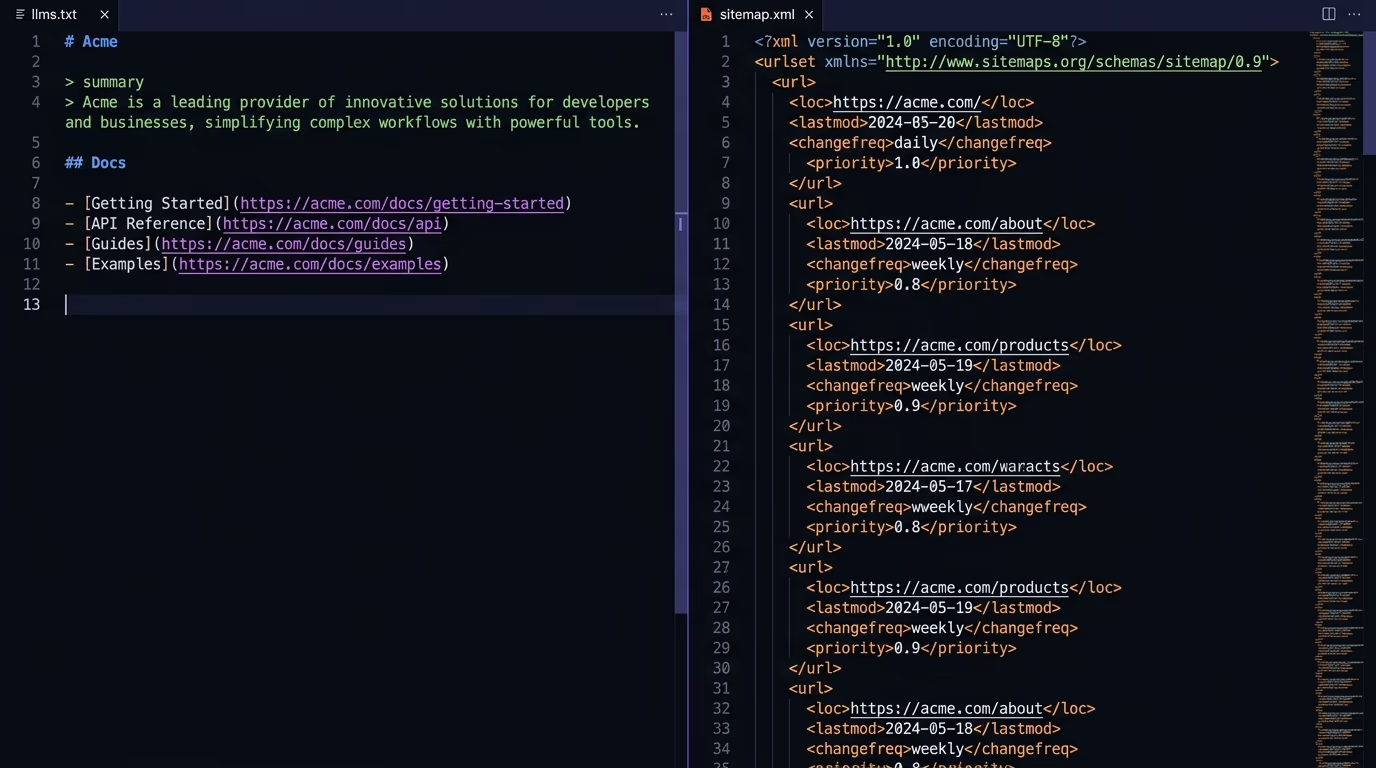
llms.txt is about curation, and that’s the whole difference. Instead of granting access or listing everything you have, it picks out the pages that matter and describes them in plain language for a model that was never going to crawl your entire site. A sitemap effectively says here is all of it, while llms.txt says here is what’s worth reading and why. The three are complementary rather than competing, because they answer three separate questions: where may a machine go, what exists on the site, and what actually deserves attention. Most sites can keep all three without any conflict.
What problem is llms.txt trying to solve?
Models do their best work from clean, focused text, and most websites hand them the opposite. A language model has a limited context window, so it can’t read your entire site at once, and when it does fetch a page, your actual content is usually buried under navigation, ads, cookie banners and a layer of JavaScript that makes the raw HTML noisy and hard to follow. The model ends up spending its attention parsing your layout instead of your ideas.
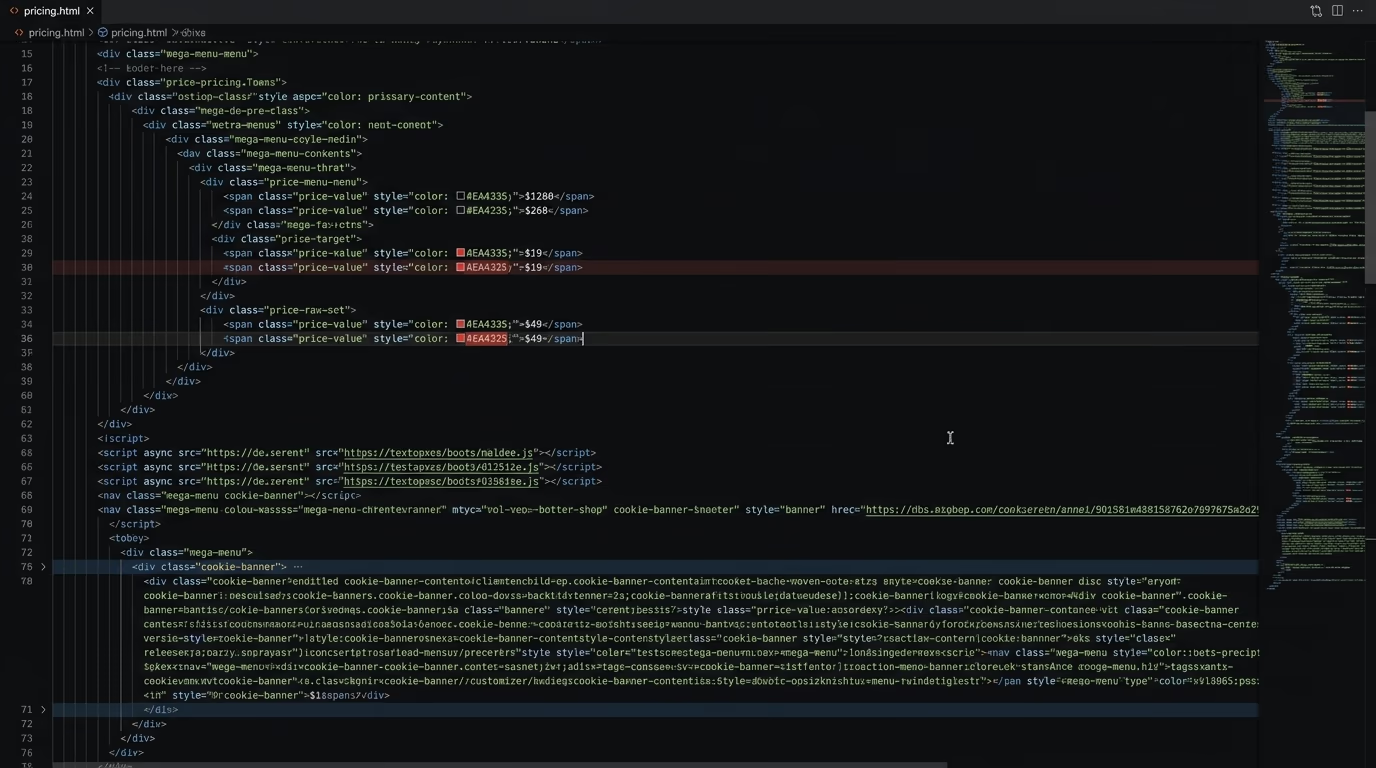
A concrete example makes this obvious. Picture a model trying to answer a question using your pricing page. A human sees three clean tiers, but the raw HTML the model receives might be two thousand lines of nested divs, analytics tags, a cookie banner, a mega-menu and a chat widget, with the actual prices scattered somewhere in the middle and a couple of numbers only filled in after a script runs. The model has to reconstruct your meaning from that soup, and it often gets it slightly wrong, which is exactly how you end up misquoted in an answer.
llms.txt is meant to cut through that. Rather than making a model crawl your site and guess which pages matter, it points straight at a curated shortlist of your key pages, each with a sentence of context, and it often links clean markdown versions of those pages that strip away the clutter. The idea is to do for an AI what a good editor does for a reader: hand it the important parts, in a readable form, in the right order, so it doesn’t have to dig.
The llms.txt format, with a real example
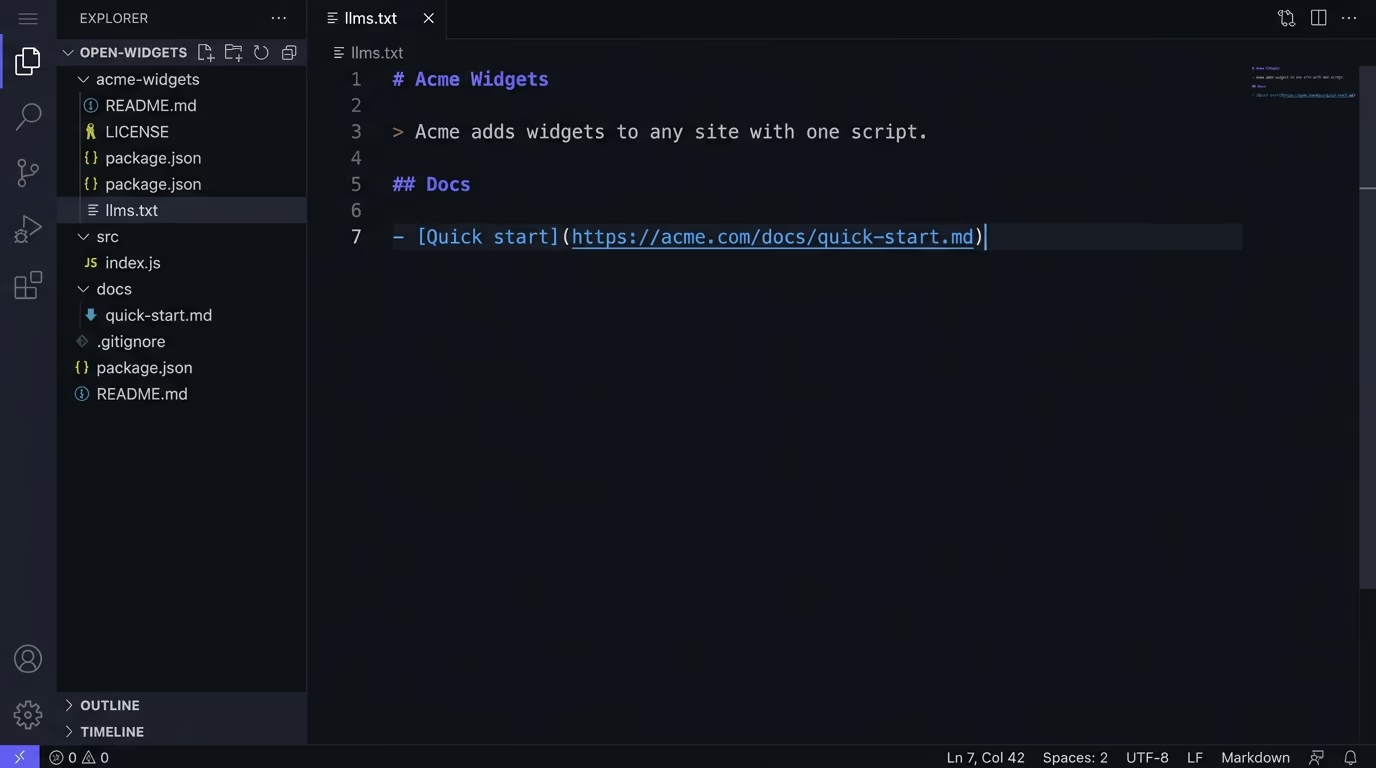
The format is deliberately plain markdown, and you can learn it in about a minute. It starts with an H1 title, which is the only required part, followed by a blockquote that gives a short summary. After that you can add a paragraph or two of detail, then one or more H2 sections that each hold a list of links, where every link is a markdown hyperlink followed by an optional colon and a short note. A special section called Optional signals links a model can skip when it needs a shorter version.
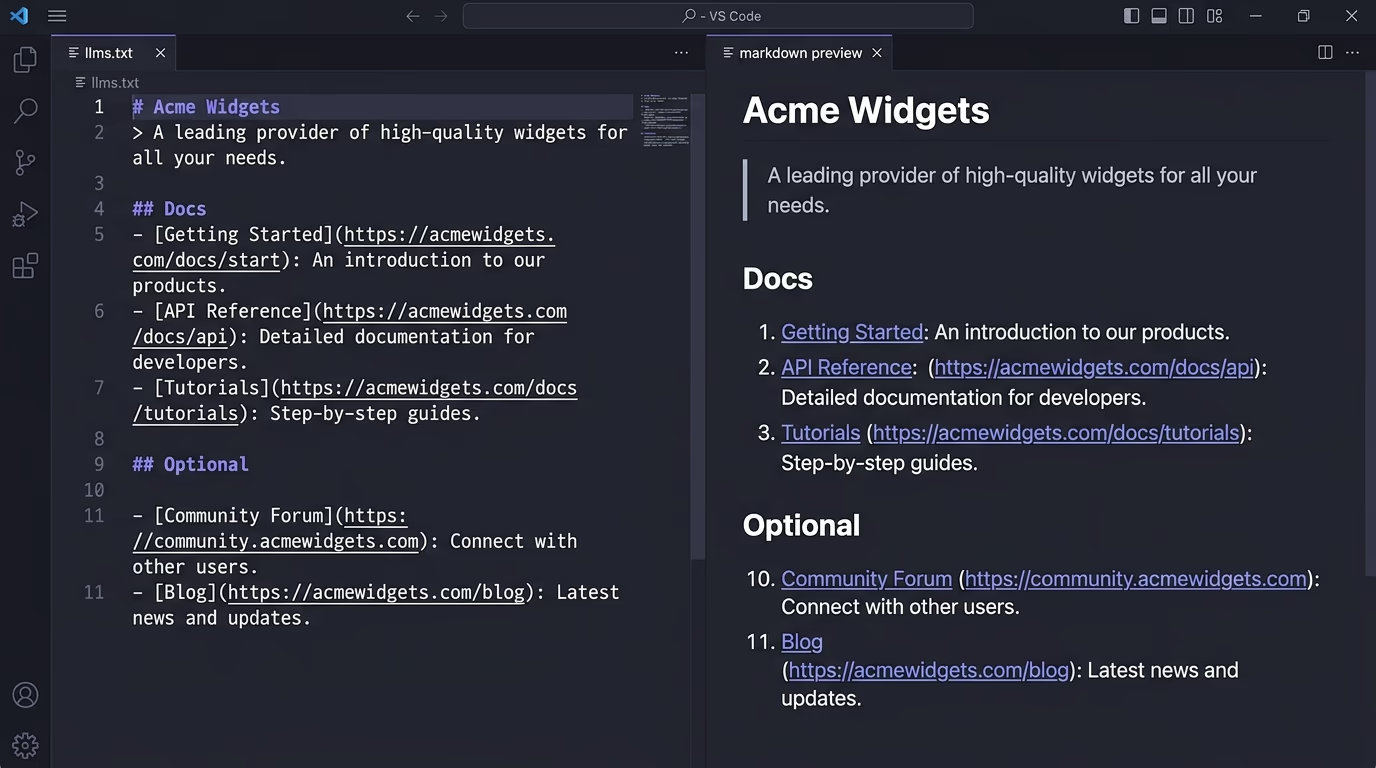
Here is a complete example for a small SaaS:
# Acme Widgets

> Acme Widgets adds forms, reviews and cookie consent to any site with one lightweight script.

Acme helps small teams add professional widgets without bloat or a stack of separate subscriptions.

## Docs

- [Quick start](https://acme.com/docs/quick-start.md): Install the script and add your first widget
- [Forms widget](https://acme.com/docs/forms.md): Build any form and send submissions to your CRM
- [Cookie consent](https://acme.com/docs/cookies.md): A GDPR banner that blocks scripts until consent

## Guides

- [SEO vs AEO](https://acme.com/blog/seo-vs-aeo.md): How search engines and answer engines differ

## Optional

- [Changelog](https://acme.com/changelog.md): Release history for people who want the detail
Notice that the links point at markdown versions of the pages, which many sites publish by adding a .md copy alongside the normal page. There is also a companion convention called llms-full.txt, which follows the same idea but inlines the full text of those pages into one large file, for a model that would rather have everything in a single place than follow a list of links.
A few details are worth getting right. The H1 title is the only part the spec actually requires, so everything else is there to help rather than to satisfy a rule, which means you should add only the sections that genuinely make your site clearer. The summary blockquote does a lot of work, because it’s often the first thing a model reads about you, so spend a sentence saying plainly what you do and who it’s for. And the Optional section is more useful than it looks: it lets a model drop the lower-priority links when it needs a shorter context, so put your changelog, archive and edge-case pages there and keep your core pages in the named sections above it.
How to create an llms.txt file
There are three sensible ways to make one, and they suit different situations. The most direct is by hand: open a text editor, follow the format above, list your genuinely important pages with a short note on each, and save the file as llms.txt. For a small site with a handful of key pages, this takes a few minutes and gives you full control over what a model sees first.
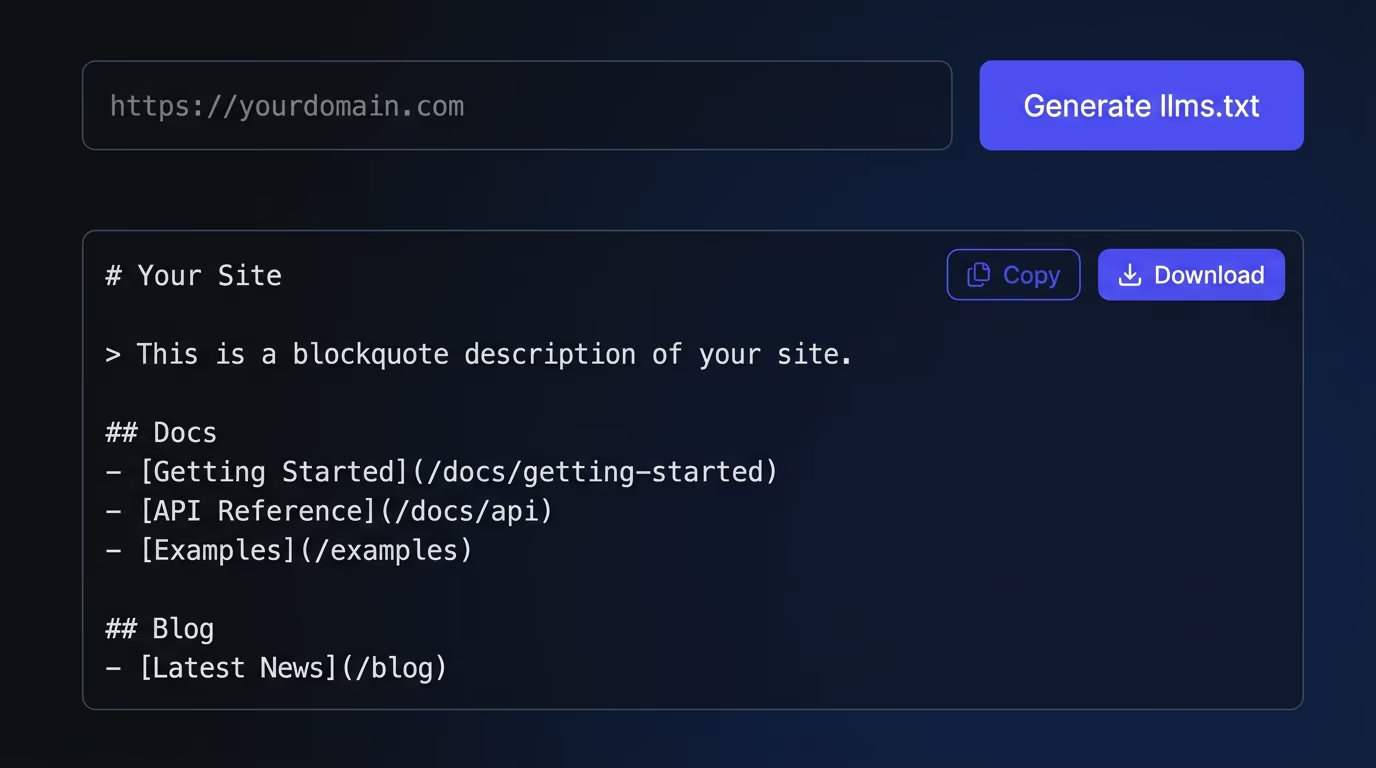
The second way is a generator. Several tools crawl your site and draft an llms.txt for you, which saves time on a larger site, though it pays to edit the result so it stays curated rather than turning into another dump of every URL. The third way is built into your platform: documentation tools like Mintlify and GitBook now output an llms.txt automatically, so if your content lives in one of those, you may already have a file without realizing it.
Whichever route you take, the same few rules keep it useful. Keep it curated to the pages that actually matter, since the whole point is a shortlist rather than a sitemap. Use clean absolute URLs, link markdown versions of pages where you can, and write the summaries for a human even though a machine will read them. Then upload the file to the root of your domain so it resolves at yourdomain.com/llms.txt, and check it loads.
The most common mistake is treating the file as fire-and-forget. An llms.txt that points at three pages you deleted six months ago is worse than none, because it actively misleads anything that reads it, so update it when your site changes the way you would update a sitemap. The second most common mistake is letting a generator turn it into a wall of every URL you own, which throws away the one advantage the format has over a sitemap. Keep it short, keep it current, and keep it honest about what’s actually worth reading.
One extra step separates a good llms.txt from a great one: publishing clean markdown versions of the pages you link. Many sites now serve a .md copy of each important page alongside the normal HTML, so a model following your llms.txt lands on pure content instead of the cluttered page a browser renders. You don’t have to do this for the file to be valid, and a plain link to your normal page still works, but if you’ve gone to the trouble of curating a map, pointing it at clean text is the step that makes the whole effort pay off.
Does llms.txt actually work? The honest answer
Here is the part the hype skips. As of 2026, no major AI provider has officially confirmed that it uses llms.txt to find or rank your content, and the usage data is sobering. Studies of large numbers of sites have found that the great majority of llms.txt files receive few or no requests at all, and Google’s own search advocate has compared the idea to the old keywords meta tag, a signal that engines learned to ignore because it was too easy to game. If you were promised that adding this file would get you cited by ChatGPT next week, that promise was oversold.
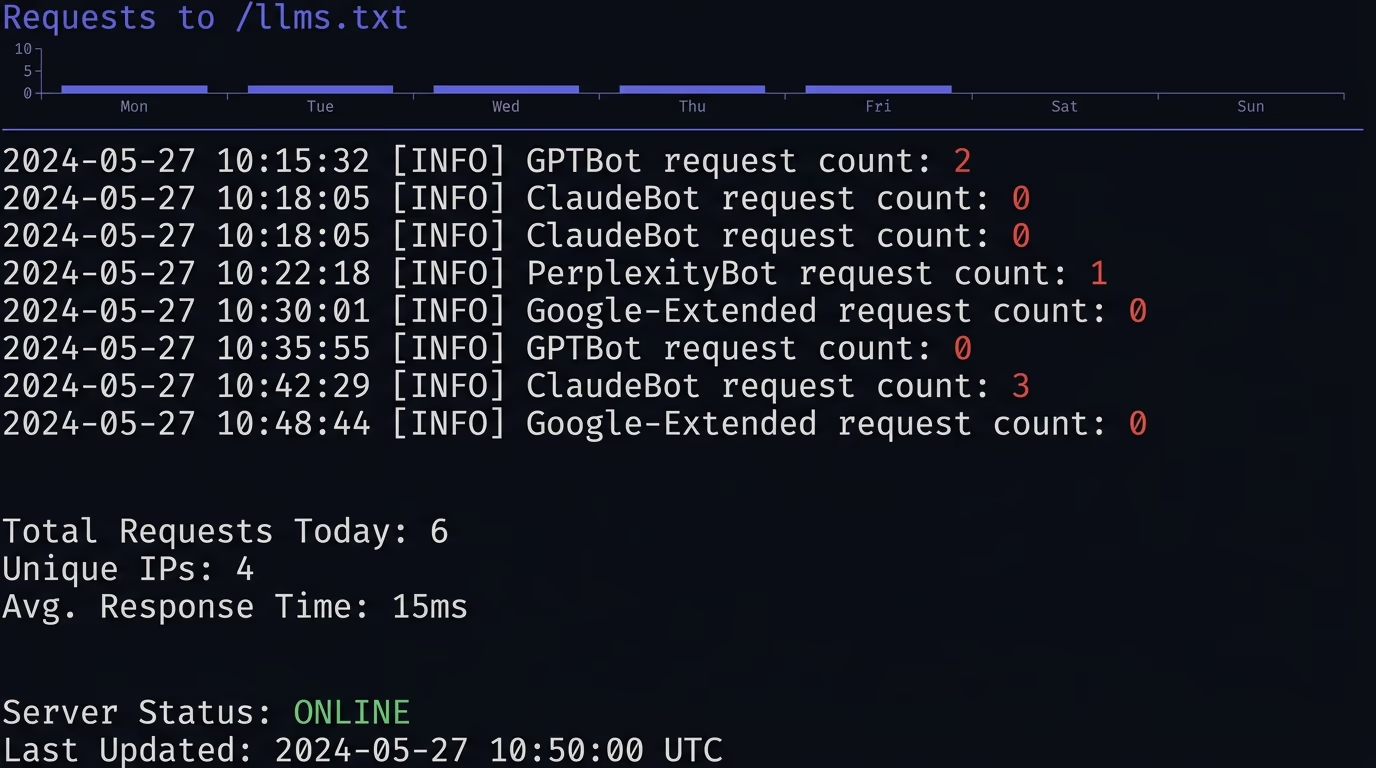
The honest read is more balanced than either the hype or the dismissal. Adoption is genuinely real on one side of the web: documentation platforms, developer tools and AI companies themselves publish an llms.txt, and agentic browsing is starting to lean on it, with Chrome’s Lighthouse now including an llms.txt audit. The file also costs almost nothing to add and does no harm. So the fair conclusion is that llms.txt is a low-effort, forward-looking convention that may pay off as more tools adopt it, rather than a lever that moves your visibility today. Add it if it’s cheap for you, keep your expectations modest, and never treat it as a replacement for content a crawler can already read.
The direction worth watching is agentic browsing, where an AI tool actively works through a site to complete a task rather than just answering from memory. That’s the setting where a clean, curated map of your content has the most obvious value, because the agent benefits from being pointed at the right page instead of crawling around, and it’s why tooling like Chrome’s Lighthouse has started to check for the file at all. None of that is a guarantee, since conventions like this live or die on whether the big platforms adopt them, but it’s the reason a low-cost file with an uncertain payoff is still a reasonable bet for a forward-looking site. You’re spending a few minutes now against the chance it matters more later.
It also helps to separate two claims people make about this file. The weak claim, that it gives a willing tool a cleaner and faster read of your content, is reasonable and already true for the tools that support it today. The strong claim, that adding the file will lift how often ChatGPT or Google cites you, is the one with no evidence behind it yet. Keeping those two apart saves you from both the hype and the eventual backlash, because you can add the file for the sensible reason without pretending it’s a growth hack that will move your numbers next week.
How to check whether you have one
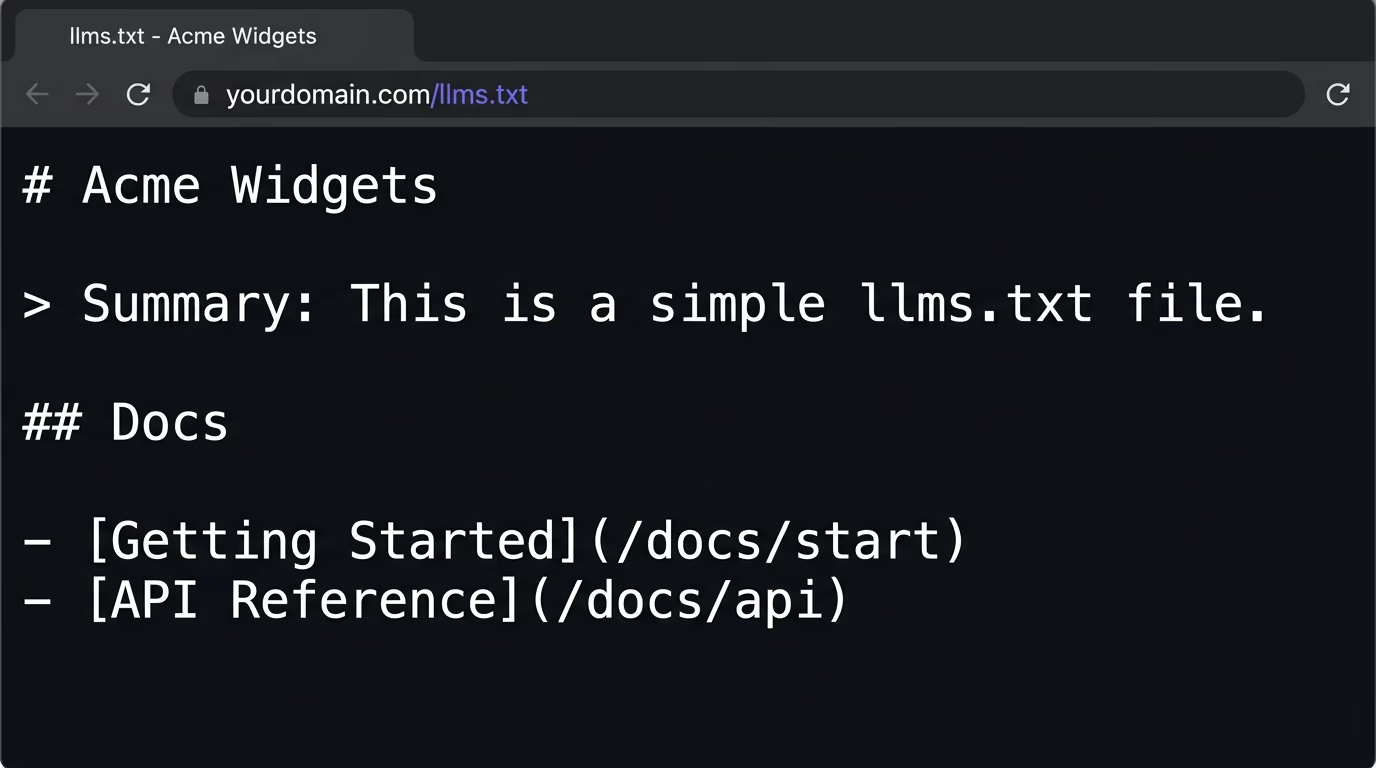
Checking whether you already have a file is the easy part of this. Open yourdomain.com/llms.txt in a browser, and if you get a 404 you don’t have one yet. If a file loads, read it and confirm it actually points at your best pages with useful summaries rather than a stale auto-generated list. That two-minute check tells you where you stand on this particular file.
A missing llms.txt is usually the smallest of the things keeping you out of AI answers, though. The bigger problems are content that only appears after JavaScript runs, missing schema markup, and AI crawlers quietly blocked in your robots.txt, and those will sink you long before the absence of one text file does. Amabrik’s SEO/AEO scan checks for a missing llms.txt as one of its answer-engine signals, alongside those larger gaps, and hands you a plain-English fix for each one. You find out in a single pass whether an AI can read your pages, understand them, and find them, with llms.txt included in the picture rather than treated as the whole story. The scan docs explain what each finding means.
So, is llms.txt worth it?
llms.txt is a clean, curated map of your site written for an AI, simple to create, with an honest “maybe” hanging over whether models read it yet. If you run documentation or a content-heavy site, go ahead and add one, because it’s cheap, tidy, and lines you up for whatever the tools do next. If you run a small brochure site, it can wait without costing you anything real.
Either way, spend your first hour where it actually counts: get your content into the raw HTML, mark it up with schema, and make sure you haven’t blocked the AI crawlers by accident. Do those, add a tidy llms.txt on top, and you’ve covered both the convention everyone’s talking about and the fundamentals that genuinely decide whether you show up. If you want to see where you stand across all of it, run a free AEO check or the full SEO/AEO scan and fix what it ranks first.
llms.txt is a plain markdown file you place at the root of your site, at yourdomain.com/llms.txt, that gives AI models a clean, curated map of your most important pages. It has a title, a short summary, and lists of links with a sentence of context each. It was proposed in 2024 as an AI-era companion to robots.txt and sitemap.xml.
At the root of your domain, so it resolves at yourdomain.com/llms.txt, the same place your robots.txt lives. Models and tools that support it look for it there by convention, so a file buried in a subfolder will not be found.
Not officially yet. As of 2026 no major AI provider has confirmed using llms.txt to find or rank your content, and studies show the large majority of these files get few or no requests. It is an emerging, low-cost convention that some AI tools and agentic browsers are starting to check, so treat it as a forward-looking bet rather than a guaranteed ranking boost.
llms.txt is a short, curated index of links and summaries that points a model at your key pages. llms-full.txt is an expanded version that inlines the full text of those pages into one file, for when a model wants everything in a single place instead of following links.
You can write it by hand in markdown following the format, use a generator that crawls your site and drafts one, or let a docs platform like Mintlify or GitBook output one for you. Keep it curated to your genuinely important pages with clean absolute URLs, then upload it to your root so it resolves at /llms.txt.
If you have documentation or a content-heavy site, it is a cheap, tidy thing to add that may help as AI tools adopt it. If you run a tiny brochure site, it is low priority. Either way, it is not a substitute for content a crawler can actually read, so fix the bigger gaps first and treat llms.txt as a small bonus on top.