Vibe Coding Security Risks (and How to Fix Them)
Vibe coding ships fast and leaks secrets by accident. The real security risks of vibe coding, the mistakes behind most leaks, and how to catch them.

Vibe coding is one of the best things to happen to building software in years. You describe what you want to a tool like Cursor, Lovable, v0, Bolt or Claude, it writes the code, and an idea that used to take a month ships over a weekend. The catch is the part nobody mentions in the demo: the AI is brilliant at making things work and largely indifferent to making them safe, so a vibe-coded app tends to ship with exactly the security holes you never thought to ask it to close.
None of that is a reason to stop, only a reason to learn what tends to go wrong, because the mistakes are predictable and the fixes usually take a few minutes each. This guide covers the security risks that come bundled with vibe coding, the handful of mistakes behind nearly every leak, and how to catch them on your own site without being a security engineer or slowing down the part that makes vibe coding worth doing.
What is vibe coding, and why is it risky?
Vibe coding is building software by describing what you want to an AI and shipping the code it writes, often without reading every line of it. The risk is baked right into that definition: you’re deploying code you didn’t fully review, written by a model that optimizes for “this runs” rather than “this is safe.” The speed that makes vibe coding feel like magic is the same speed that means nobody’s eyes are ever on the security-sensitive parts.
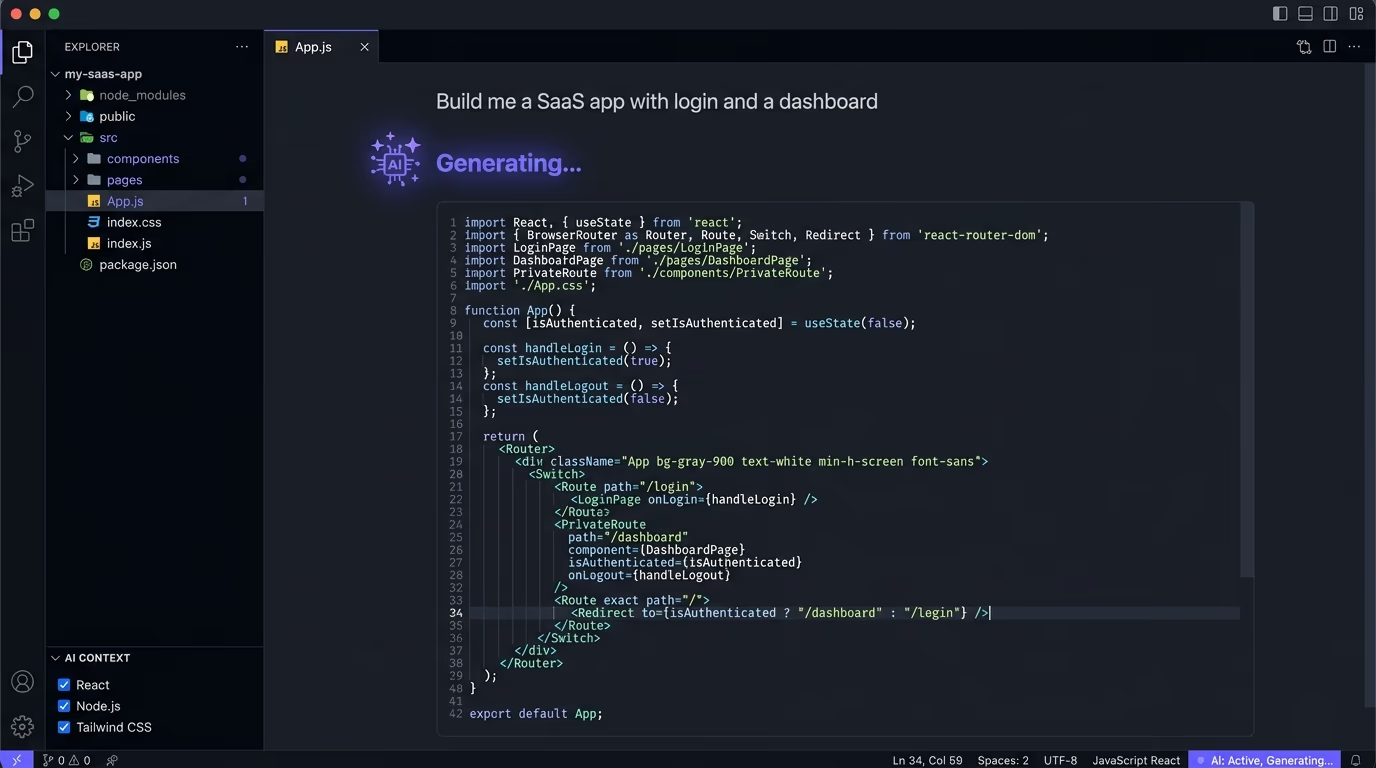
For a weekend prototype with fake data, that trade is completely fine and you should make it happily. The trouble starts the moment the thing has real users, real payments and a real database, because the gaps that shipped quietly with version one are now genuine exposure with someone else’s data behind them. The people getting burned by this aren’t careless, they’re moving fast with powerful tools that don’t warn them when they’ve left a door open, which is why the same handful of mistakes shows up again and again.
It helps to be clear about who this actually hits, because the people getting caught are rarely careless developers. They’re the founder who shipped a real SaaS on Lovable in a week, the marketer who built an internal tool with v0, the indie hacker who let Cursor write the whole backend while they focused on the product. These are exactly the people vibe coding was made for, and exactly the people least likely to know that a database needs its access rules switched on or that a NEXT_PUBLIC_ prefix is a one-way ticket to the browser. The tools made building accessible to them without making security accessible too, and that gap is where the risk quietly lives.
The AI writes code that works, not code that’s safe
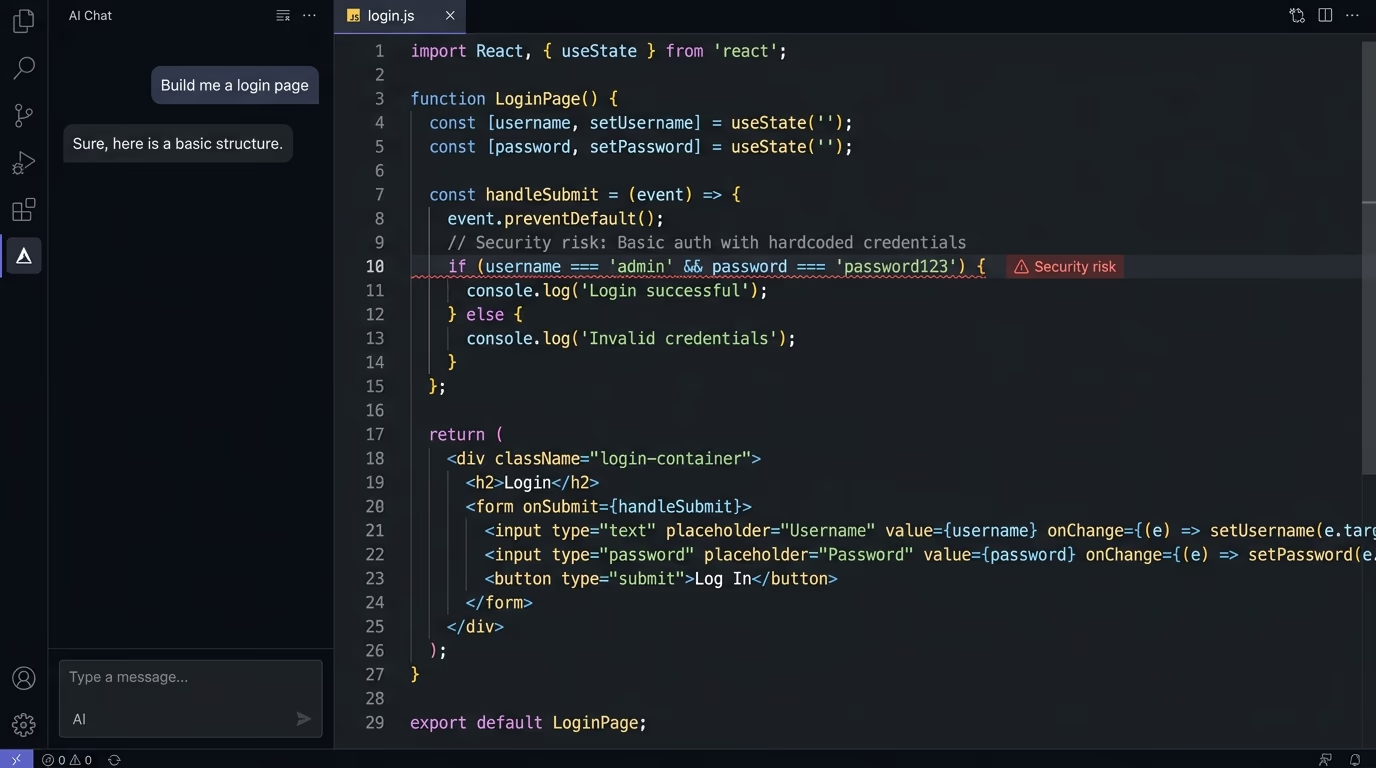
The core reason vibe-coded apps leak is almost embarrassingly simple: the model does exactly what you asked, and you didn’t ask it to be secure. When you say “let users save their profile,” the AI builds a working save feature, and “make sure one user can’t edit another user’s profile” was never in your prompt, so it never made it into the code. Security tends to live in the requirements you don’t think to write down.
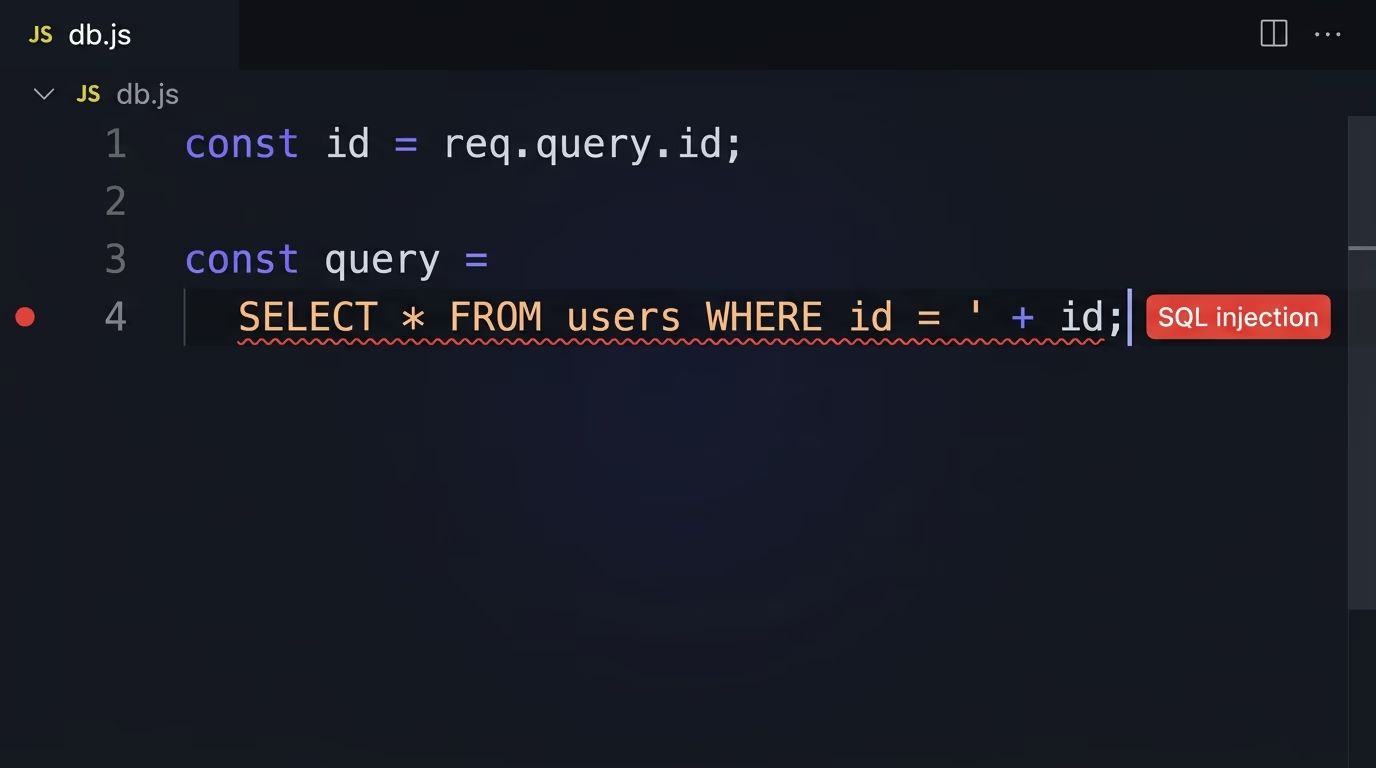
So the model fills those gaps with the simplest thing that works, which is rarely the locked-down thing. It will cheerfully hardcode an API key, skip the check for who’s allowed to do an action, trust whatever the browser sends it (opening the door to SQL injection), and leave a database open, because every one of those choices makes the feature work and not one of them produces an error. The code runs, the demo looks great, and the hole sits there invisibly until someone curious goes looking. Understanding this one thing, that the AI optimizes for working rather than safe, explains every specific mistake below.
A small example makes it concrete. Ask an AI to build a feature where users can delete their own posts, and you’ll get a working delete endpoint that takes a post id and deletes that post. What you usually won’t get, unless you asked for it by name, is the check that the post actually belongs to the person making the request. The feature works flawlessly in testing, because in testing you only ever delete your own posts. Then a curious user changes the id in the request to point at someone else’s post, finds they can delete anyone’s, and the hole was invisible the whole time because nothing ever threw an error. That shape, a feature that works for the happy path and trusts the user for everything else, is the signature of vibe-coded code.
Exposed API keys and secrets
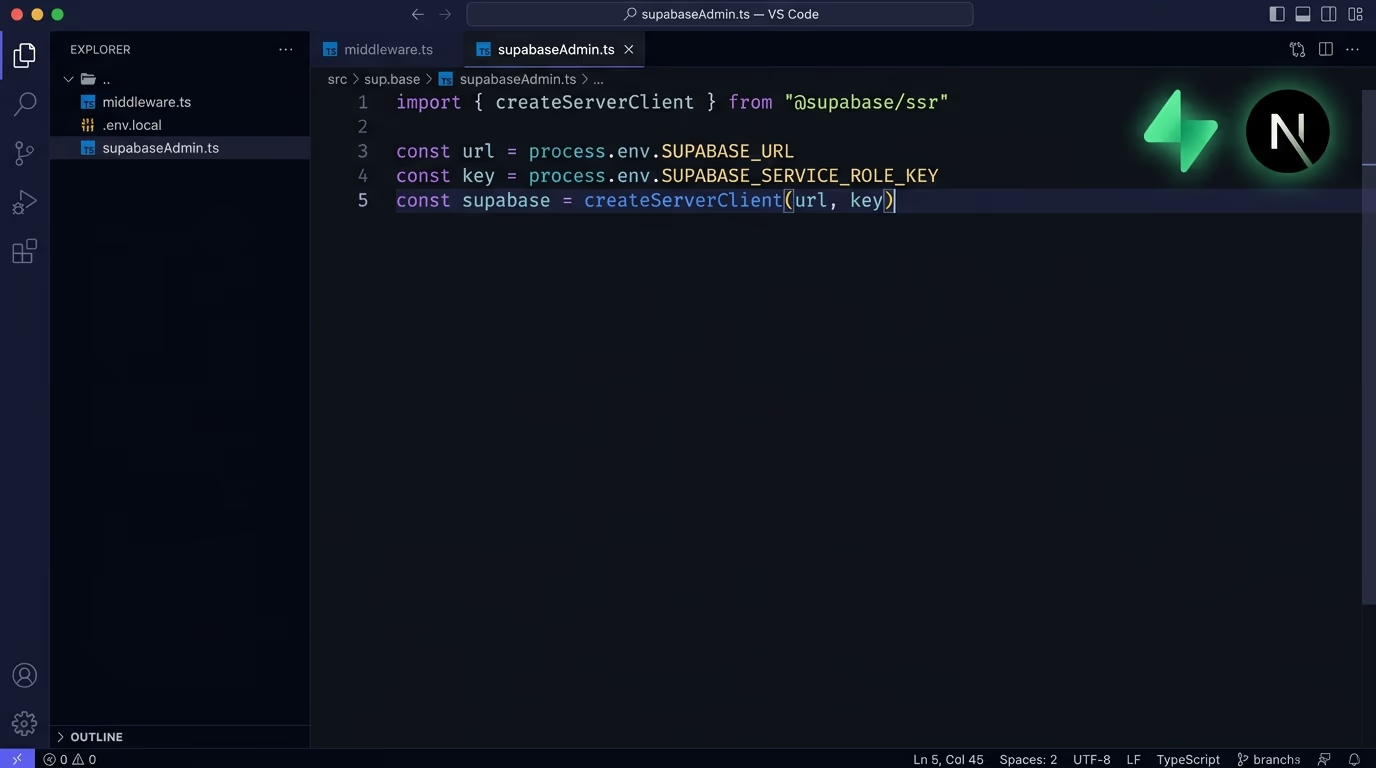
The most common and most expensive mistake is a secret key shipped somewhere anyone can read it. Vibe-coded apps routinely paste an API key straight into client-side code, or tuck it behind a NEXT_PUBLIC_ variable in a Next.js project, which bakes it into the JavaScript bundle that every single visitor downloads. The key feels hidden because you can’t see it on the page, and it’s sitting in plain sight in the source.
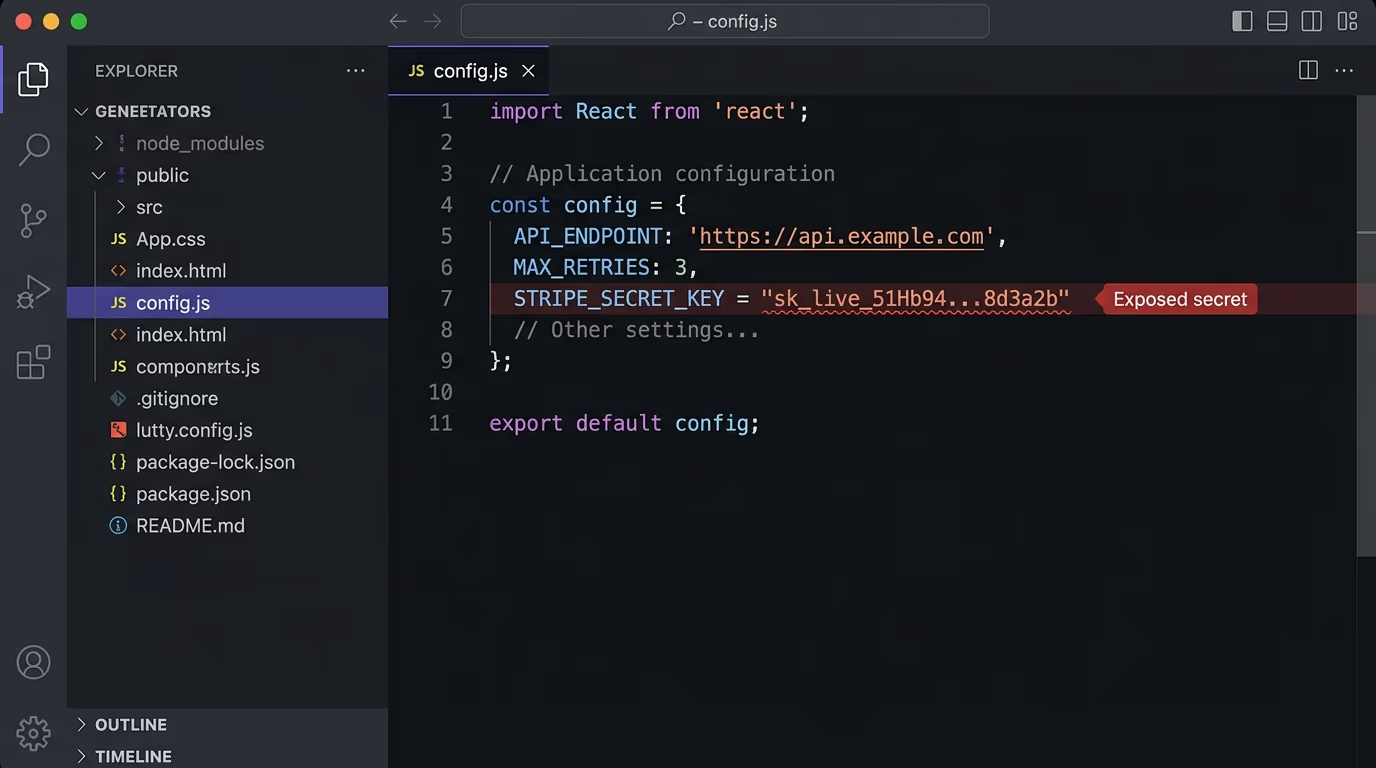
The damage depends on which key leaks, and it’s never good. A Stripe secret key lets whoever finds it charge cards and move money. An OpenAI or other AI provider key lets a stranger run up a bill in your name. A Supabase service_role key hands over full admin access to your entire database, no password required. The rule is short: any secret that grants access or spends money belongs on the server only, never in the browser, never in a NEXT_PUBLIC_ variable. If you’re on this exact stack, the guide to securing a Next.js and Supabase app walks through where each key should live.
Spotting this is easier than breaking the habit. Open your live site, view the page source or the network tab in your browser, and search for anything shaped like a key: a long string starting with sk_, a token, a value labelled key or secret. If it’s there, your problem is there too, because if your own browser can read it, so can anyone else’s. The lasting fix is to treat the two kinds of key differently from the very first line: a public or anon key is designed to be seen and is fine in the browser, while a secret key must never leave the server, and anything sensitive should run through a small server endpoint instead of calling the provider straight from the front-end.
Secrets committed to your git repo
The second leak is the .env file pushed to git, and it catches people who did everything else right. The AI tool creates a .env with your real keys so the app can run locally, you commit your work, and if the repository is public those keys are now public too. Even in a private repo, git keeps a full history, so a secret stays recoverable long after you delete the file in a later commit, which means deleting it is not the same as removing it.
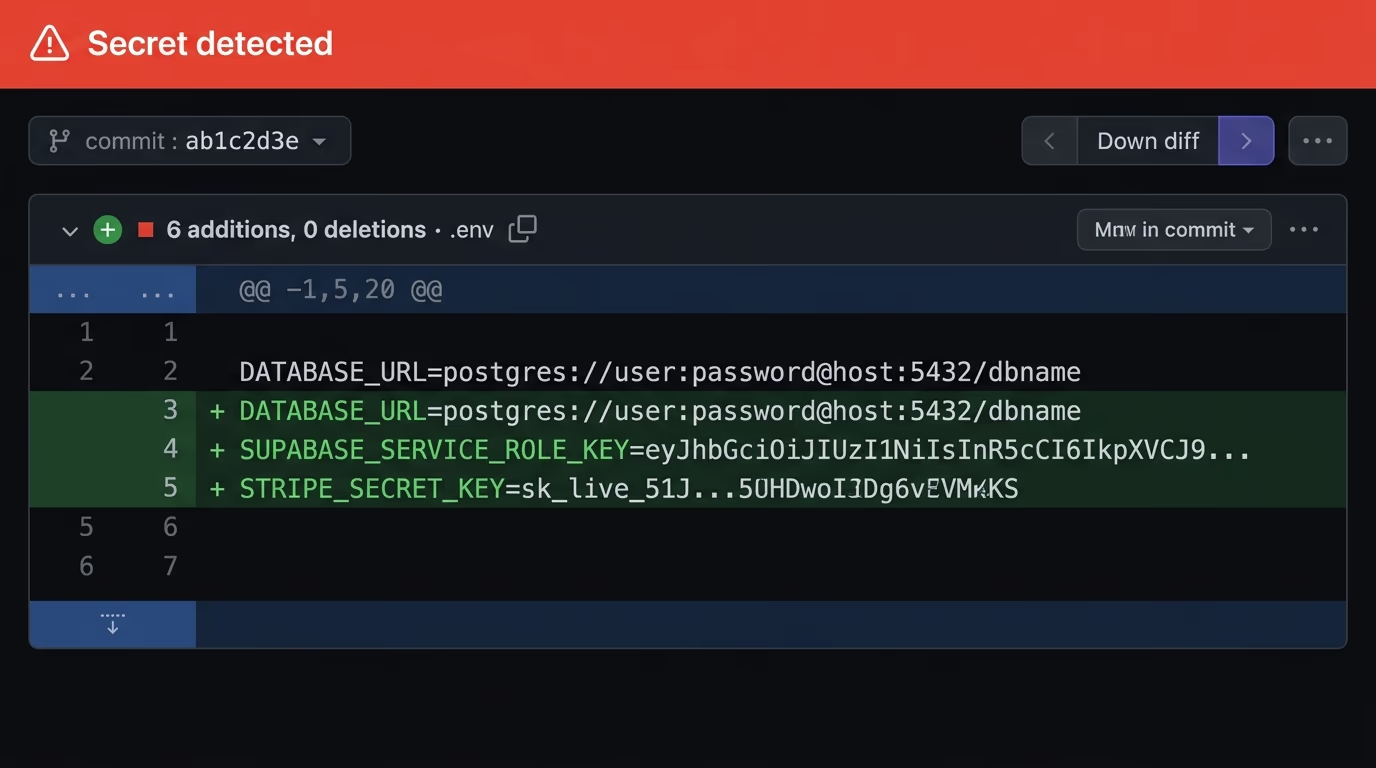
This mistake is actively hunted out in the open. Automated bots scan new public commits on GitHub for anything shaped like a key, and a leaked secret can be found and abused within minutes of the push, faster than you’ll ever notice it yourself. The fix is to add your .env files to .gitignore before the first commit, commit a .env.example with empty placeholders so teammates know what to set, and if a real key has already been pushed, treat it as compromised and rotate it, because you have to assume it was copied the instant it went public.
A database left wide open
The scariest mistake of all is a database that anyone can read or write. Supabase and Firebase both expose your data through an instant API, and that API is only safe if you switch on the access rules, which means Row Level Security in Supabase and security rules in Firebase. A vibe-coded app very often ships with those rules turned off, because the app works perfectly well without them during development, so there’s no error or warning to prompt you to add them.
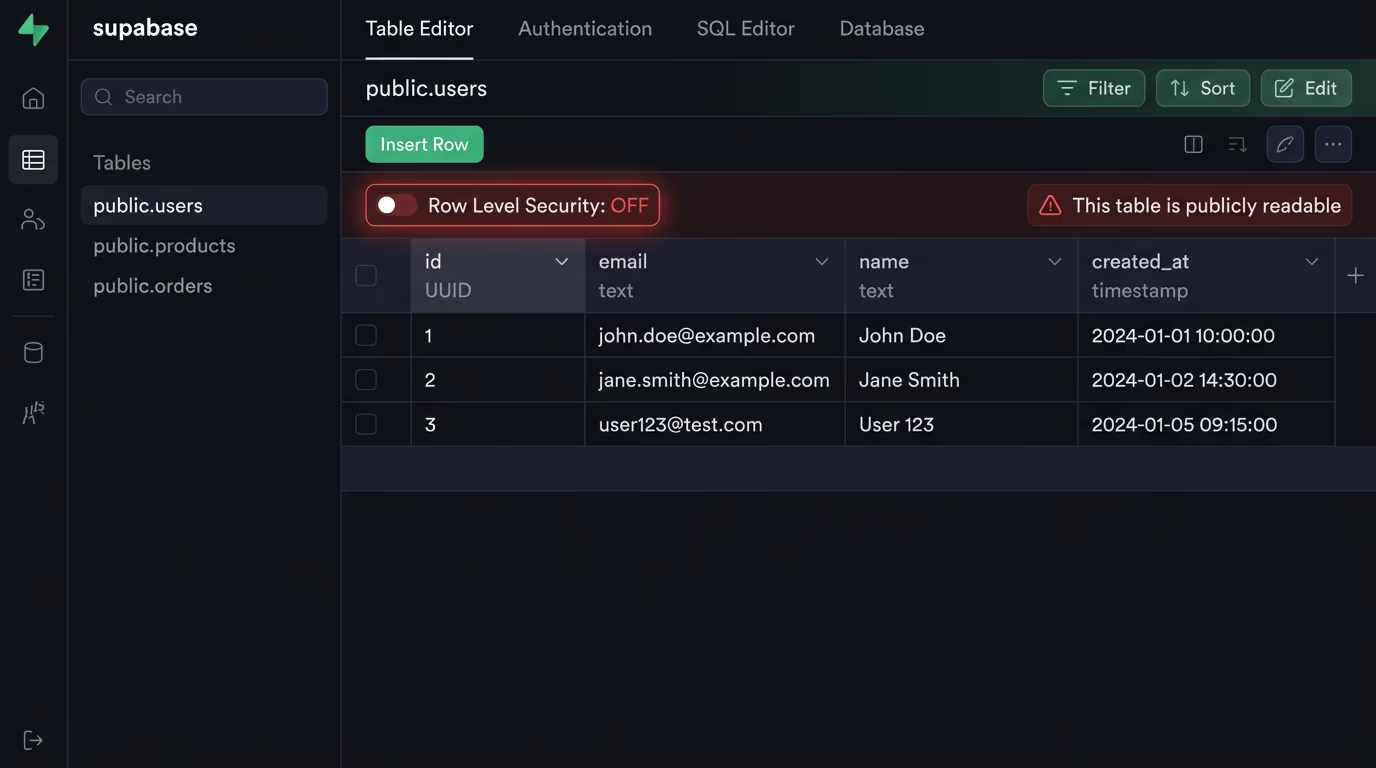
With the rules off, anyone holding your public key, which ships to every browser by design, can query the table directly and pull every row in it, with no login and no limit. Add a service_role key accidentally left in the front-end and a stranger can not only read everything but change and delete it too. The fix is to enforce access where the user can’t touch it: turn on the database rules so each person only reaches their own data, and check permissions again on the server, treating the interface as a convenience rather than the thing actually keeping anyone out.
This is the mistake that produces the headlines, and it’s nearly always an accident rather than negligence. The pattern repeats with grim regularity: a fast-built app talks straight to Supabase or Firebase from the front-end, the access rules were never enabled because everything worked fine without them, and months later a researcher or a bad actor points a simple script at the public API and walks off with every user record. The owner is usually stunned, because from the inside the app looked completely normal the entire time. These databases aren’t unsafe by nature, they hand you the safety switch and trust you to flip it, and a vibe-coded app is precisely the kind that ships with it still off.
The basics nobody remembered to add
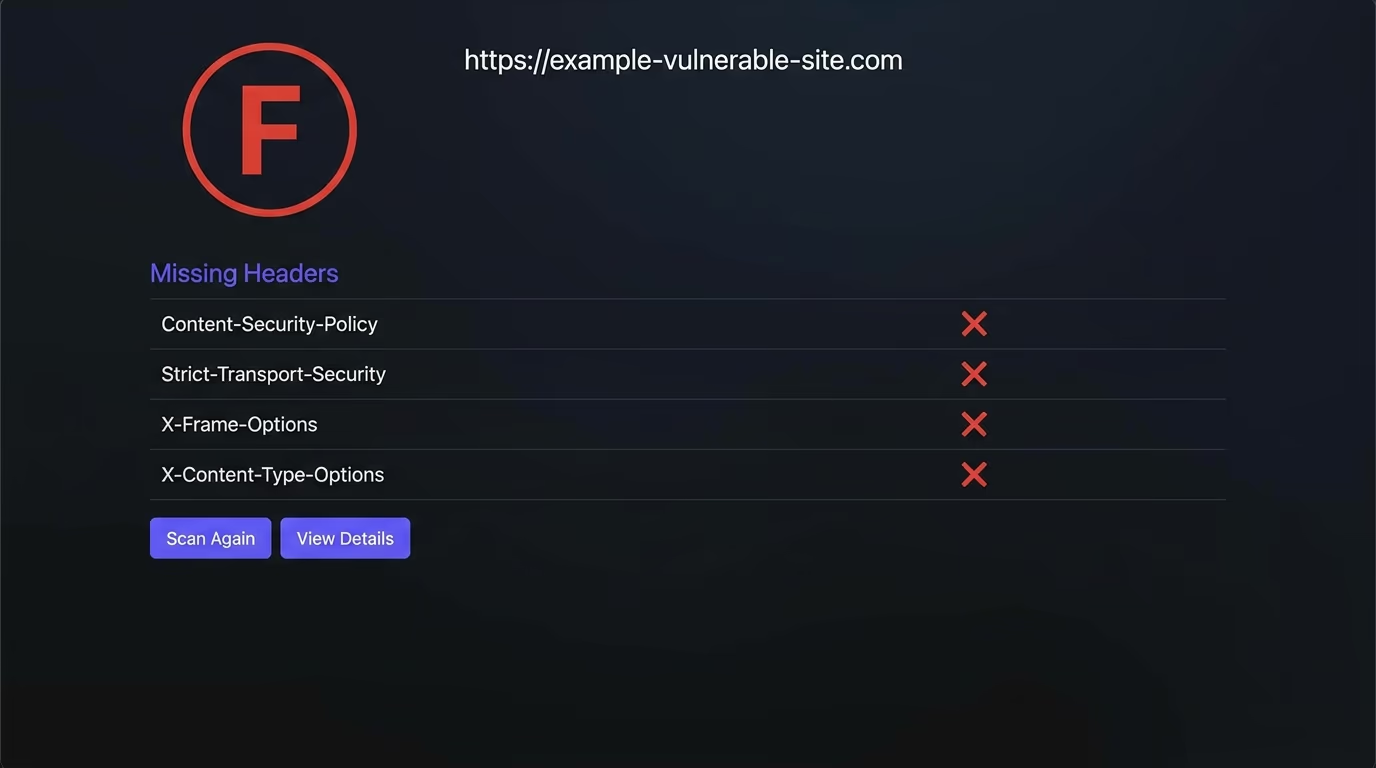
Beyond the big leaks sits a pile of small things the AI simply never adds unless you ask. Security headers like Content-Security-Policy, Strict-Transport-Security and X-Frame-Options block whole classes of attack, and Next.js along with most setups ship none of them by default. Debug mode gets left switched on in production, where it cheerfully prints stack traces and configuration to anyone who triggers an error. Admin panels and test routes get deployed and stay reachable by anyone who guesses the URL, and verbose error messages hand an attacker a free map of how your app is built.
None of these are exotic or hard, and that’s exactly why they get skipped: each one is a checkbox nobody checked rather than a problem anyone solved. Any single one of them is a door left ajar, and together they’re the difference between an app that merely looks finished and one that’s actually ready for strangers on the internet. They take minutes to fix once you know they’re there, and the entire difficulty is knowing they’re there in the first place.
A quick pass closes most of them in an afternoon. Add the security headers in one config block and confirm they’re live with a free header checker. Switch debug mode off for production and make sure an error shows a friendly page rather than a stack trace full of clues. Delete or lock down any admin and test routes before you deploy, and change every default password and sample credential the AI scaffolded in while it was getting things working. None of it is glamorous, and all of it is the kind of thing you do once and then quietly benefit from forever.
How to catch all this without being a security expert
You can’t find most of these by reading your code, because you didn’t write the bulk of it and none of the holes announce themselves with an error. The only reliable way is to look at your live site the way an attacker would, from the outside, where the exposed key, the open database and the missing header all become visible. This is precisely where a scan earns its keep, especially for someone who vibe-coded their way to a real product without a security background to fall back on.
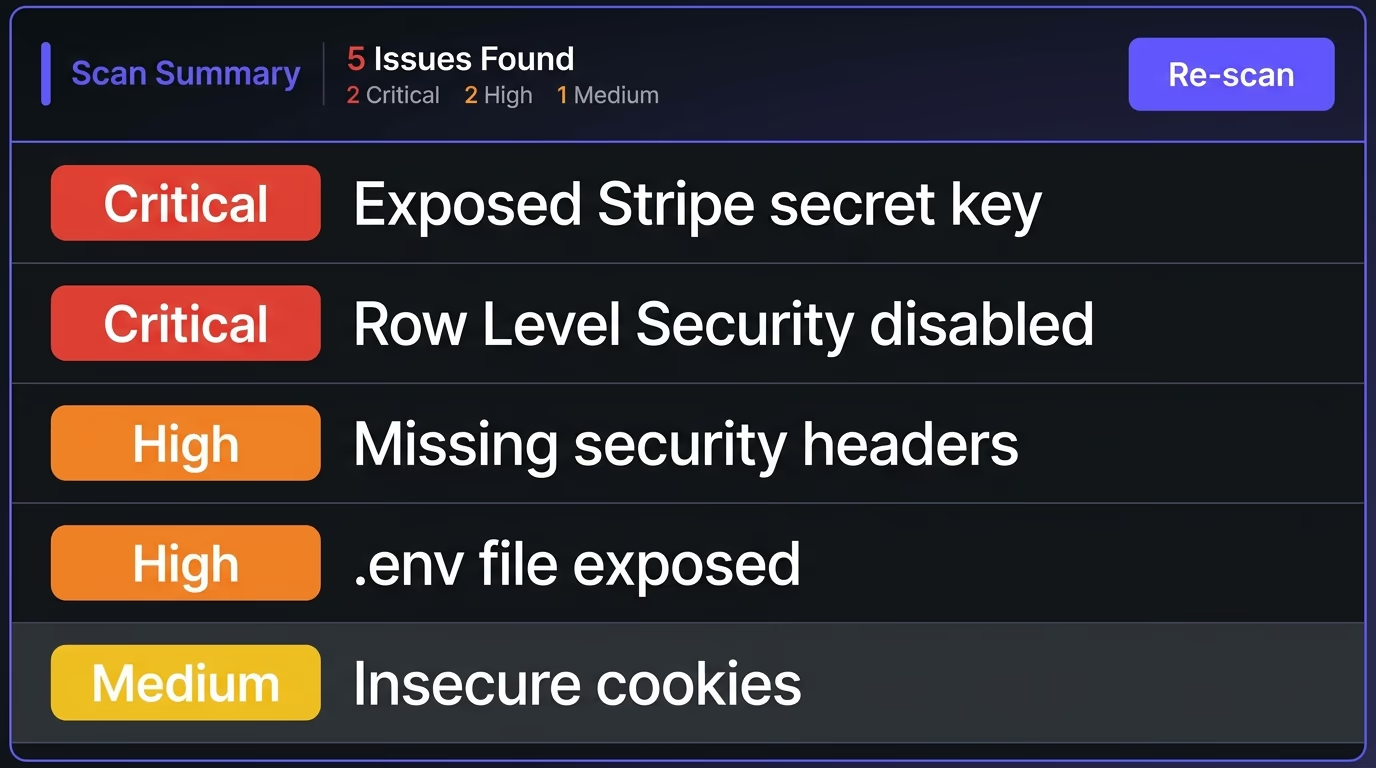
Amabrik’s security scan crawls your live site and report-only flags exactly these issues: leaked API keys for services like Stripe, AWS, OpenAI, GitHub and Supabase, exposed files such as .env and .git, databases with Row Level Security switched off, missing security headers and insecure cookies. Each finding comes with a plain-English explanation of why it matters and a copy-paste fix prompt you can hand straight back to the AI tool that built the app, so you go from “I genuinely don’t know if this is safe” to a ranked list of exactly what to change. The scan docs explain what each finding means and which to fix first.
The reason a scan beats a careful read is the same reason these bugs shipped in the first place: you can’t spot the absence of something you never knew to add, and you can’t easily audit code you didn’t write. A scan sidesteps both problems, because it tests the running app from the outside, the same surface an attacker sees, and reports what’s genuinely exposed rather than what the code was meant to do. The copy-paste fix prompts close the loop neatly too, since the AI tool that created a problem is usually the fastest thing to fix it once you hand it the exact change to make.
So, can you vibe code safely?
Yes, as long as you look before real users do. The speed of vibe coding is the entire point of it, and keeping that speed just means adding one step at the very end: scan your live app, fix what it flags, and rescan until it comes back clean. You ship as fast as you ever did, and you stop being one curious stranger away from a drained Stripe account or a database dumped onto a forum.
The mindset that keeps you safe is the same one that made vibe coding work for you in the first place: ship, see what breaks, fix it, and repeat. A scan simply adds the security check to that loop instead of leaving it out, which turns “I hope this is fine” into something you’ve actually confirmed. The people who get burned are almost always the ones who never looked at all, and looking takes only a few minutes against a risk that can quietly end a project.
Run through the same short list every time and the risk mostly evaporates: keep secrets off the client and out of git, turn on your database rules and check permissions on the server, add the headers and close the debug and admin doors, then scan to catch whatever slipped past. If you want a fast read on where your vibe-coded app actually stands, scan your site free or run the full security scan, fix what it surfaces, and ship the thing knowing it’s closed up rather than hoping it is. Vibe coding handed you the speed of a whole team for the price of a few prompts, and the only fair thing it asks back is one honest look at what shipped before you point real customers at it. Take that look, and you get the speed without the part that keeps you up at night.
Vibe coding is building software by describing what you want to an AI tool like Cursor, Lovable, v0, Bolt or Claude and shipping the code it writes, often without reading every line. It's fast and genuinely powerful, and it tends to produce code that works while quietly skipping the security parts you never thought to ask for.
It can be, but not by default. AI tools optimize for code that runs rather than code that's secure, so a vibe-coded app often ships with exposed keys, an open database or missing protections. It becomes safe once you actually check it; the real danger is shipping to real users without ever looking at the security side.
Exposed API keys sitting in client-side code, .env files committed to a public git repo, a database with row-level security turned off, no server-side checks on who can do what, missing security headers, and debug or admin routes left reachable in production. Almost every vibe-coding leak traces back to one of these.
Because the model is trained to produce code that satisfies your request and runs, and instructions like 'keep this key server-side' or 'lock down the database' are usually not part of the request. It fills the gap with whatever is simplest, which is rarely the secure option, and none of the insecure choices throw an error to warn you.
Run a security scan that looks at your live site the way an attacker would. Amabrik's security scan crawls your app and flags leaked API keys, exposed .env and .git files, databases with RLS off, missing headers and insecure cookies, and each finding comes with a plain-English explanation and a copy-paste fix prompt you can hand back to your AI tool.
Yes. Keep shipping fast, then run a scan before real users arrive, fix what it flags, and rescan until it comes back clean. The speed of vibe coding is the whole point, and a scan is simply the safety net that catches the holes the AI quietly left behind.