Exit Intent Popup: How It Works, When to Use It
Exit intent popups detect when visitors leave and display a targeted message. Learn how the technology works, when to use it, and when to skip it.

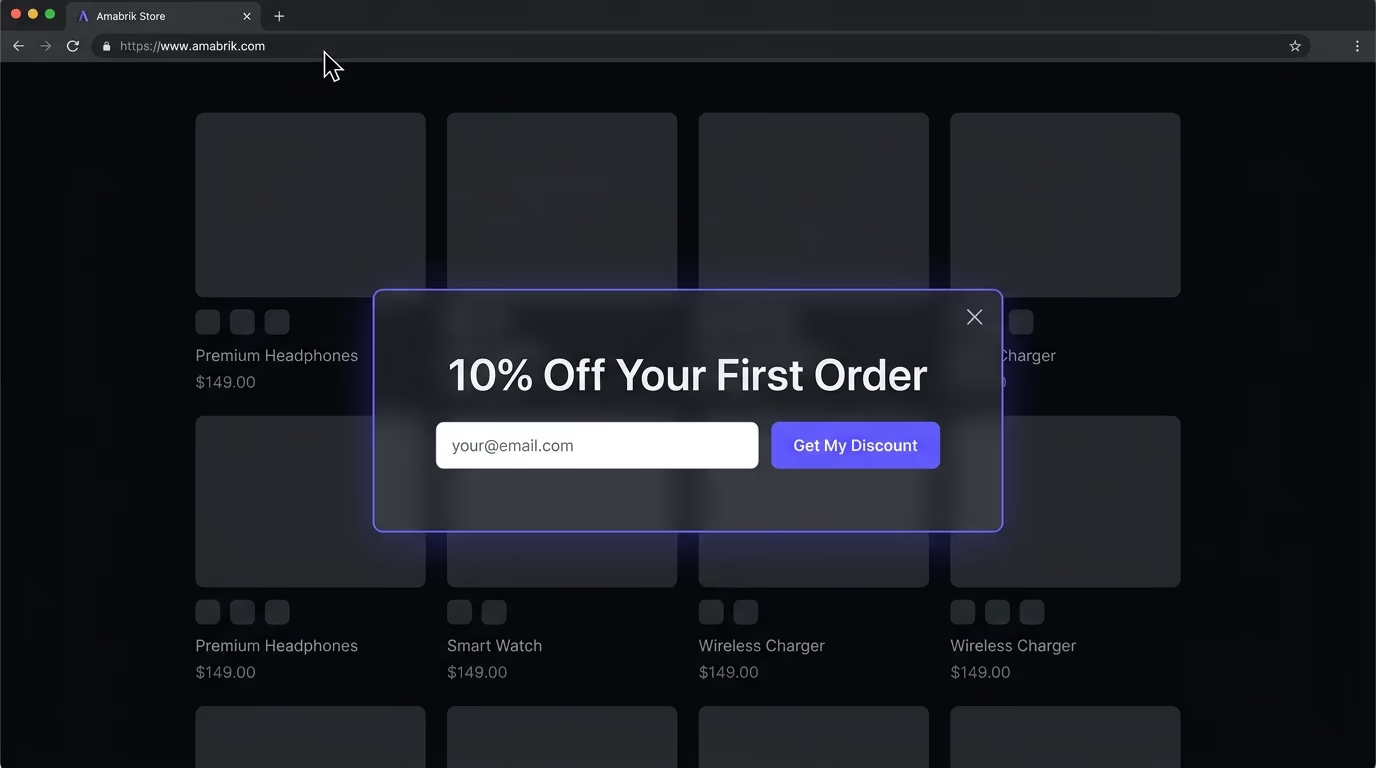
An exit intent popup detects when someone is about to leave your website and shows a targeted message before they go. It’s the most common way to recover visitors who would otherwise bounce without converting, subscribing, or engaging with anything on the page. This guide covers how exit intent detection actually works under the hood, where the technology performs best, and the situations where you’re better off without it.
What Is an Exit Intent Popup?
An exit intent popup is a message that appears when a website detects that a visitor is about to leave the page, typically by moving their cursor toward the browser’s close button or address bar on desktop, or by scrolling back up or tapping the back button on mobile.
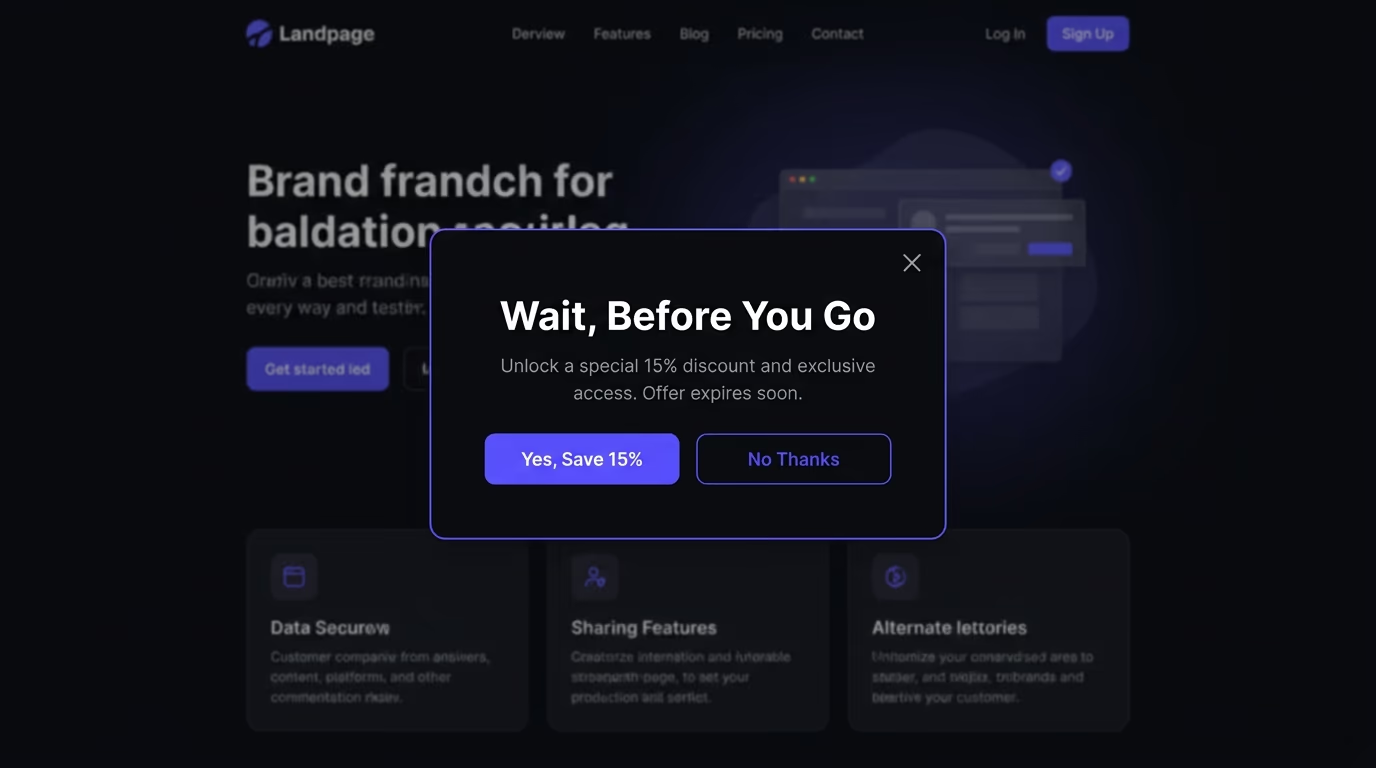
The popup intercepts that departure moment with something the visitor hasn’t seen yet during their session: a discount code, a lead magnet, a free trial prompt, an email signup, or a redirect to a better-matching page. A visitor who’s about to leave has nothing to lose, so even a modest offer can pull a percentage of them back into the funnel. Unlike timed popups that interrupt browsing mid-flow, exit intent fires only when someone has already decided to go, which makes it less disruptive by design and more tolerable to most visitors. The logic is that you wait until the content has had its shot, then step in only at the point of abandonment.
How Does an Exit Intent Popup Detect That You’re Leaving?
On desktop, the detection relies on cursor tracking and velocity, and the implementation is more straightforward than it sounds.
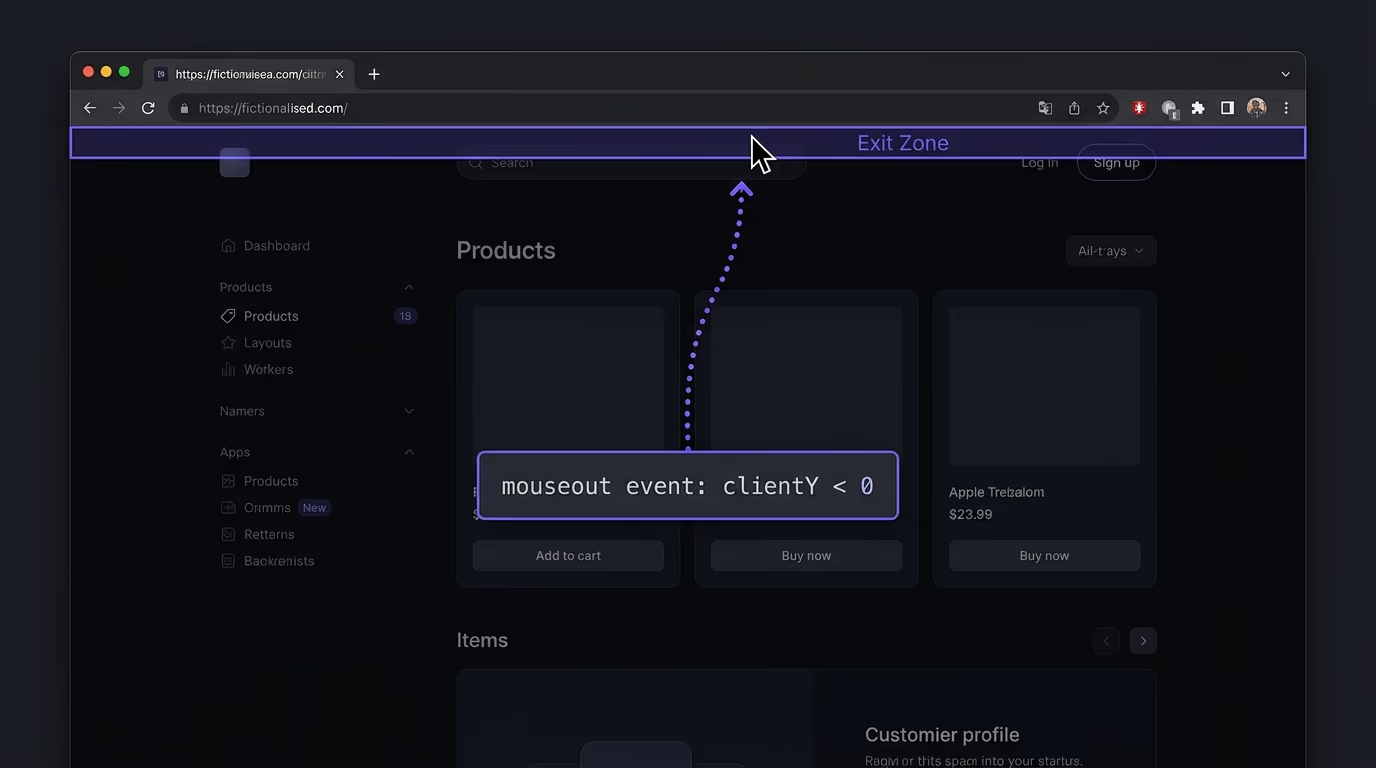
The page listens for the mouseout event on the document element. When the cursor crosses the top boundary of the viewport and moves upward out of the page area, the script interprets that as an exit signal and fires the popup. Most implementations also check the cursor’s vertical velocity: a slow drift toward the top might be someone reaching for a bookmark or a tab, while a fast upward movement toward the close button is a stronger departure signal. Some scripts add a position threshold (the cursor must exit within a specific zone near the top edge, not the left or right sides) to reduce false positives from people moving to a sidebar or switching tabs.
The detection doesn’t store personal data and doesn’t need access to cookies, browsing history, or any external service. It’s a real-time, in-browser calculation based on the mouse position the browser already exposes to every page script, which makes it lightweight to implement and privacy-neutral by default.
Do Exit Intent Popups Actually Convert?
They do, but the numbers vary widely depending on what you’re offering and who you’re offering it to.
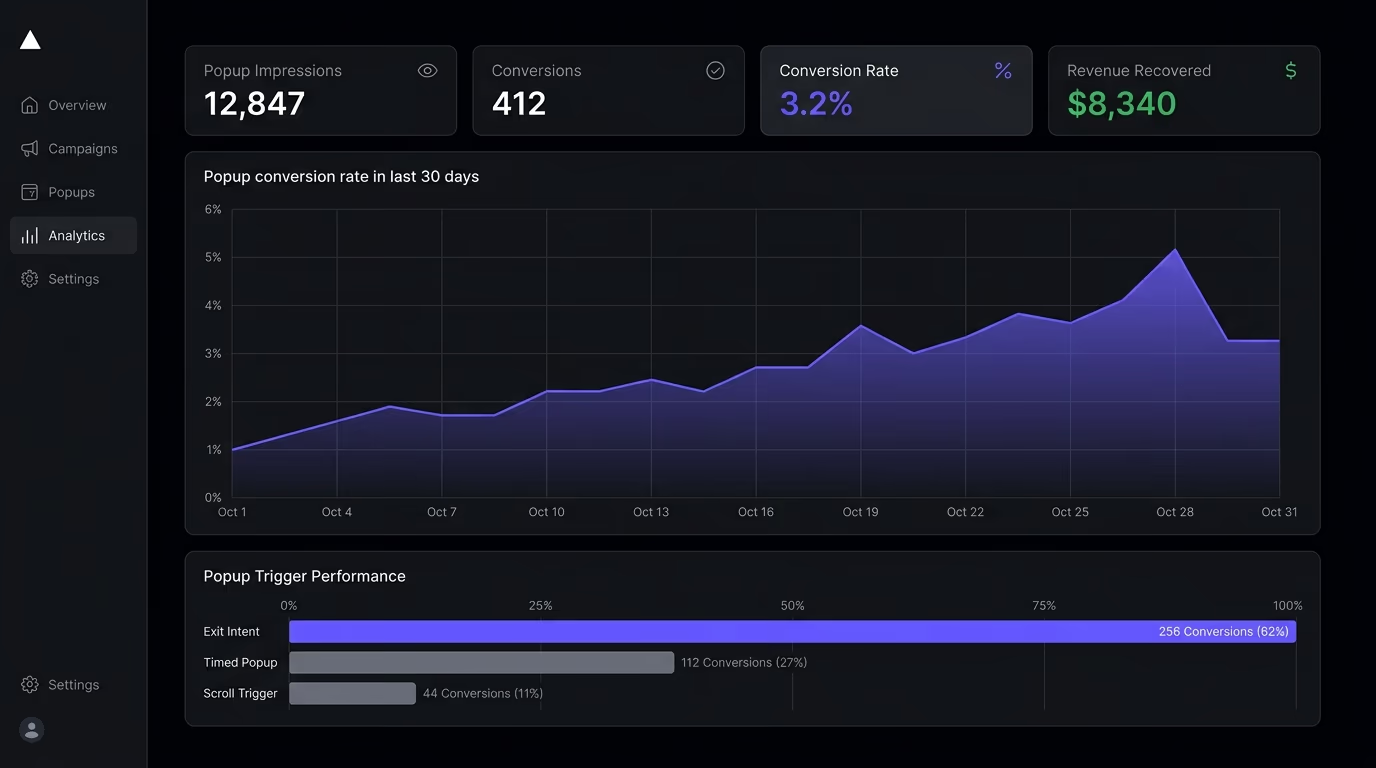
A study of 204 million popup impressions by Klaviyo found that exit intent popups outperformed standard page-load popups by about 5 percentage points in email capture rate. That’s a meaningful lift when multiplied across thousands of monthly visitors. On a site with 10,000 monthly visitors and a 3% exit popup conversion rate, that’s 300 additional email addresses per month, every one of which would have left without converting otherwise.
The realistic range for most sites falls between 2% and 5% of departing visitors converting through an exit intent popup. E-commerce stores offering a specific, time-limited discount tend to land at the higher end, because the visitor was already considering a purchase and the discount tips the balance. Newsletter signups on content sites sit closer to the 1% to 2% range, because the value proposition of “get more articles by email” feels less immediate than “save 10% right now”.
What matters more than the absolute rate is the incremental value. Without the popup, those visitors leave at 0% conversion, so even 1.5% on an exit popup is pure upside that didn’t exist before. The cost is near zero (a small page weight increase, no server load), making the return hard to argue against, as long as you’re not damaging the experience for the 95% to 98% who dismiss it.
When Should You Use an Exit Intent Popup?
Exit intent popups perform best when you have something specific to offer and the visitor has shown enough intent that a last-chance nudge actually makes sense.
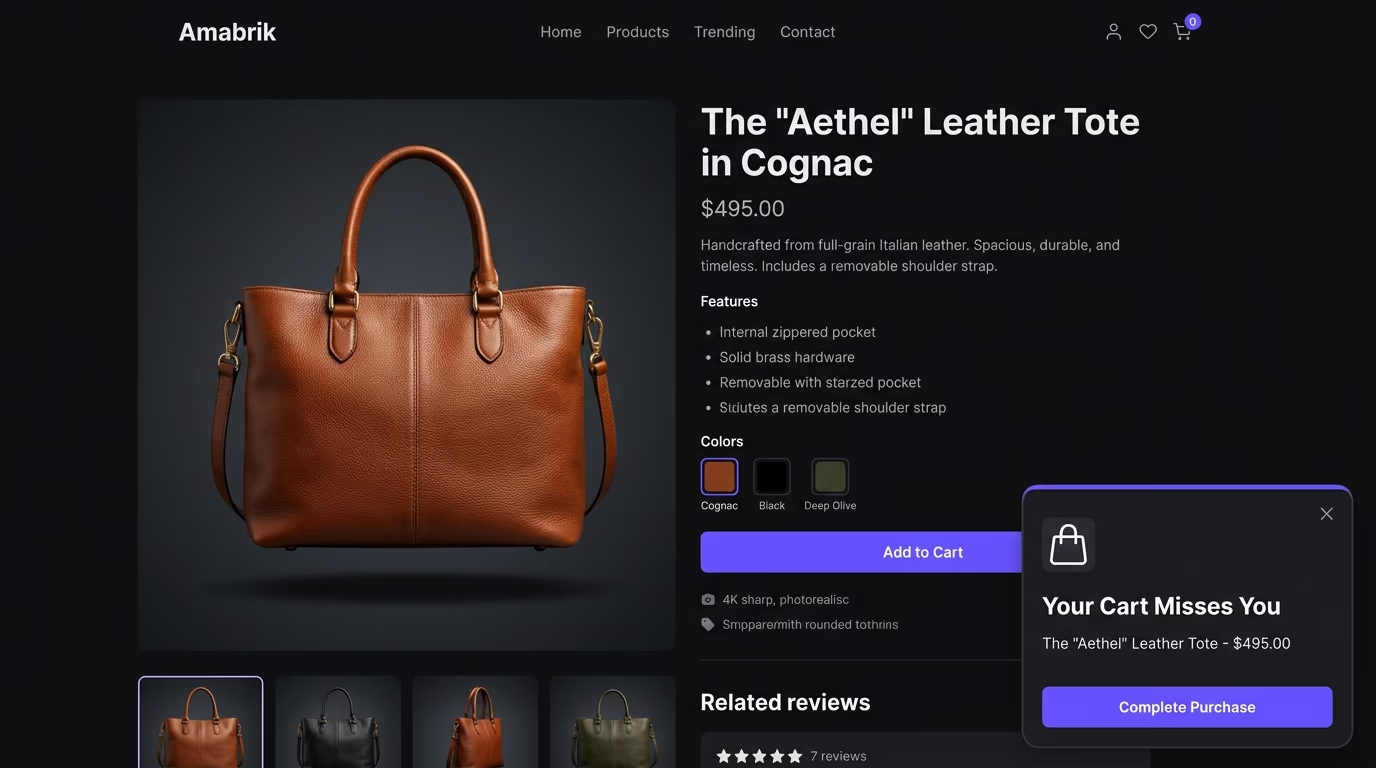
E-commerce cart recovery is the most proven use case by a wide margin. A visitor who added items to their cart and is about to leave without buying is showing high purchase intent. Offering a 5% to 10% discount, free shipping, or a simple reminder of what’s sitting in their cart at that exact moment converts a measurable percentage of those abandoned sessions into completed orders. The popup works here because both the timing and the offer are precisely matched to the visitor’s state of mind.
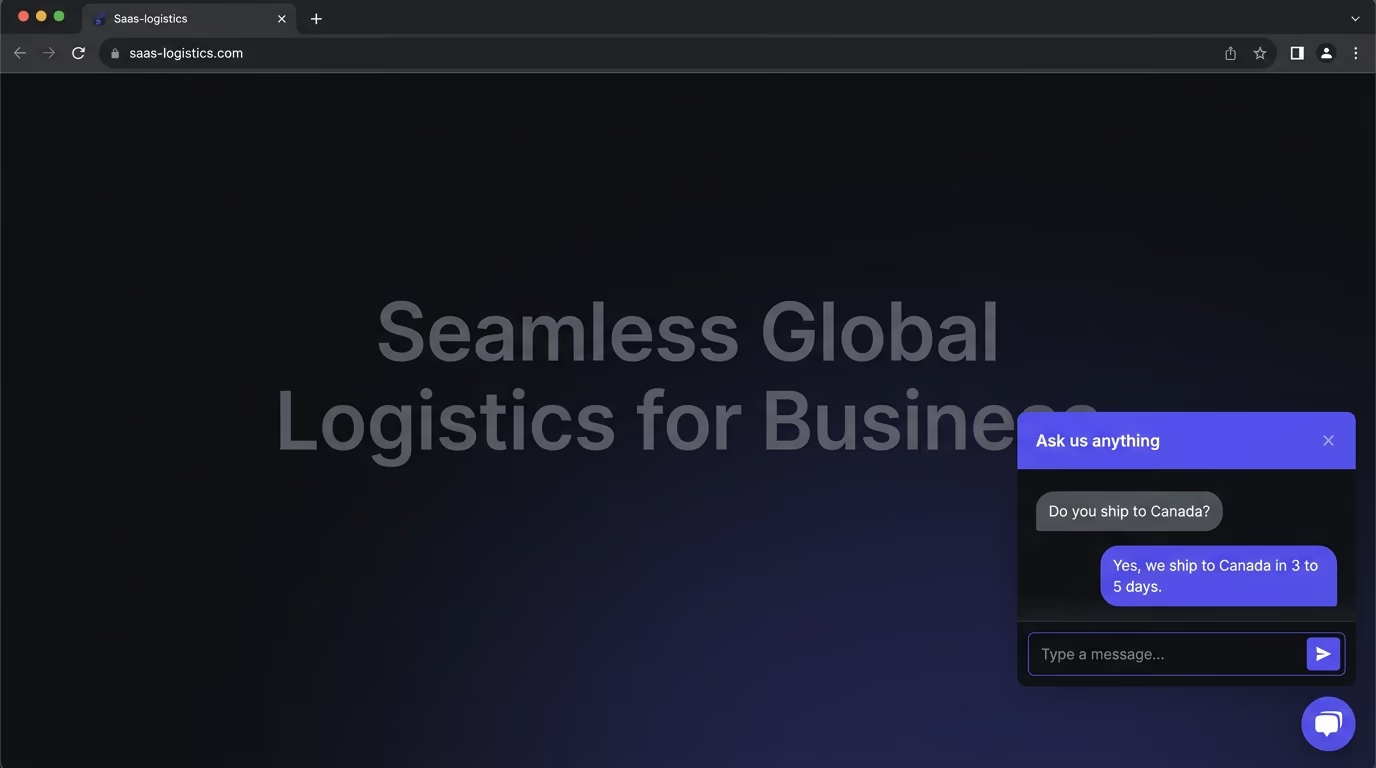
Lead capture on content sites works well when the offer connects directly to the content the visitor just consumed, and an AI chatbot on the same page can pick up the conversation where the popup left off. Someone reading a guide about email marketing strategy who sees an exit popup offering a downloadable checklist on the same topic has a concrete reason to hand over their email address. A generic “subscribe to our newsletter” popup on the same page converts at a fraction of that rate, because it asks for something (an email) without giving a specific reason in return.
SaaS free trial prompts convert well when the visitor has spent meaningful time on a product page or pricing page and is leaving without signing up. The popup can surface the free trial in a way the main page didn’t, perhaps a specific time limit, a “no credit card required” reassurance, or a comparison with the paid plan, and that reframing sometimes makes the difference between a bounce and a signup.
Event and webinar promotion catches visitors who came for existing content and might not have noticed the event elsewhere on the site. Redirect popups can also rescue visitors who landed on the wrong page through search by suggesting a more relevant destination, reducing bounces caused by intent mismatch rather than genuine disinterest.
When Should You Skip Exit Intent Popups?
Exit intent popups aren’t always the right call, and using them poorly costs more than skipping them entirely.
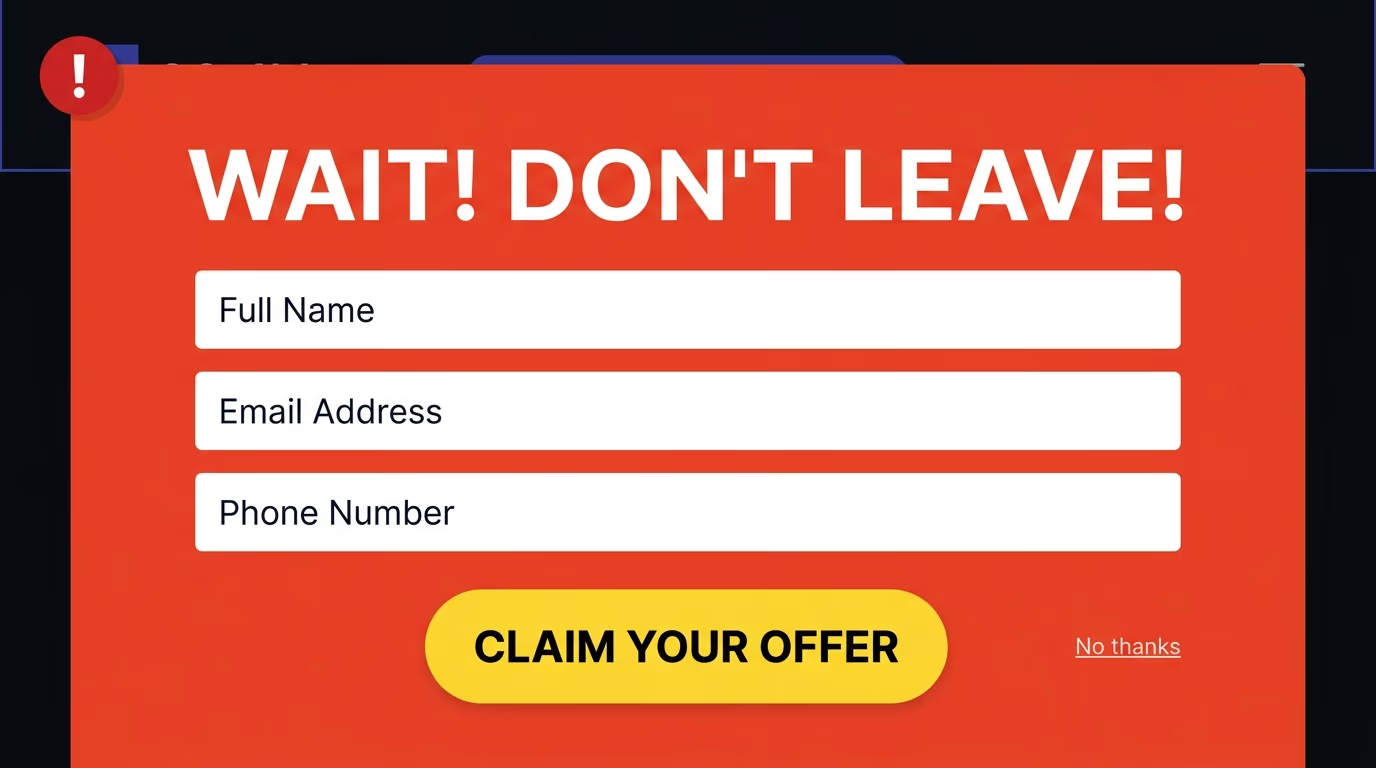
Google’s mobile interstitial guidelines represent the most concrete risk. Since January 2017, Google has penalized pages that show intrusive interstitials on mobile, meaning popups that cover the main content before the visitor has had a real chance to engage with it. Exit intent popups are less likely to trigger this penalty because they fire on departure rather than on arrival, but a poorly implemented mobile popup that covers the full screen can still get flagged if Google’s systems classify it as intrusive. The safest approach on mobile is a bottom sheet or a slim banner format rather than a full-screen modal, and showing it only after the visitor has spent meaningful time on the page.
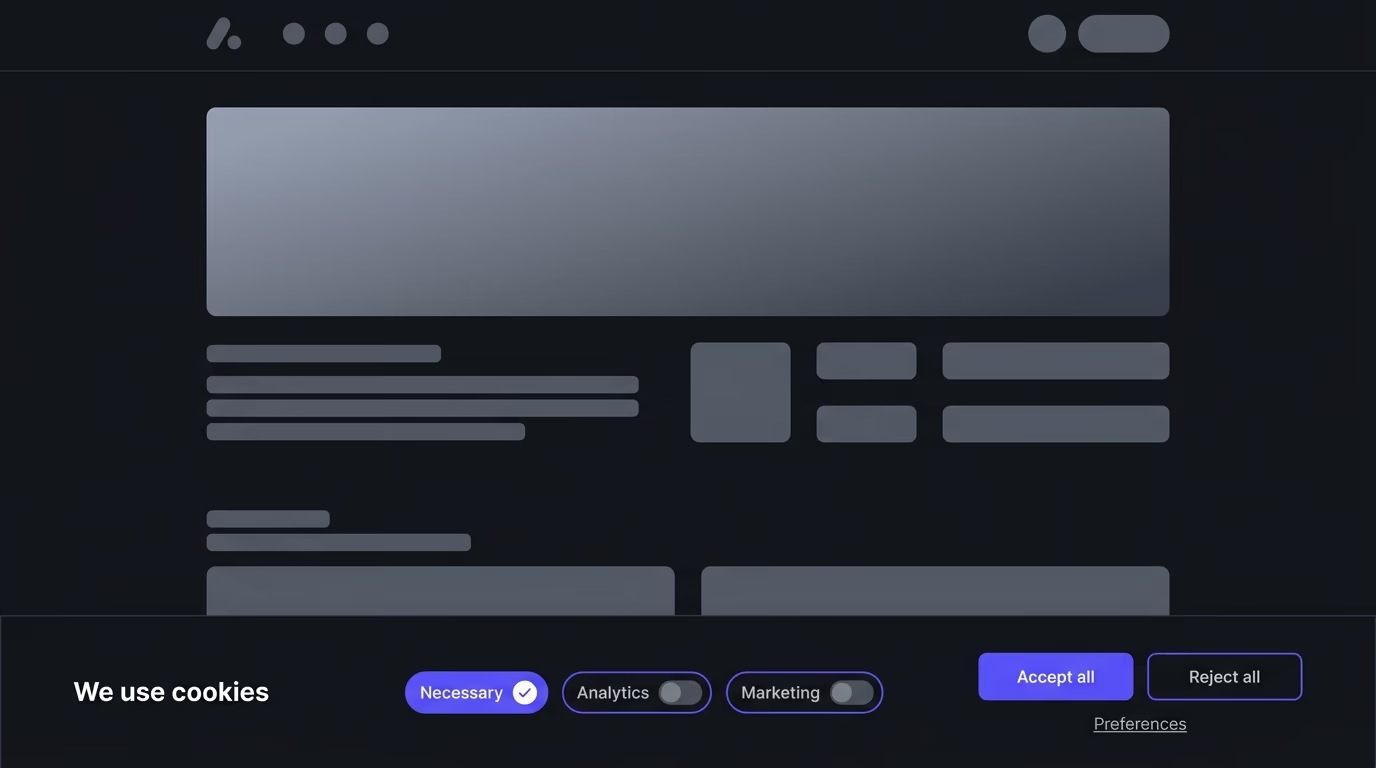
Popup fatigue is a genuine problem on sites that already use multiple overlays. If a visitor has already dismissed a cookie consent banner, closed a live chat prompt, and scrolled past a sticky CTA bar, adding an exit intent popup on top creates a wall-of-overlays experience that damages trust. Before adding another layer, count how many prompts already appear on the page and ask whether one more will help or just accelerate the departure.
Returning customers and logged-in users rarely need an exit popup. Someone who has already purchased, subscribed, or created an account isn’t going to be impressed by a first-time discount or a newsletter signup offer. Showing them a popup designed for new visitors signals that you don’t recognize who they are, which is the opposite of personalization. Target exit intent popups at new or anonymous visitors and suppress them entirely for authenticated users and recent customers.
High-value content pages like help documentation, knowledge bases, and post-purchase support should almost never carry exit intent popups. The visitor is there to solve a problem, not to be sold to, and interrupting that process with a promotional overlay erodes the support experience at exactly the wrong moment.
How to Build an Exit Intent Popup That Converts
The difference between a popup that converts at 1% and one that converts at 5% usually comes down to three things: the offer, the copy, and the targeting rules.
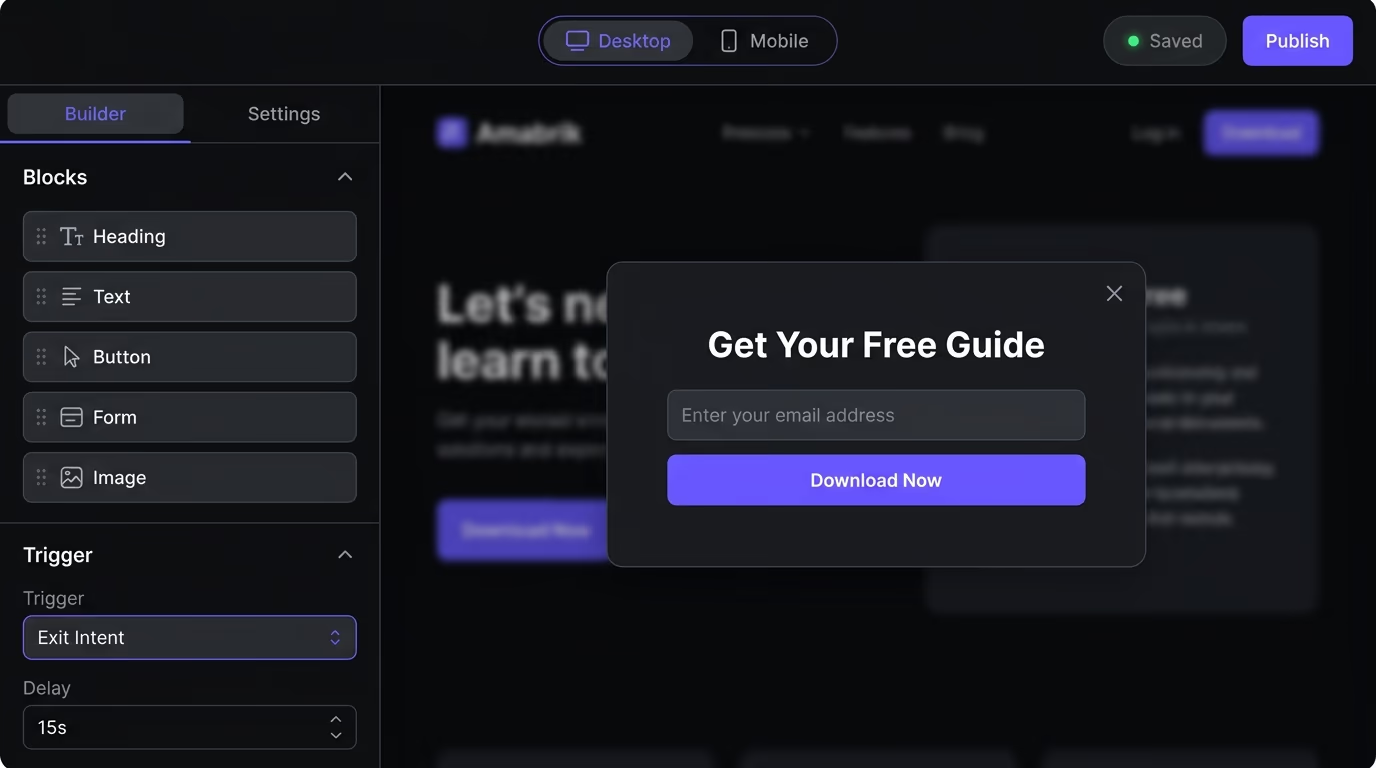
Start with a single, specific offer tied directly to the page the visitor is leaving. A popup on a pricing page should surface a discount or a free trial extension, not a blog subscription. A popup on a how-to article should offer a downloadable version of the guide or a related resource, not a product demo request. The tighter the match between what the visitor was reading and what the popup offers, the higher the conversion rate will be. Generic “before you go” messages with no clear value proposition convert at close to zero, and they train your visitors to close every popup reflexively.
Keep the visual design tight and legible. You need one headline that states the benefit, one short sentence of supporting context, one form field (just an email for the first interaction, never three fields), and one clear button. The button text should state what happens when you click it (“Get 10% Off”, “Download the Checklist”, “Start Your Free Trial”) rather than a vague label like “Submit” or “Continue”. The close button should be easy to find and large enough to tap on mobile, because a popup that feels hard to dismiss makes visitors distrust every future interaction with your site.
Timing the trigger properly matters more than most teams realize. Showing the popup the instant someone’s cursor touches the top of the viewport suggests the visitor never engaged with the content at all. A 10 to 15-second minimum time-on-page threshold before the exit trigger activates filters out immediate bouncers and targets only visitors who read enough to have genuine interest.
Page-level targeting separates good popup implementations from lazy ones. Your homepage popup should differ from the one on a product page, which should differ from the one on a blog post, because each page type attracts visitors at different stages of intent. A single global popup applied identically to every page on your site is the fastest way to ensure mediocre performance across all of them.
How Do Exit Intent Popups Work on Mobile?
Mobile exit intent detection can’t rely on cursor tracking because touchscreen devices don’t have a visible mouse cursor, which means the entire detection model needs to be different.

Mobile implementations use a combination of behavioral signals to predict departure instead. The most reliable triggers are a rapid scroll toward the top of the page (the visitor is reaching for the address bar or the back button), a tap on the device’s hardware or software back button (captured through the browser’s popstate or beforeunload events), switching away from the browser to another app (detected via the Page Visibility API when the tab loses focus), and an inactivity timer that fires after a stretch of no scrolling or tapping, suggesting the visitor has lost interest in the page.
Each of these signals is weaker on its own than the desktop cursor-exits-viewport event, so mobile exit intent carries a higher false-positive rate. A visitor scrolling up to recheck the page title isn’t leaving, and a brief app switch to reply to a message doesn’t mean abandonment. Solid mobile implementations combine multiple signals (scroll-up velocity above a threshold plus minimum time-on-page, for example) and require at least two conditions to be true before firing.
The popup format also needs to change for mobile screens. Google’s interstitial guidelines mean that a full-screen modal on mobile can hurt your search rankings, so the best format is a bottom sheet that covers roughly 40% to 50% of the screen, a slim banner at the top or bottom, or a slide-up card that the visitor can easily swipe to dismiss. The popup should load without shifting the page layout, because any layout shift on mobile directly impacts your Core Web Vitals CLS score and can push your Lighthouse numbers below the threshold. If you’re using Amabrik’s popup widget, the mobile rendering handles this automatically by adapting the popup format and position to the device type.
Do Exit Intent Popups Affect GDPR and Privacy?
Exit intent detection itself doesn’t process personal data and doesn’t require consent under GDPR, because the detection is entirely client-side and ephemeral.
The detection runs entirely in the browser by checking the cursor position against the viewport boundary on desktop, or monitoring scroll direction on mobile. No data is sent to a server during detection, no fingerprinting happens, and no cookies are needed for the trigger itself. It’s a local JavaScript calculation, similar to scroll-based animations or lazy loading images, and privacy regulators don’t treat that kind of in-page behavior as processing personal data.
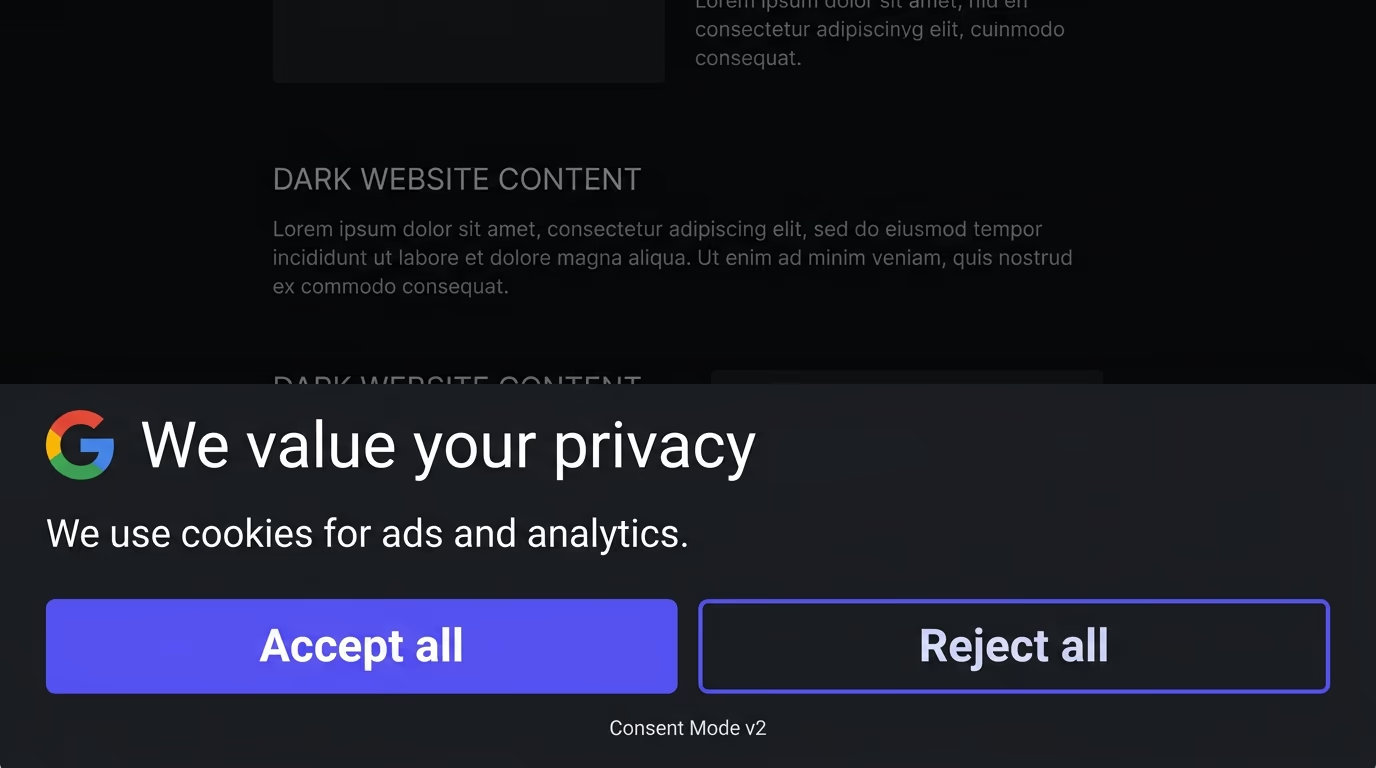
The complications start when the popup does something beyond appearing. If your exit intent popup drops a cookie to remember that it was already shown (so it doesn’t repeat on the next page), that cookie falls under consent rules. Under GDPR, a functional cookie that prevents re-display is often accepted as “strictly necessary”, but the interpretation varies by authority, and the safest approach is to declare it in your cookie consent settings. If you use Google Consent Mode v2 to manage tag firing, make sure any tracking tied to the popup respects the visitor’s consent state.
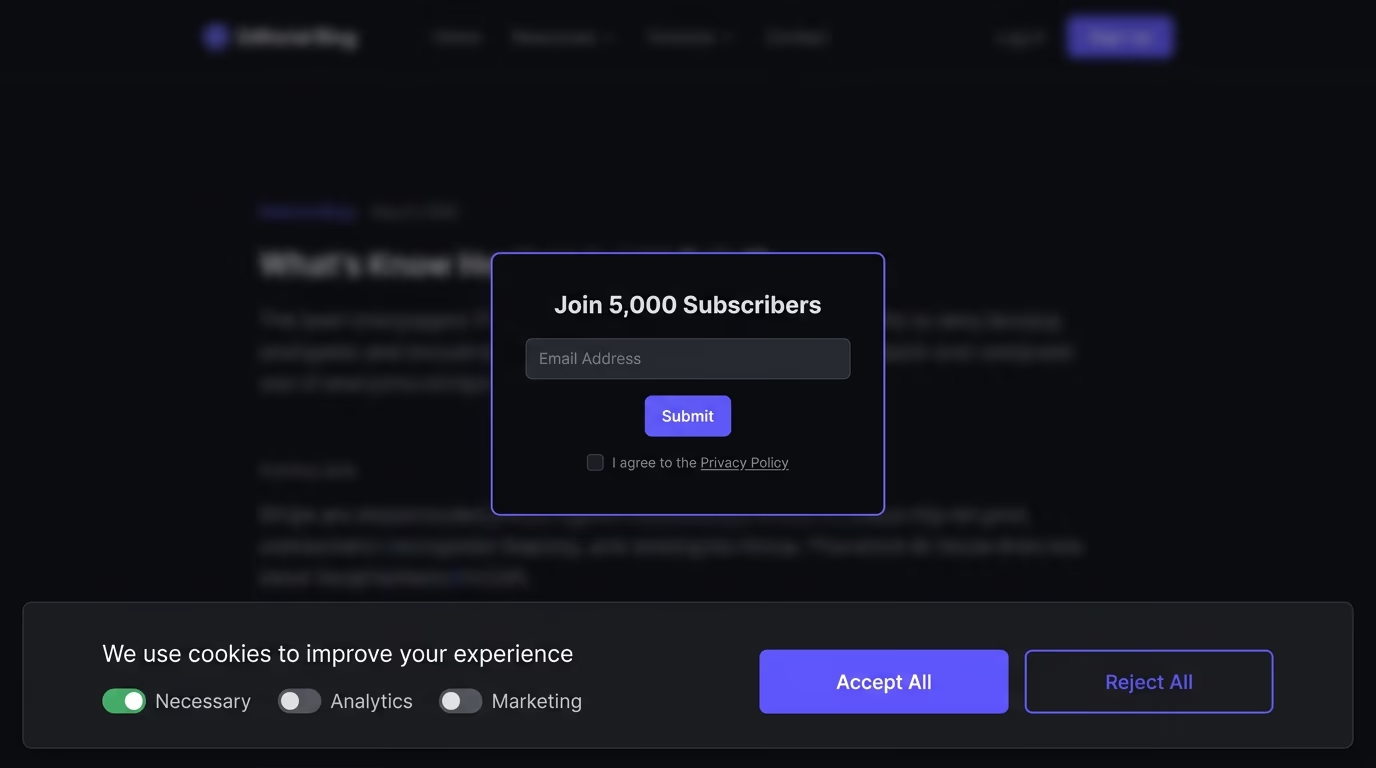
The bigger privacy consideration is what happens to the data the popup collects. If the popup captures an email address, you need explicit opt-in language, a clear statement of how that email will be used, and a link to your privacy policy. Pre-checked consent boxes don’t count under GDPR or CCPA, so any checkbox in the form needs to start unchecked and require a deliberate action. And if you’re passing that email to a CRM or email marketing platform, you need a data processing agreement with that provider, because the popup is just the collection point and the compliance obligations follow the data wherever it goes downstream.
If your site already runs a proper cookie consent banner that blocks non-essential scripts before consent, your exit intent popup’s tracking is already covered as long as it’s declared in the right consent category.
How to Test and Improve Your Exit Intent Popup
Setting up an exit intent popup and leaving it unchanged is a common mistake that quietly leaves conversion rate sitting on the table month after month.
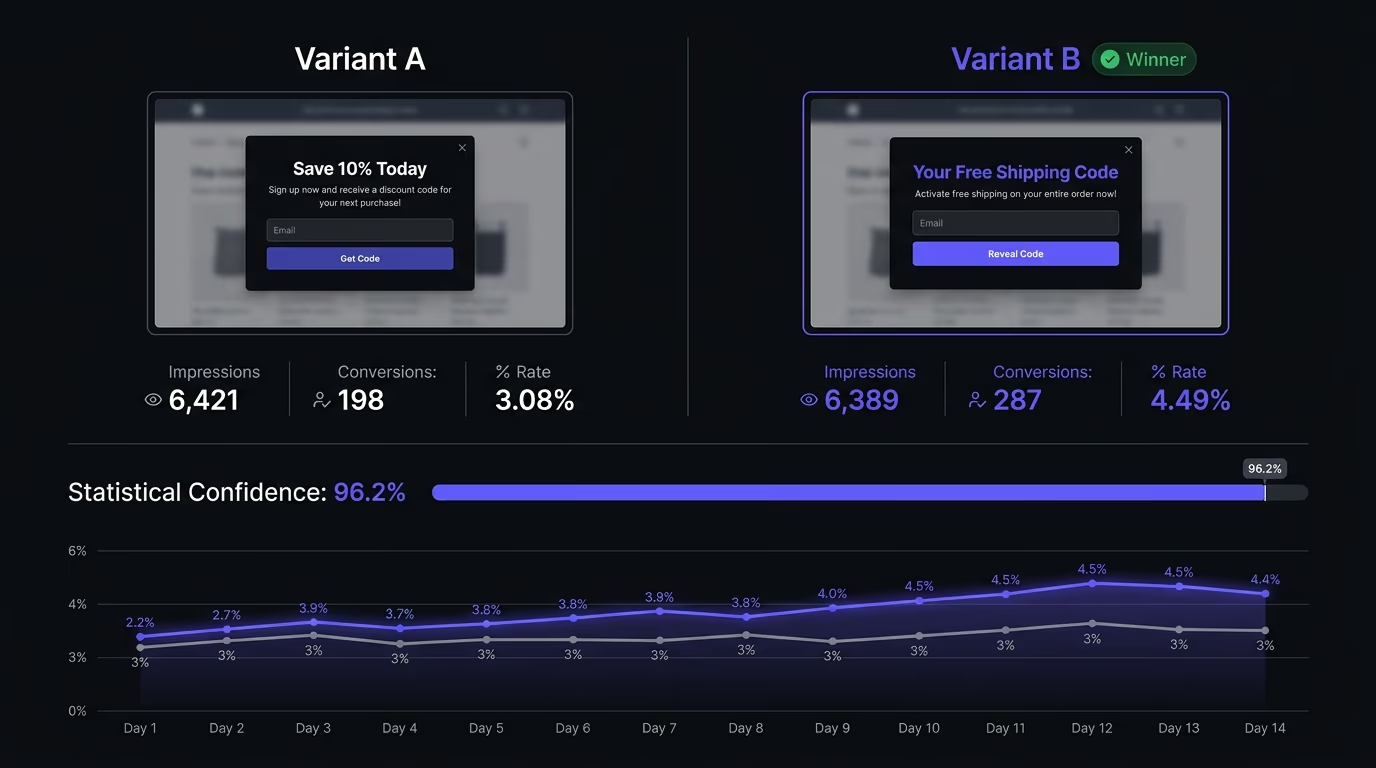
A/B testing the popup means running two variants simultaneously, splitting traffic between them, and measuring which one produces more conversions over a sample that’s large enough to trust. The elements worth testing first are the headline (benefit-focused phrasing versus curiosity-driven phrasing), the offer itself (a percentage discount versus free shipping versus a downloadable resource), and the form complexity (email-only versus email plus first name). Test one variable at a time and let each test run until you have at least 200 to 300 conversions per variant, otherwise the difference between the two could be random noise rather than a real signal.
Beyond the popup content, test the trigger conditions themselves. Try different minimum time-on-page thresholds (10 seconds versus 20 versus 30) and measure not just the conversion rate but also the dismissal rate, because a popup that appears too early gets closed reflexively even when the offer behind it is strong. Test whether showing the popup once per session outperforms once every 24 hours or once every 7 days, and check whether limiting it to specific high-intent pages (product pages and pricing pages only, for instance) beats a site-wide deployment that includes every blog post and landing page.
Track the right metric all the way through. Measure the downstream impact: did the email addresses captured through exit intent turn into paying customers at the same rate as those from other channels? Did the discount codes actually get redeemed? A popup that captures 500 emails a month but produces zero revenue from those contacts isn’t working, it’s inflating a vanity metric. Connect your popup data to your CRM or analytics platform to see the full funnel, and adjust the offer based on what drives revenue rather than what drives the highest raw submission count.
Add an Exit Intent Popup to Your Site
An exit intent popup gives you one more shot at converting visitors who would otherwise leave with nothing to show for their visit. The technology is straightforward, the setup takes minutes on any platform, and the incremental upside is hard to match with any other single change you can make to a page. Amabrik’s popup widget supports exit intent triggers out of the box, alongside scroll depth, time delay, and click triggers, with built-in frequency capping and mobile-adaptive formatting that stays within Google’s interstitial guidelines. Create a free account and set up your first exit intent popup in a few minutes.
Exit intent technology tracks a visitor's mouse movements on desktop and uses scroll direction or back-button taps on mobile to predict when someone is about to leave the page. When the system detects departure behavior, it triggers a popup before the visitor actually leaves, giving the site one last chance to present an offer, capture an email, or redirect attention.
They do, but the detection mechanism is different because mobile devices don't have a visible mouse cursor. Mobile exit intent typically fires when a visitor scrolls up quickly (suggesting they're reaching for the address bar or back button), taps the device back button, or switches apps. Some implementations also use inactivity timers. The experience needs to be a full-width sheet or bottom bar rather than a centered modal, because Google penalizes popups that cover the main content on mobile screens.
They can be, and that's exactly why the trigger matters. A well-targeted exit intent popup that shows a genuinely useful offer once per session to someone who hasn't converted yet feels like a helpful last nudge. Showing the same discount popup on every page visit, to returning customers who already bought, feels like spam. The difference comes down to targeting, frequency capping, and whether the offer actually matches what the person was looking at.
The popup itself doesn't need separate consent because it fires based on cursor or scroll position, not personal data storage. But if your popup drops a cookie to remember that it was shown or dismissed, that cookie needs consent under GDPR. And if the popup captures an email address, you need a clear opt-in and a link to your privacy policy. The safest approach is to have your cookie consent banner handle tracking cookies and keep the popup's own data handling minimal.
Most exit intent popups convert between 2% and 5% of departing visitors, depending on the offer and the audience. A strong, specific discount on a high-intent e-commerce page can push above 5%, while a generic newsletter signup on a blog post typically sits closer to 1% to 2%. The comparison that matters isn't the popup's absolute rate, it's the fact that without it, those visitors would have left with a 0% conversion rate.
Yes, and the installation is usually a single script tag or plugin. On Shopify, you paste the popup script in your theme's code or install an app. On WordPress, most popup tools offer a plugin that injects the script automatically. On Webflow, you add a custom code embed to the site-wide head or body. Amabrik's popup widget works the same way across all these platforms: one script tag, and the popup renders through it.