FAQ Schema: What AI Search Engines Actually Use
FAQ schema lost its Google rich results, but AI search engines still parse it. How to add, test, and write FAQ markup that AI actually cites.

FAQ schema is a piece of structured data you add to a page so search engines and AI systems can read your questions and answers as clean, labelled pairs instead of guessing where one answer ends and the next question begins. Google used to reward it with rich results in the SERP, those expanded dropdowns that showed your FAQ right below your listing, and that feature is gone now. Google removed FAQ rich results entirely on May 7, 2026, and the markup no longer produces anything visible in Google Search. But AI search engines, the ones actually answering people’s questions in 2026, still parse it, and that changes the calculus on whether FAQ schema is worth your time.
What is FAQ schema and what happened to it?
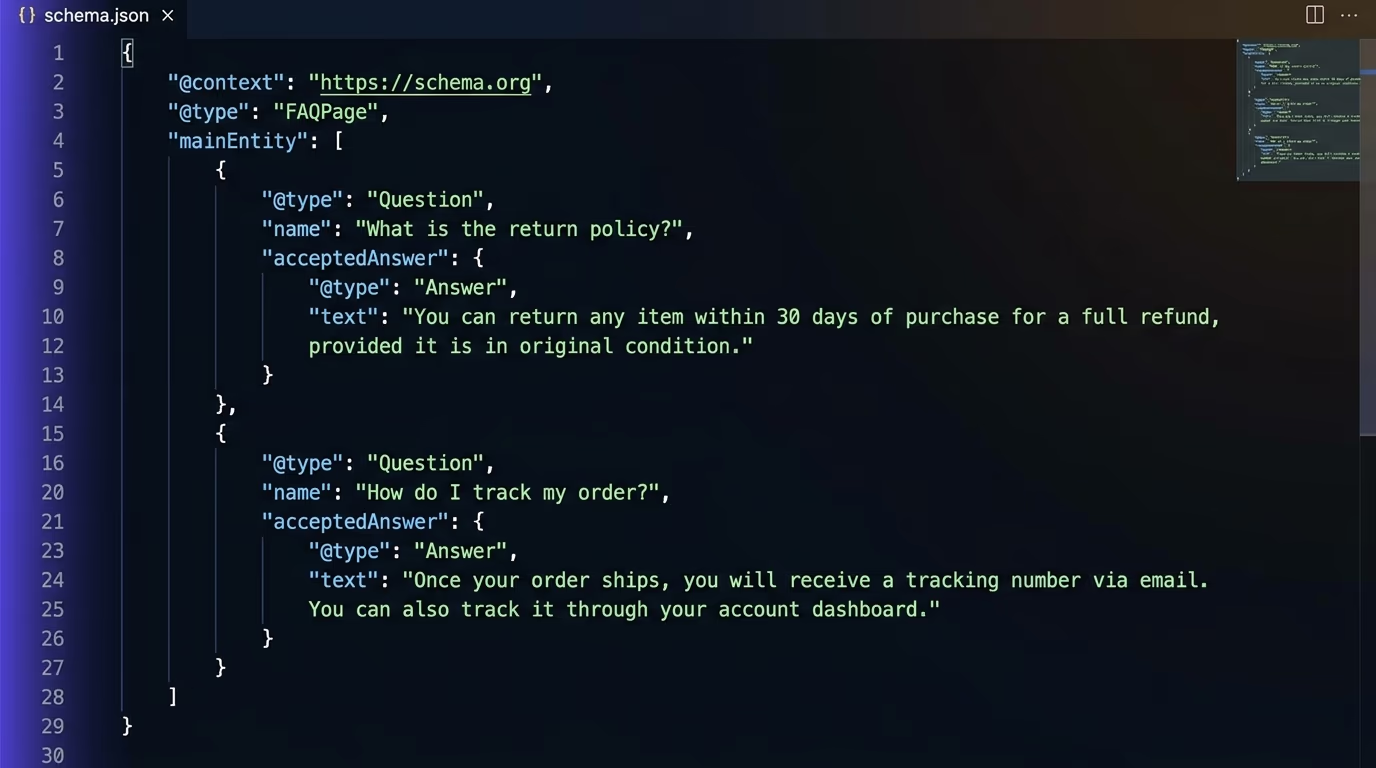
FAQ schema, technically called FAQPage in the schema.org vocabulary, is a JSON-LD block you place on any page that contains questions and answers written by the page owner. It tells machines exactly which text is a question and which text is the answer, removing the guesswork that a crawler would otherwise need to do when parsing your HTML.
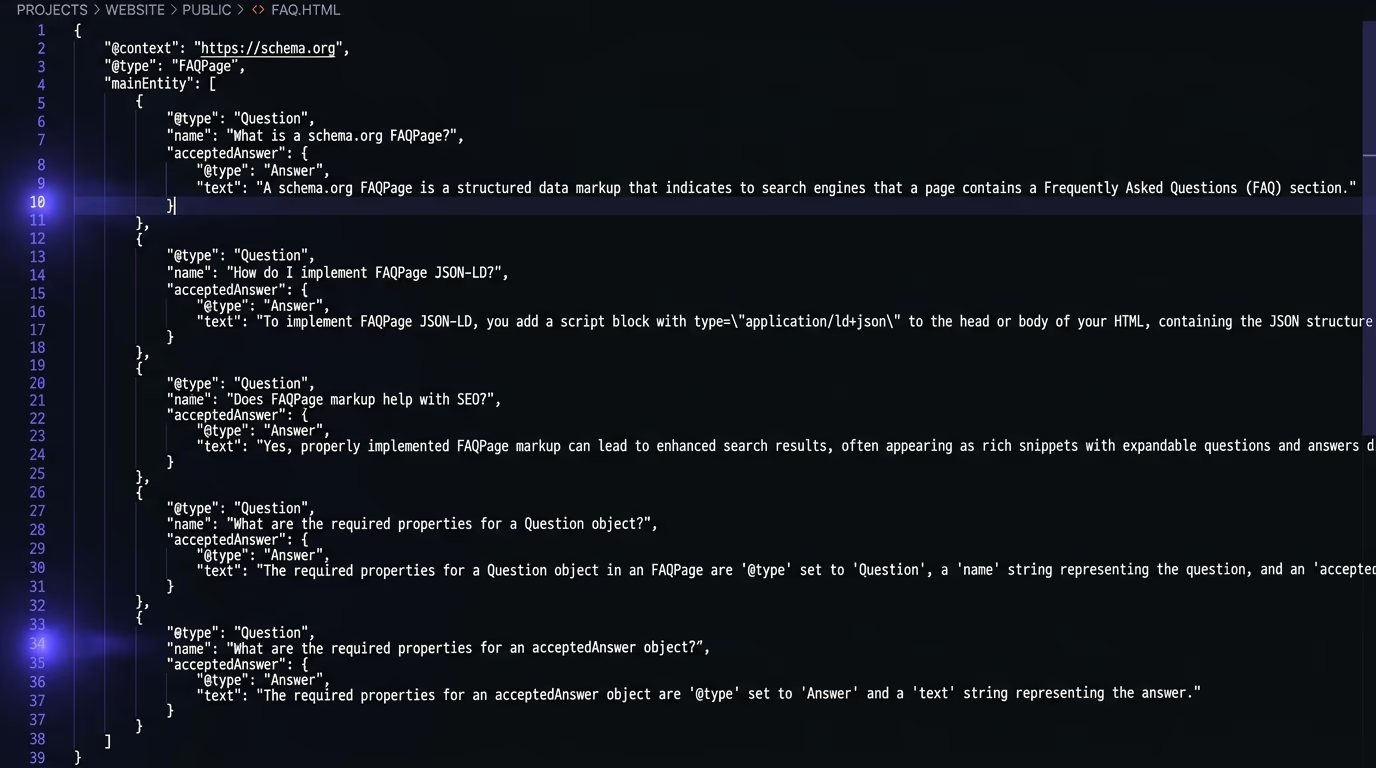
From roughly 2019 through mid-2023, Google turned FAQ schema into a visible SERP feature. If your page had valid FAQPage markup, Google would sometimes display your questions and answers as expandable dropdowns directly in the search results, pushing your listing to take up more space and pulling clicks from competitors. Site owners added FAQ schema to everything, and for a while it genuinely worked as a traffic lever.
Then Google changed the rules: in August 2023, Google restricted FAQ rich results to “well-known, authoritative government and health websites”, which meant the vast majority of sites lost the feature overnight. The markup still technically worked for the few eligible sites, but everyone else saw nothing. And on May 7, 2026, Google finished the job: FAQ rich results stopped appearing in search entirely, for every site, and Google announced it would remove the associated tools (the Rich Results Test for FAQ, the Search Appearance report in Search Console) by mid-2026. The markup won’t cause errors or penalties if you leave it on your pages. It simply won’t produce anything in Google’s visual search results anymore.
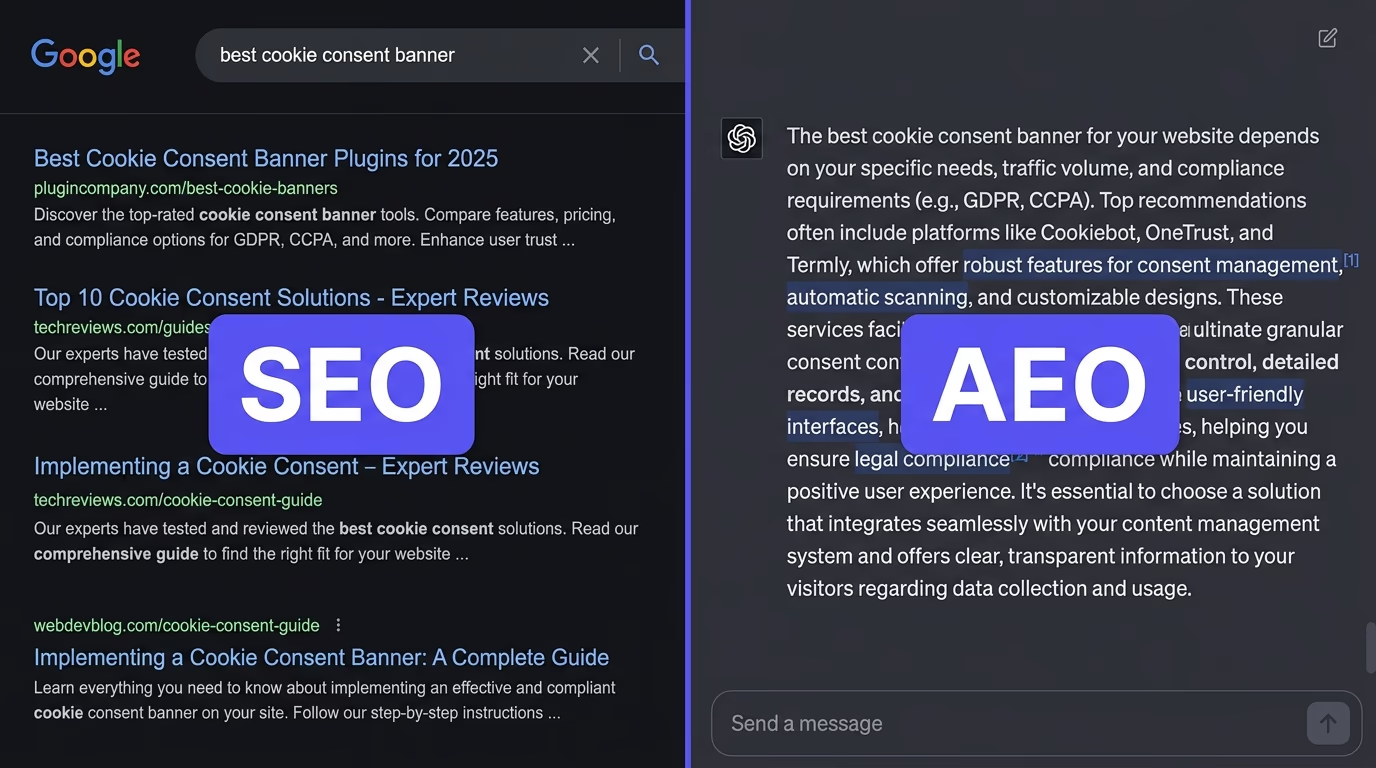
That timeline is why most SEO vs AEO discussions in 2026 mention FAQ schema as an example of the shift: a technique that stopped working for traditional search and started working for something else entirely.
Did Google really kill FAQ schema?
Google killed the rich results, not the schema itself. The distinction matters because machines other than Google still read your structured data, and Google’s own AI systems are among them.
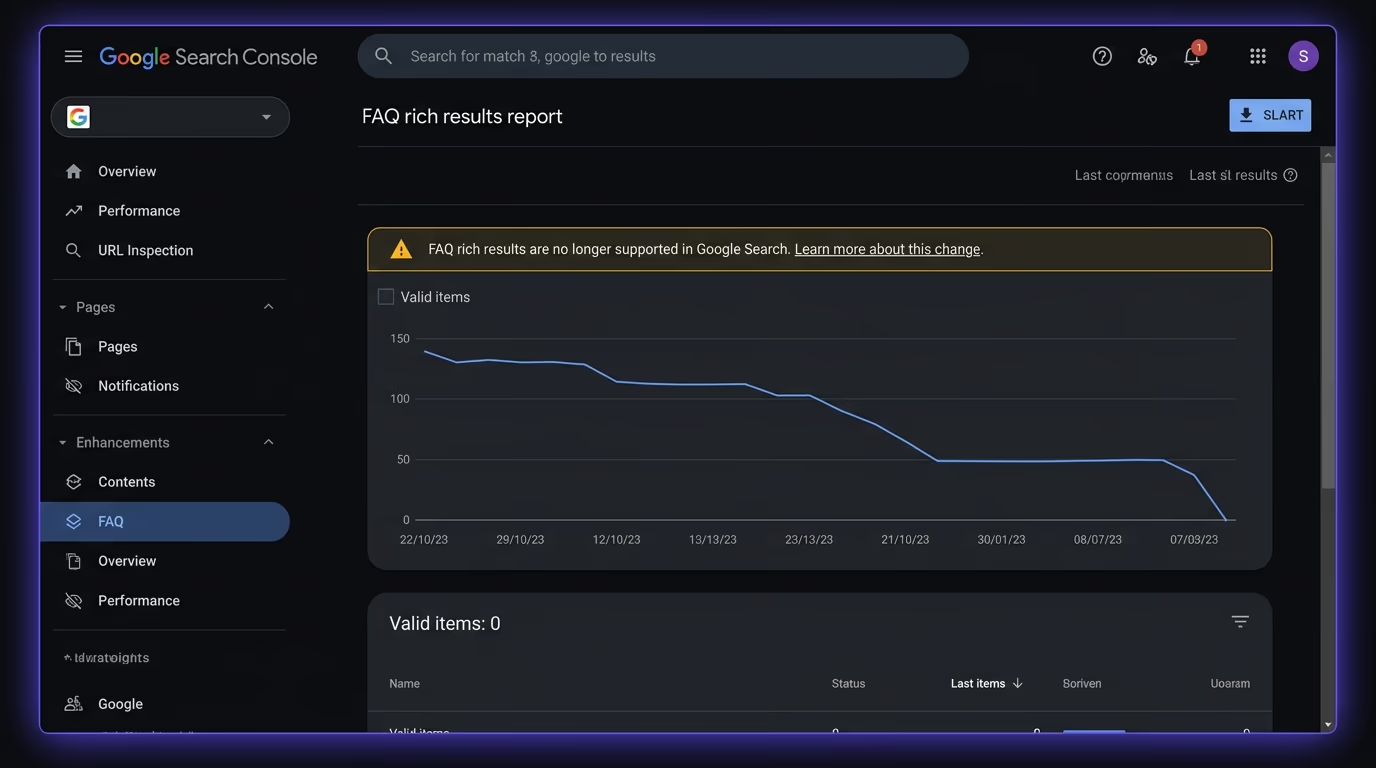
Google’s developer documentation still describes FAQPage as valid structured data. It still validates in the Schema Markup Validator. And Google’s own documentation explicitly says the markup can stay on your pages without any negative effect. The change is strictly about the visual SERP feature: the dropdown accordion that appeared below your listing. That’s gone, and it’s not coming back for commercial sites.
But Google isn’t the only system reading your pages. Bing continues to support FAQ rich results and renders them in its search results. DuckDuckGo reads structured data for its own instant answers. And the AI systems that are reshaping how people find information, ChatGPT, Perplexity, Claude, Google’s AI Overviews, all parse structured data as part of how they build their answers. For those systems, FAQ schema didn’t die. It became one of the clearest signals of what your page actually says.
The practical question in 2026 isn’t “does FAQ schema still help with Google?” but rather “does FAQ schema help with the systems people are actually using to get answers?”, and the evidence says yes.
How do AI search engines use FAQ structured data?
AI search engines don’t render your FAQ schema as a visual feature the way Google once did. They use it as a structured input when deciding what to cite and how to phrase the citation. The difference is subtle but it changes what you should optimize for.
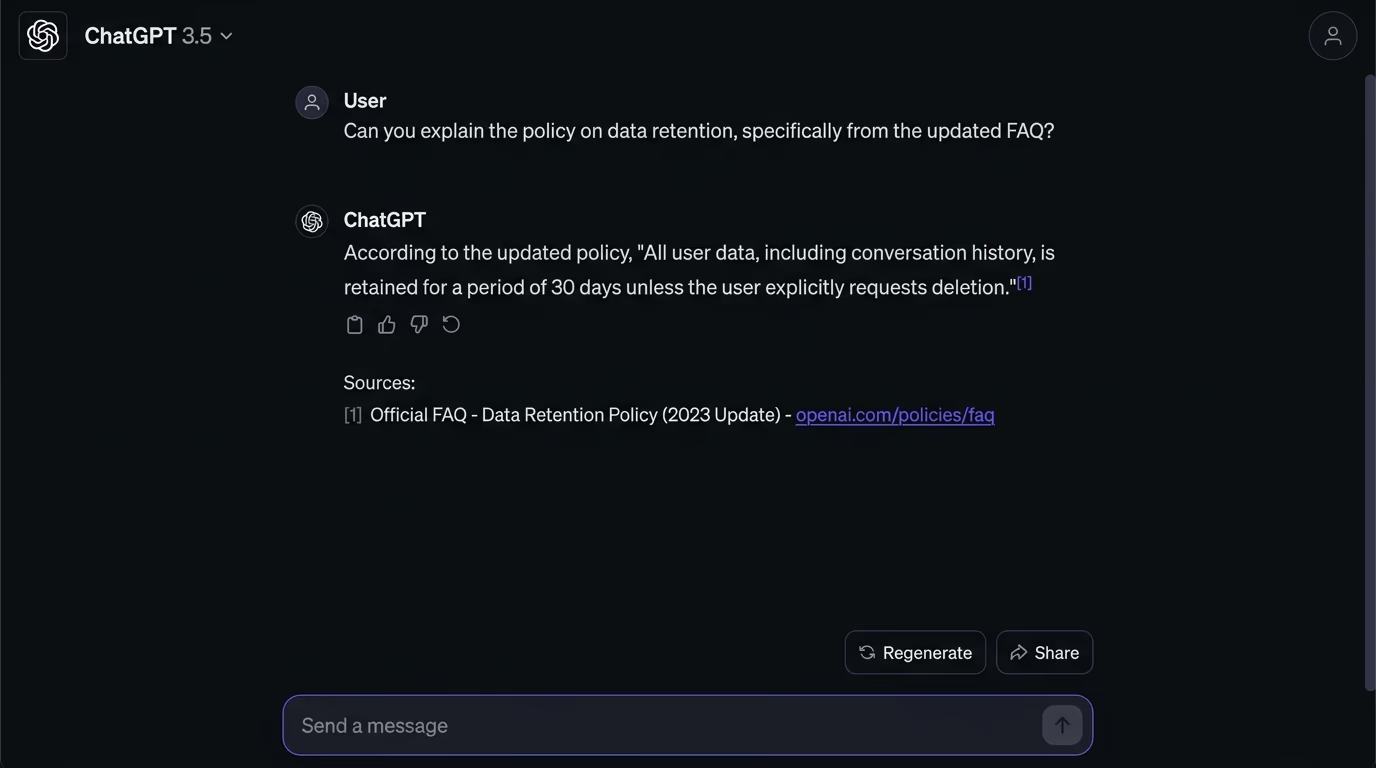
When ChatGPT browses the web to answer a question, it reads your page’s HTML, and a clean JSON-LD block with a question and answer that match the user’s query is much easier for a language model to extract and cite than the same answer buried in a paragraph with no structural markers. Perplexity works the same way through its PerplexityBot crawler: it ingests your content, and structured question-answer pairs give it a ready-made answer to attribute. Google’s AI Overviews, which sit at the top of many search results, also pull from structured data when assembling their synthesized answers.
An AI model looking at your page sees unstructured prose and structured data. The prose might contain an answer somewhere in a paragraph, but the model has to locate it, decide it’s authoritative, and figure out where the answer starts and stops. FAQ schema gives the same answer in a format the model can read without that ambiguity: here’s the question, here’s the answer, here’s the page it came from. That clarity makes your content easier to cite, and easier to cite means more likely to be cited.
A Search Engine Land analysis found that pages with FAQPage schema appeared more frequently in Google AI Overviews than equivalent pages without structured data. The exact multiplier varies by study, but the direction is consistent: structured question-answer pairs make AI citation more likely, because they reduce the work the AI has to do to extract and attribute an answer.
This is the same principle behind getting cited by ChatGPT and ranking in AI Overviews: make your content machine-readable, and machines will read it.
How do you add FAQ schema to your website?
FAQ schema uses JSON-LD, a format that sits in a <script> tag on your page and doesn’t affect anything your visitors see. You place it anywhere in the page’s HTML, typically in the <head> or at the bottom of the <body>, and search engines and AI crawlers read it alongside the rest of your content.
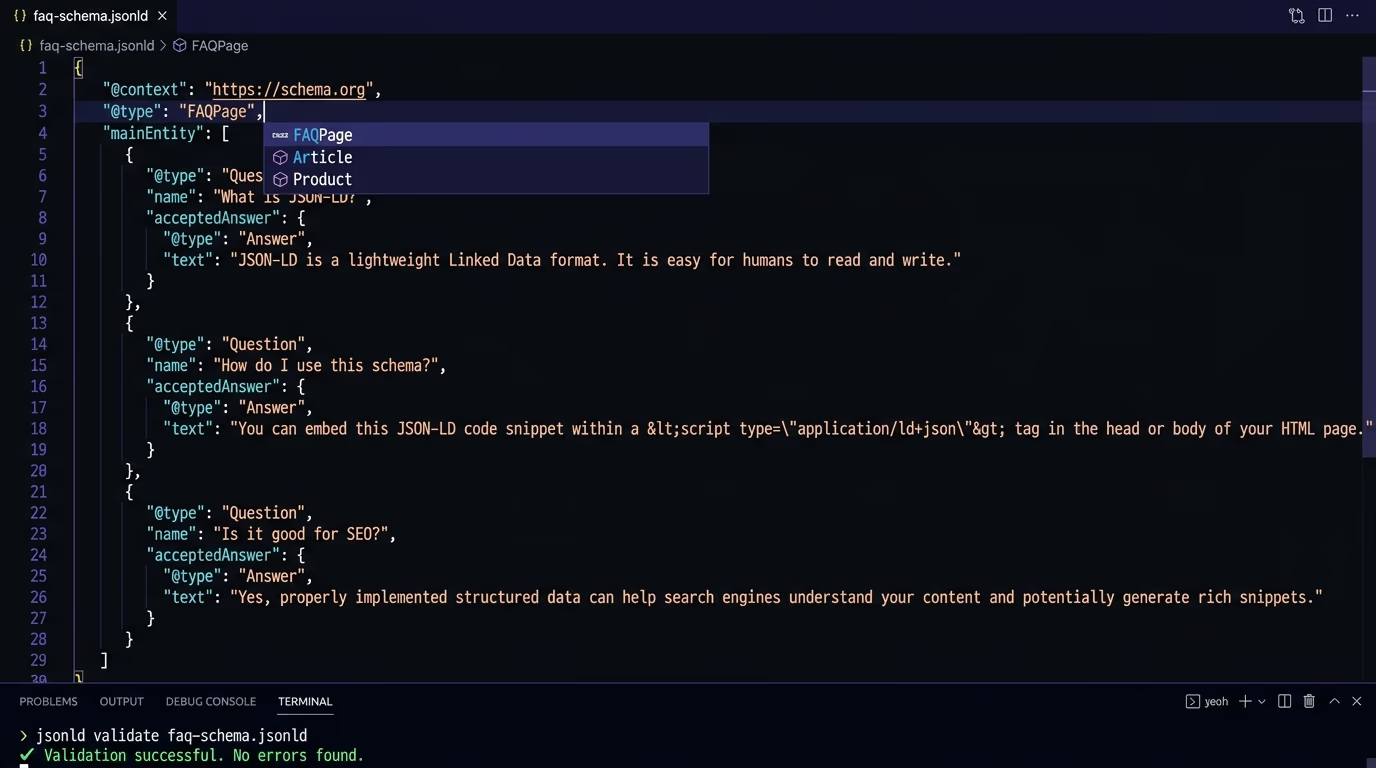
Here’s what a minimal FAQ schema block looks like:
{
  "@context": "https://schema.org",
  "@type": "FAQPage",
  "mainEntity": [
    {
      "@type": "Question",
      "name": "What does your service include?",
      "acceptedAnswer": {
        "@type": "Answer",
        "text": "The service includes a full site audit, a report with prioritized fixes, and a follow-up scan after you've made the changes."
      }
    },
    {
      "@type": "Question",
      "name": "How long does the audit take?",
      "acceptedAnswer": {
        "@type": "Answer",
        "text": "Most audits complete in under 30 seconds. The report is ready the moment the scan finishes."
      }
    }
  ]
}
Each question is a Question object with a name (the question text) and an acceptedAnswer containing an Answer object with a text field (the answer). You can add as many question-answer pairs as your page genuinely covers, though four to eight is the useful range for most pages.
If you’re on WordPress, you don’t need to write JSON-LD by hand. Yoast SEO, Rank Math, and All in One SEO all include FAQ blocks that generate the schema automatically when you add questions and answers through their editors. On Shopify, apps like JSON-LD for SEO handle it. On a static site or a custom framework, you generate the JSON-LD at build time from your content data and inject it into the page template.
The hard requirement is that every question and answer in your JSON-LD must also appear as visible content on the page. FAQ schema isn’t a place to stuff hidden answers, it’s a structured mirror of what your visitors can already read. If the content isn’t visible on the page, the schema is invalid.
What mistakes break your FAQ markup?
Most FAQ schema errors fall into a few categories, and they’re all straightforward to fix once you know what to look for.
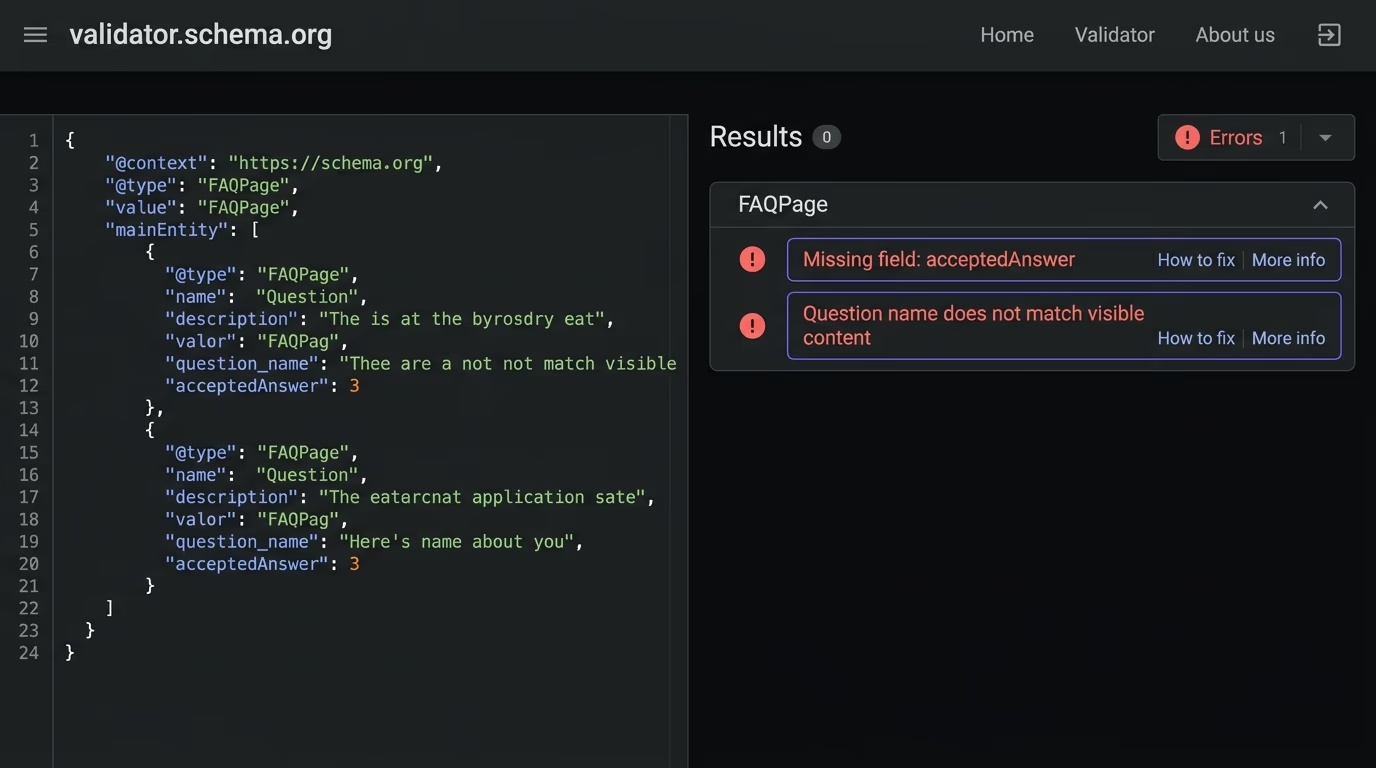
The most common mistake is a mismatch between the schema and the visible page content. If your JSON-LD contains a question that doesn’t appear anywhere on the rendered page, search engines treat the schema as deceptive markup. Google specifically requires that the FAQ content be visible to users, and AI crawlers that compare your structured data against your rendered HTML will flag inconsistencies as a reason to distrust the page. The fix is simple: every question and answer in your schema must exist as readable text on the page.
Another frequent error is nesting FAQ schema inside other schema types incorrectly. FAQPage should be the top-level @type of its own JSON-LD block, or it should appear as a property within a broader page schema (like a WebPage with a mainEntity that points to the FAQ items). What doesn’t work is wrapping it inside an Article type’s mainEntity and expecting validators to understand the relationship. Keep it clean: one dedicated <script type="application/ld+json"> block for your FAQ, or include the FAQ items properly within your page’s existing schema graph.
Broken HTML in the answer text also causes problems. Some CMS plugins encode HTML entities incorrectly or insert raw tags into the text field. The answer text should be plain text or lightly formatted HTML (bold, links, lists are fine), but unescaped quotes or broken tags will cause validation failures. Run your markup through the Schema Markup Validator after every change.
Duplicate FAQPage blocks on the same page happen more often than you’d think, usually when a theme and a plugin both inject FAQ schema independently. Two competing FAQ blocks confuse parsers and can result in neither being used. Check your page source for duplicate FAQPage entries and remove the extra one.
How do you validate and test FAQ schema?
Validation and AI-readability testing are two different things, and in 2026 you need both.
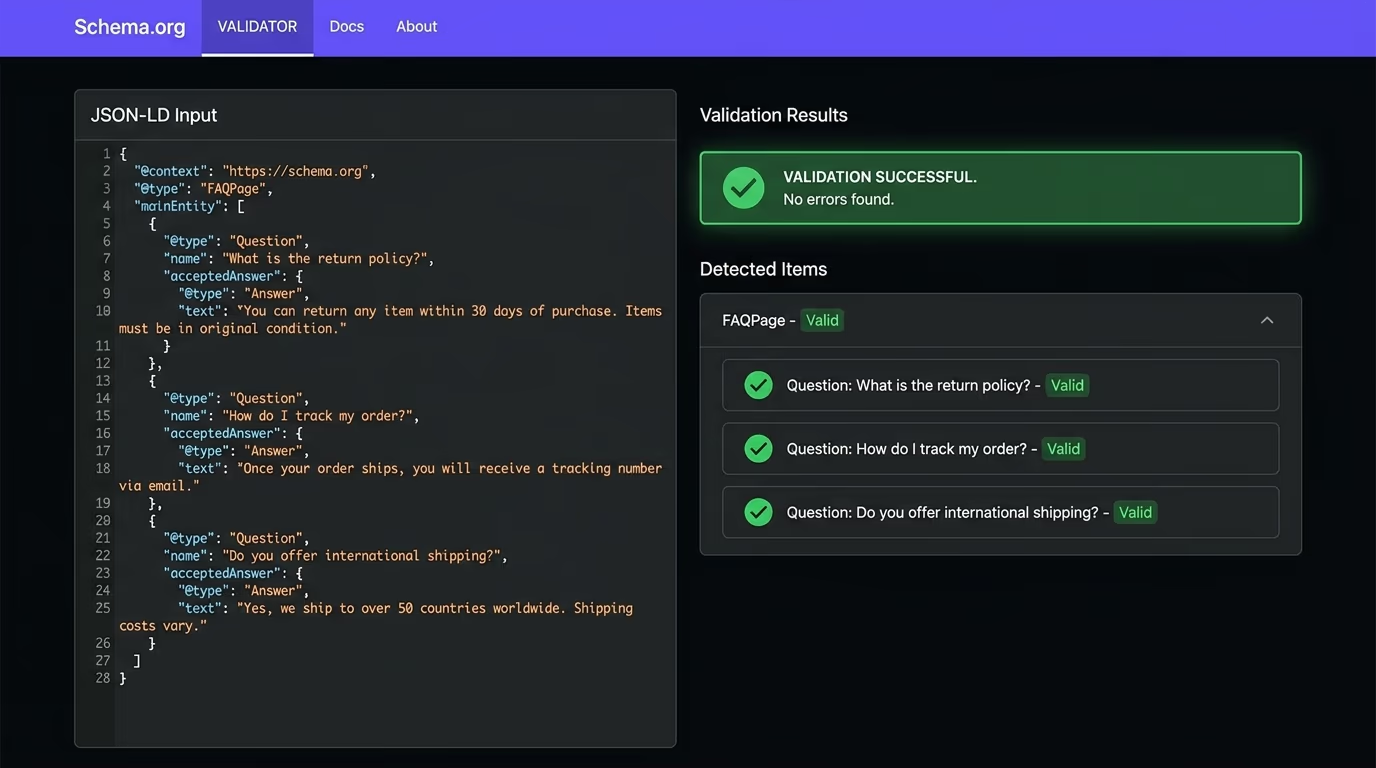
For validation, the Schema Markup Validator at validator.schema.org checks whether your JSON-LD is structurally correct: right types, required fields present, proper nesting. It catches syntax errors, missing acceptedAnswer objects, and type mismatches. Google’s Rich Results Test used to do this too, but Google is retiring it for FAQ in mid-2026, so the Schema.org validator is the durable tool to rely on.
For a broader structured data audit, Amabrik’s SEO/AEO scan crawls your site and checks not only whether your schema validates but whether AI crawlers can actually reach and parse it. The scan returns two scores, one for SEO and one for AEO (answer engine optimization), and each finding comes with a copy-paste fix prompt you can hand to Claude, ChatGPT, or Cursor. That second score, the AEO one, is where FAQ schema matters most now: it measures whether your structured data is set up in a way that AI search engines can use when sourcing their answers.
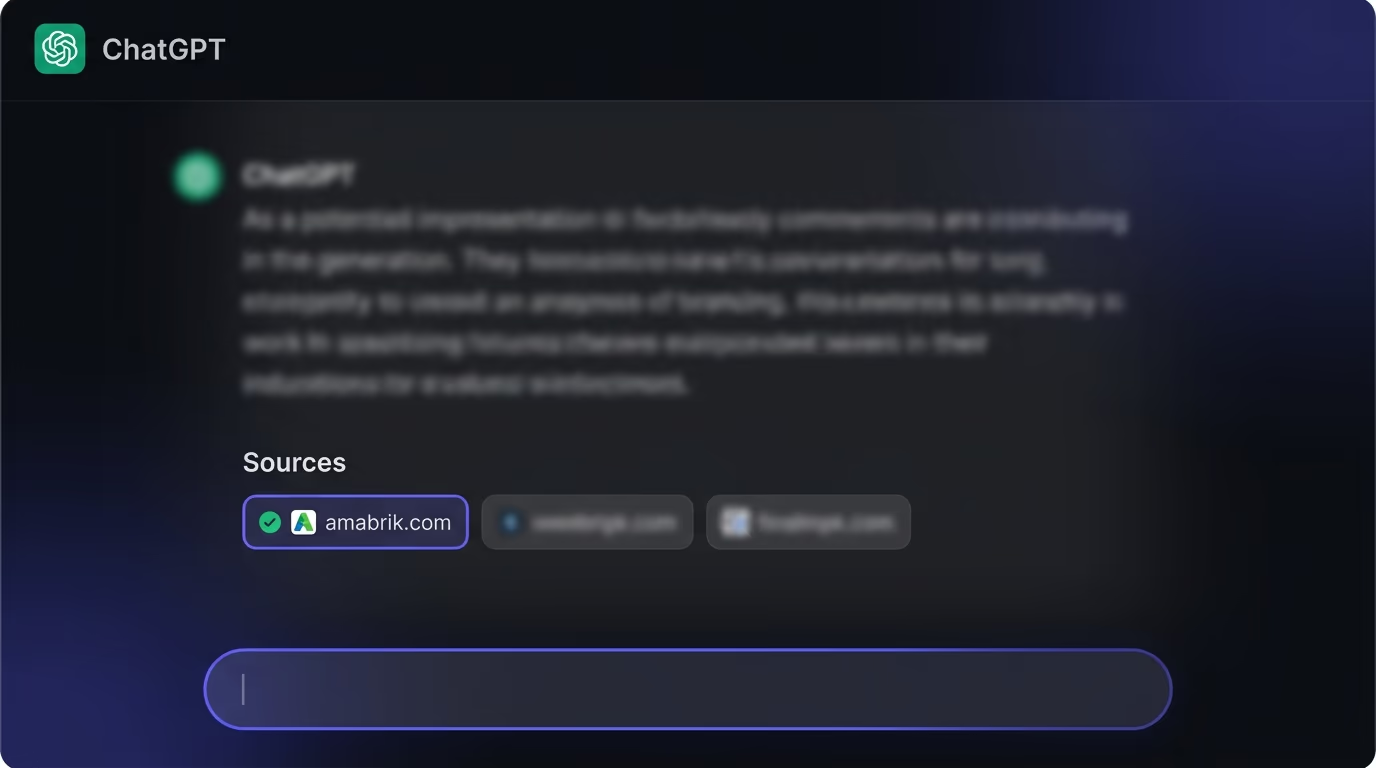
Beyond validation, you want to test whether AI systems are actually citing your FAQ content. The simplest check is to ask ChatGPT or Perplexity the exact question that’s in your FAQ, then see if your page appears in the cited sources. If your structured data is valid and your answer is clear, specific, and genuinely useful, you should see your page cited within a few weeks of crawling. If you don’t, the issue is usually the answer quality rather than the schema: AI engines cite the best answer they can find, and structured data only gets your content into the running.
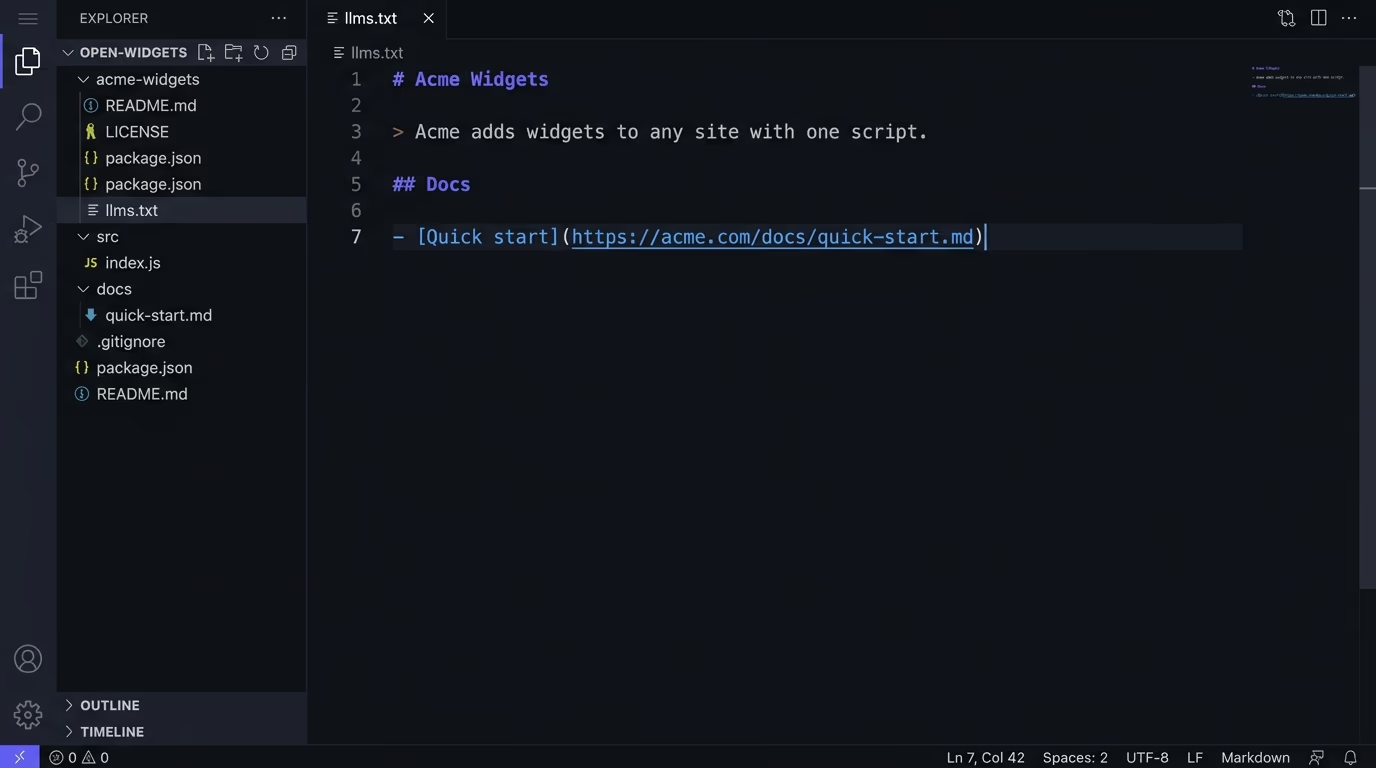
You can also check whether the major AI crawlers can reach your pages at all. GPTBot (ChatGPT), ClaudeBot (Claude), PerplexityBot (Perplexity), and Bingbot (Microsoft Copilot) all have their own user agents, and if your robots.txt blocks them, your FAQ schema is invisible to those systems regardless of how well it validates. An llms.txt file can also help AI crawlers understand which pages on your site are most worth reading.
When should you use FAQ schema over other structured data?
FAQ schema is the right choice when you, the site owner, provide both the questions and the answers on a single page. That covers product FAQ sections, service pages with common questions, blog posts with a question-and-answer section at the end, and help center articles structured as Q&A.
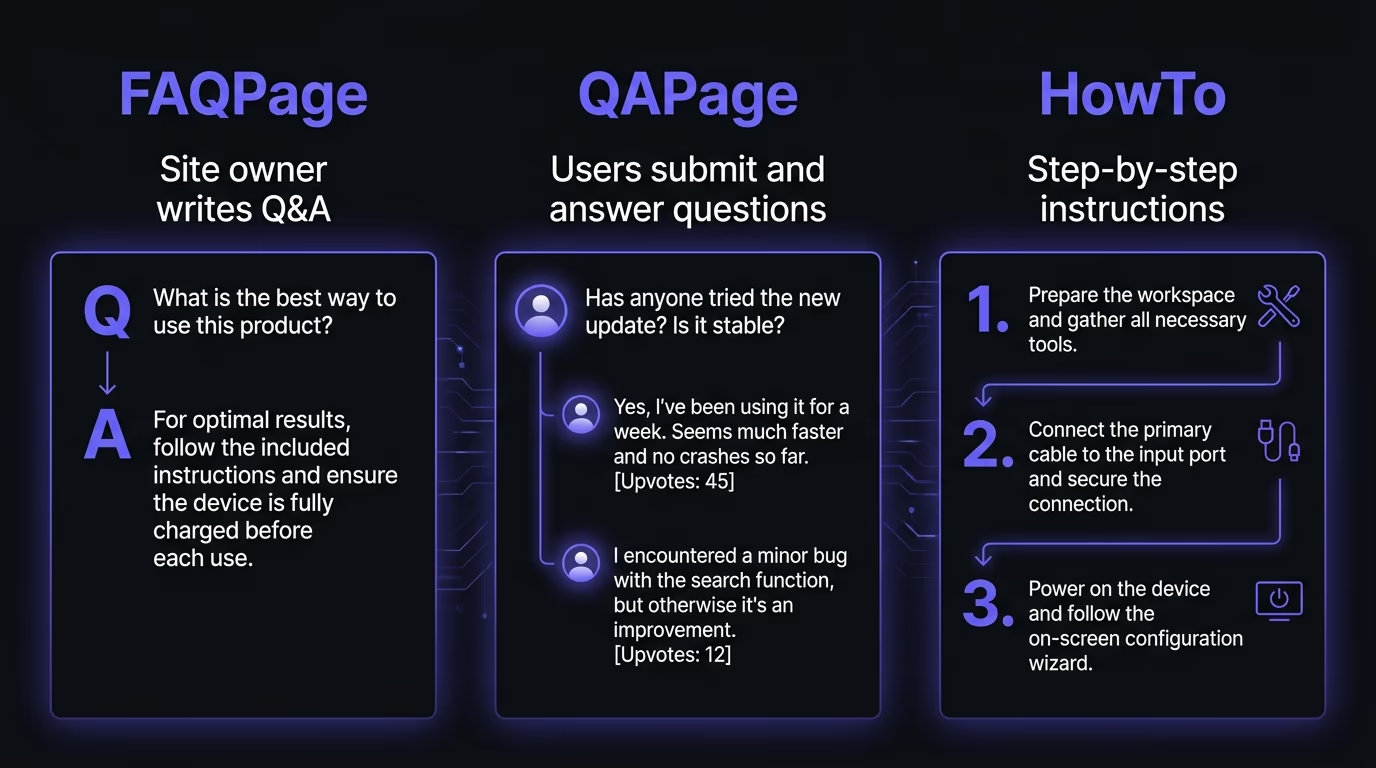
If users submit the questions and other users answer them (like a forum), that’s QAPage schema, not FAQPage. If the content is a step-by-step process, that’s HowTo schema, though Google also removed HowTo rich results in August 2023. If the content is a regular article without a question-answer structure, Article or BlogPosting schema is the better fit, and you can include FAQ schema alongside it for any Q&A section at the bottom.
The schema types aren’t mutually exclusive. A blog post can have BlogPosting schema for the article as a whole and a separate FAQPage schema block for the FAQ section at the end. Most pages benefit from layering multiple schema types: Breadcrumb for navigation context, the content type (Article, Product, Service) for the main content, and FAQPage for any question-answer pairs on the page.
One property worth combining with FAQ is speakable, which tells AI systems which parts of your page are most suitable for voice and spoken answers. Adding speakable to your FAQ answers explicitly flags them as citation-ready for voice assistants and AI engines that read answers aloud.
Each schema type tells machines something specific about your content’s structure, and the more of those signals you provide, the easier it is for an AI engine to decide your page has the answer it’s looking for. FAQ schema carries particular weight here because question-answer pairs map directly to how AI search works: a user asks a question, the engine finds a matching answer, and it cites the source.
How do you write FAQs that get cited by AI?
The schema is the container, and the content inside it is what determines whether an AI engine actually cites you. A perfectly valid FAQ with vague, generic answers will validate fine and get cited by nothing, while a well-written FAQ with specific, useful answers will get picked up even if the schema has minor formatting issues.
The first rule is to answer real questions that real people ask. Check what shows up in “People also ask” for your target keyword, look at the questions in Reddit threads and forums about your topic, and listen to what your customers actually email you about. Those are your FAQ questions, and they’re better than anything you’d invent at a desk. If you’re inventing questions that nobody asks because they sound good on the page, you’re building a FAQ that matches no real search query and gets cited for nothing.
The second rule is to write answers that are self-contained. Each answer should make sense on its own, without requiring the reader to have read the rest of the page. AI engines cite individual answers, not entire pages, so an answer that says “as explained above” or “see the section on security headers” is useless as a standalone citation. Write each answer as if it’s the only thing the reader will see, because in an AI-generated response, it probably is.
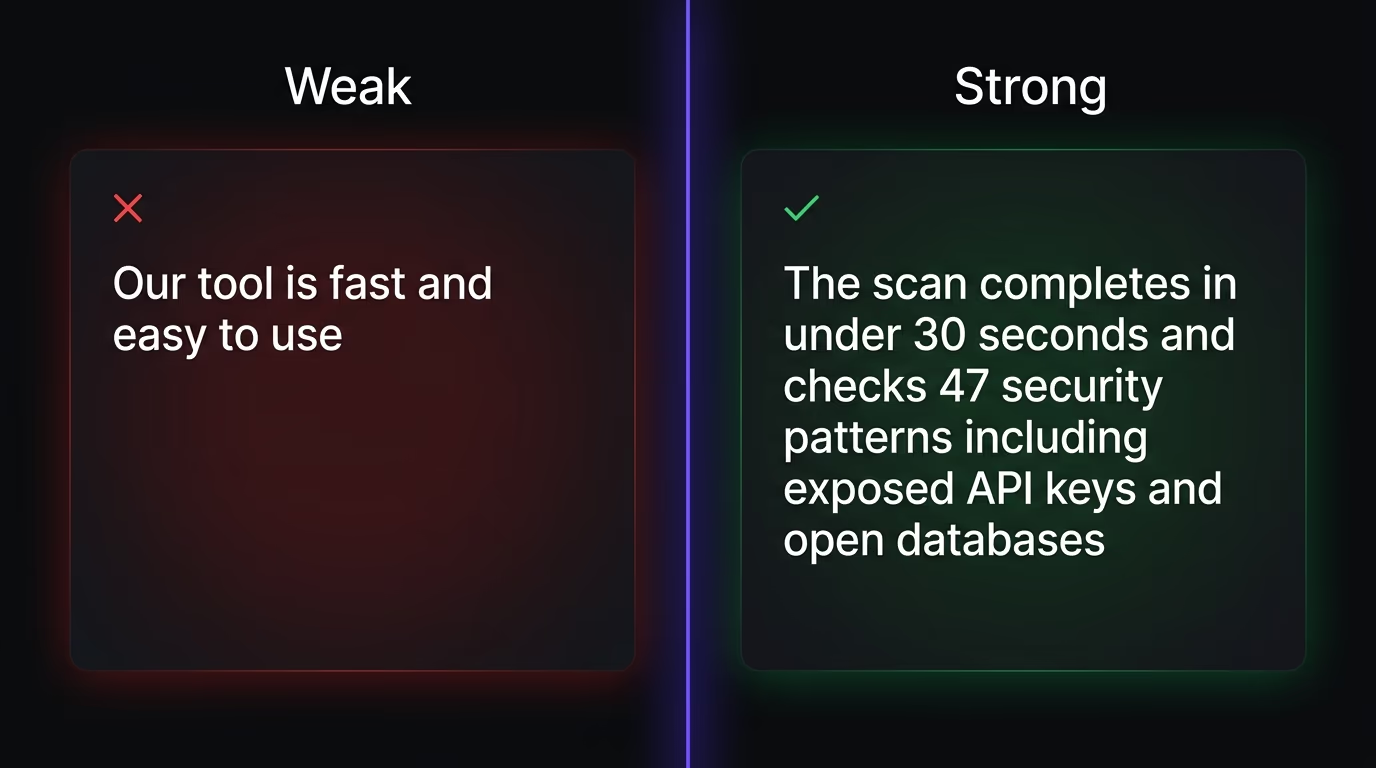
Answers should be specific and factual rather than vague. “Our tool checks your site for security issues” is too vague to cite. “The scan checks 47 patterns including exposed API keys, open databases, missing security headers, and insecure cookies” gives an AI engine a concrete, quotable answer. Numbers, names, and specifics win over adjectives and generalities, and this applies doubly when you’re writing for machines that are trained to cite authoritative, specific information.
Write your primary keyword into at least two of your FAQ questions naturally. This isn’t keyword stuffing, it’s matching the vocabulary people actually use when they search. If your primary keyword is “faq schema” and none of your questions contain those words, there’s a mismatch between what people search for and what your structured data answers.
And keep the FAQ focused on distinct angles. Four to eight questions is the useful range for most pages. Beyond that, the section becomes a wall of text that dilutes the signal-to-noise ratio. Each question should cover a distinct angle that the main content doesn’t already address in depth, and each answer should be substantive enough to stand alone (two to four sentences, typically) without being so long that it buries the point. The goal is a set of clear, citable answers that give AI engines exactly what they need to source a response from your page instead of someone else’s.
Start adding FAQ schema before your competitors catch up
Most sites still don’t use structured data at all. According to Schema.org’s own data, roughly 12% of websites implement any kind of schema markup, which means the bar for standing out is low. Adding FAQ schema to your key pages takes a few minutes per page, costs nothing, and positions your content for the way search is working right now: AI engines reading structured data to build their answers.
If you’re not sure whether your current FAQ schema is valid or whether AI crawlers can reach your pages, run an AEO scan on your site and check the structured data and crawler-access findings. And if you’re still thinking about FAQ schema primarily as a Google SERP feature, that chapter ended. The value now is in the AI systems that read your structured data to build their answers, and FAQ schema is one of the fastest ways to make your content quotable by those systems.
Google removed FAQ rich results entirely on May 7, 2026, so FAQ schema no longer produces visible rich snippets in Google Search. The markup itself is still valid, still parseable, and still used by AI search engines like ChatGPT, Perplexity, and Google AI Overviews to source answers. Bing and DuckDuckGo also continue to read it. If your goal is AI visibility rather than a Google SERP feature, FAQ schema is more useful now than it was when rich results still existed.
FAQ schema (FAQPage) is for a page where the site owner provides both the questions and the answers, like a product FAQ or a help section. QAPage schema is for a page where users submit questions and other users answer them, like a forum or a Stack Overflow thread. If you control both the questions and the answers, FAQ schema is the one to use.
No. Google's documentation confirms that FAQ schema won't cause errors or penalties if it stays on your pages after the rich results removal. It's inert for Google's visual search features, but it doesn't count against you. Other search engines and AI crawlers still benefit from it, so there's no reason to remove it.
Between four and eight is the useful range. Fewer than four makes the section feel thin and barely worth the structured data overhead. More than eight tends to bury the important questions in a wall of text, and AI engines are more likely to cite a focused set of clear answers than a sprawling list of every question anyone has ever asked.
Perplexity's crawler (PerplexityBot) reads page content and structured data when building its answers. FAQ schema gives it a clean question-answer pair it can cite directly rather than trying to extract an answer from unstructured prose. The same applies to ChatGPT's browse feature and Google's AI Overviews.
Not necessarily. If you're on WordPress, plugins like Yoast and Rank Math add FAQ schema through their block editors. If you're on a static site or a custom stack, you paste a JSON-LD script tag into your page's head or body, which is a copy-paste operation that doesn't require programming knowledge. The JSON-LD format is readable enough that most non-developers can edit the questions and answers directly.