How to Store API Keys Securely (Without Leaks)
How to store API keys securely: keep them out of client-side code and git, use environment variables and a server proxy, then scan your site for leaks.

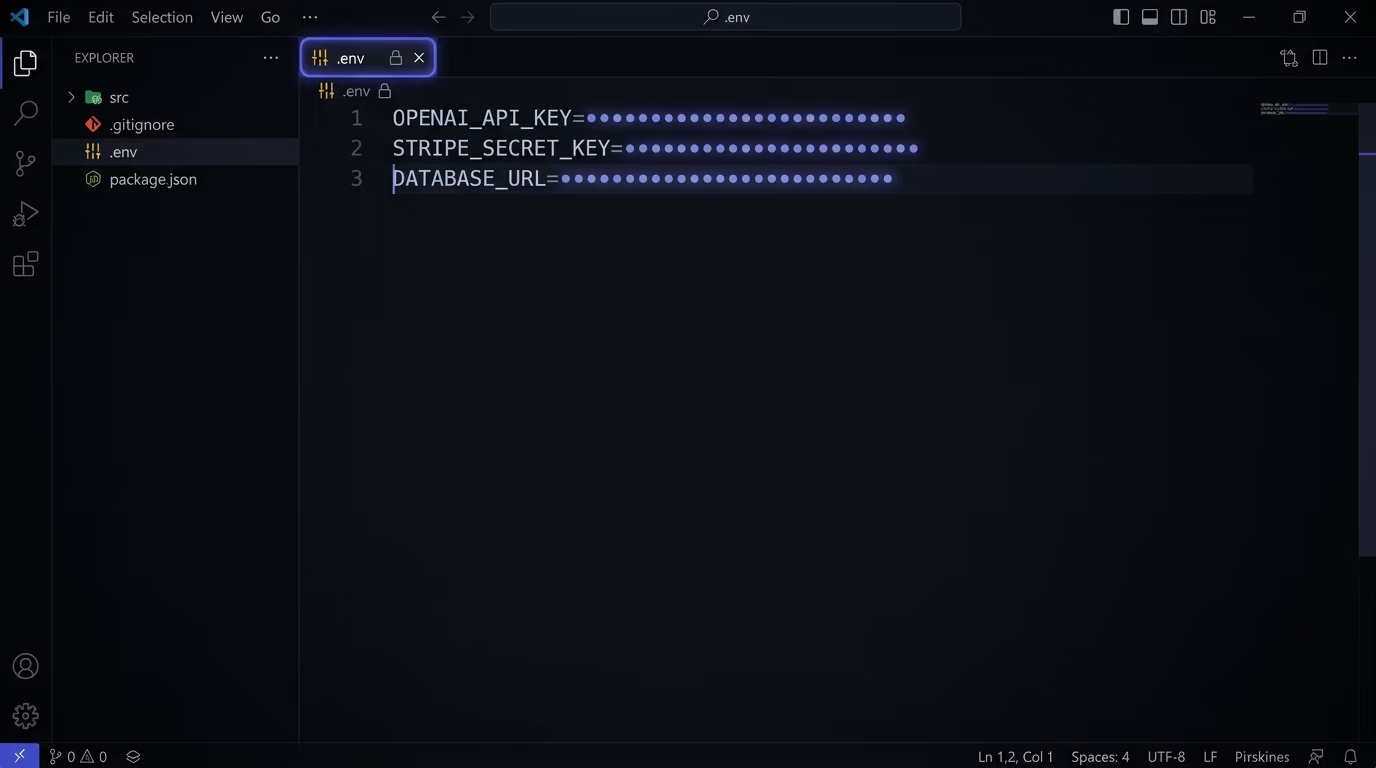
Store API keys as environment variables that live outside your code, never inside the files you commit to git and never in anything the browser downloads. Keep them in a .env file that’s listed in .gitignore for local work, and in your host’s environment settings for production. When a page needs to call a paid service like OpenAI or Stripe, route the request through your own backend so the key stays on the server. Then scan your live site and your repository to confirm nothing slipped out.
That advice sounds obvious, yet leaked keys are one of the most common ways small sites get drained. GitGuardian’s 2026 secrets report counted close to 29 million hardcoded secrets pushed to public GitHub in 2025, up 34 percent on the year before, and it flagged an 81 percent jump in leaked keys for AI services specifically. Developers didn’t forget the rule, and the leaks keep coming because AI coding tools like Cursor, Lovable, Bolt, and v0 produce working apps in minutes and take the shortest path to a running demo, which often means a key sitting in plain sight. This guide walks through where keys should live, how to keep them off the browser and out of git, and how to check whether yours have already escaped.
What is an API key, and what happens when one leaks?
An API key is a secret string that proves your app is allowed to use a paid or private service, and when it leaks anyone who finds it can use that service on your account and your bill. Think of it as a password that your code hands to OpenAI, Stripe, AWS, or a database so those services know the request is really coming from you. There’s no username attached and no second factor. Whoever holds the key gets treated as you.
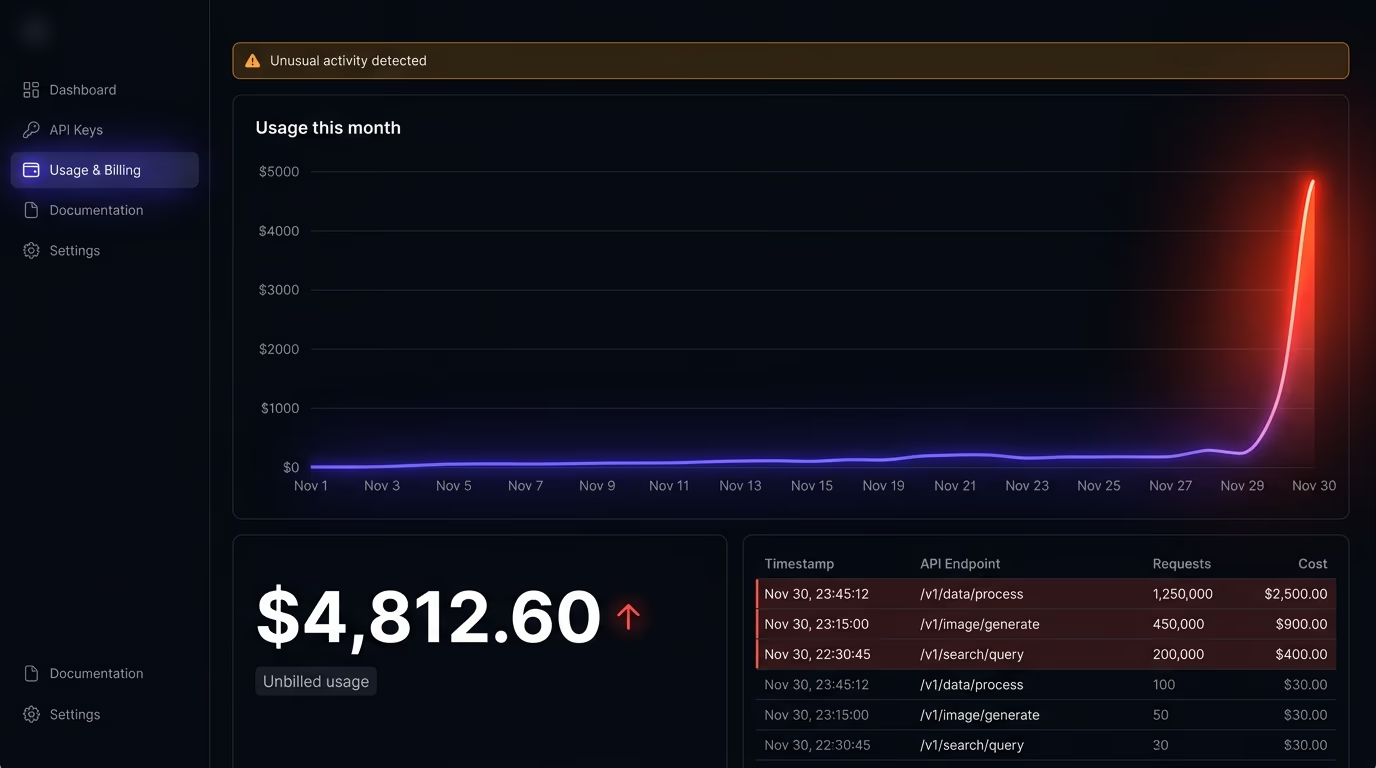
The damage depends on which key leaks. A stolen OpenAI or Anthropic key means strangers run their own prompts against your credit until the balance is gone, and people actively scan public repositories for exactly these keys to resell the access. A leaked Stripe secret key can read your customer list and move money. An exposed AWS key is the worst case most of the time, because attackers spin up expensive servers for crypto mining and leave you with a bill that can reach thousands of dollars before the provider notices. A database URL with credentials in it hands over every row you store.
None of this needs a sophisticated attack. Bots crawl public GitHub commits, npm packages, and live JavaScript files around the clock, testing every string that looks like a key, and a real key can be picked up and abused within minutes of going public. So the practical assumption has to be simple: the instant a real key becomes public, treat it as compromised and replace it. The rest of this guide is about making sure that instant never arrives.
Why does AI-generated code leak API keys?
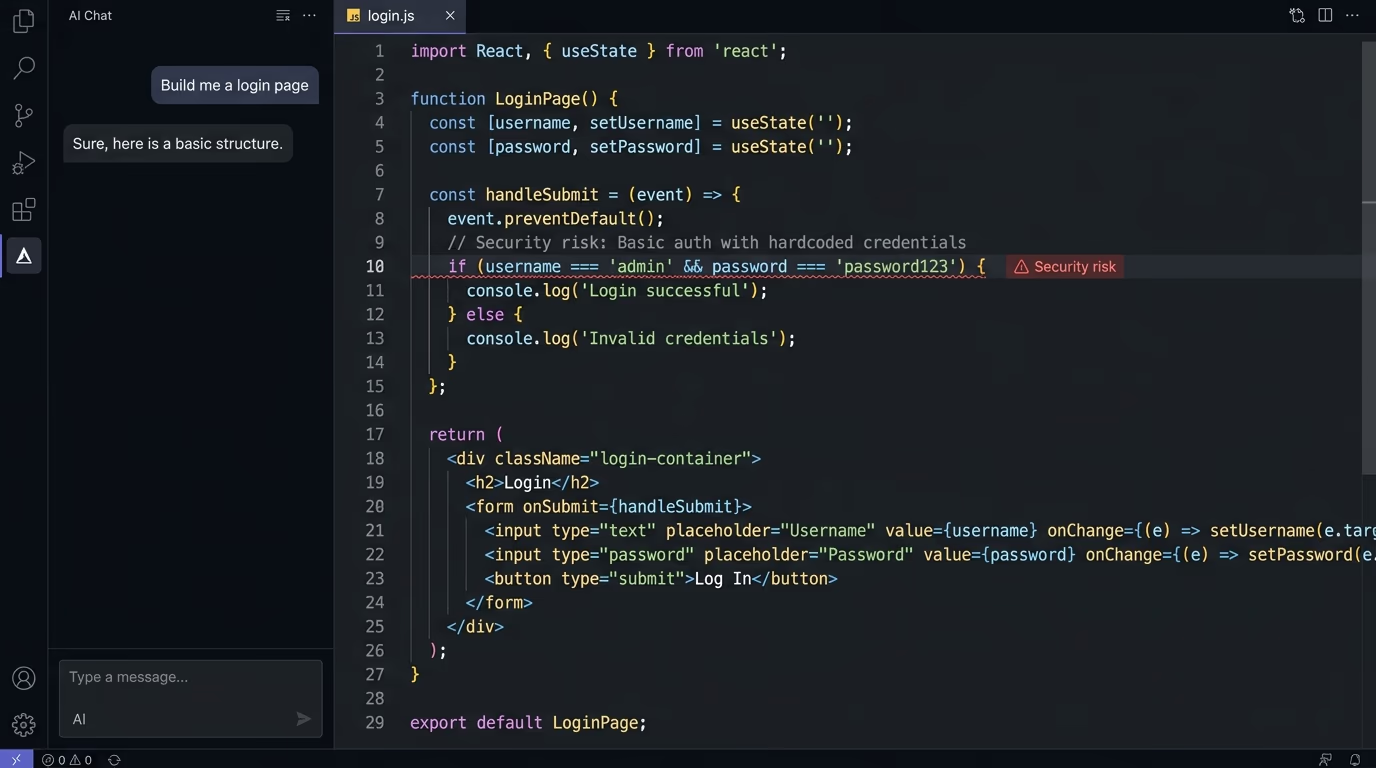
AI coding tools leak API keys because they optimize for a working demo, and the fastest way to make a call to OpenAI or Stripe work is to put the key right where the call happens. Ask Cursor, Lovable, Bolt, or v0 to add a chatbot or a payment flow, and the generated code will often paste the key straight into a component, hardcode it in a config file, or wire the browser to call the third-party service directly. It runs, the demo works, and the vulnerability ships with it.
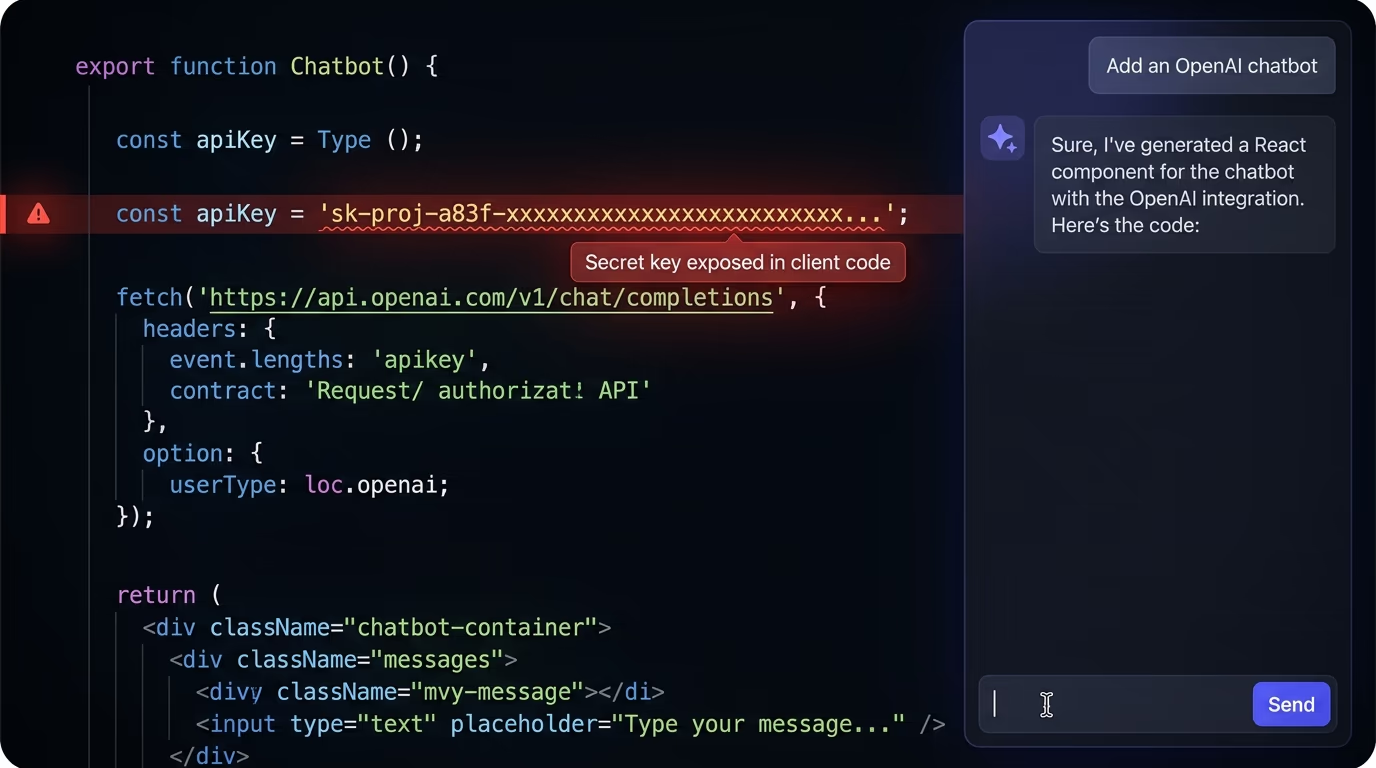
GitGuardian’s 2026 report tied this directly to the rise of AI development, recording that 81 percent jump in leaked credentials for AI services in a single year. Part of the problem is that these tools learn from millions of public code samples, and a huge share of quick tutorials hardcode the key for simplicity because it reads more clearly that way. The model treats that as the normal shape of the code. And part of it is that someone vibe-coding an app rarely reads every line, so a key sitting in the source never gets a second look before the project goes live.
The most dangerous version is the key that ends up in front-end code. When an AI tool writes a React or Vue component that calls an API directly from the browser, the key has to be in the bundle the browser downloads, which means anyone can open developer tools and read it. This is a different failure from committing a key to git, and it needs a different fix, covered in its own section below. If you’re building this way, our full breakdown of vibe coding security risks covers the other holes these tools leave, from injection to missing access checks.
Where should you store API keys instead?
API keys belong in environment variables, which are values your app reads at runtime from outside its own source code. Instead of writing the key into a file that gets committed, you reference it by name, and the actual value lives somewhere your code can read but your repository never sees. In practice that means two places: a local file for development, and your host’s settings panel for the live site.
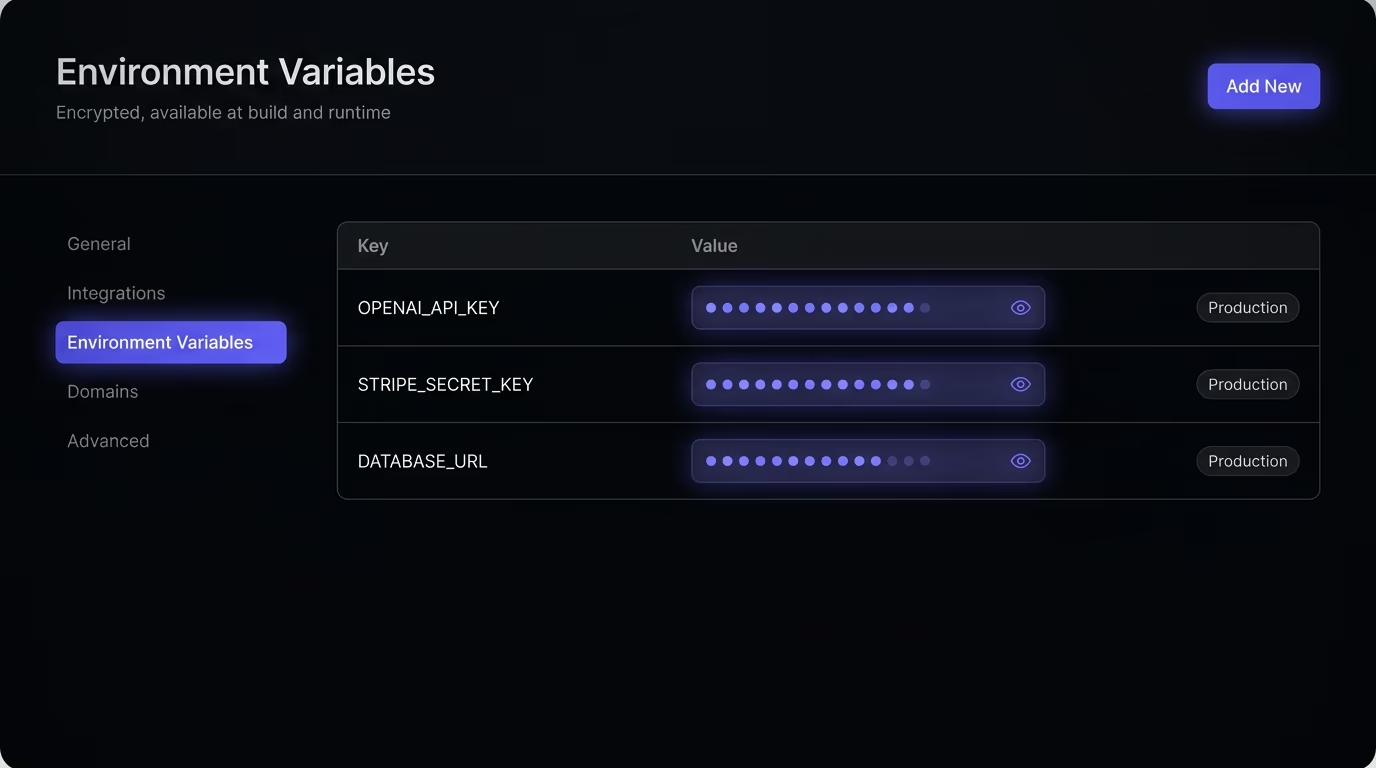
For local development, put your keys in a file named .env at the root of your project, one per line:
OPENAI_API_KEY=sk-proj-your-real-key-here
STRIPE_SECRET_KEY=sk_live_your-real-key-here
Then read them in your code through the runtime’s environment, like process.env.OPENAI_API_KEY in Node.js or os.environ["OPENAI_API_KEY"] in Python. The one rule that makes this safe is the next section’s job: that .env file can never reach git.
Modern frameworks read the .env file for you, so you rarely need a separate library to load it. Next.js, Vite, Astro, and Remix pick up .env automatically, and a common convention is .env.local for the values that stay on your machine. Whatever the filename, the same rule holds: the file with real keys stays local, and the names, not the values, are what your code refers to.
For production, don’t ship the .env file at all. Every serious host has a place to set environment variables in its dashboard, and Vercel, Netlify, Cloudflare Pages, Railway, Render, and Fly all have an Environment Variables screen where you paste each key and value. The host injects them at build or run time, so the key exists on the server that needs it and nowhere else. This is also where solo builders tend to overthink it. You don’t need HashiCorp Vault, a hardware security module, or a dedicated secrets manager for a project with one or two keys. Those tools solve a rotation-at-scale problem that a small site doesn’t have yet. Your host’s environment settings are the right answer until you have a team and dozens of secrets to manage.
How do you keep API keys out of the browser?
Keep API keys out of the browser by never calling a third-party service directly from front-end code, and by understanding which environment variables are public. Any value your browser needs, it downloads, so any key in front-end JavaScript is readable by every visitor. Framework prefixes make this trap easy to fall into. In Next.js, a variable named NEXT_PUBLIC_OPENAI_KEY gets inlined into the browser bundle on purpose, and in Vite anything starting with VITE_ does the same. The prefix is a signal that the value is public. A secret key must never carry it.
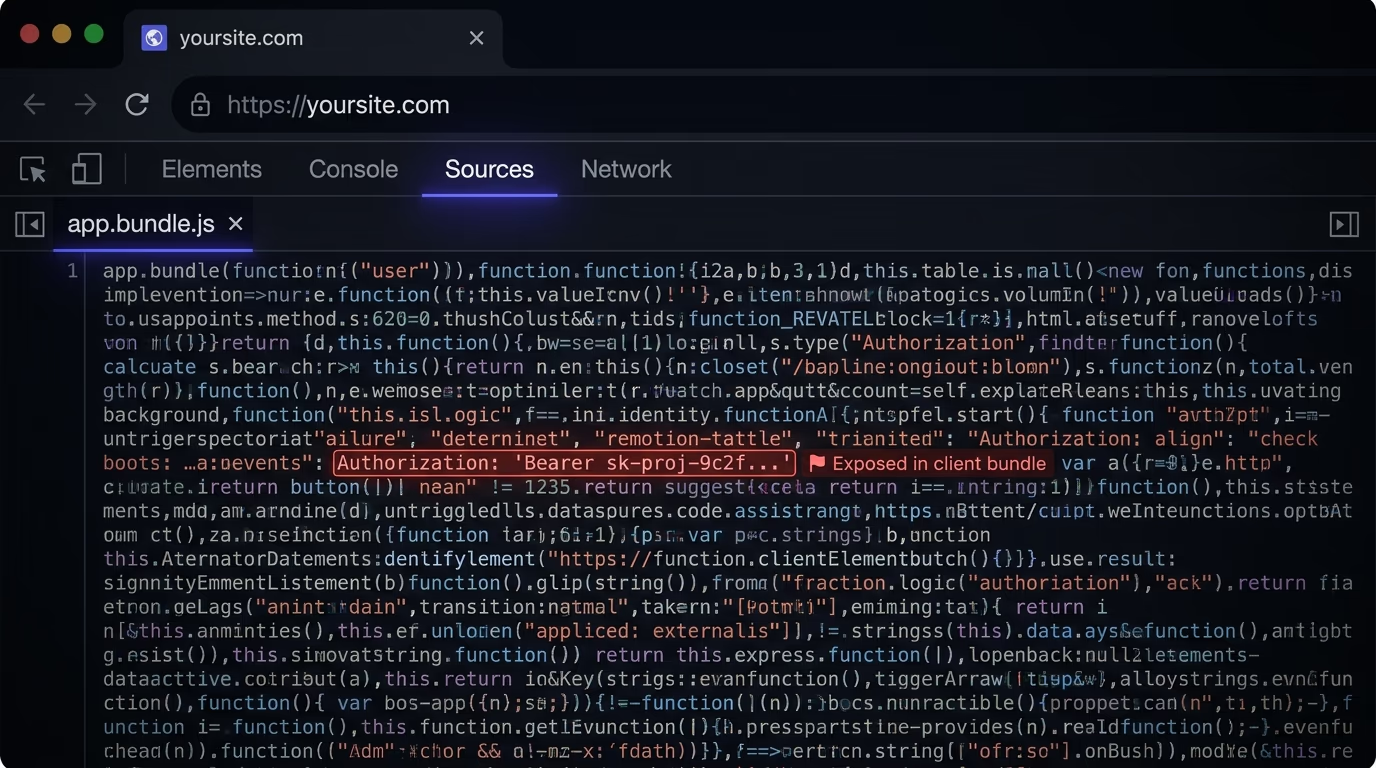
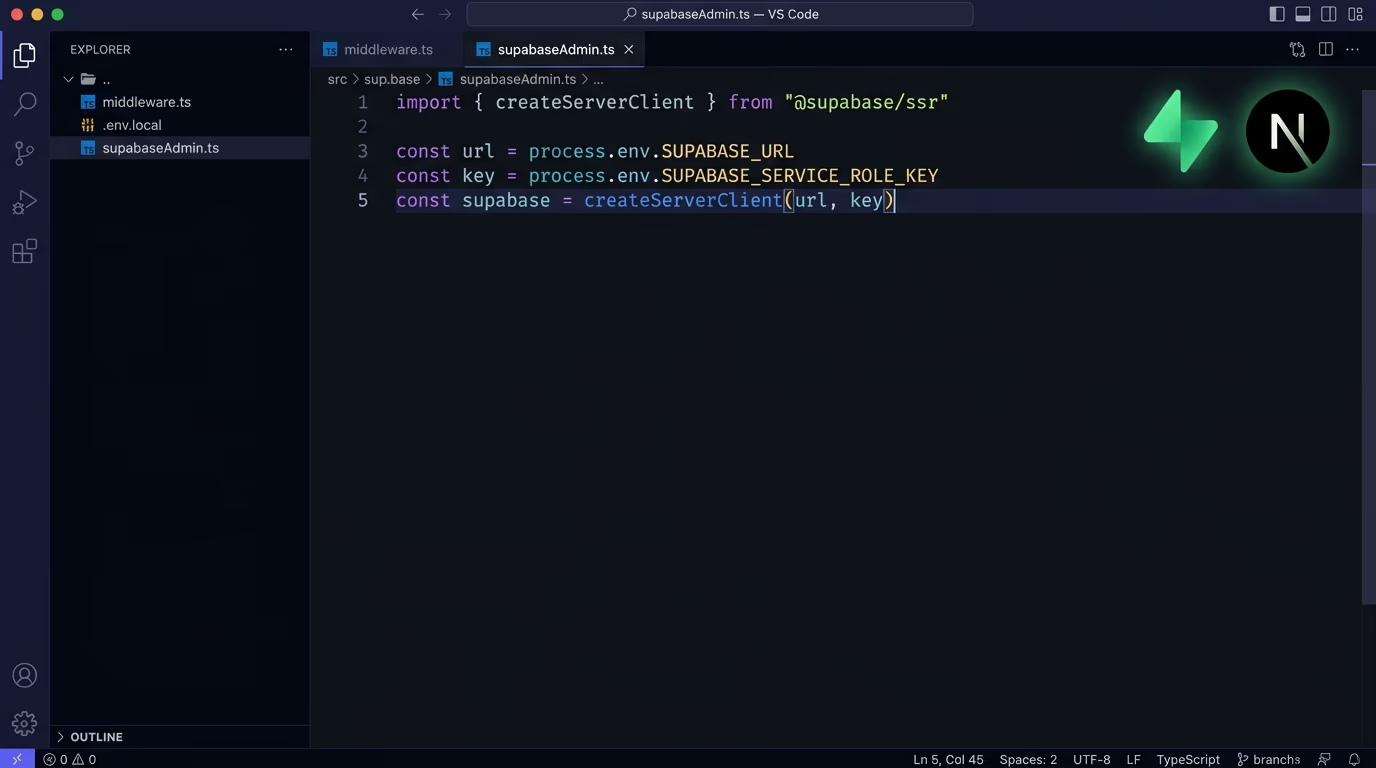
One nuance saves a lot of confusion here, because some keys are designed to be public. Stripe gives you a publishable key that starts with pk_ for the checkout widget, and Supabase gives you an anon key that’s safe in the browser because Row Level Security controls what it can reach, and both of those belong in the front-end. The distinction that matters is the word secret. A publishable or anon key is built to be seen, while a secret key, a service_role key, or anything starting with sk_ grants full access and has to stay on the server. When an AI tool drops a key into a component, the first question is which type it is, because a pk_ key is fine there and an sk_ key is an incident.
The fix for the secret ones is the server-side proxy, and it’s the single most useful pattern in this guide. Instead of the browser calling OpenAI, the browser calls your own backend, and your backend calls OpenAI with the key. The key stays on the server, and the visitor only ever talks to your endpoint. In a Next.js app it looks like this:
// app/api/ai/route.ts  — runs on the server, the key never reaches the browser
export async function POST(req: Request) {
  const { prompt } = await req.json();
  const r = await fetch("https://api.openai.com/v1/responses", {
    method: "POST",
    headers: {
      "Content-Type": "application/json",
      Authorization: `Bearer ${process.env.OPENAI_API_KEY}`,
    },
    body: JSON.stringify({ model: "<your-model>", input: prompt }),
  });
  return Response.json(await r.json());
}
Your front-end calls /api/ai with the user’s message, your server adds the key, and the OpenAI key is never in anything the visitor can see. Every framework has this: API routes in Next.js, serverless functions on Netlify and Cloudflare, a small Express route on a traditional server. The pattern is always the same, and it’s the reason a key never has to sit in front-end code at all. Our guide to securing a Next.js and Supabase app goes deeper on the same idea for database keys, where the service_role key has to stay server-side for exactly this reason.
How do you stop keys from ending up in git?
Stop keys reaching git by adding your .env file to .gitignore before your first commit, because once a secret is pushed it should be treated as public forever. Git keeps history, so deleting the key in a later commit doesn’t remove it from the earlier one that anyone can still check out.
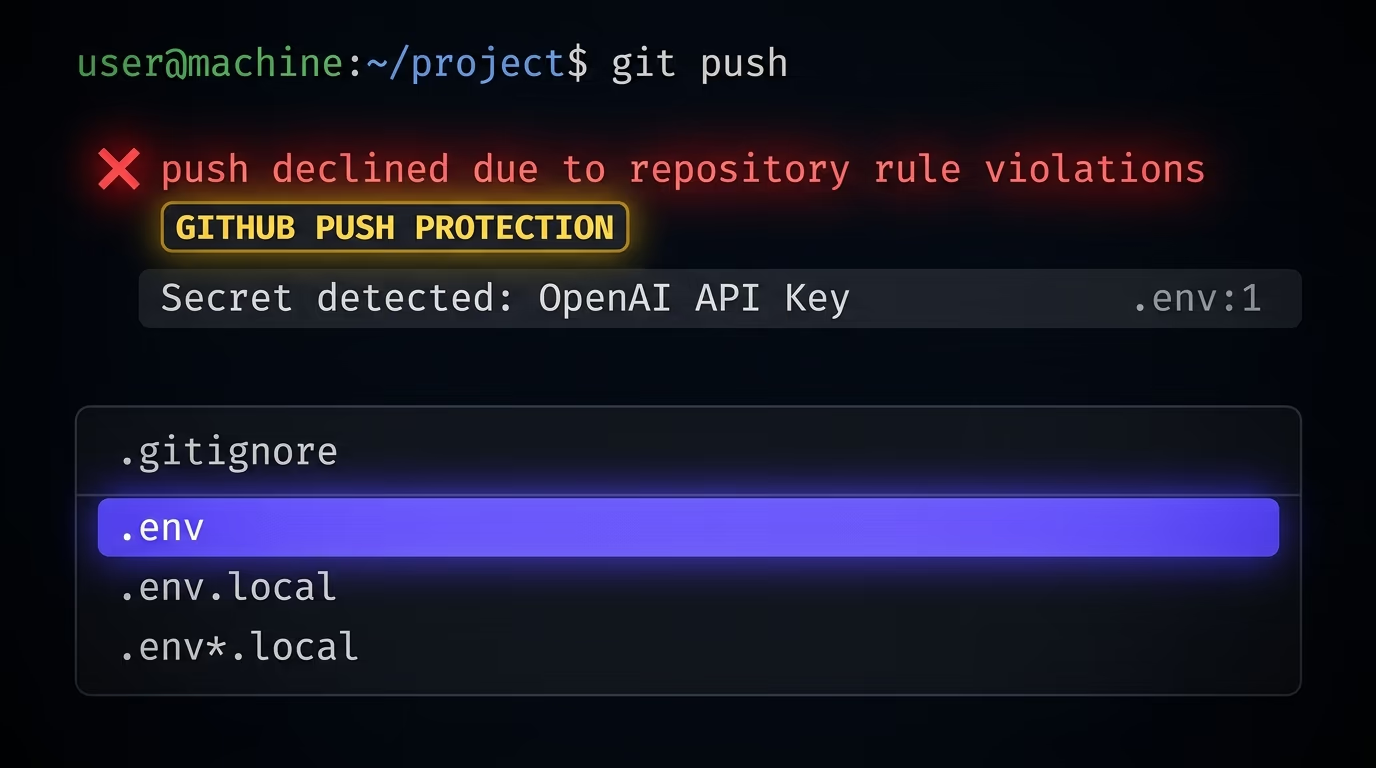
A .gitignore file at the root of your project tells git which files to skip, and it needs only a few lines for the environment files:
.env
.env.local
.env*.local
The part people get wrong is what to do after a key has already been committed. Removing the file in a new commit does nothing, because the key still sits in the repository’s history, and rewriting that history with a tool like git filter-repo is fiddly and often incomplete. The reliable fix is to rotate the key: go to the provider, delete the exposed key, and generate a new one. That instantly makes the leaked copy worthless, which matters far more than scrubbing it from the log.
Two safety nets catch the keys that slip past you. GitHub runs secret scanning on public repositories, recognizes the formats used by Stripe, AWS, OpenAI, Supabase, and hundreds of other providers, and notifies the issuing service so it can revoke a key that gets pushed. Push protection goes one step earlier and blocks the push itself when it spots a known key format, before the secret ever lands. Turn push protection on, and add a pre-commit secret scanner like Gitleaks so a key gets caught on your own machine first. None of these replace keeping the key out of the file, but they turn a silent leak into a loud one.
How do you check if your API keys are already exposed?
Check for exposed keys in two places: your source code and history, and the live site your visitors load. On the code side, run a secret scanner across your repository and its full git history. Gitleaks and TruffleHog are free, work on a local clone, and flag anything shaped like a known key, including secrets buried in old commits you forgot about. If you host on GitHub, switch on its built-in secret scanning for an ongoing check.
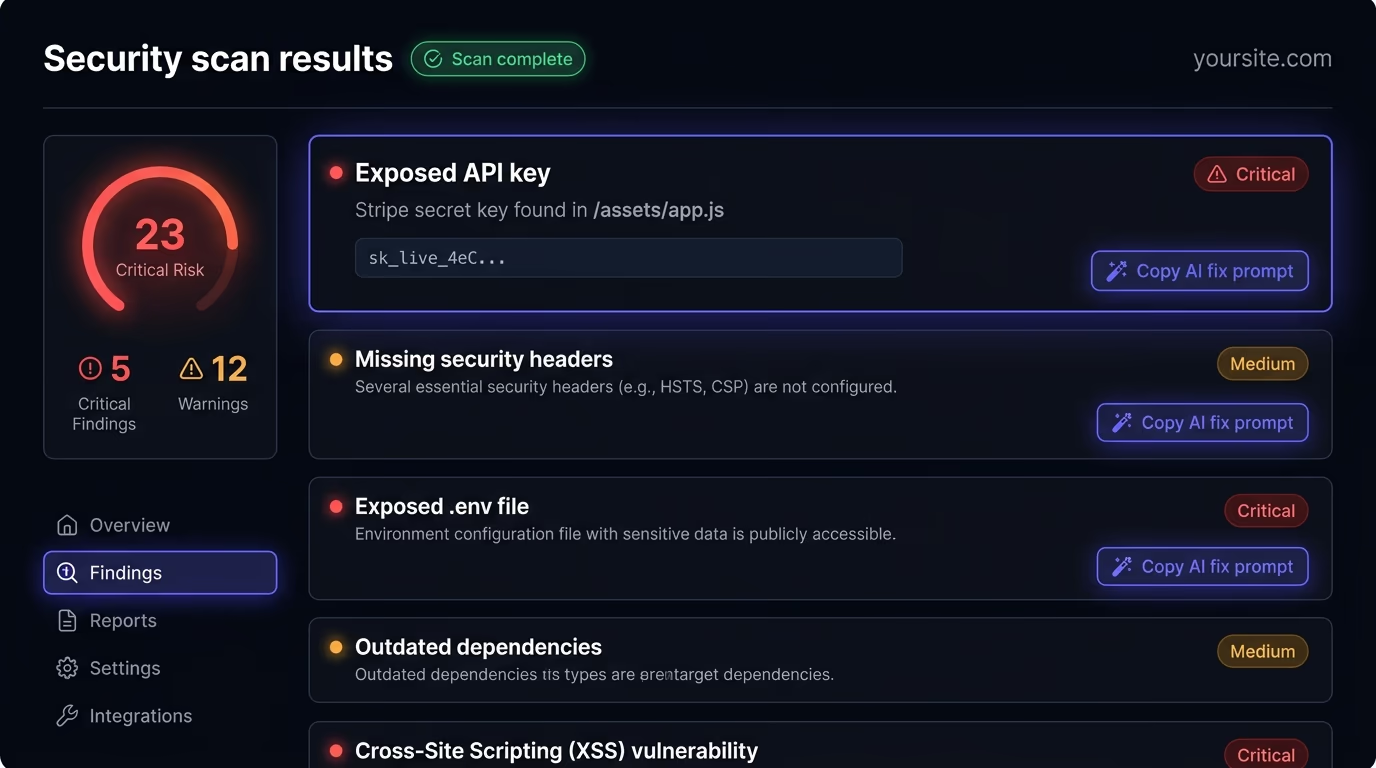
The live-site side is the one vibe-coders miss, because a key can be perfectly absent from your repository and still sit in the JavaScript your site ships. Open your site, open the browser’s developer tools, and search the loaded scripts and network requests for sk-, key, or the provider’s prefix. If you find a real key there, it’s public to every visitor, and no amount of git hygiene helps until you move that call to the server.
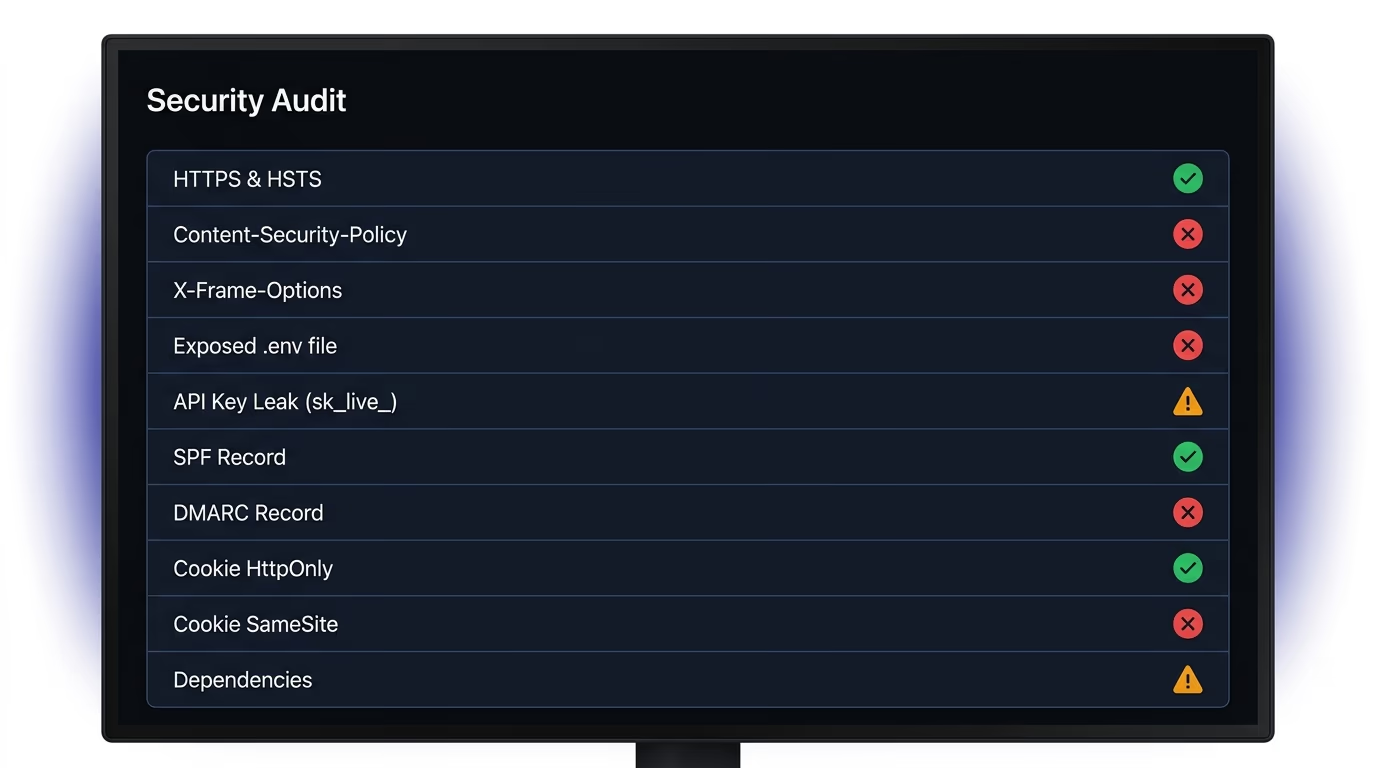
This is exactly what Amabrik’s security scan automates. It crawls your live pages and their headers and JavaScript the way an attacker would, flags exposed API keys for Stripe, AWS, OpenAI, GitHub, and databases, and returns each finding in plain English with a copy-paste prompt you can hand to Claude, ChatGPT, or Cursor to generate the fix. It also checks the related gaps that travel with leaked keys, like missing security headers and exposed .env files, so a single pass tells you whether anything is showing. For the wider pre-launch list, our website security checklist runs through every check to make before you ship.
What should you do the moment a key leaks?
The moment you find a leaked key, revoke it at the provider before you do anything else, because rotation is the only action that actually stops the abuse. Go to the service’s dashboard, delete or roll the exposed key, and generate a replacement. Deleting the file, making the repository private, or force-pushing over the commit all leave the leaked key valid and in someone’s hands, so only rotation truly kills it.
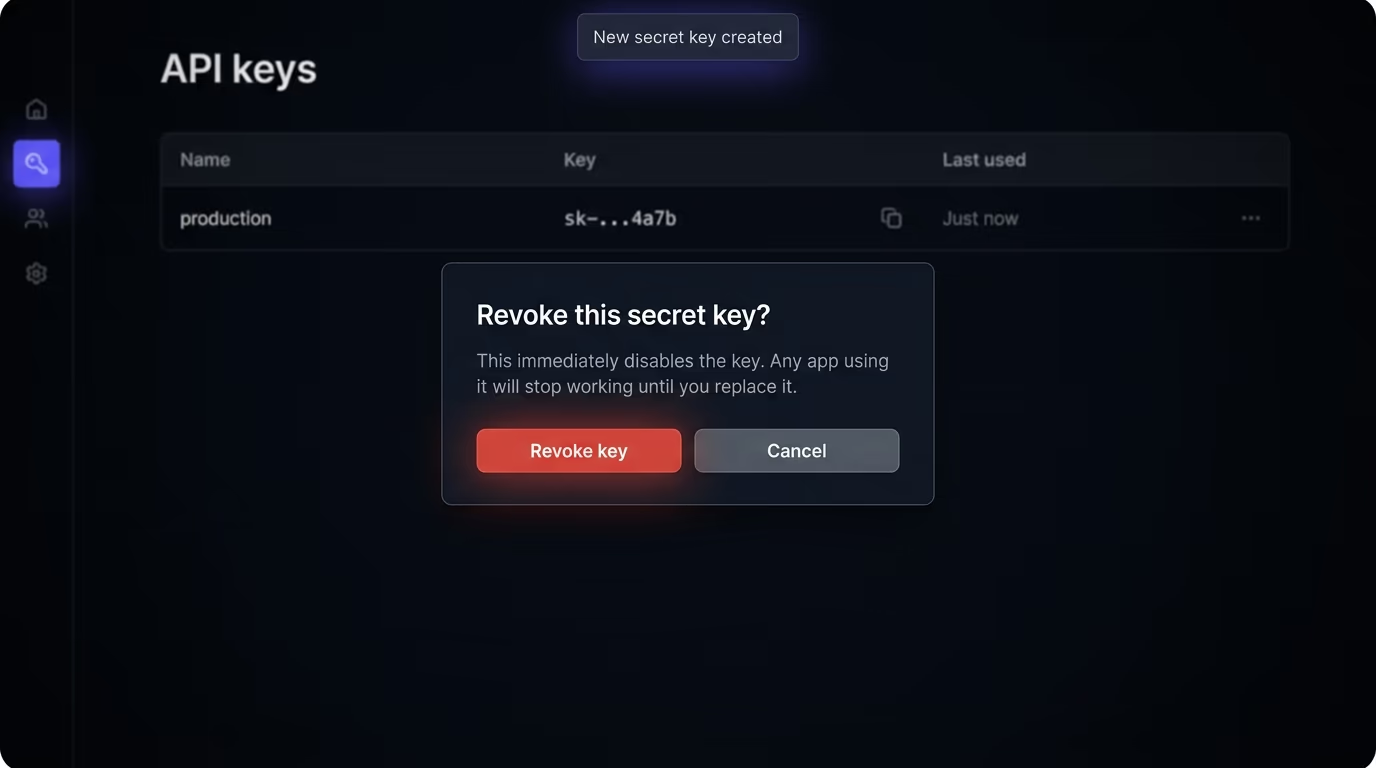
Once the key is dead, check what it was used for while it was live. Open the provider’s usage and billing pages and look for spikes you didn’t cause: unexpected API calls, new resources, charges you don’t recognize. For a key with money attached, like Stripe or a cloud provider, set a spending cap or a billing alert right now if you don’t already have one, so the next incident has a ceiling. If you see real unauthorized activity, treat it as a breach: rotate every other credential that shared the same exposure, and check whether customer data was reachable through the leaked key.
Then close the hole that let it out. If the key was in front-end code, move that call to a server route as described earlier. If it was in git, confirm the new key lives only in environment variables and that .env is ignored. And scope your keys down while you’re there, because most providers let you create a restricted key that can only do one thing, so a key that only reads products can’t also issue refunds. A tightly scoped key limits the blast radius of the next leak, and there’s always a next leak to plan for.
Lock down your API keys before they cost you
Storing API keys securely comes down to a short list you can hold in your head: keep them in environment variables, never in front-end code, never in git, rotate them the instant they leak, and scope each one to the least it needs to do. The mechanics are simple, and the reason leaks keep happening is that AI coding tools make the insecure version the fast version, so a working demo hides the problem until a bot finds the key.
The fastest way to know where you stand right now is to look at your live site the way an attacker does. Run a security scan on your pages to see whether any key, header, or file is exposed, with a plain-English fix for anything it finds. Do it before you ship, and again after every AI tool touches your code.
The safest place to store API keys is in environment variables that live outside your source code: a local .env file that git ignores during development, and your host's environment settings (Vercel, Netlify, Cloudflare, Railway) for production. The key is read at runtime by name, so it exists on the server that needs it and never sits in a file you commit or ship to the browser.
Yes, a .env file is the standard way to store API keys securely during local development, as long as that file is listed in .gitignore so it never reaches your repository. The .env file stays on your machine, your code reads the values through the runtime environment, and for production you set the same variables in your host's dashboard instead of shipping the file.
No, an API key in front-end code is never safe, because the browser has to download any value it uses, so anyone can open developer tools and read it. Variables prefixed with NEXT_PUBLIC_ in Next.js or VITE_ in Vite are inlined into the browser bundle by design. A secret key has to stay on the server, and the browser should call your own backend route, which then calls the third-party service with the key.
Revoke the exposed key at the provider immediately and generate a new one, because rotation is the only action that stops the leaked copy from working. Deleting the file or making the repository private leaves the old key valid. After rotating, check the provider's usage and billing for unauthorized activity, set a spending cap, and fix whatever exposed it, whether that was front-end code or a commit to git.
Scan both your code and your live site. Run a free secret scanner like Gitleaks or TruffleHog across your repository and its full git history, and open your live site's developer tools to search the loaded JavaScript for anything shaped like a key. A live-site security scan checks the pages your visitors actually load and flags exposed keys automatically, which catches the front-end leaks that a repository scan misses.
Environment variables keep API keys out of your source code and your git history, which removes the two most common leak paths, but they are not a complete answer on their own. A variable prefixed for the browser, like NEXT_PUBLIC_, still ends up public. Environment variables are secure only when the key stays server-side and the .env file is ignored by git.