X-Frame-Options: Set It and Stop Clickjacking
X-Frame-Options tells browsers whether your page can load in an iframe. See what each value does, how to set it on any host, and when to use CSP instead.

X-Frame-Options is an HTTP response header that tells the browser whether your page is allowed to load inside a frame, iframe, embed, or object on another site. Set it to DENY and no site can frame your page. Set it to SAMEORIGIN and only pages on your own origin can. That single header blocks clickjacking, the attack where a hidden copy of your site is layered under a decoy so visitors click things they never meant to touch. On modern browsers the newer Content-Security-Policy: frame-ancestors directive does the same job with more control, so the safe setup today is to send both. This article explains each value, shows the exact config for every common host, and covers how to test that the header actually arrives.
What is the X-Frame-Options header?
X-Frame-Options is a response header your server sends with a page to control whether a browser will render that page inside a <frame>, <iframe>, <embed>, or <object> on another document. When the header is absent and nothing else restricts embedding, the browser lets any site put your page in a frame, because that was the default the web shipped with. The header rides on a single response, so it protects the page that carries it rather than your whole domain at once, which is why you normally send it on every response instead of one route.
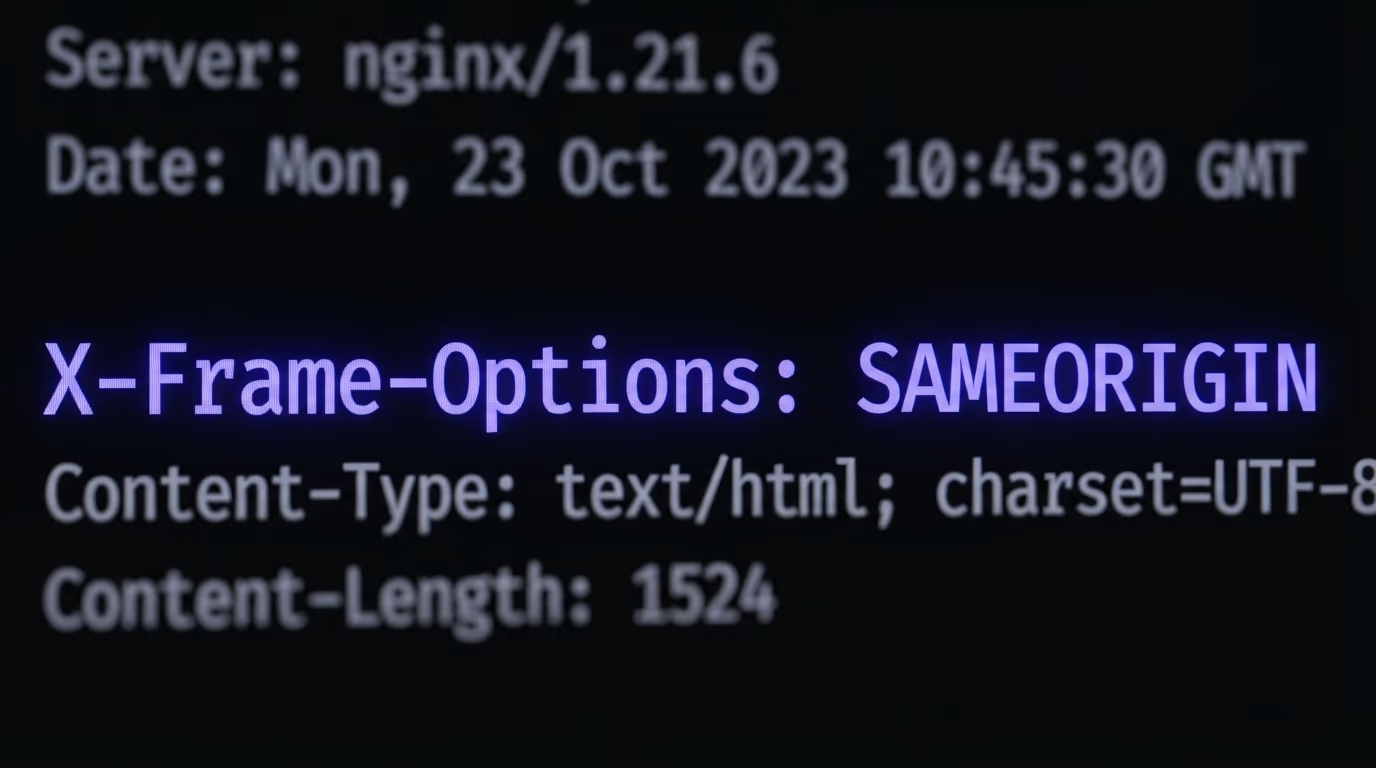
The important word here is header. X-Frame-Options lives in the HTTP response, not in your HTML, so a browser reads it before it has parsed a single tag on the page. That timing is what makes it reliable: by the time the attacker’s frame tries to load your page, the browser has already seen the header and can refuse to render. It also means you cannot bolt the protection on inside the page itself, a detail that trips up a lot of first attempts.
Beyond clickjacking, the header shuts down a quieter class of trouble that Mozilla and Microsoft both call cross site leaks, or framesniffing. An attacker who can load your page in a frame can measure things about it, such as whether a logged in user exists or how the page reacts to certain inputs, without ever reading its contents directly. Refusing to be framed removes that side channel too. So the header is small, but it closes more than one door, and it costs nothing to send.
What is clickjacking, and how does X-Frame-Options stop it?
Clickjacking is an attack where a malicious site loads your real page in an invisible frame and floats a fake interface on top, so a visitor who thinks they are clicking a harmless button is actually clicking a control on your site. X-Frame-Options stops it by telling the browser to refuse to render your page inside that frame at all, which means there is nothing for the attacker to hide under.
The attack has a long track record. Security researchers Jeremiah Grossman and Robert Hansen coined the term clickjacking in 2008, after they found that a clickjacked Adobe Flash settings dialog could reach a visitor’s webcam and microphone without a warning. A year later a clickjacking worm spread across Twitter: a page with a button reading “Don’t Click” quietly sat over the real tweet button, so anyone who clicked reposted the same link to their followers, and Twitter’s own security team wrote up how the loop propagated itself. Both cases relied on the same trick, and both would have died against a page that refused to be framed.
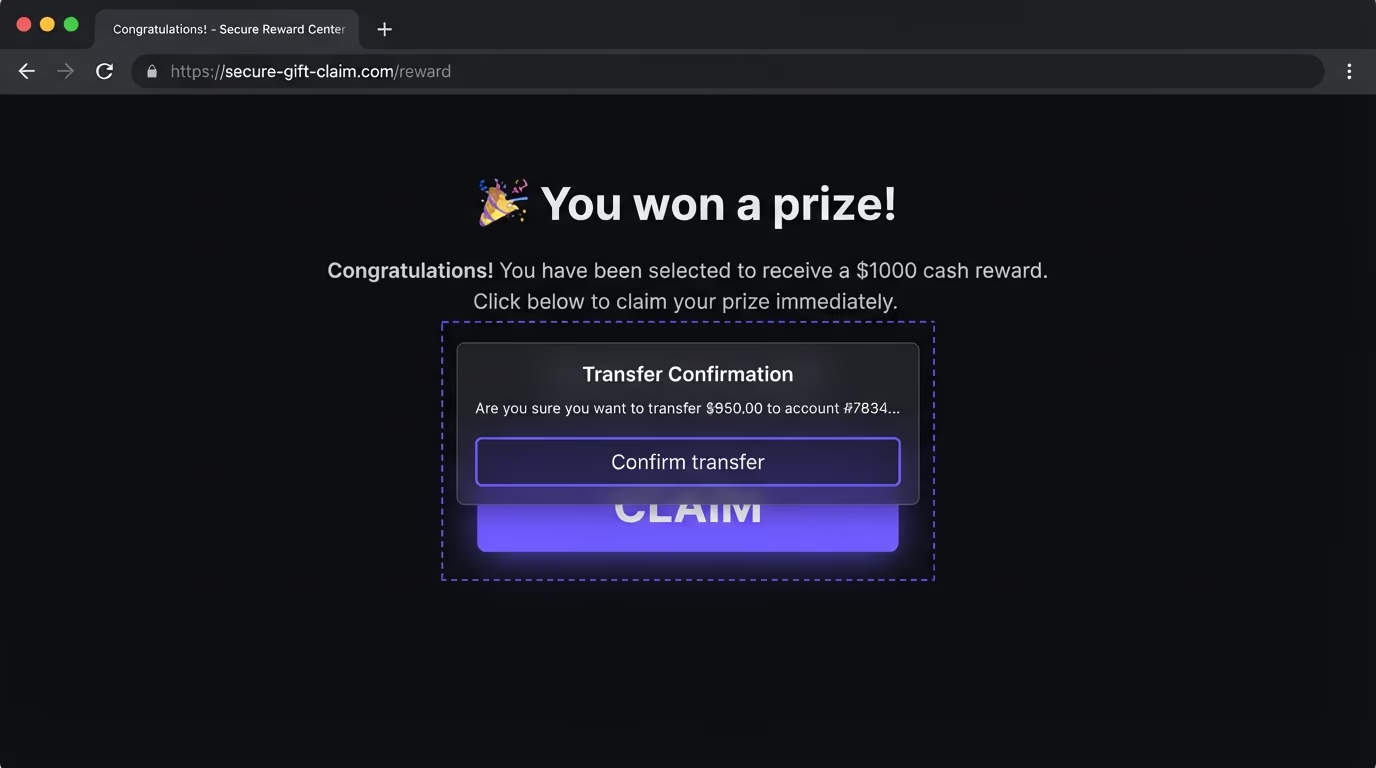
Picture how the trick runs in practice. The attacker builds a page that says you won a prize and puts a big claim button in the middle. Underneath, set to full transparency, sits an iframe pointing at your app, positioned so that your real delete account button, or a payment confirmation, lines up exactly with that claim button. The victim sees the prize, clicks where they are told, and the click lands on your page instead. Because the visitor is often already logged in to your site in the same browser, the action goes through with their real session. Nothing looked wrong, and yet an account was deleted or a transfer approved.
The defense works because the frame is the only way to overlay your live, authenticated page. If the browser will not draw your page inside the attacker’s frame, the whole setup collapses: there is no hidden target to align the decoy against. X-Frame-Options: DENY refuses every frame, and SAMEORIGIN refuses every frame except ones served from your own origin, so an attacker on a different domain gets nothing either way. This is why the header shows up on almost every security checklist and why scanners flag its absence as a real finding rather than a nitpick.
What are the X-Frame-Options values, and which should you use?
X-Frame-Options accepts one of two useful values, DENY or SAMEORIGIN, plus a third, ALLOW-FROM, that no longer works. DENY tells the browser your page may never be framed by anyone, including you. SAMEORIGIN allows framing only when every ancestor frame comes from the same origin as the page, so your own pages can embed each other but no outside site can.
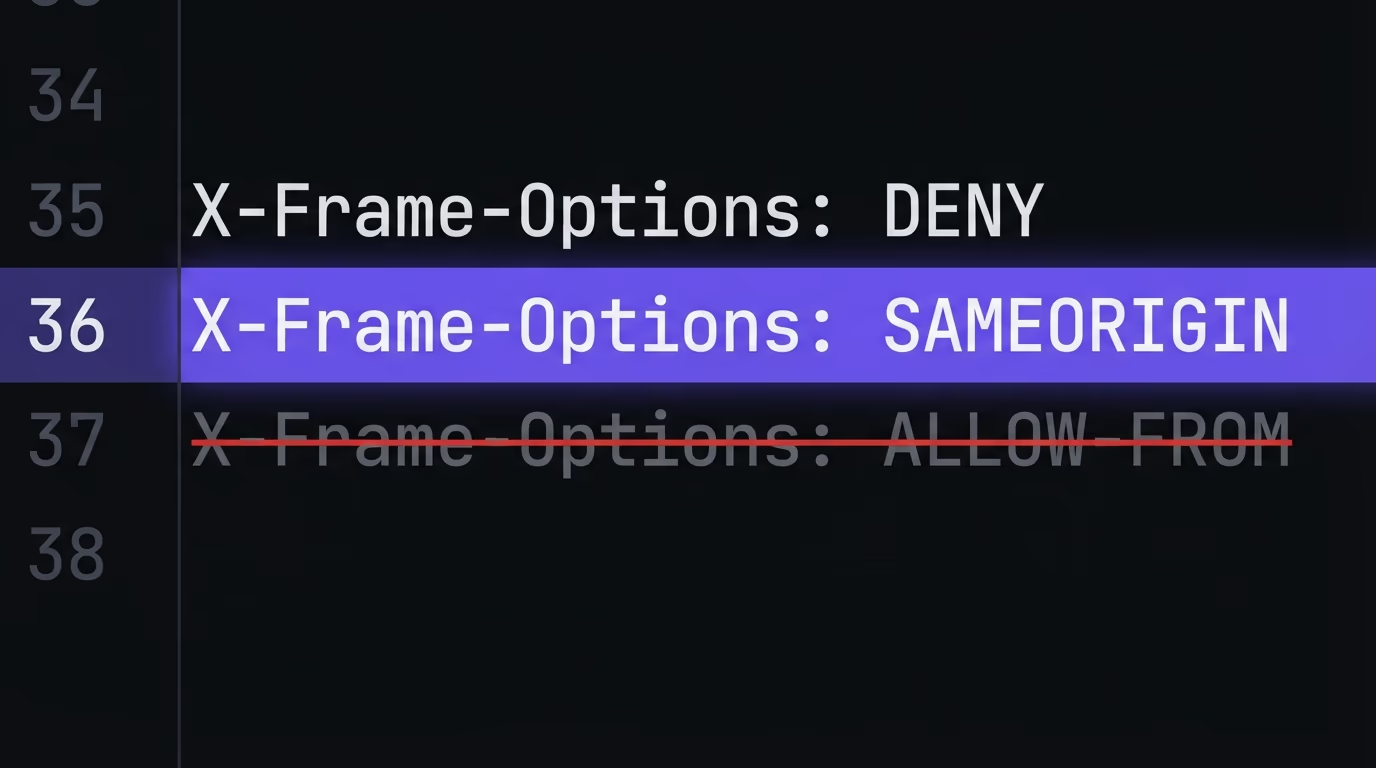
Choosing between them is simpler than it looks. Reach for SAMEORIGIN if any of your own pages ever load another of your pages in an iframe, which covers most normal websites, embedded previews, and admin tools that show one screen inside another. Reach for DENY when a page should never sit in a frame at all, which is the right call for login screens, checkout and payment pages, and anything that performs a sensitive action on click. When you genuinely cannot tell, SAMEORIGIN is the safe default, because it blocks every third party site while leaving your internal embeds alone.
The third value deserves a clear warning. ALLOW-FROM https://trusted.example.com was meant to let one named outside domain frame your page, but it is obsolete, and here is the trap: modern browsers do not just ignore that value, they ignore the entire header when they see it. So a page that sets X-Frame-Options: ALLOW-FROM ... ends up with no framing protection at all in current browsers, which is worse than picking SAMEORIGIN. If you need to allow a specific outside domain, that is exactly the job of the Content-Security-Policy frame-ancestors directive, covered further down, and never ALLOW-FROM.
One more thing catches people out, and it is worth saying plainly: X-Frame-Options controls who is allowed to frame your page, not the iframes your page embeds. Setting it to SAMEORIGIN or DENY has no effect on a Stripe checkout, a YouTube video, or a map you drop into your own site, because those services set their own framing rules on their responses. SAMEORIGIN is also checked against every ancestor in the chain, so a same origin page of yours that gets nested inside a cross origin wrapper is still blocked, which is the behavior you want.
How do you set the X-Frame-Options header on any host?
You set X-Frame-Options wherever your responses are sent, which means your web server, your framework, or your host’s headers config, never inside the HTML. The value is the same everywhere; only the syntax changes. Here is the exact config for the platforms most sites run on, using SAMEORIGIN as the default. Swap in DENY if the page should never be framed.
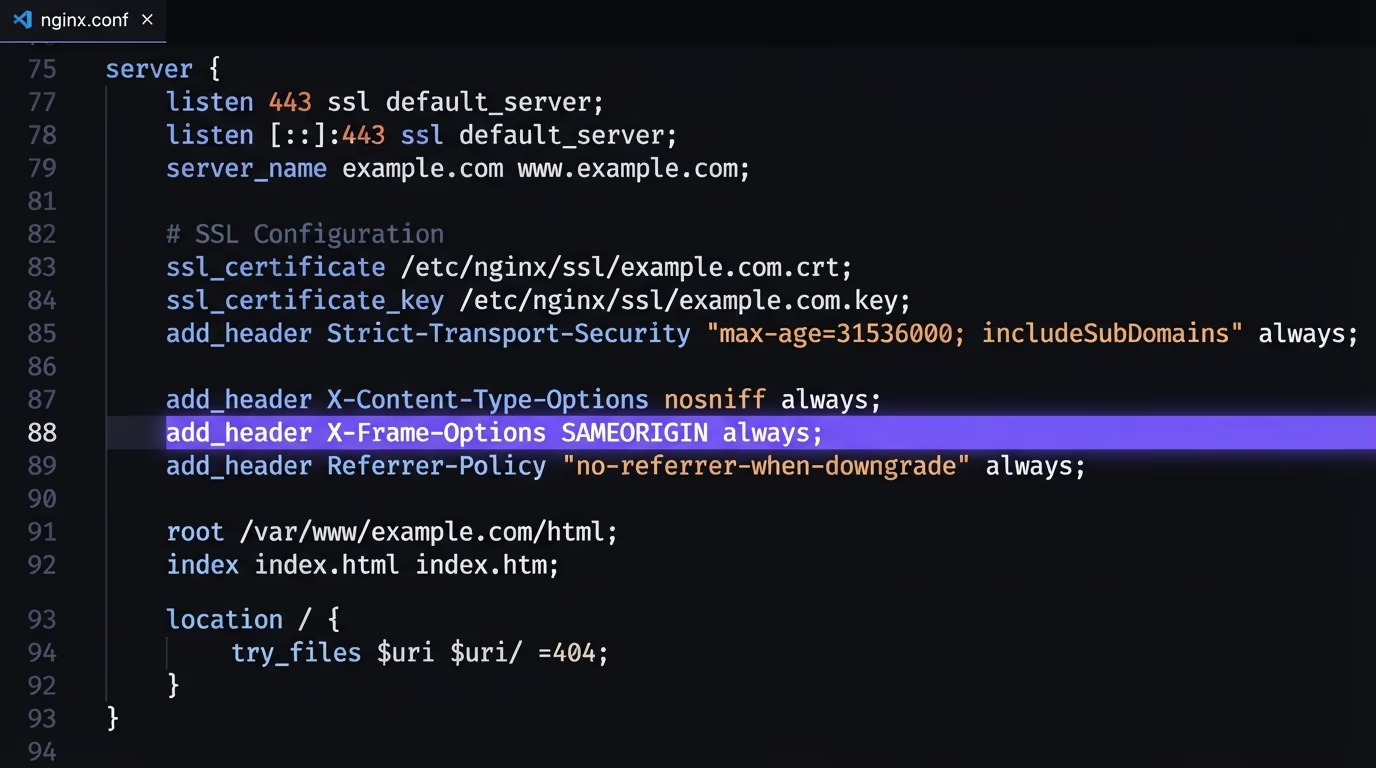
On Nginx, add one line inside the server block and reload. The always keyword makes sure the header is sent even on error responses like a 404:
add_header X-Frame-Options "SAMEORIGIN" always;On Apache, use mod_headers in your virtual host or an .htaccess file:
Header always set X-Frame-Options "SAMEORIGIN"On Next.js, return the header from the headers function in next.config.js, and the /:path* source applies it to every route:
module.exports = {
  async headers() {
    return [
      {
        source: "/:path*",
        headers: [{ key: "X-Frame-Options", value: "SAMEORIGIN" }],
      },
    ];
  },
};
That same headers function is where a Next.js app sets the rest of its security headers, so it pairs with a fuller Next.js and Supabase security pass.
On Vercel, add a headers block to vercel.json, which is handy when you deploy a static or framework app without touching a server:
{
  "headers": [
    {
      "source": "/(.*)",
      "headers": [{ "key": "X-Frame-Options", "value": "SAMEORIGIN" }]
    }
  ]
}
On Netlify and Cloudflare Pages, both read a plain _headers file in your publish directory, and the format is identical on the two of them:
/*
  X-Frame-Options: SAMEORIGIN
On WordPress, the cleanest route is the send_headers hook in your theme’s functions.php, which sets the header on every front end response without editing server config:
add_action( 'send_headers', function () {
  header( 'X-Frame-Options: SAMEORIGIN' );
} );
Whichever one you use, set it globally rather than on a single page. A framing header that covers your home page but misses your login route leaves the exact screen an attacker wants most.
Watch for a proxy in the way. If a CDN or reverse proxy such as Cloudflare sits in front of your app, it can add or strip response headers before they reach the visitor, so a header you set on the origin might never arrive, or one you never set might appear. The rule is to decide on a single place to own the header, either your app or the edge, set it there, and then confirm it on the real public URL rather than on localhost. The next section shows the check.
X-Frame-Options vs Content-Security-Policy frame-ancestors: which one?
Content-Security-Policy frame-ancestors is the modern replacement for X-Frame-Options, and it does the same job with more control, so on any current browser it is the one that really governs framing. Mozilla’s own documentation says the header has been superseded by frame-ancestors, and the Next.js docs repeat the point word for word. The catch is browser history: not every visitor is on a current browser, so the older header still earns its place as a fallback.
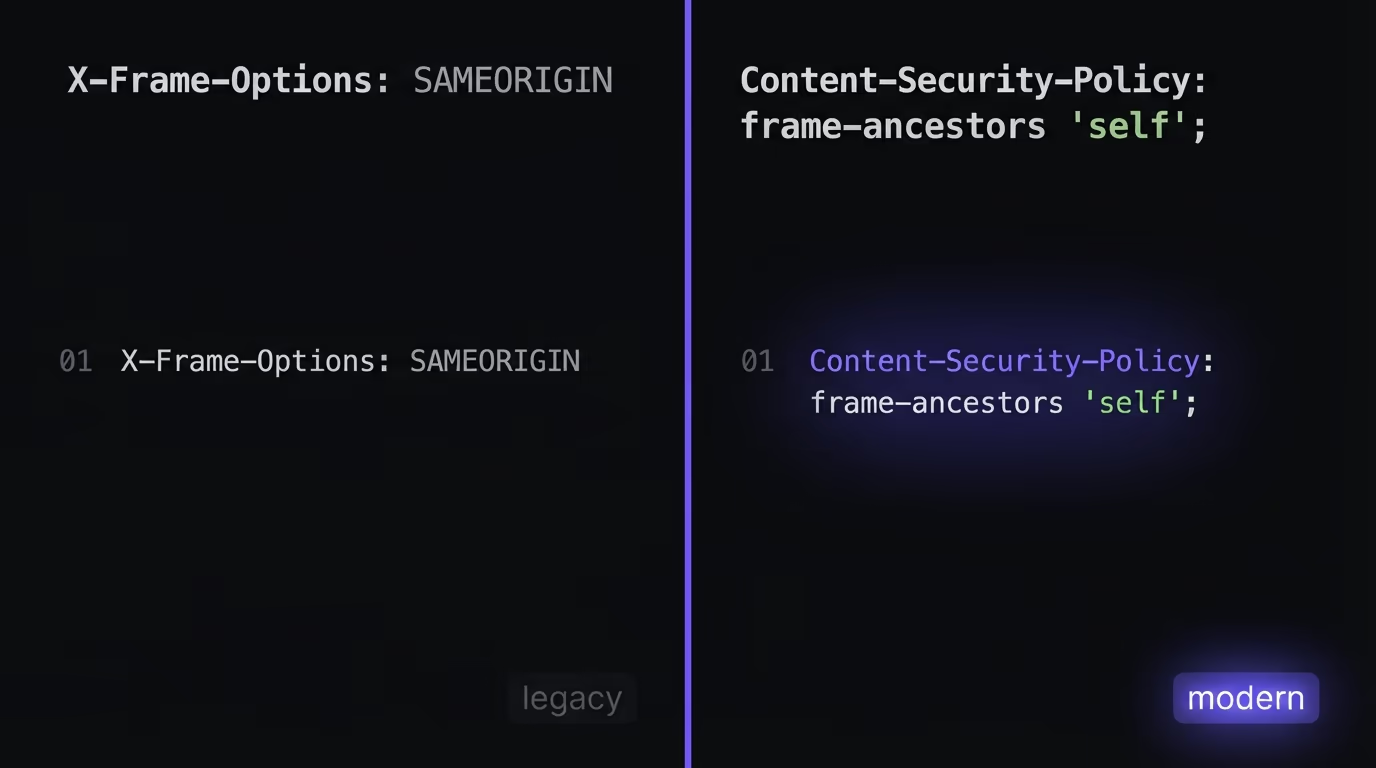
The behavior when both are set is worth pinning down, because it is easy to get wrong. Modern browsers read frame-ancestors and ignore X-Frame-Options entirely, while older browsers that do not understand frame-ancestors fall back to X-Frame-Options. That is good news, because it means you can send both safely and each browser uses the one it understands. It also means the two must agree. If X-Frame-Options says DENY but frame-ancestors allows a partner domain, a modern browser will permit the framing, so treat frame-ancestors as the source of truth and keep X-Frame-Options at least as strict.
The frame-ancestors directive lives inside a Content-Security-Policy header and takes a source list. frame-ancestors 'none' matches DENY, frame-ancestors 'self' matches SAMEORIGIN, and unlike the old header it can name specific outside origins, which is the clean way to let a named partner embed you:
Content-Security-Policy: frame-ancestors 'self' https://partner.example.com;There are two more reasons frame-ancestors wins once you outgrow a single rule. It reports violations, so pairing it with a report-to endpoint tells you when a site tries to frame you, which turns a silent block into a signal you can act on. And it lives in the same Content-Security-Policy header as the rest of your policy, so your script, style, and framing rules sit in one place instead of scattered across separate headers that drift out of sync. X-Frame-Options can only say yes or no to everyone; a policy can grow.
Here is how the two compare, so you can see why both belong in a response:
| Question | X-Frame-Options | CSP frame-ancestors |
|---|---|---|
| What it controls | Whether the page can be framed | Whether the page can be framed |
| Values it accepts | DENY or SAMEORIGIN only | 'none', 'self', or a list of origins |
| Allow a specific outside domain | No, ALLOW-FROM is dead | Yes, list each origin |
| When both headers are set | Ignored by modern browsers | Wins on every modern browser |
| Role today | Legacy fallback, still worth sending | The current standard |
How do you test and fix a missing X-Frame-Options header?
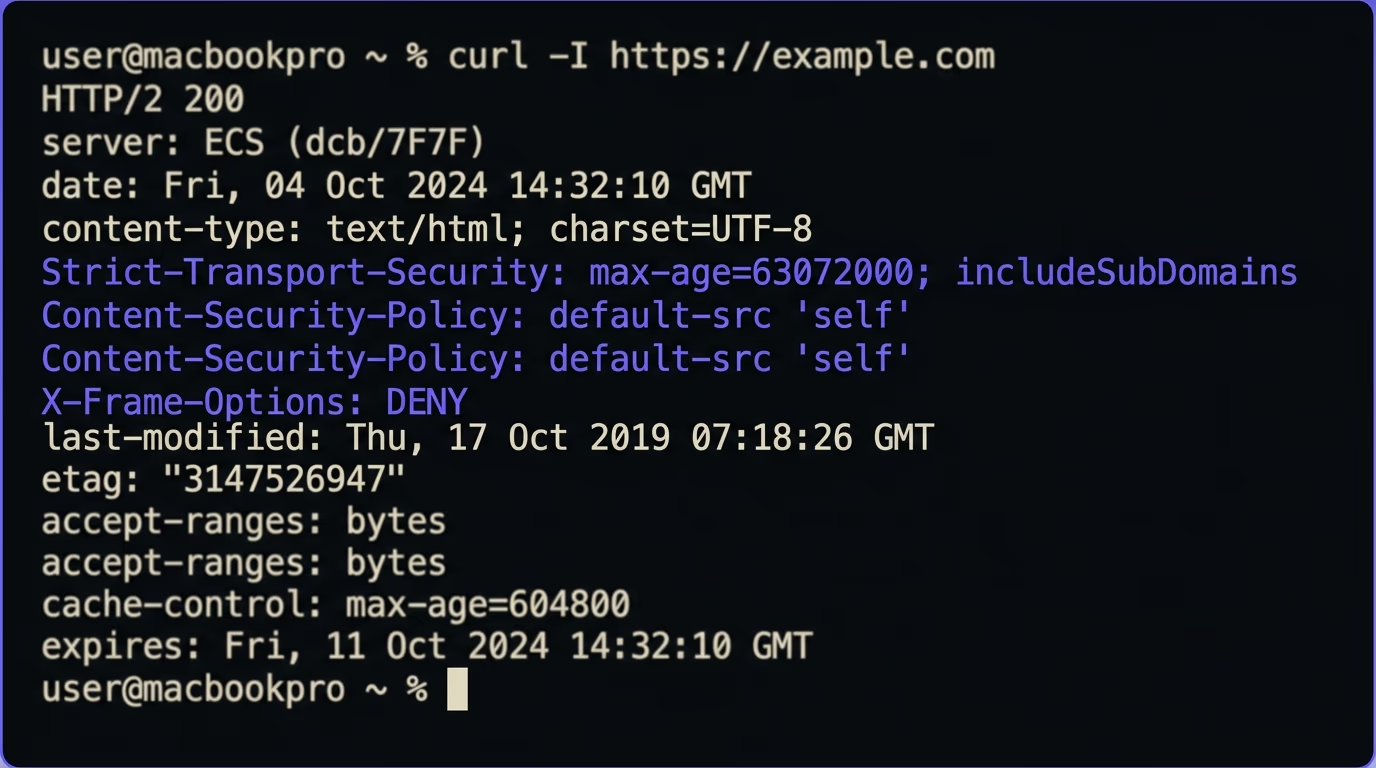
Test X-Frame-Options by looking at the raw response headers your server actually sends, not by trusting your config file. The fastest check is one line in a terminal, which prints the header if it is present and nothing if it is not:
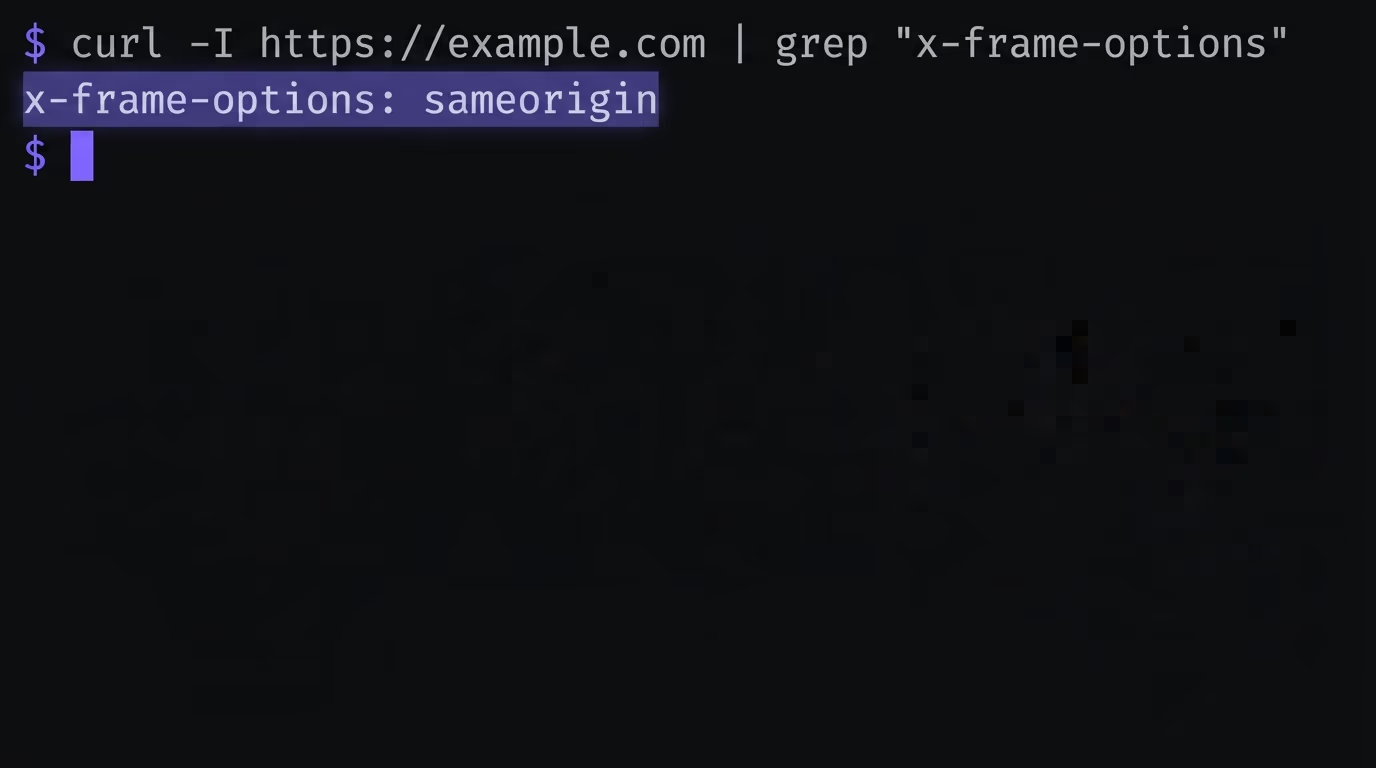
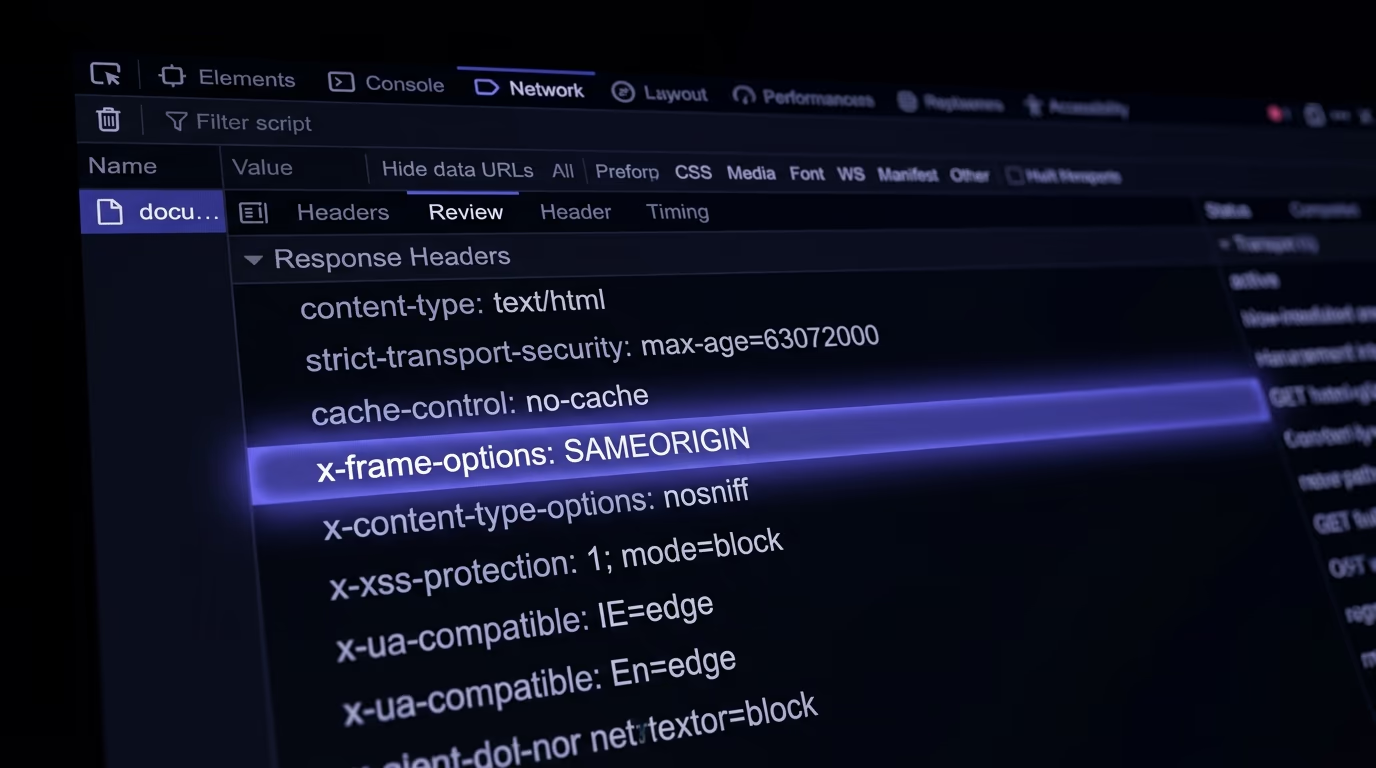
curl -I https://yoursite.com | grep -i x-frame-optionsYou can also open your browser’s developer tools, go to the Network tab, reload the page, click the top document request, and read the Response Headers section. If X-Frame-Options and any frame-ancestors directive are both listed with the values you expect, the protection is live. If the terminal check comes back empty and the Network tab shows no framing header, the page is still framable no matter what your config says, and it is time to find out why.
A handful of mistakes cause almost every empty result. The most common is setting the header in an HTML meta tag: a <meta http-equiv> line for X-Frame-Options does nothing, because the browser only honors the real HTTP header. The next is a header set on some routes but not others, so your marketing pages are covered while the login screen is wide open; setting it globally fixes that. Then there is the dead ALLOW-FROM value, which makes modern browsers drop the header completely, and a frame-ancestors directive that quietly contradicts your X-Frame-Options value. Each of these leaves the page looking protected in the config while a browser treats it as open.
Checking one page by hand is fine, but a real site has dozens of routes and subdomains, and the gap is usually on the one you forgot. Amabrik’s security scan crawls your live site and reports when X-Frame-Options or the frame-ancestors directive is missing or misconfigured, next to other security headers, exposed files, and leaked keys. A missing framing header is one of the most common findings on sites shipped in a hurry, which is a known risk with vibe coded projects, and every finding comes with a paste ready fix prompt for your AI tool of choice.
Ship the header before someone frames you
X-Frame-Options is one of the cheapest security wins you can deploy: a single header, one value, and a class of attack that simply stops working. Send SAMEORIGIN if your own pages embed each other and DENY if the page should never be framed, add a matching frame-ancestors directive so modern browsers are covered too, and confirm with a quick curl that the header truly arrives. Skip the dead ALLOW-FROM value entirely and reach for frame-ancestors when you need to allow a named partner.
The reason this header matters more on new sites is that frameworks and hosts rarely add it for you, so a fresh deploy usually ships without it. Work it into your website security checklist alongside the other headers a scan looks for, wire it into your config once so every route inherits it, and it stays solved. When you want to know exactly which pages are still open, run a security scan and let it tell you where the gaps are.
X-Frame-Options is an HTTP response header that controls whether a browser will render your page inside a frame, iframe, embed, or object on another site. It takes one value: DENY blocks all framing, and SAMEORIGIN allows framing only by pages on your own origin. Its main job is to stop clickjacking, where an attacker hides your real page under a decoy so visitors click things they cannot see.
Use SAMEORIGIN if any of your own pages ever embed another of your pages in an iframe, which covers most normal sites. Use DENY if your page should never appear in a frame anywhere, including your own, which suits login screens, payment pages, and dashboards. When in doubt, SAMEORIGIN is the safe default because it blocks every outside site while leaving your own embeds working.
The header itself is not deprecated and is still worth sending for older browsers. Only its ALLOW-FROM value is obsolete, and modern browsers ignore the whole header when they see it. The modern replacement for the header is the Content-Security-Policy frame-ancestors directive, which does the same job with more control and better support, so the current advice is to send both.
Both decide who can put your page in a frame. X-Frame-Options is older and only understands DENY or SAMEORIGIN, so it cannot allow a specific outside domain. Content-Security-Policy frame-ancestors is the newer directive: it accepts 'none', 'self', or a list of allowed origins, and modern browsers use it and ignore X-Frame-Options whenever both are present. Send X-Frame-Options as a legacy fallback and frame-ancestors as the real control.
Because the browser only reads X-Frame-Options as an HTTP response header, never as an HTML meta tag. A line like a meta http-equiv set to X-Frame-Options has no effect at all, so the page stays framable. You have to set the header at the server or host level, in your Nginx or Apache config, your framework config, or a hosting headers file, so it arrives with the response itself.
Yes. Amabrik's security scan crawls your live site and reports when X-Frame-Options and the Content-Security-Policy frame-ancestors directive are missing or misconfigured, alongside other missing headers and exposed files. Each finding comes with a plain explanation and a fix prompt you can paste into Claude, ChatGPT, or Cursor. A missing framing header is one of the most common results on sites built fast, so it is worth a check before launch.