Gemini SEO: How to Get Cited by Google Gemini
Gemini SEO in 2026: how to get cited by Google Gemini, AI Mode and AI Overviews. What Googlebot and Google-Extended control, and what to fix first.

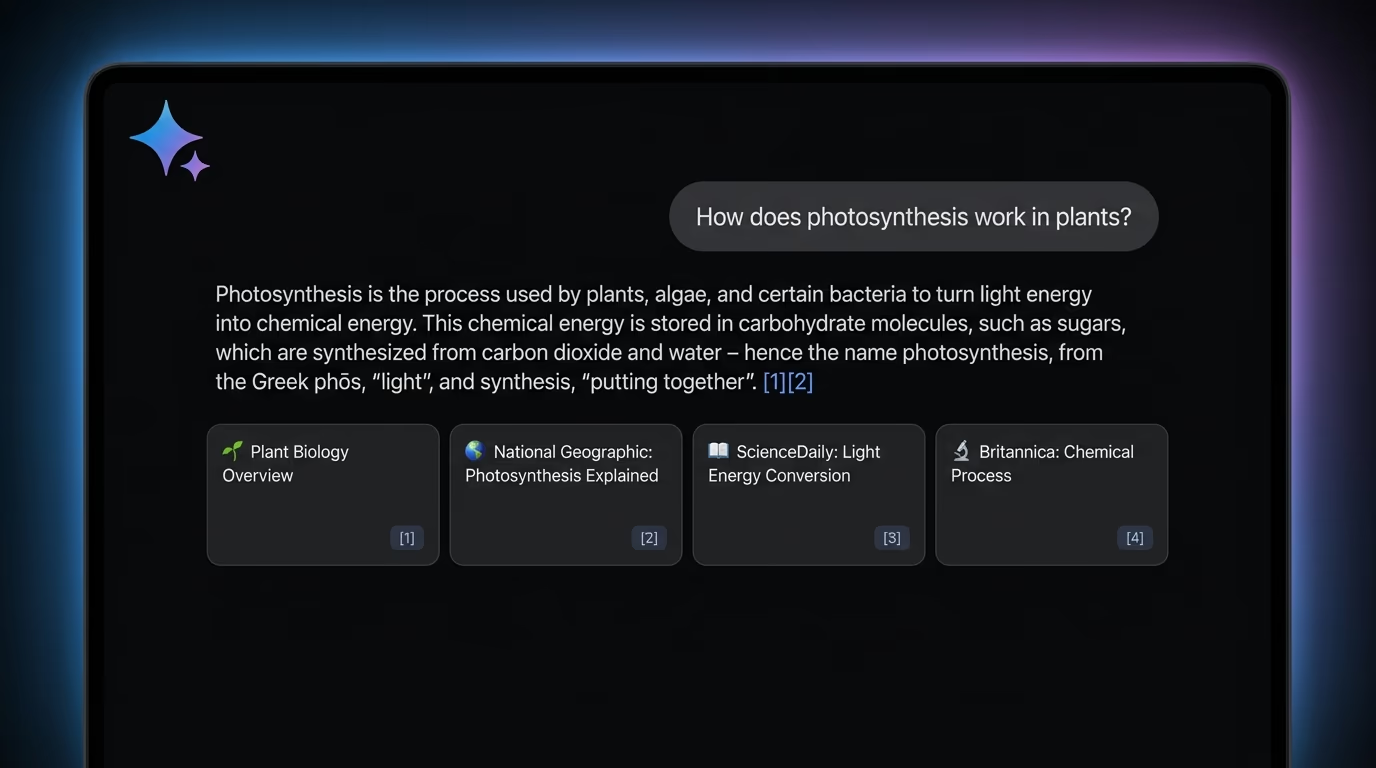
Gemini SEO is the work of getting your pages named as a source inside Google Gemini, whether someone asks the Gemini app, opens AI Mode in Google Search, or reads an AI Overview above the blue links. All three run on Google’s own index, so the ground rules look more like classic SEO than the crawler tricks that get you into ChatGPT or Perplexity. The catch is that Gemini is not one product, it is three surfaces with slightly different plumbing, and the two robots tokens people argue about, Googlebot and Google-Extended, do not do what most guides claim.
The Gemini app crossed one billion monthly users in August 2026 by Google’s count, so a page that Gemini can read and quote now reaches an audience the size of a major search engine. This guide walks the three surfaces in the order that changes your results, from the crawler that has to reach you to the structure that gets you quoted. If you want the wider frame on how classic search and answer engines split the job, the SEO vs AEO guide sets it up. Everything below is specific to Gemini, from how it reaches your page to what makes it pick you.
What is Gemini SEO, and where do your pages show up?
Gemini SEO means optimizing your site so Google Gemini pulls your pages into its answers, and Gemini surfaces those answers in three places that share one search index. Knowing which is which decides where your work lands, because the fix for one is not always the fix for the next.
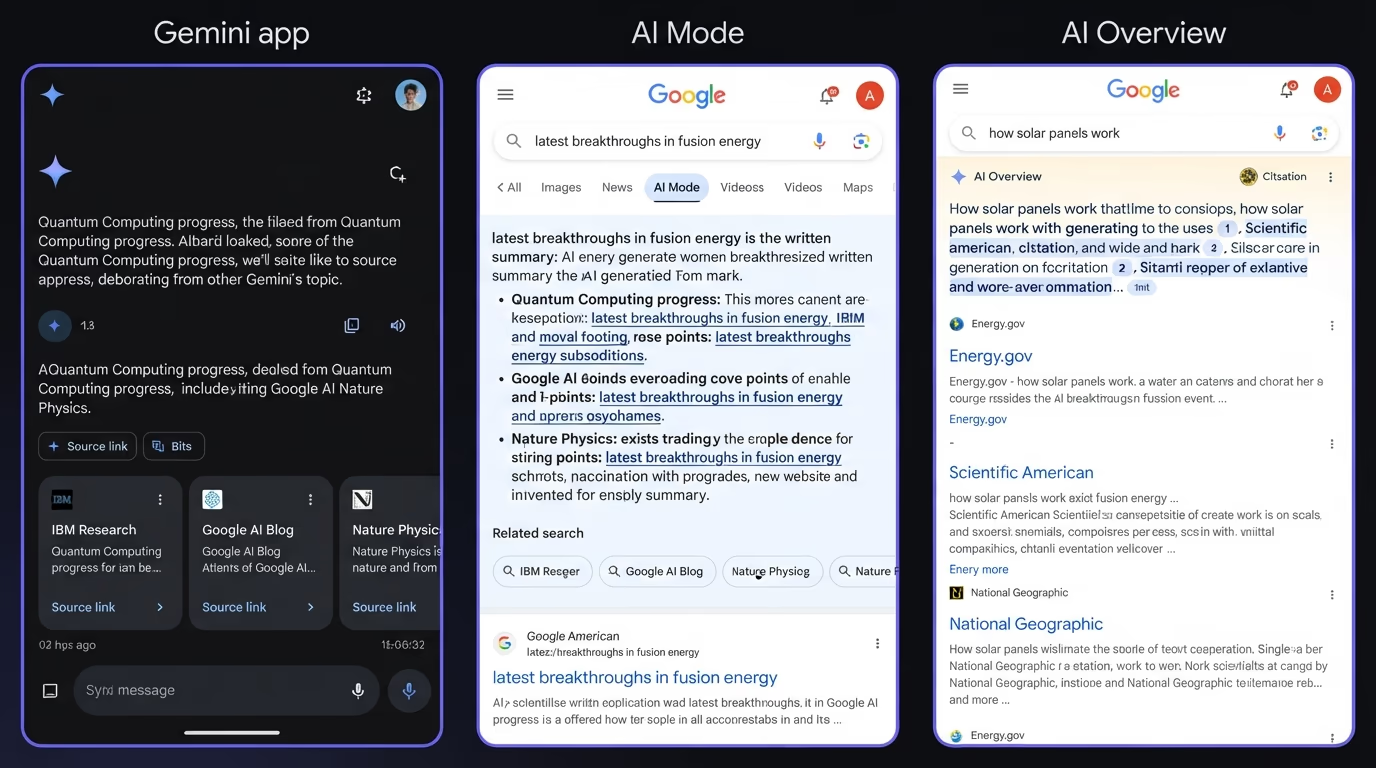
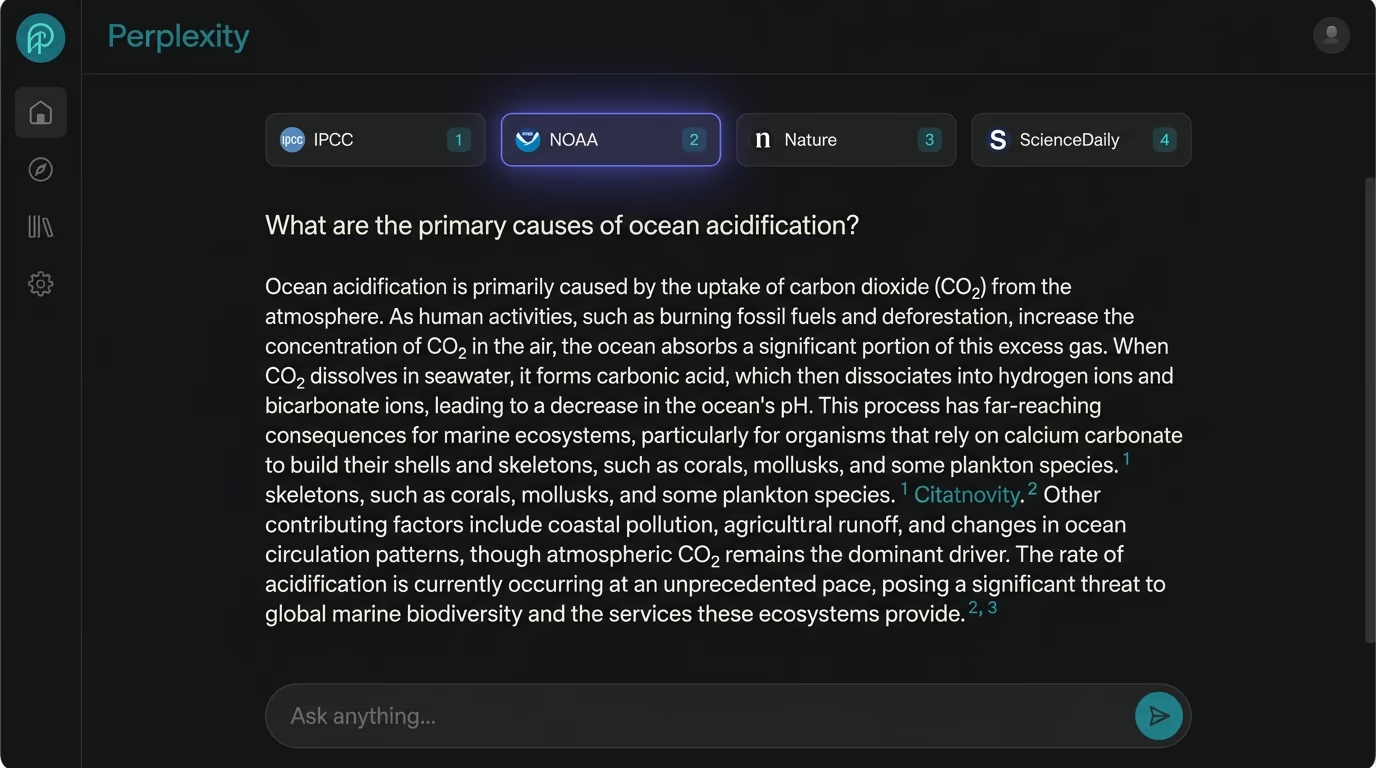
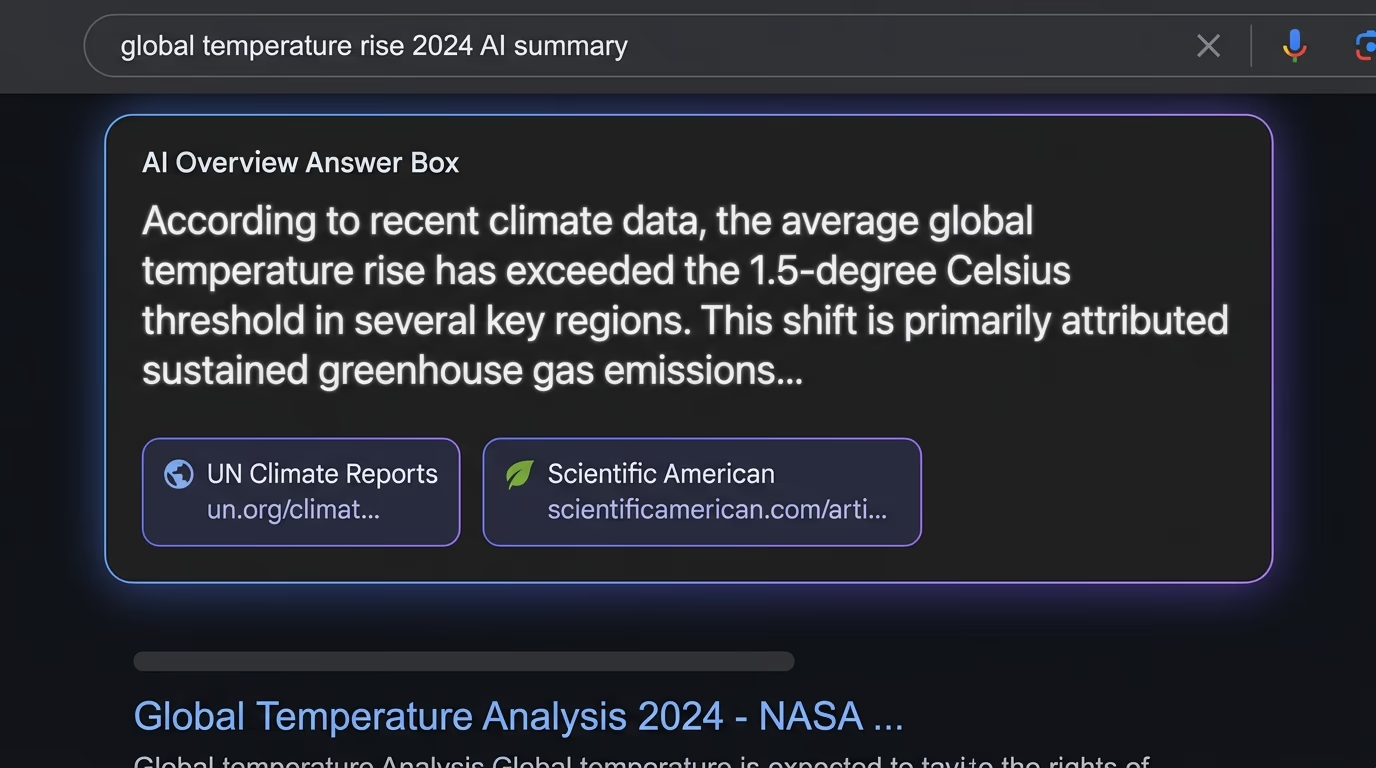
The first surface is the Gemini app at gemini.google.com and on mobile, a standalone assistant people open to ask a question outright. When the answer needs current facts, the app grounds its reply in Google Search, opens a few results, and links the sources it used. The second is AI Mode, a tab inside Google Search that answers in full sentences with supporting links, built on the same index and ranking systems as the regular results next to it. The third is the AI Overview, the summary block that sits at the top of an ordinary search results page and cites a handful of pages beside it. All three reach the open web through Google’s index, the one Googlebot has always built, so the pages Gemini can quote are drawn from what Google already crawls and ranks. The standalone app adds one extra control on top, Google-Extended, which decides whether your content can be used to ground and train Gemini itself. For the AI Overview surface specifically, the guide to ranking in AI Overviews goes deeper on that one box; this piece stays at the engine level across all three.
How does Google Gemini decide what to cite?
Gemini decides what to cite by grounding its answer in Google Search, which means it runs a query behind the scenes, reads pages that already rank and earn a snippet, and quotes the ones that answer the question cleanly. So the pages it can cite are the pages Google already trusts enough to rank and index, and the citation goes to whichever of those states the answer most directly.
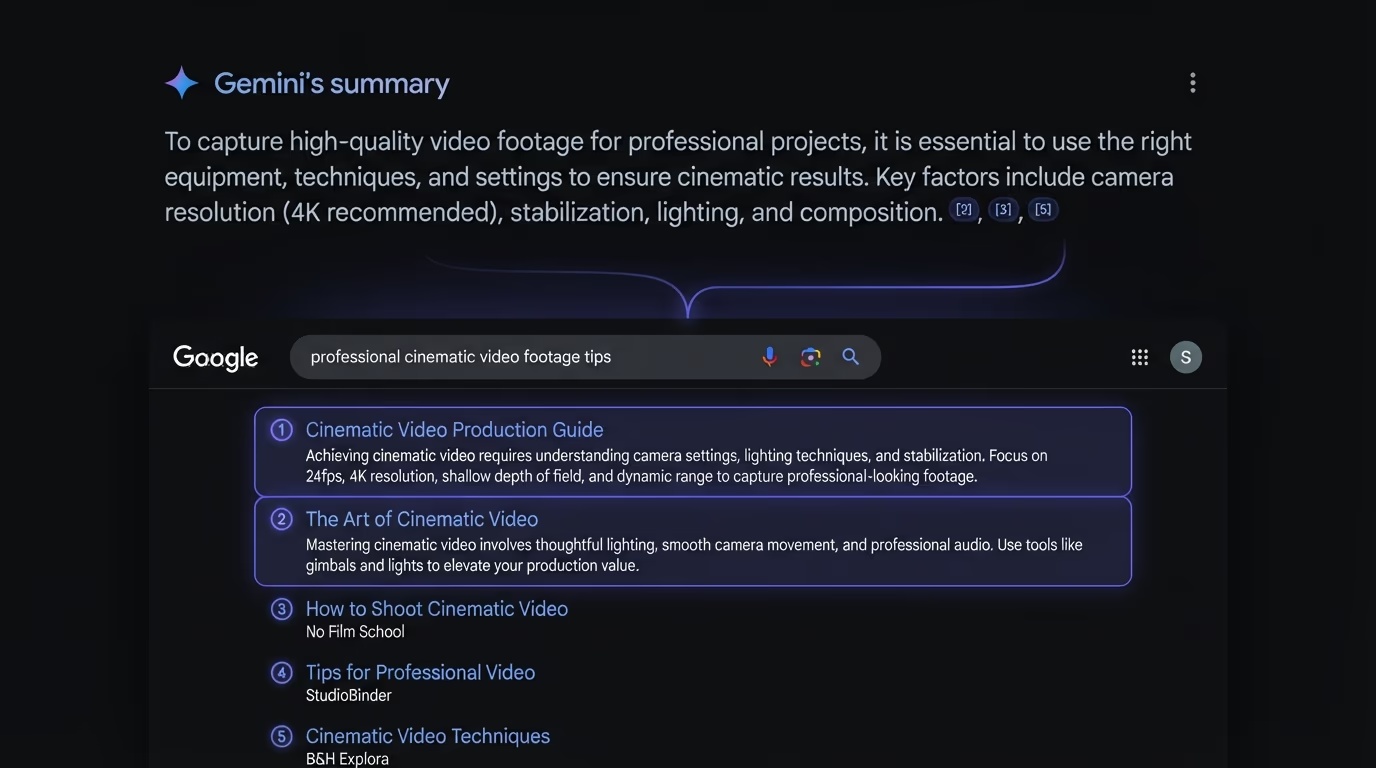
Because it grounds in Search, Gemini rarely leans on a single page. It reads several of the results that rank for the query, synthesizes them into one written answer, and links the pages that fed it, so being inside the top handful of results for a question is what puts you in the pool it can quote from. That is why deep ranking work still pays off even when the click lands on an AI answer instead of your page.
Google has been unusually clear about what this takes. Its guidance for AI features says a page must be “indexed and eligible to be shown in Google Search with a snippet” to appear as a supporting link in AI Overviews or AI Mode, and that there are no extra requirements or special optimizations beyond that. It goes further and tells you what you do not need: “You don’t need to create new machine readable files, AI text files, or markup to appear in these features. There’s also no special schema.org structured data that you need to add.” Read plainly, that means the foundation of Gemini SEO is ordinary technical SEO done well. Get indexed, stay eligible for a snippet, and answer the question, and you are in the pool Gemini draws from. One quiet trap hides in the same guidance. The controls you use to limit what Google shows, nosnippet, data-nosnippet, max-snippet and noindex, also limit what Gemini can pull, so a snippet block added for one reason can remove you from the AI answer without anyone noticing. If you want the reasoning behind why answer engines reward a clean direct answer, the SEO vs AEO comparison lays out the split.
Which crawlers control Gemini: Googlebot or Google-Extended?
Googlebot is the crawler that gets you into Gemini’s answers, and Google-Extended only decides whether the standalone Gemini app can use your content to ground and train its replies. Mixing the two up is the most common way sites either lock themselves out by accident or block the wrong thing while feeling safe.
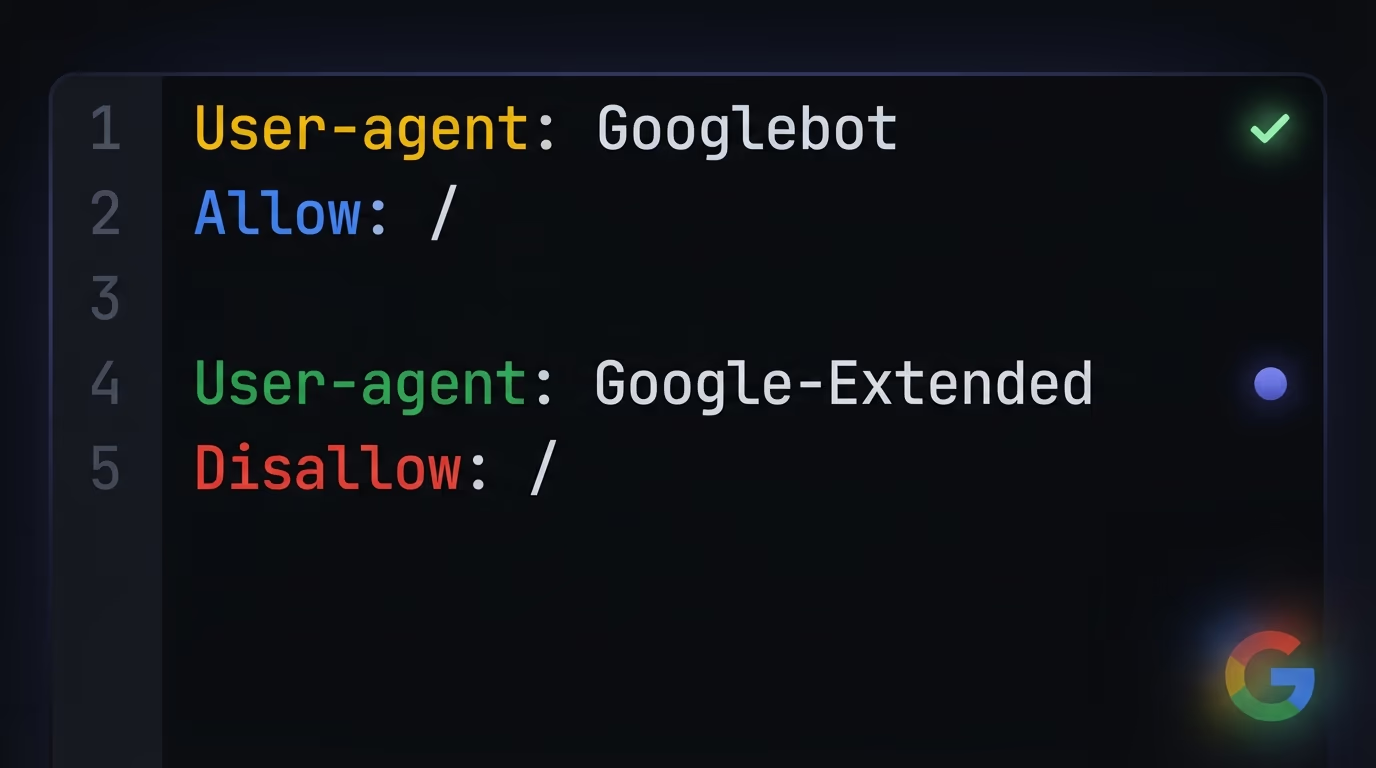
Here is the split that matters. Googlebot builds the Search index, and AI Overviews and AI Mode read straight from that index, so allowing Googlebot in your robots.txt is what makes those two surfaces able to cite you. Google’s own line is that “robots.txt directives for Googlebot is the control for site owners to manage access to how their sites are crawled for Search,” and AI features inherit that same crawl. Google-Extended is a separate token, and it is not a crawler in the usual sense but a switch. Allow it and your content can train Gemini and ground the app’s answers, block it and your writing stays out of that training and grounding. Google states directly that Google-Extended is not a Search ranking signal and has no effect on AI Overviews or AI Mode. So the honest reading is that blocking Google-Extended keeps your work out of Gemini’s model, and you lose nothing in AI Overviews or AI Mode, though the standalone app will stop grounding its answers in your pages. What you must never do is let a blanket User-agent: * Disallow: / rule, or a stray Disallow: /blog/, sweep up Googlebot, because that removes you from Search and every Gemini surface at once. If your goal is to stay in Search and the AI answers while keeping your work out of Gemini’s model, the two rules look like this:
User-agent: Googlebot
Allow: /

User-agent: Google-Extended
Disallow: /
Then open yourdomain.com/robots.txt in a browser and confirm the live file says what you expect, since a rule bolted on by a plugin or copied from another project is the usual reason a site blocks the wrong crawler. The full roster of engine crawlers and which to allow lives in the AI crawlers guide.
Can Gemini read a page that is built on JavaScript?
Yes, and this is where Gemini differs most from other answer engines, because its Search surfaces run on Googlebot, which renders pages with a current version of Chrome and can execute JavaScript. ChatGPT and Perplexity read the raw HTML your server returns and skip scripts entirely, so a page that only builds its content in the browser is invisible to them while Gemini may still see it.
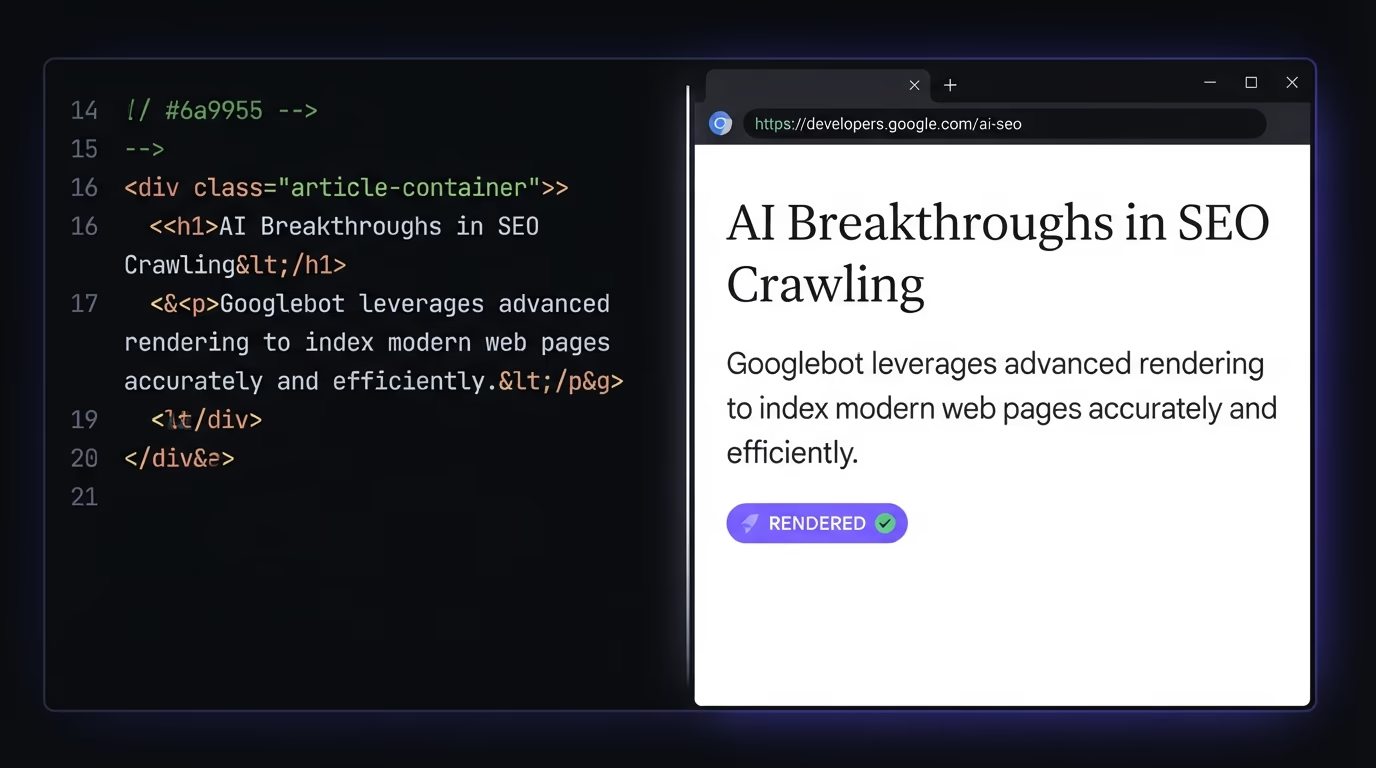
That head start comes with a warning printed on the box. Google renders JavaScript on a delay and not always in full, and its guidance is explicit that content which depends on client side rendering, or which loads in too late to be read, can still miss the cut for AI features. In 2025 Vercel and Merj studied more than 500 million requests from GPTBot, the crawler behind ChatGPT, and recorded zero JavaScript execution, which is the blunt reason the raw HTML rule is absolute for those engines. Gemini is gentler, but relying on its rendering to catch text that a simpler crawler cannot is a bet you do not need to make. The reliable move is to serve your main content in the HTML your server returns, so open “view source” or run curl against a page and confirm your headings and paragraphs are already there, not just an empty container the browser fills in later. If your text is in the source, every engine can read it, and Gemini reads it without waiting on a render. That same HTML first habit is the starting point for getting cited by ChatGPT and ranking on Perplexity, because those crawlers give you no rendering safety net at all.
How do you structure a page so Gemini quotes it?
Gemini quotes short, self contained passages, so the pages it cites tend to state the answer in the first sentence or two under a heading that matches the question. Write the answer up front, phrase your headings as the questions people actually type, and hand the engine a clean block it can lift without guessing where the answer starts.
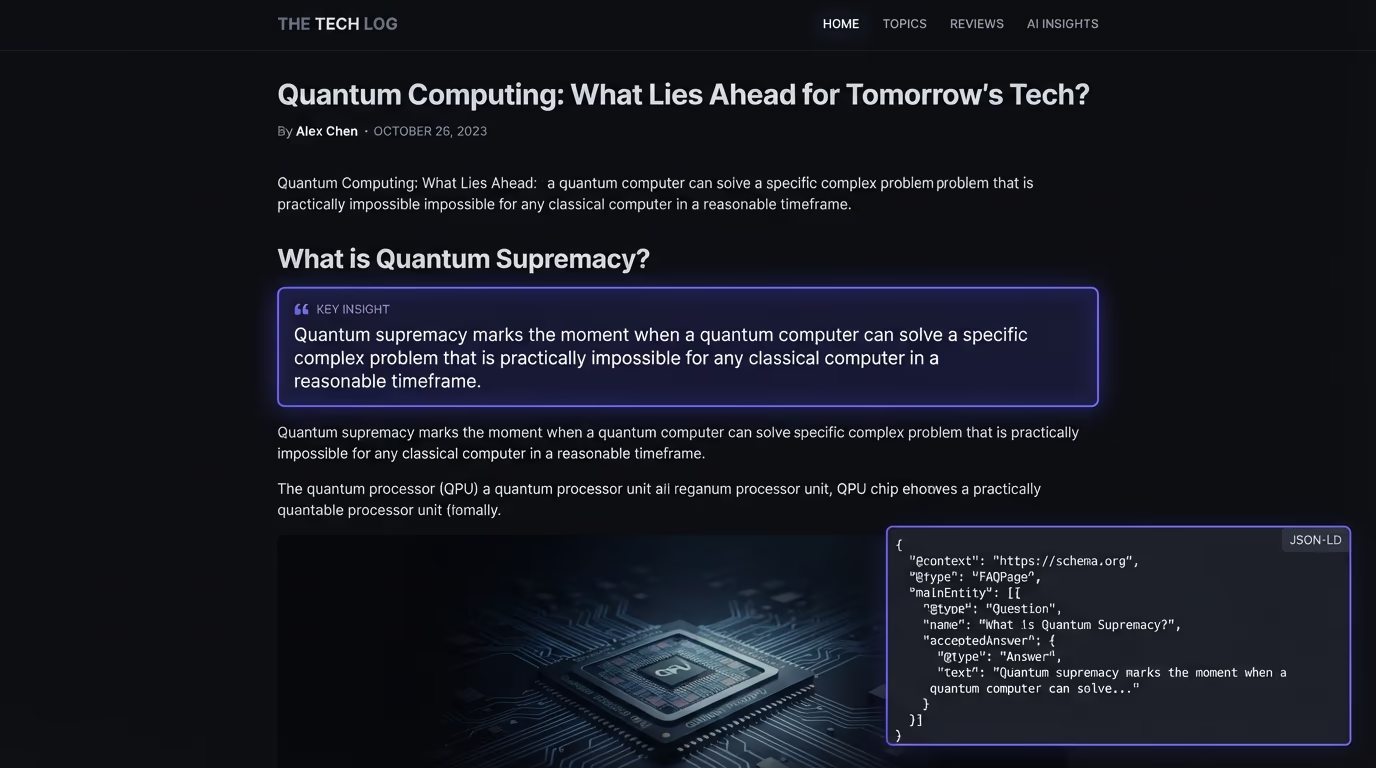
In practice, a section headed “Does Gemini read JavaScript?” should open with the answer, not with two sentences of setup before the point arrives. The version that leads with the answer can be pasted into a reply on its own, while the version that buries it makes the engine dig and often skip you. Back each answer with a concrete number or a short comparison, because Gemini favors specifics over vague prose, the same way Google rewards a page that actually settles the question. Schema markup is worth adding even though Google says it is not required for AI features, because JSON-LD for Article, FAQPage or HowTo tells any engine what the page is and hands it clean question and answer pairs instead of forcing it to infer them. That is why FAQ schema still earns AI citations after Google retired the visible rich result, and the guide to schema for AI covers which types pull the most weight. Keep one eye on those snippet controls while you tidy the page, since a max-snippet cap set too low can quietly shrink the passage Gemini is allowed to quote.
Is Gemini SEO different from Google, ChatGPT and Perplexity?
Gemini SEO overlaps heavily with Google SEO and only lightly with ChatGPT or Perplexity work, because Gemini rides Google’s index while the others run their own crawlers. A page that ranks and earns a snippet on Google is already eligible for AI Overviews and AI Mode, so the classic fundamentals of relevance and page quality carry straight over, and the answer first structure is the layer you add on top.
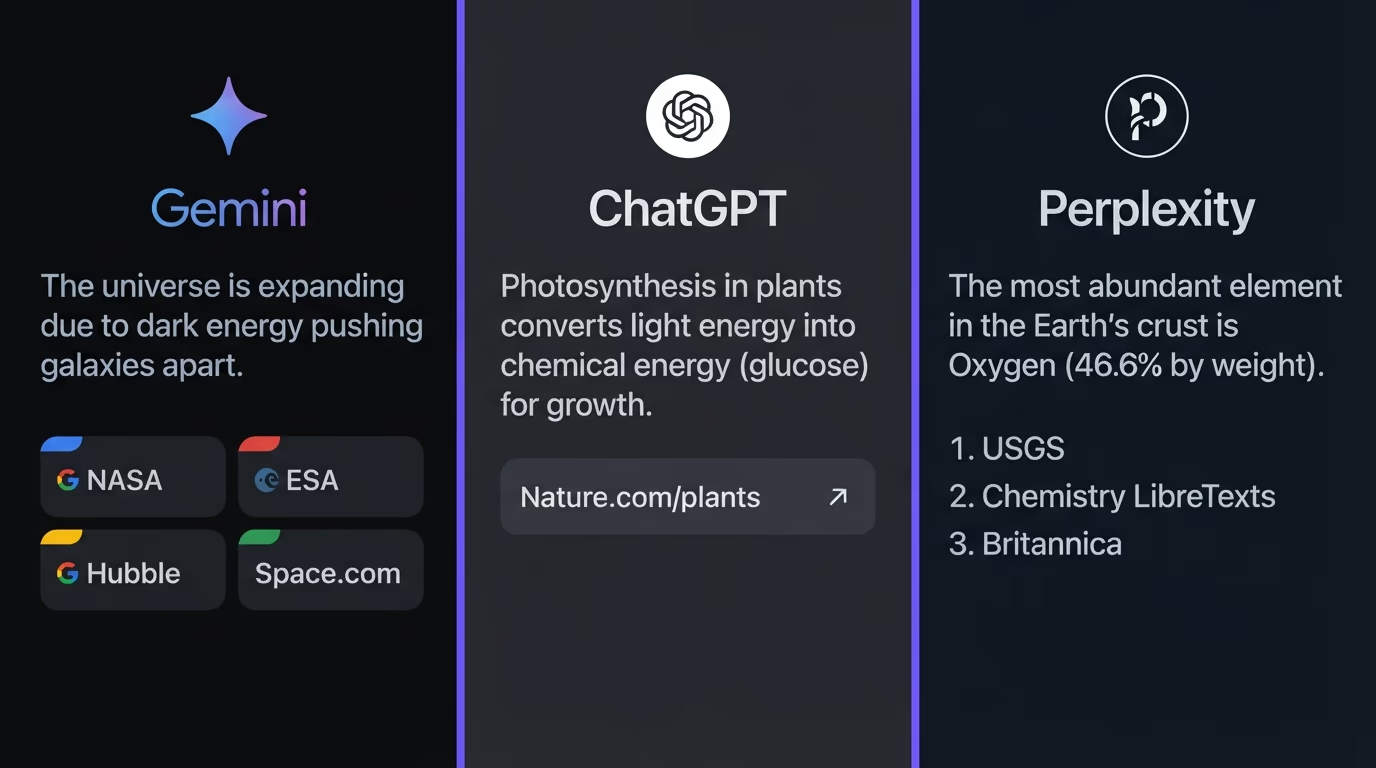
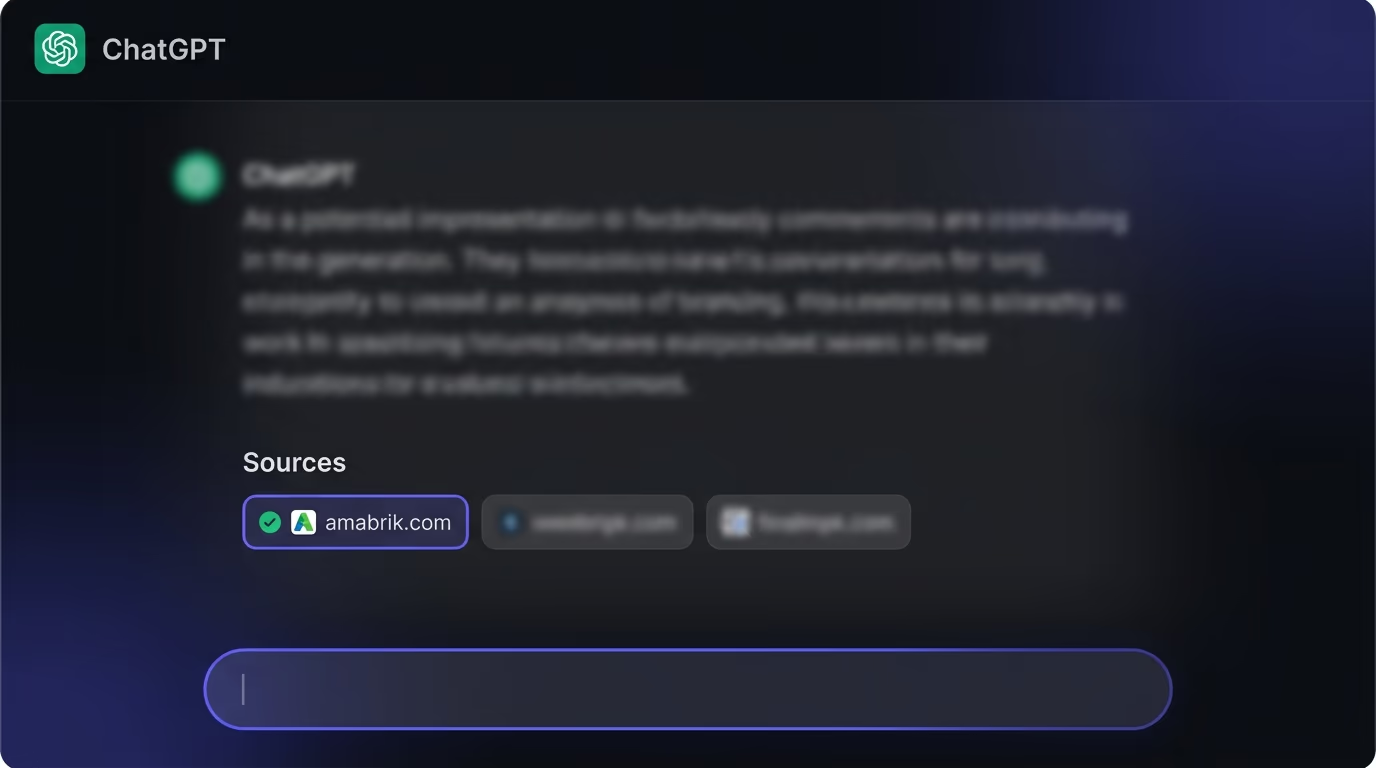
The gaps show up in the mechanics of reading and reach. Gemini can render JavaScript through Googlebot, while ChatGPT and Perplexity cannot, so a script that hides your text costs you those two engines but not always Gemini. The robots token differs too: Googlebot opens Gemini’s Search surfaces, OAI-SearchBot opens ChatGPT, and PerplexityBot opens Perplexity, so a robots.txt tuned for one says nothing about the others. Freshness weighs differently as well, with Perplexity leaning hardest on recent pages. The table below lays out where the three engines diverge.
| Question | Google Gemini | ChatGPT | Perplexity |
|---|---|---|---|
| How it reaches your page | Google’s index, via Googlebot | OAI-SearchBot crawler | PerplexityBot crawler |
| Does it run JavaScript | Yes, rendered by Googlebot | No, raw HTML only | No, raw HTML only |
| Robots token to allow | Googlebot (and Google-Extended for the app) | OAI-SearchBot | PerplexityBot |
| Special schema or llms.txt | Not required by Google | Helps it read you | Helps it read you |
| What earns the citation | Rank, snippet, direct answer | A clean quotable answer | A direct answer plus freshness |
So treat Gemini SEO as your Google work extended into AI answers, not a separate project, and keep the crawler specific fixes for ChatGPT and Perplexity in their own lane. The broader habit of tracking every engine at once is covered in the AI visibility guide.
How do you check whether Gemini is citing you?
Check whether Gemini cites you in two ways: ask Gemini and AI Mode the questions your buyers ask and see whether your pages appear in the sources, then watch your analytics and Search Console for the traffic those answers send. The prompt test tells you what the engine says about your topic today, and the data tells you whether that visibility turns into visits.
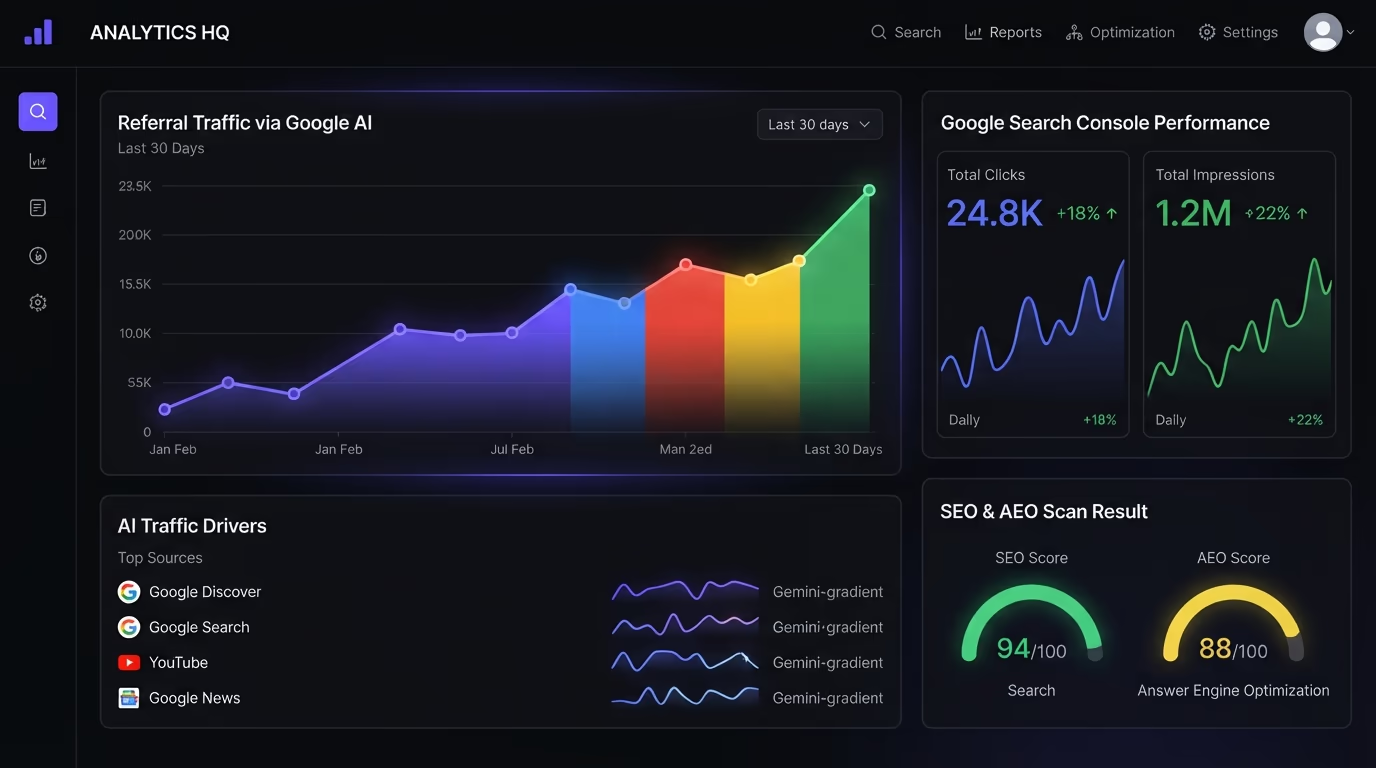
Write ten to twenty prompts a real buyer would type, such as your category, “best tool for X” or “how do I do Y”, run them in the Gemini app and in AI Mode, and note whether you show up and with which page. Then open your analytics and look for referrals from Google’s AI surfaces, and check Search Console, where Google now folds clicks and impressions from AI Overviews and AI Mode into your overall Search performance rather than breaking them out separately. Repeat the prompt test monthly or after any large content change, because answer engines swap their sources far more often than Google reshuffles its rankings, so a page you owned last quarter can drop out of the answer without warning. That tells you what is happening, but not why a page you expected is missing. For that, run an SEO and AEO scan that reads your site the way Gemini’s crawler does. Amabrik’s scan crawls your pages and scores them twice, once for classic SEO and once for AI search, then flags the exact blockers: content that only renders with JavaScript, a robots.txt rule that shuts out the crawler, a noindex or snippet control that hides the page, missing schema, and headings a machine cannot follow. Each issue comes with a plain English explanation and a copy and paste fix prompt you can hand to Claude, ChatGPT or Cursor, so the correction is written for you.
Where to start with Gemini SEO
Start with the plumbing, then the prose. Confirm Googlebot can crawl you and your pages are indexed and snippet eligible, because that single state is what makes AI Overviews and AI Mode able to cite you at all. Decide separately whether to allow Google-Extended, knowing that blocking it keeps you out of Gemini’s training and the app’s grounding while costing you nothing in the Search surfaces. Serve your main content in the raw HTML so no engine has to wait on a render to read you. From there, structure each page around a direct answer under a question heading, add the schema that hands an engine a clean block, and keep your important pages current.
The fastest way to move is to see what Gemini’s crawler sees before you guess. Run an SEO and AEO scan on your site, work through the blockers it surfaces in order, and recheck after the next crawl. Do the technical layer once and it keeps paying out across every Gemini surface, and across Google Search underneath them, long after the work is done.
Gemini SEO is the work of getting your pages named as a source inside Google Gemini's answers. Gemini shows those answers in three places that share one search index: the Gemini app, AI Mode inside Google Search, and the AI Overview above the blue links. Because all three read the web through Google's index, Gemini SEO looks more like classic Google SEO than the crawler work that gets you into ChatGPT or Perplexity. The job is to stay crawlable and indexable for Googlebot, state a clean answer Gemini can lift, and allow Google-Extended if you also want the standalone Gemini app to quote you.
It depends on which Gemini surface you mean. Google's documentation says Google-Extended is not a Search ranking signal and has no effect on AI Overviews or AI Mode, because both run on the ordinary Googlebot. So blocking Google-Extended keeps your writing out of Gemini model training and out of the standalone Gemini app's grounding, while it costs you nothing in AI Overviews or AI Mode. Allowing Googlebot is what actually gets you into Search and those two surfaces.
Yes, more than most AI engines, because Gemini's Search surfaces run on Googlebot, which renders pages with an up to date version of Chrome and can execute JavaScript. That is a real difference from ChatGPT and Perplexity, whose crawlers read raw HTML and skip scripts. Even so, Google says content that only appears after client side rendering, or that differs from the raw HTML, or that loads late can still be missed, so serving your main text on the server remains the safe move.
No. Google states plainly that you do not need new machine readable files, AI text files, or special schema.org markup to appear in AI Overviews or AI Mode, and that there are no extra requirements beyond being indexed and eligible for a normal search snippet. Schema and a clear structure still help any engine read you cleanly, so they are worth keeping, but Gemini does not gate your inclusion on them the way a checklist might imply.
Gemini SEO is mostly an extension of Google SEO, not a separate discipline. AI Overviews and AI Mode pull from the same index and ranking systems as classic results, so a page that ranks and earns a snippet is already eligible. The shift is in what wins the citation: Gemini favors a direct answer stated up front, clear question style headings, and current pages, and it can quote a page for one question while sending no click. So you keep doing Google SEO, then add answer first structure on top of it.
Check it two ways. Ask Gemini and AI Mode the questions your buyers type, and note whether your pages show up in the sources and links. Then open your analytics for referral traffic from google.com's AI surfaces and watch Search Console, where clicks from AI Overviews and AI Mode are folded into your Search performance totals. Repeat the prompt test on a schedule, because answer engines swap their sources far more often than Google reshuffles its ten blue links.